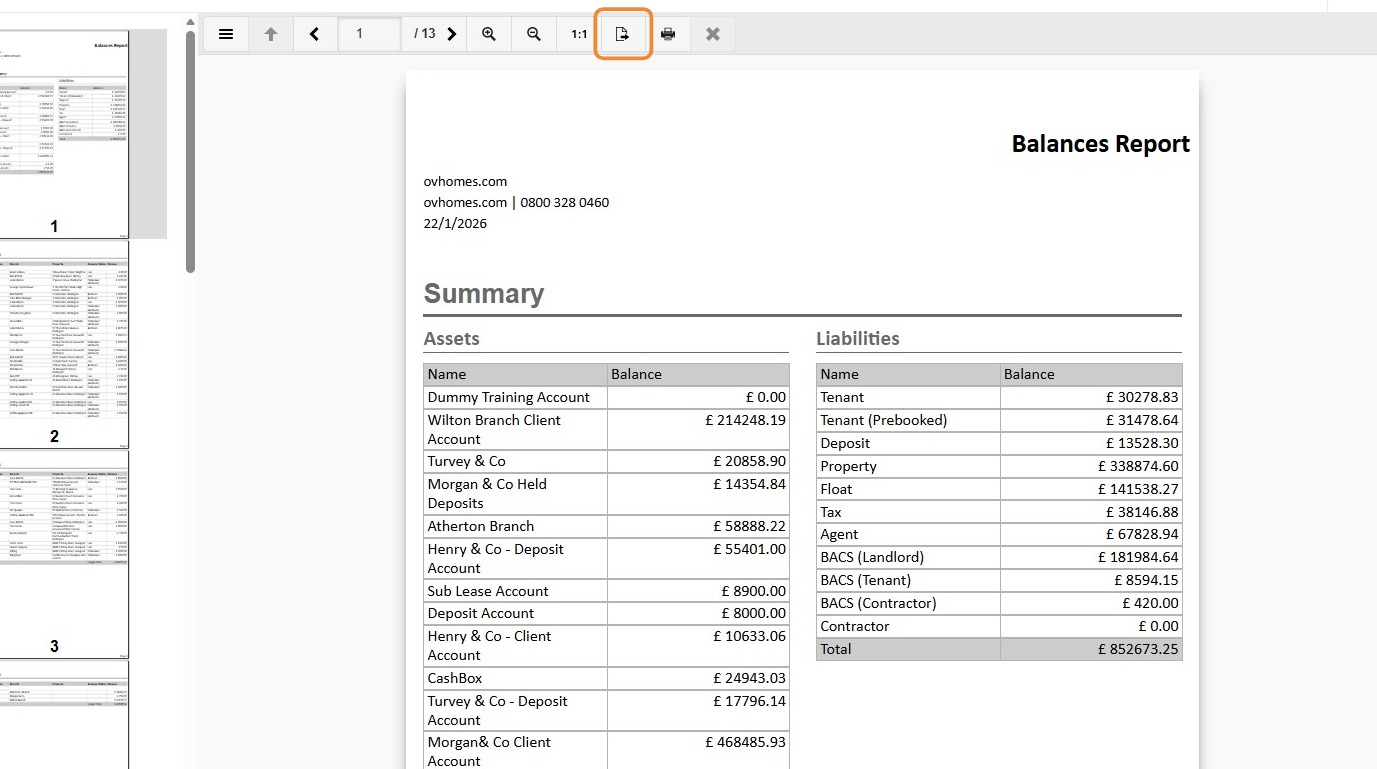
This guide provides a straightforward process for generating a Balance Report in the CRM system, ensuring users can efficiently access and analyse their financial data. This report will allow you to review Assets and Liabilities, Ledgers and BACS records. It's an invaluable resource for anyone looking to streamline their reporting tasks and improve financial oversight.
1. Navigate to https://crm.iamproperty.com/MyDay
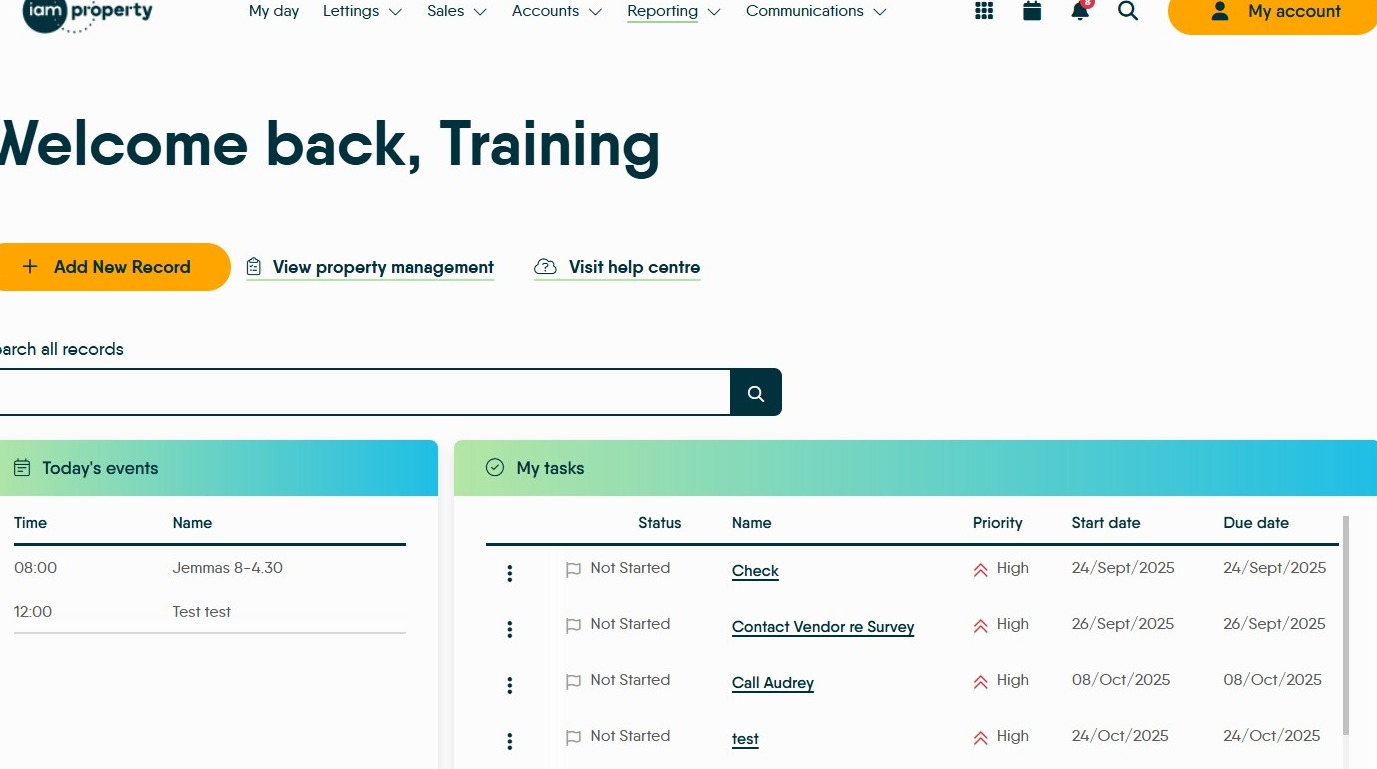
2. Click "Reporting"
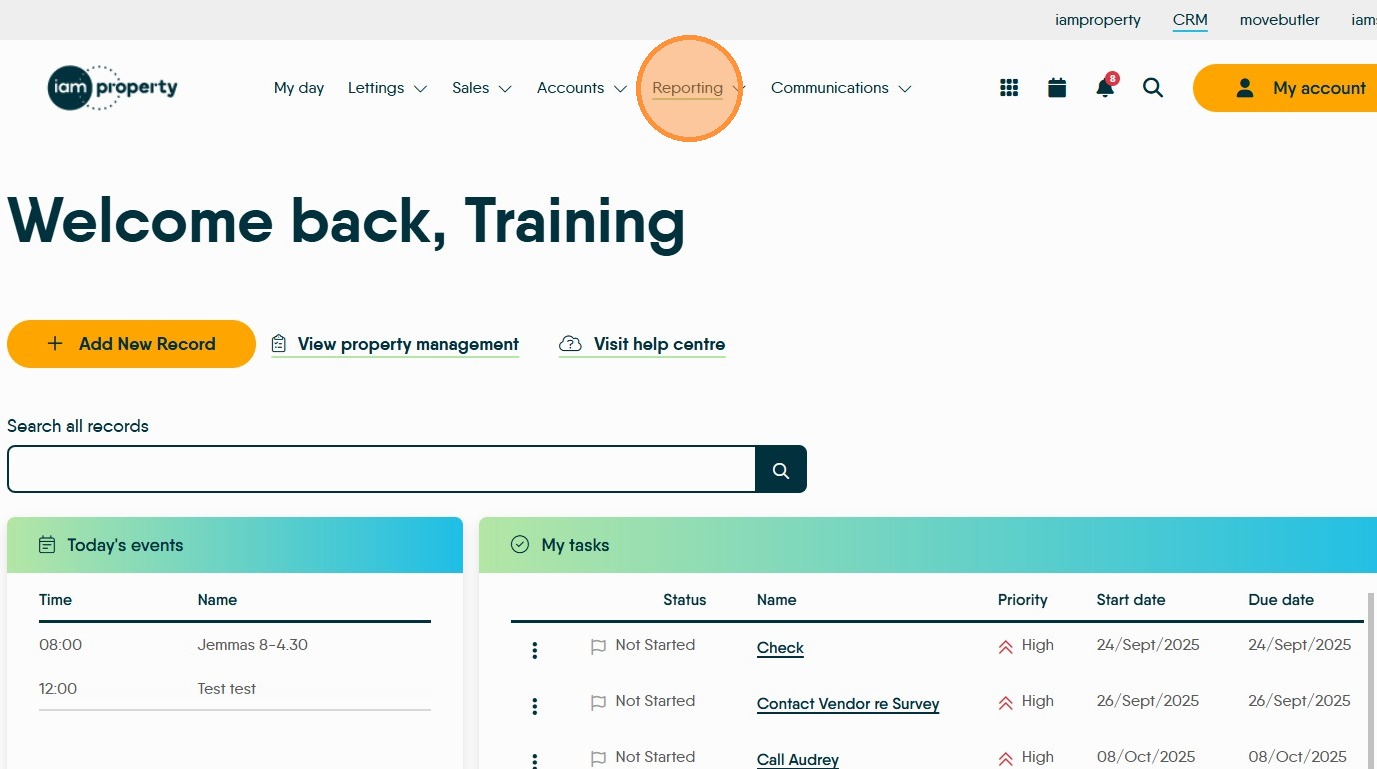
3. Click "Reports"
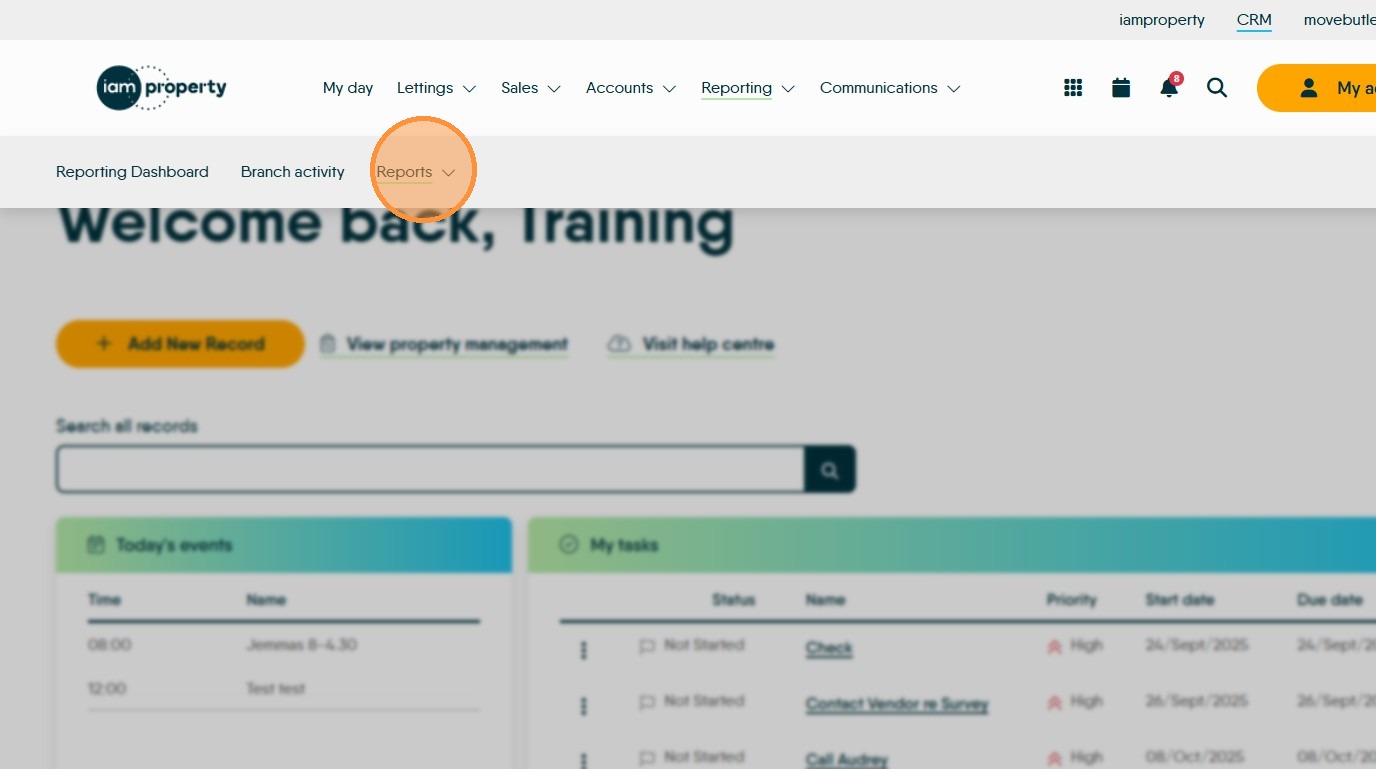
4. Click "Accounts"
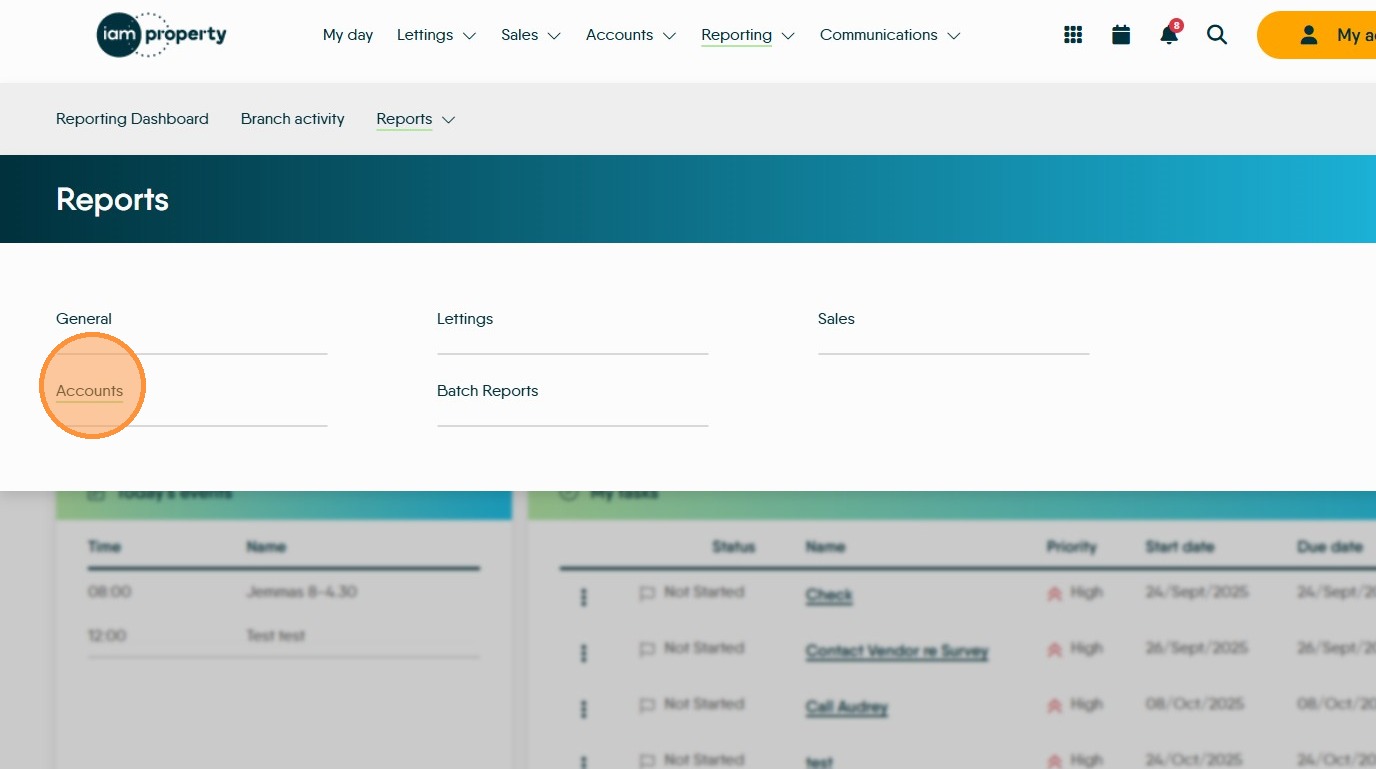
5. Click here.

Click this search field and search for Balance Report
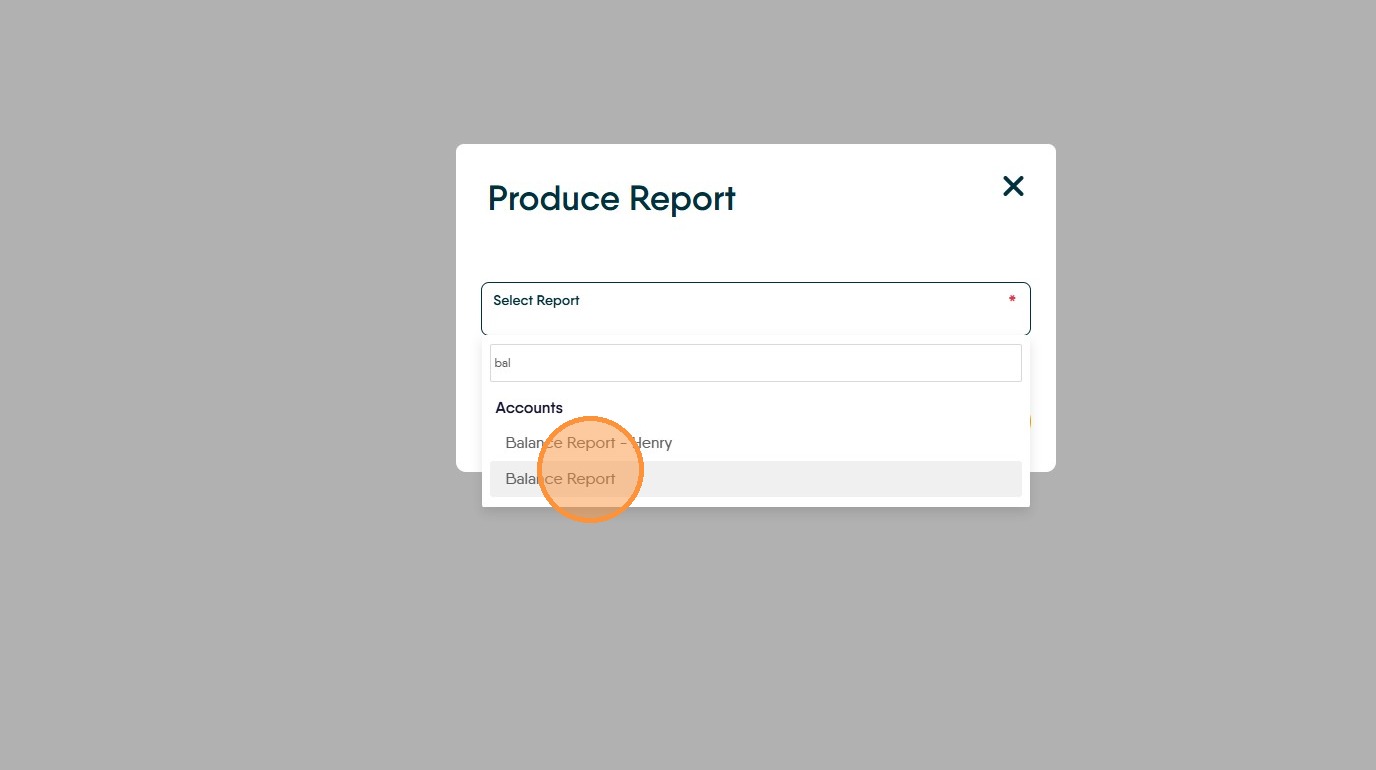
6. Click "Balance Report"
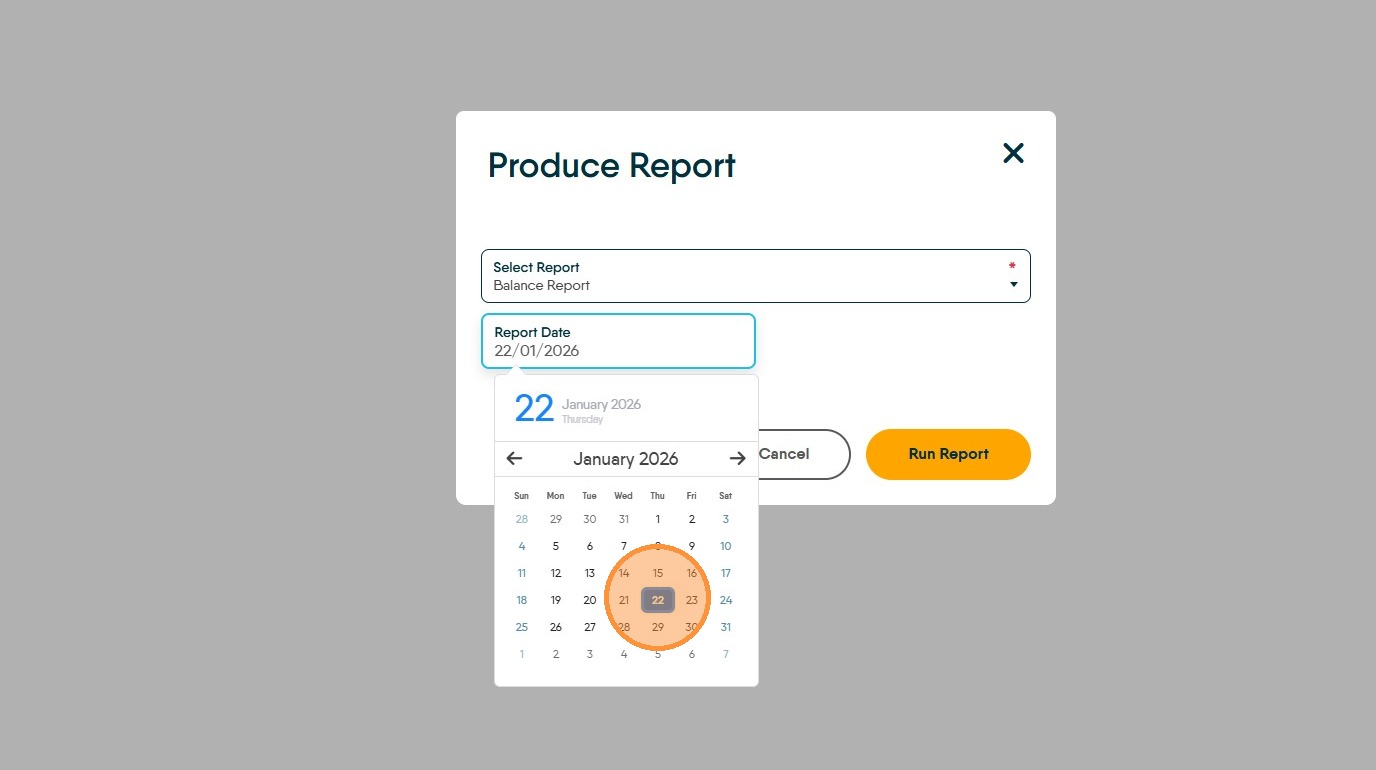
7. Click the "Report Date" field.
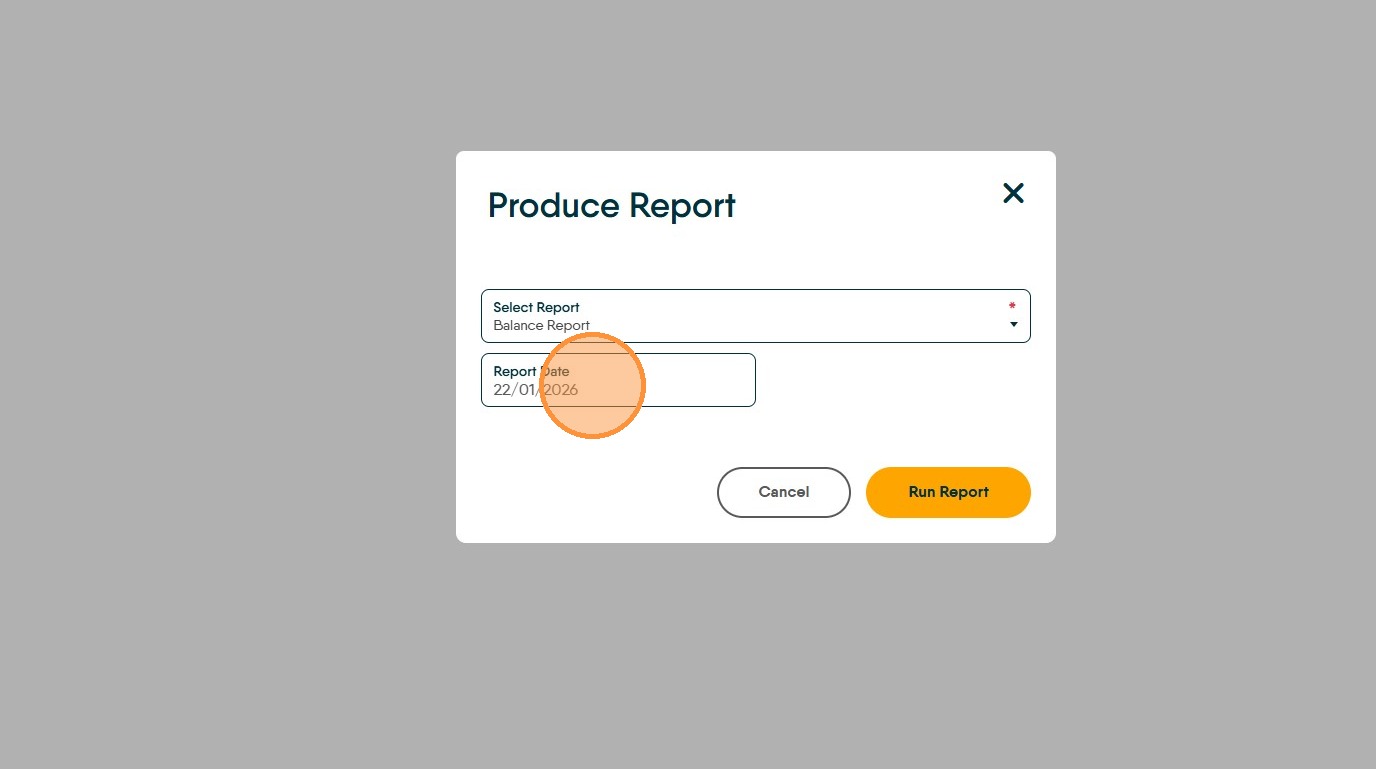
8. Set the report date.
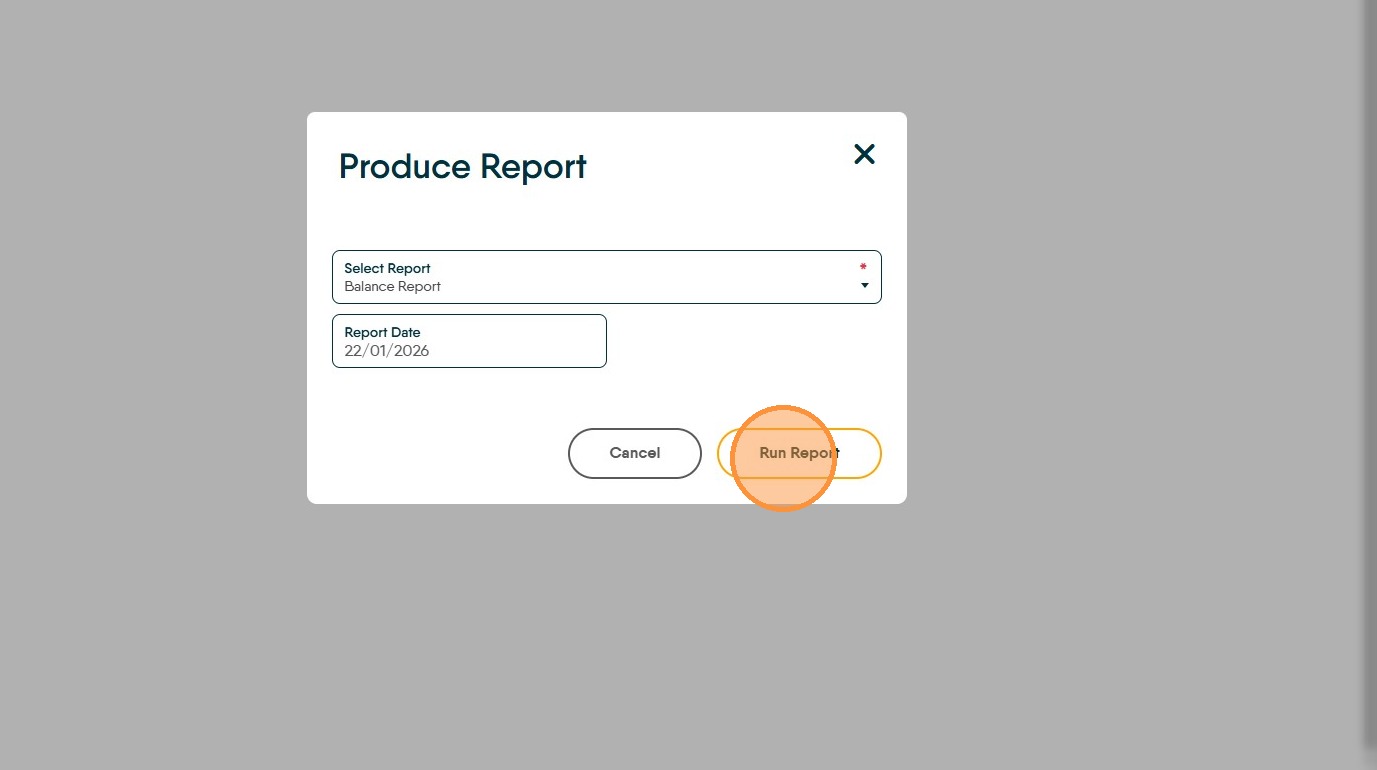
9. Click "Run Report"
10. The report will show on the screen. The report can then be exported to Excel, PDF etc using the 'export ' icon (highlighted) or printed directly from the screen via the print icon.