This guide provides essential, step-by-step instructions for archiving property records in a CRM, ensuring you streamline your property management processes. Archiving a Record in CRM does not remove it from the CRM, the record stays in the CRM and can be searched for using the 'Show Archived in Results' option in the Global Search function. Archived records can also be restored to active status.
1. Navigate to the Property to be archived
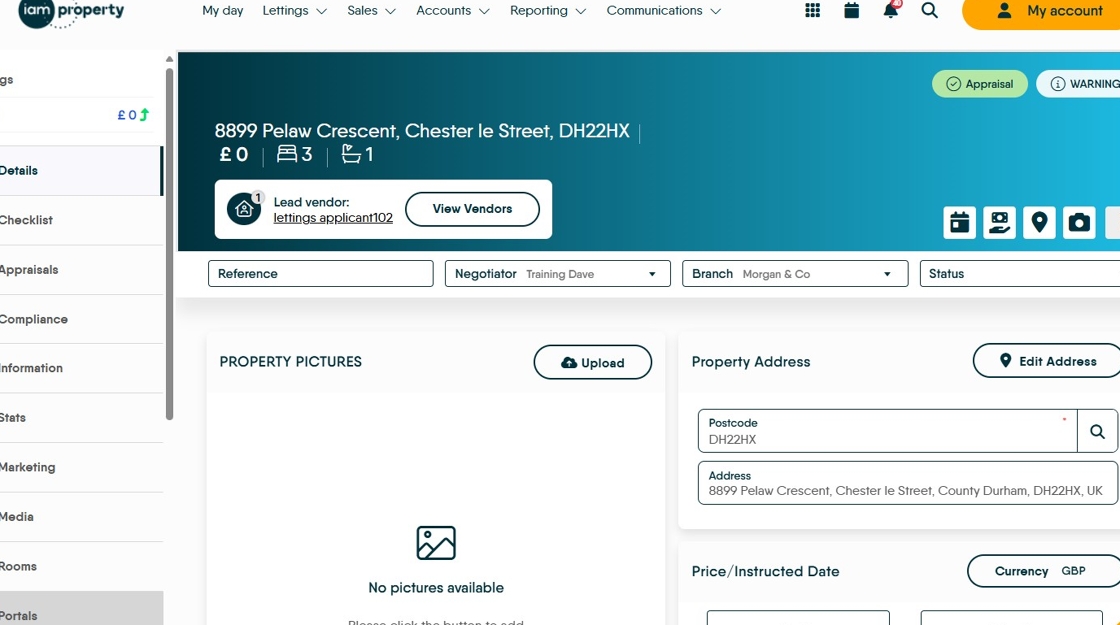
2. Click here.
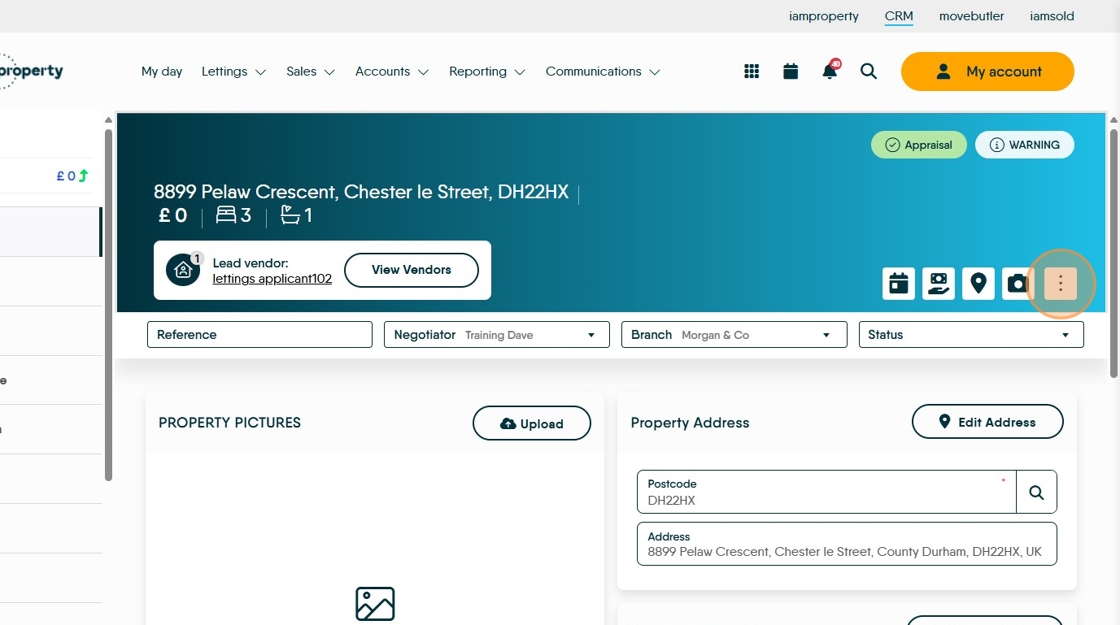
3. Click "Archive"

4. Click "Archive"

5. Click "Do you wish to archive the vendor record as well?"

6. Click "Archive" or "Cancel" as required

7. You will see "Archived" at the top of the record.
