This guide shows how to update the Next Rent Due Date in a Tenant record. If a Rent Due date is edited be cautious that there may need to be a new/additional rent invoice created to cover the difference in days. E.G. if rent is due on the 25th and this is moved to the 1st then there are upto 7 days of rent to be charged for to catch up from the 25th to the 31st.
1. Navigate to https://crm.iamproperty.com/MyDay
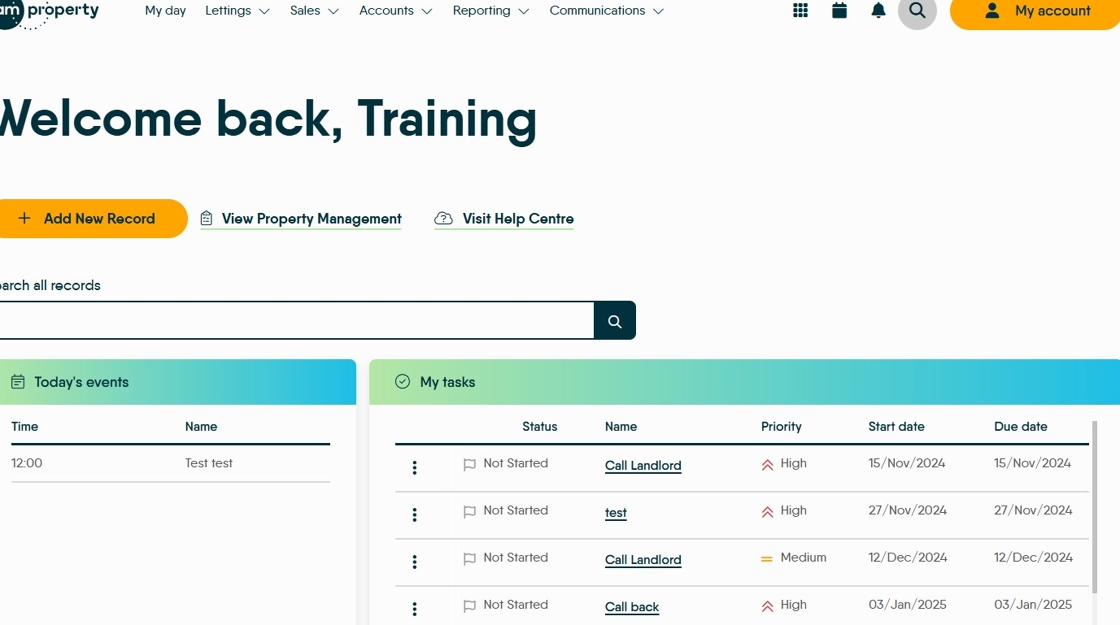
2. Click "Search" and search for the Tenancy you want to manage the next rent due date on.

3. For ease once you have searched for the record click on the "Tenancy" button this will just show the tenancies.

4. Find the Tenancy you want to use and click "View Tenancy"

5. Click "Tenants"

6. Click "View Tenant" on the tenant whose rent due date you are changing.

7. Click this date field and update the date to the date the rent will now be due.

8. Click here to Save.

9. The next new rent invoice will be generated on the date you have set. If you have moved the date (e.g. from the 27th of a month to the 1st) then remember the tenant may owe you a few days rent, or you may owe them.