This guide offers a straightforward method for property managers to efficiently collect rent from tenants using a CRM system. This guide shows how to collect a full and a part rent.
1. Navigate to https://crm.iamproperty.com/MyDay
2. Click "Accounts"

3. Click "Tenant"

4. Click "Collect Rent"

5. Click "Select Tenant"
Click on the Tenant that you wish to collect the rent for. All tenants with an unpaid rent invoice will show in this list, Live, Pre Booked and Archived, so overdue and long term debt can be collected here.

6. Click this checkbox.

7. Click "Collect"

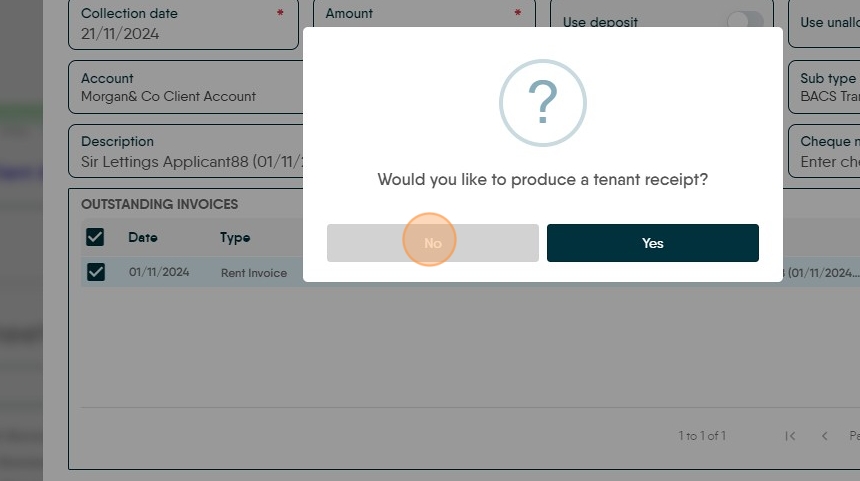
8. Click "No"

9. To receipt a part payment.

10. Click the "Amount" field. Enter the amount you are collecting.

11. Click the 'Outstanding' field. Type the amount you are collecting

12. Click "Collect"

13. Click "No"
14. If you check back to the Tenant entry in Collect rent you will see the Outstanding Payment.
