Learn how to efficiently update details in the Chain for progression contacts not registered with your Company or branch, within the sales progression system. For example the purchaser of the property your purchaser is selling, as well as their details, especially if they are not selling via your agency. This guide provides a quick walk through for modifying contact information to ensure your property records remain accurate and up-to-date.
Tip: The chain can be accessed a few ways in CRM, from the Sales Progression menu option, the Offer, or the Sales Dashboard. Once in the Properties Progression record the process is the same.
Using the Progressions Menu Option
2. Using the Progressions option in the top (Sales) menu.
Click "Sales".
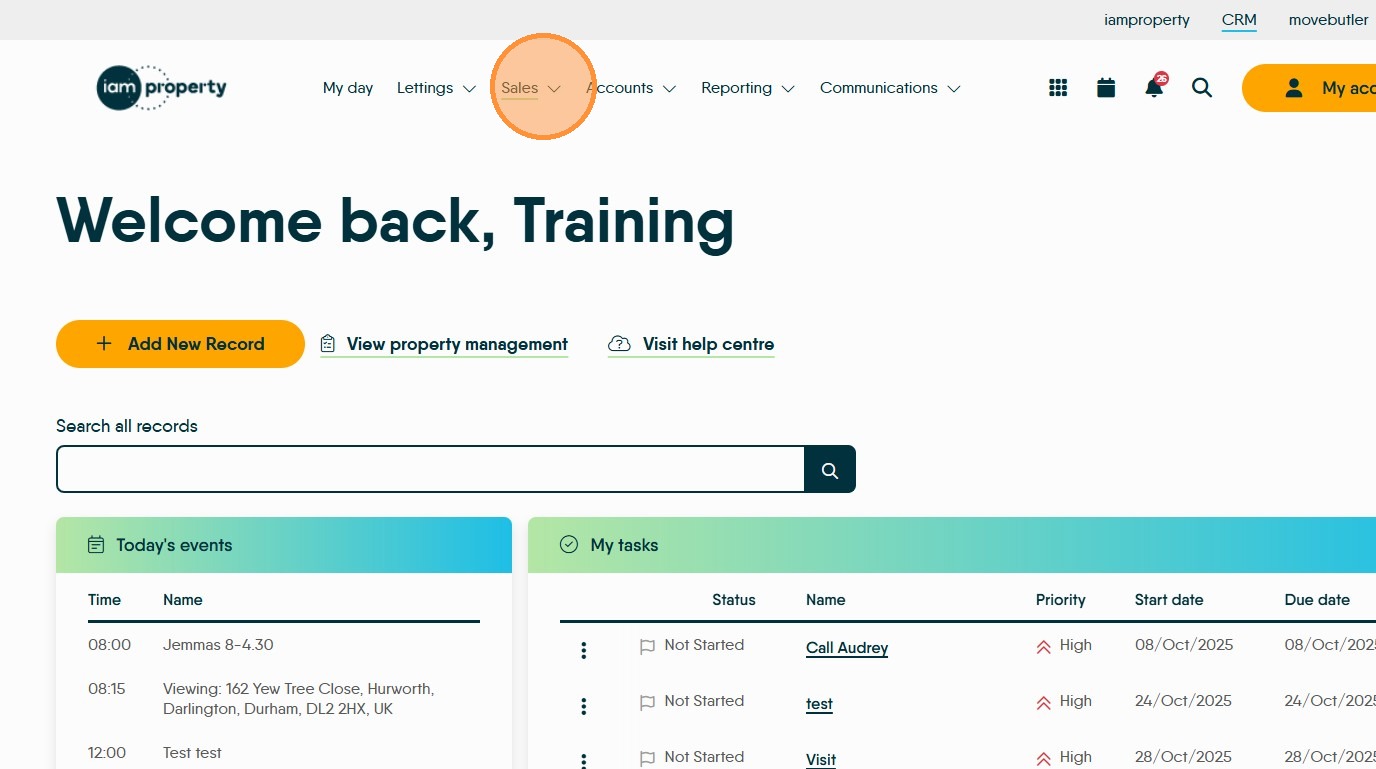
3. Click "Sales Progression"
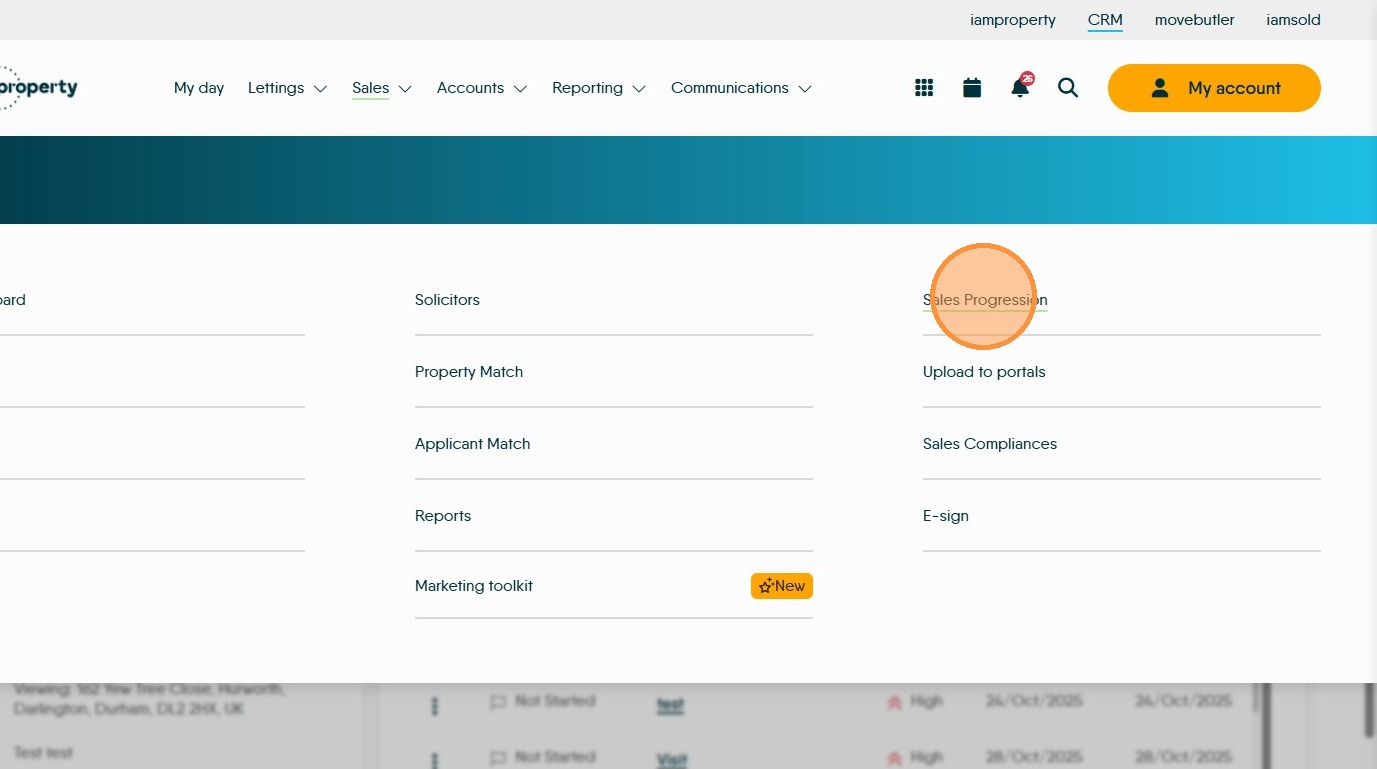
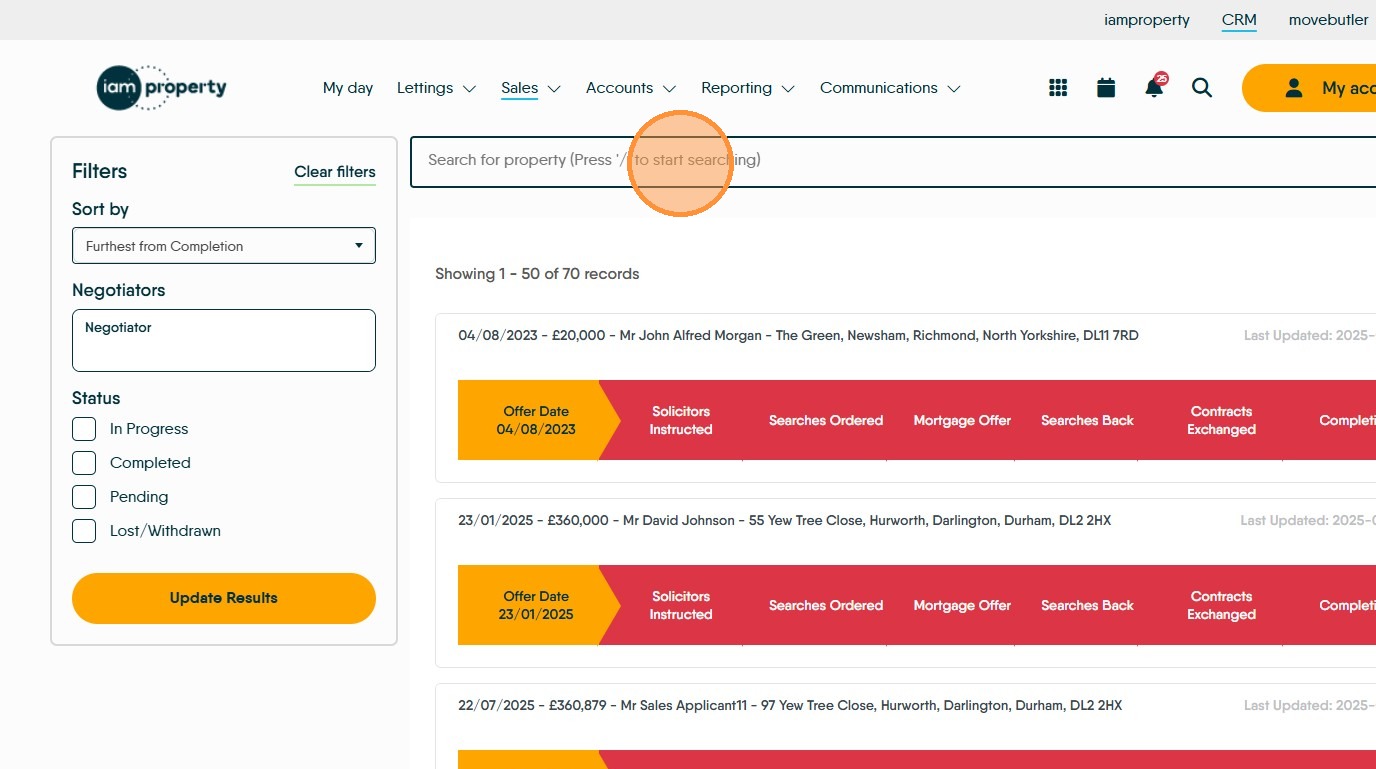
4. Click the "Search for property (Press '/' to start searching)" field and enter the details of the property you are searching for.
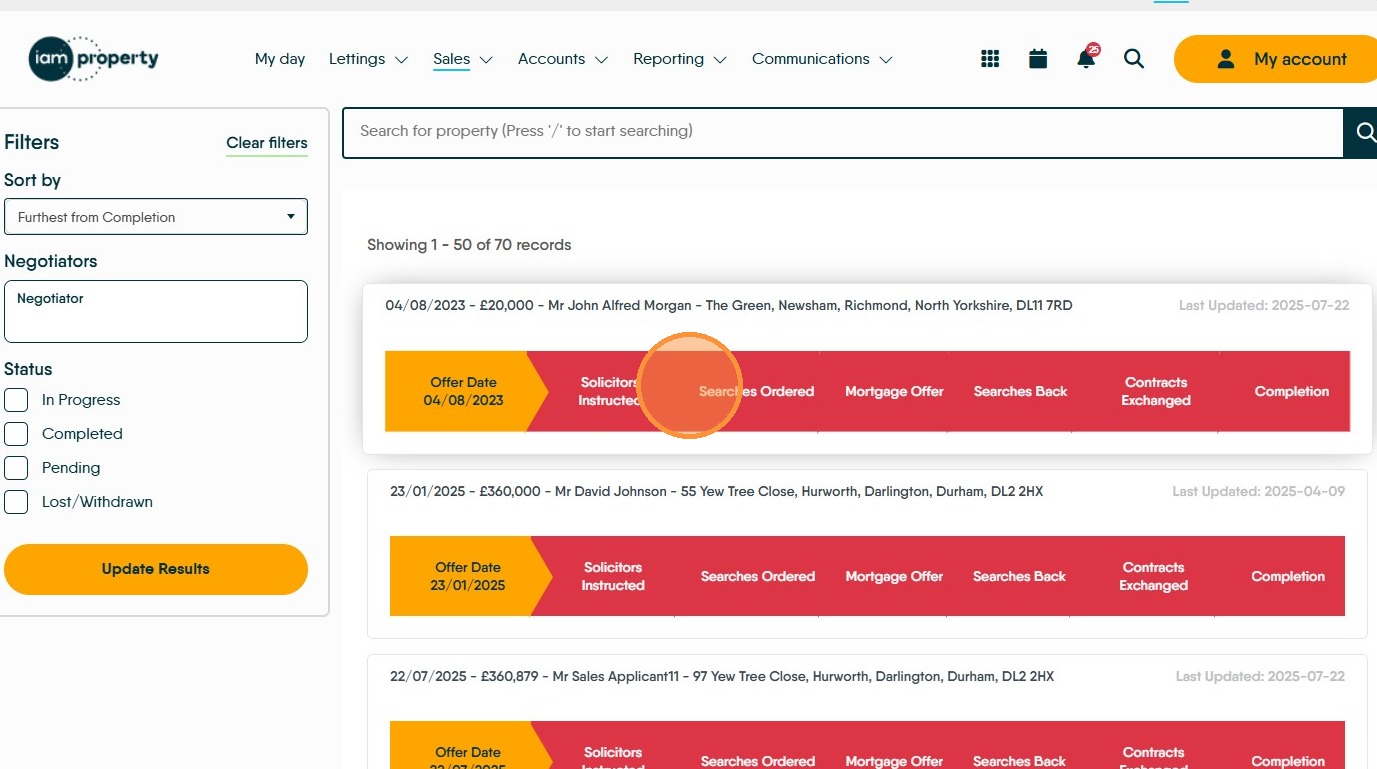
5. Click on the record to move to the specific progression
To Access from 'Offers'
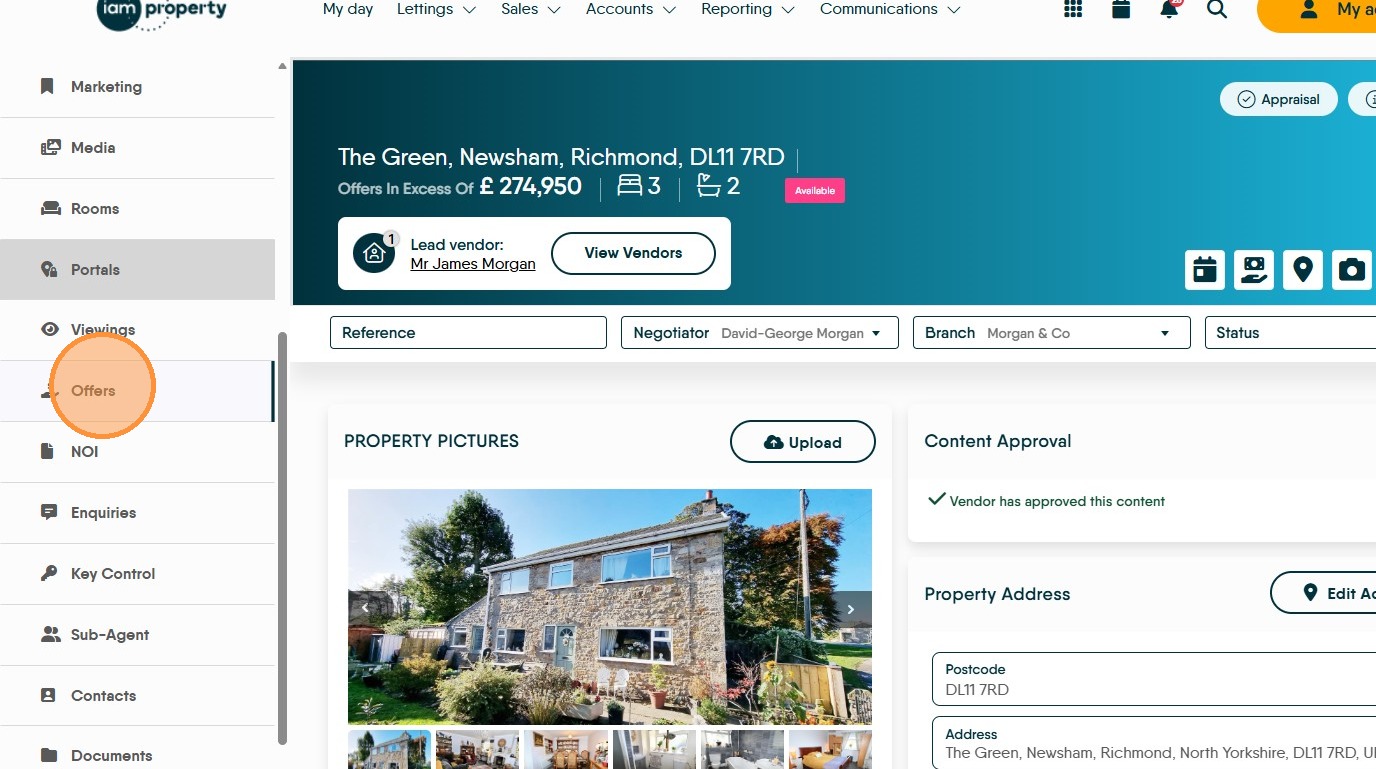
7. Click "Offers"
8. Click the "i" icon, marked as 'Progress Info'.
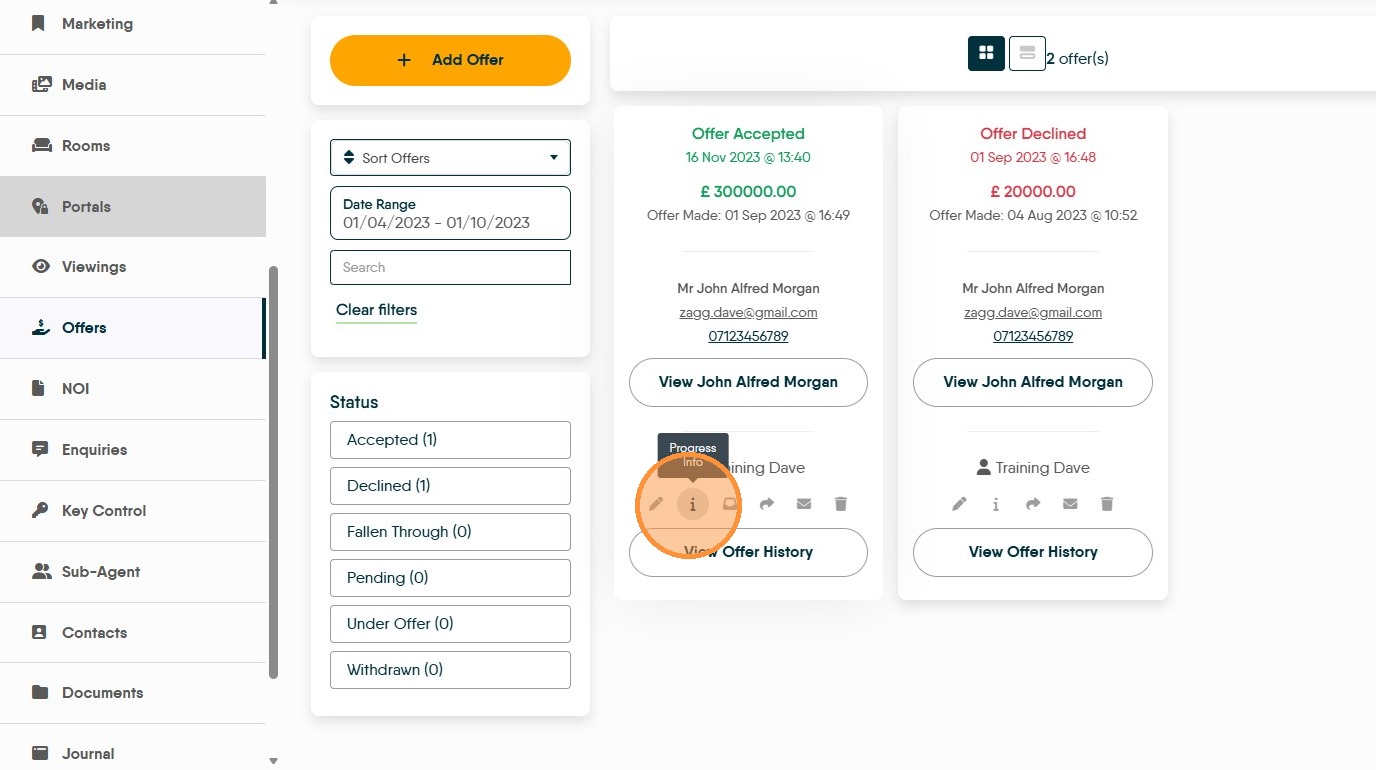
From here onward all processes are the same.
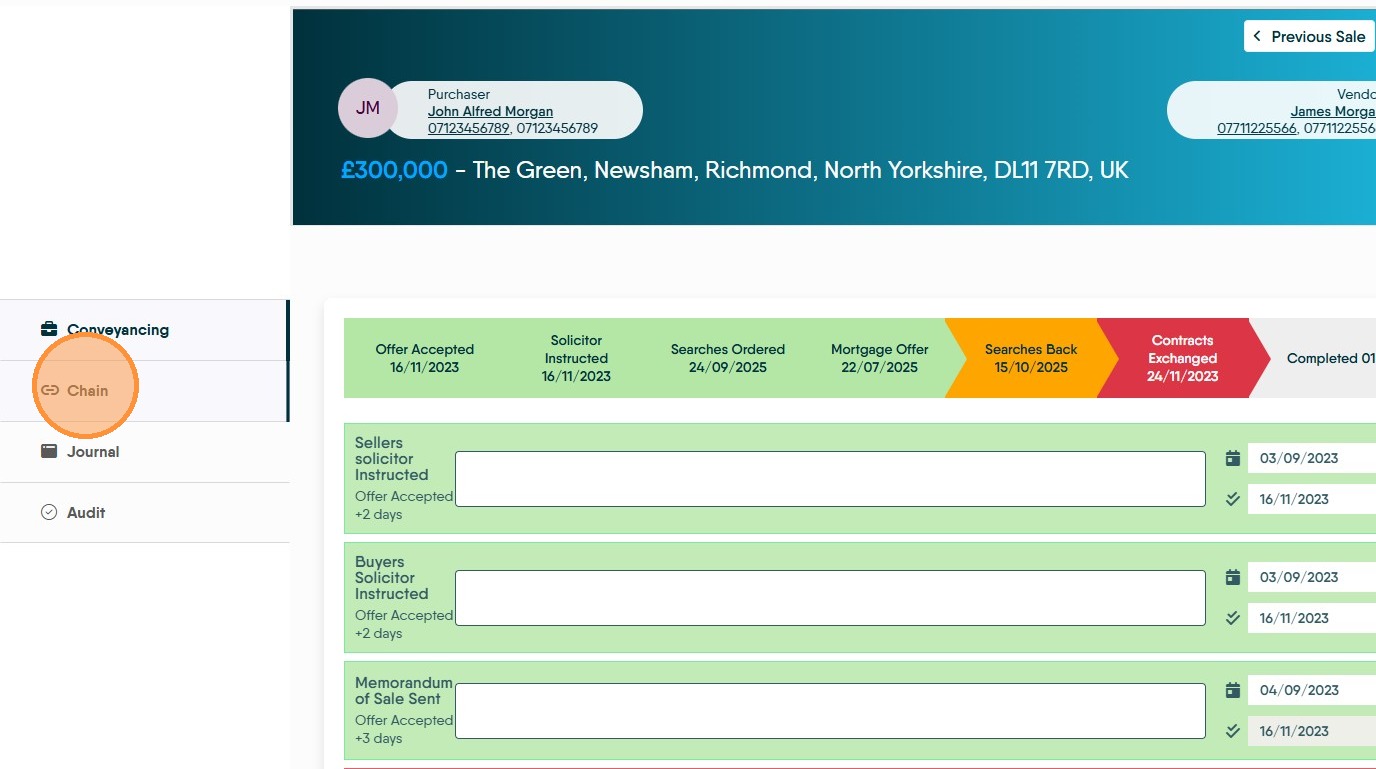
10. Click "Chain"
11. Click here to add the detail for the purchasers chain. .
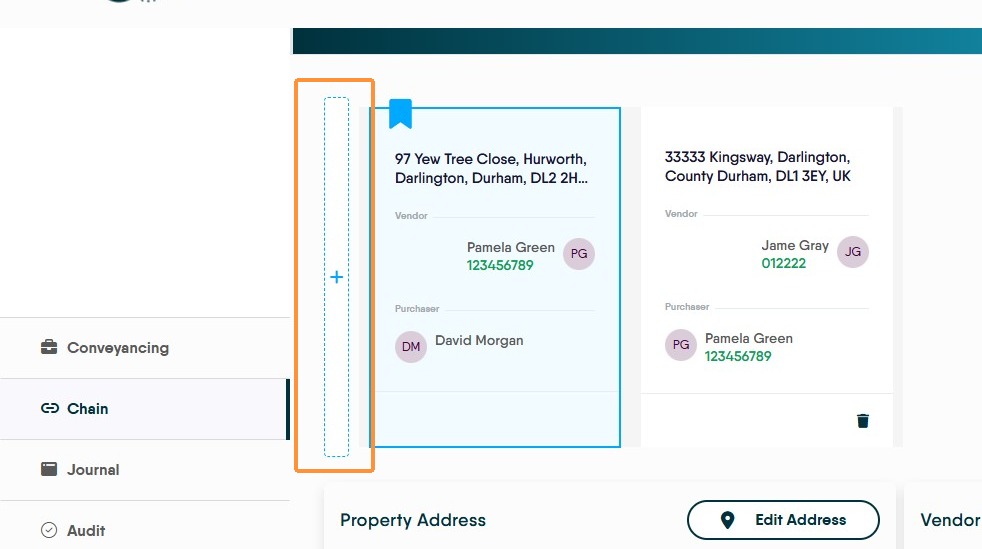
12. There is an identical option to the right side to add a record to the Vendor side of the chain.
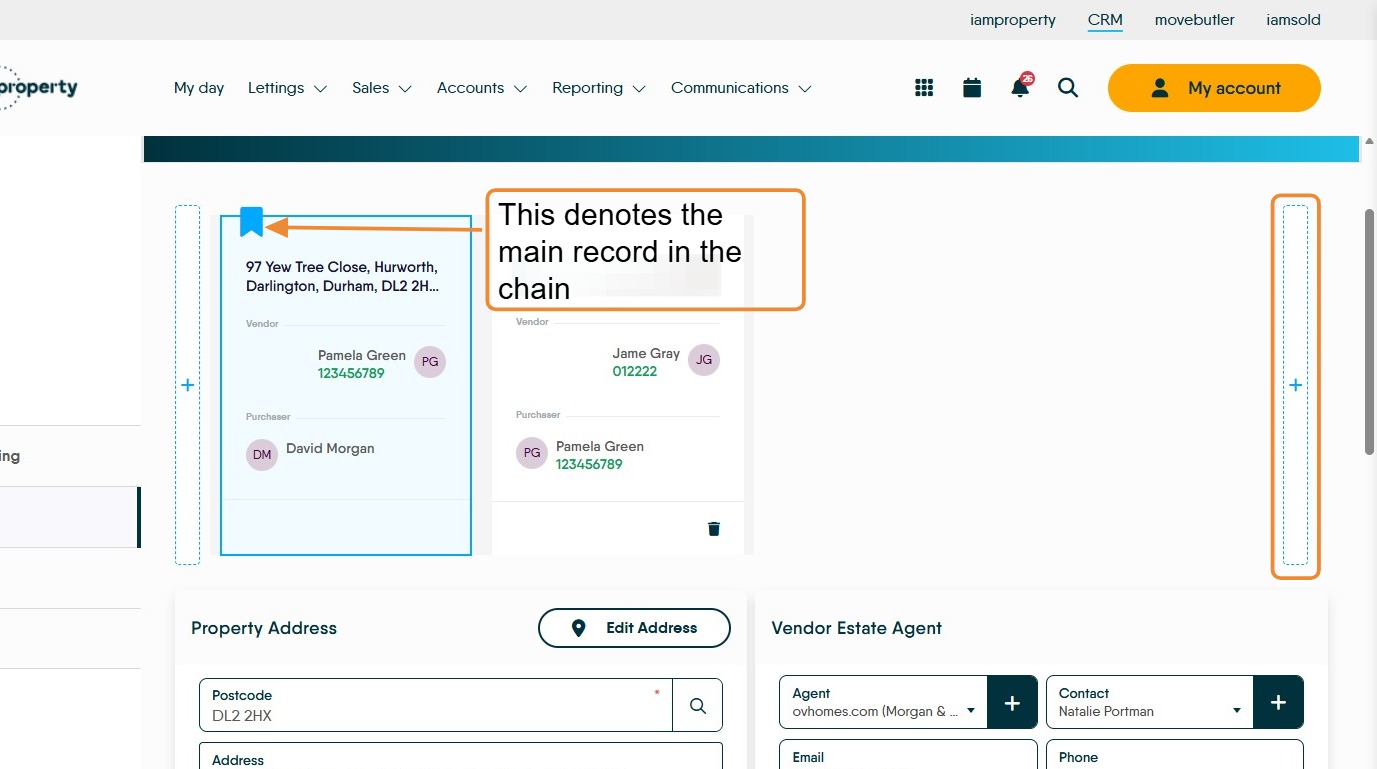
13. This will create this new screen, which has the purchaser of your property shown as the Vendor of their own property.
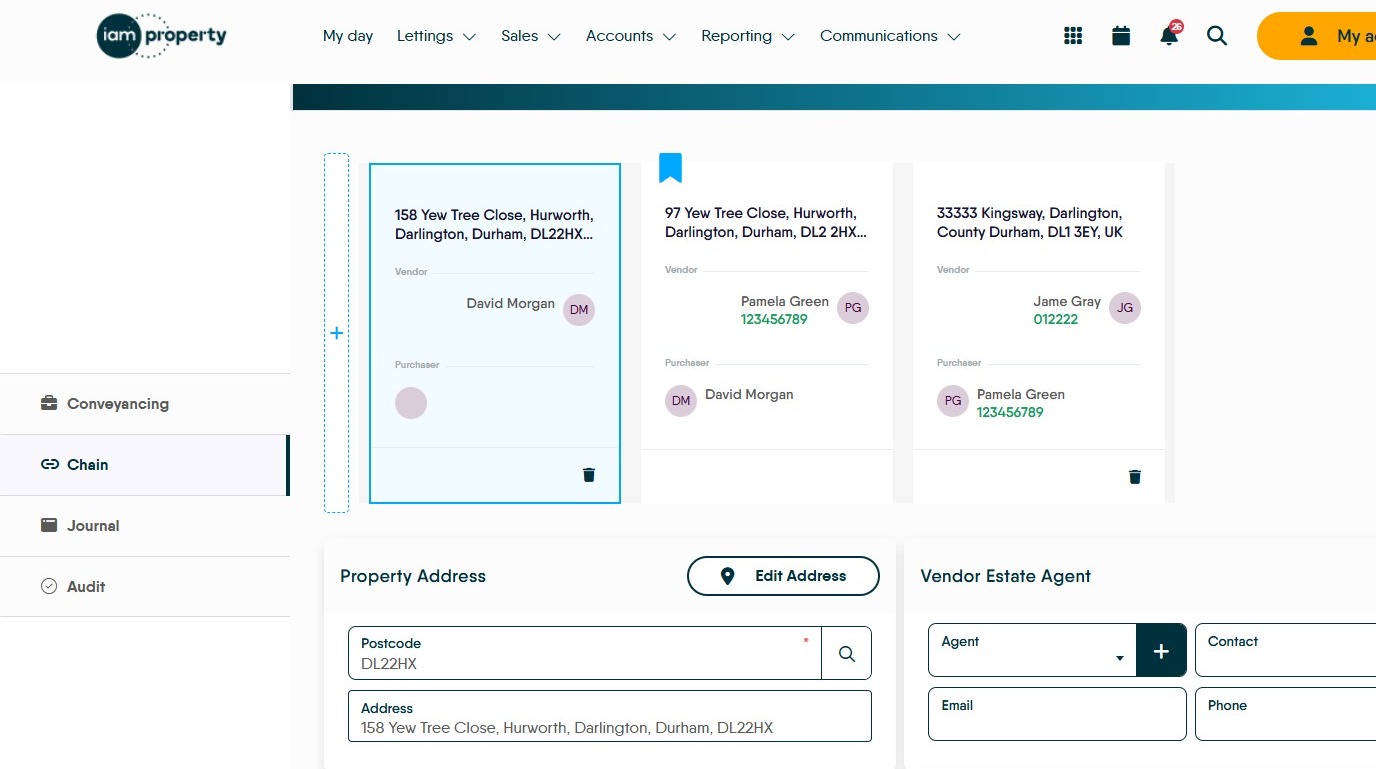
14. If known the details of the Agent for your Purchaser (now shown as Vendor) can be entered.
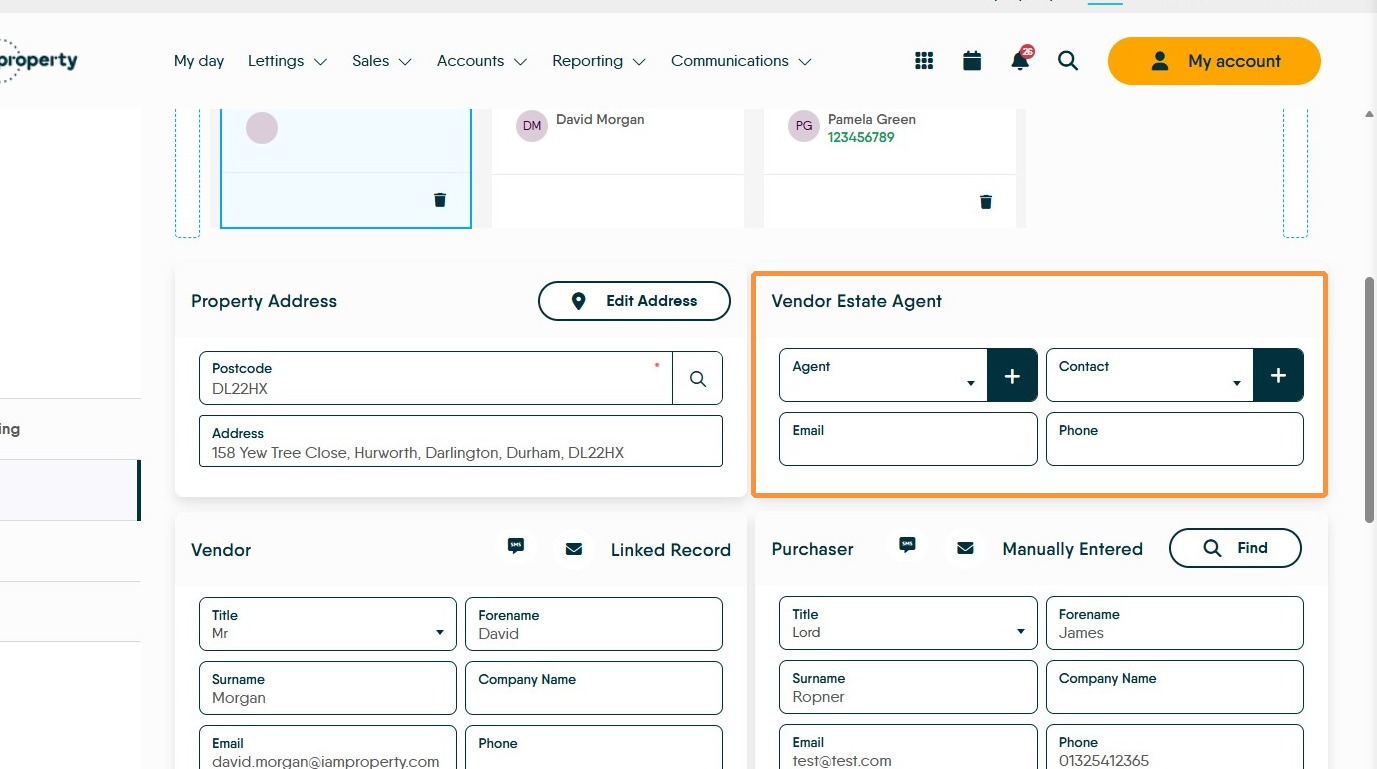

15. Scroll down the screen and in the 'Purchaser' side of the screen, add their details. Select purchaser's title and enter full name, email address, and phone numbers. Up to two purchasers can be added. If you are adding detail to the Vendors chain, complete the empty vendor fields.
If you wish to email the new contact, then click on the email icon just above the purchaser details.
Scrolling further down the screen will allow the Solicitor details to be added as well as any notes that are required.
16. Click 'Save' to save the data and update the chain details.