This guide provides a straightforward process for using the 'Mass MOS' option to efficiently send a Memorandum of Sale document. Mass MOS allows all the required documents to be sent to all recipients in the progression. It simplifies the steps needed to navigate the CRM platform, attach necessary files, and communicate effectively with clients.
Alert: Alert! For this process to work correctly the Solicitor details for both parties need to be added to CRM
1. Navigate to the offers screen in the property record you are sending the MOS for.
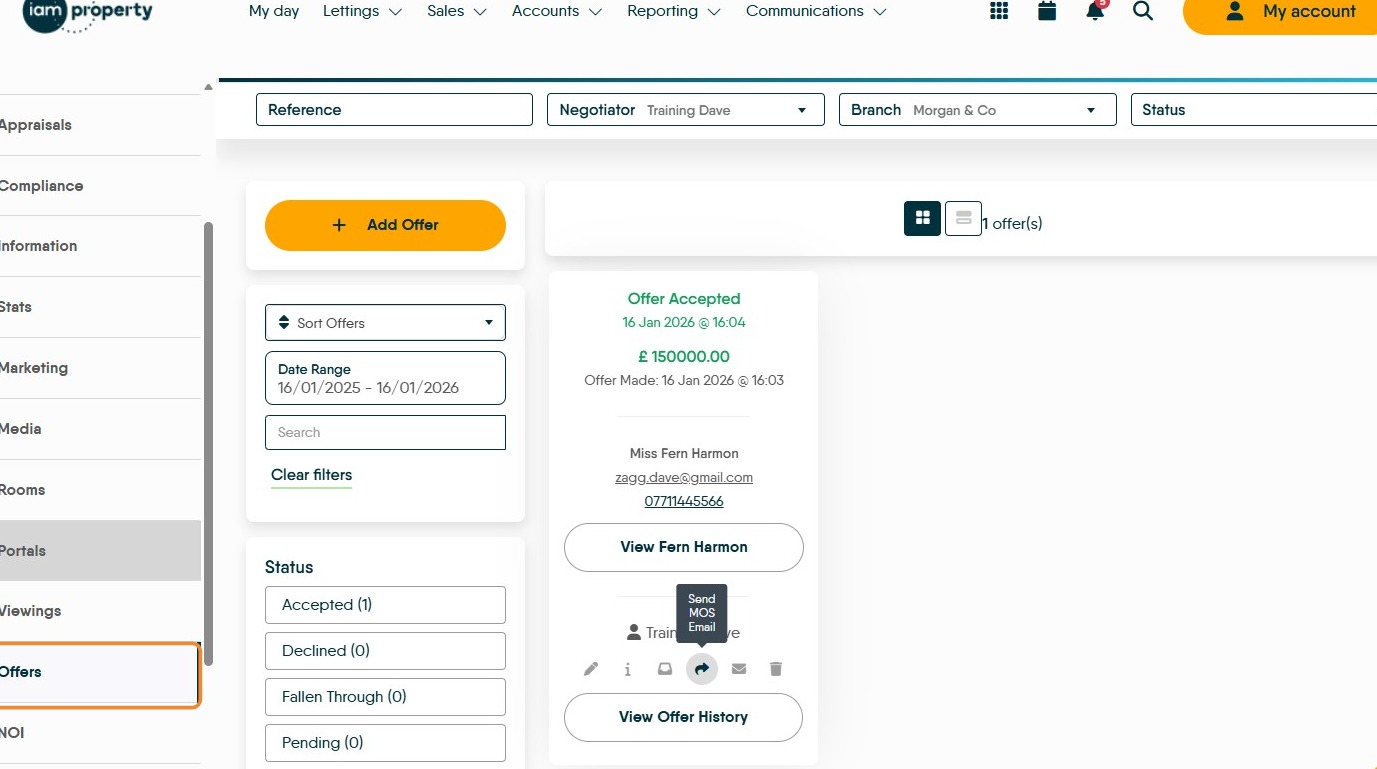
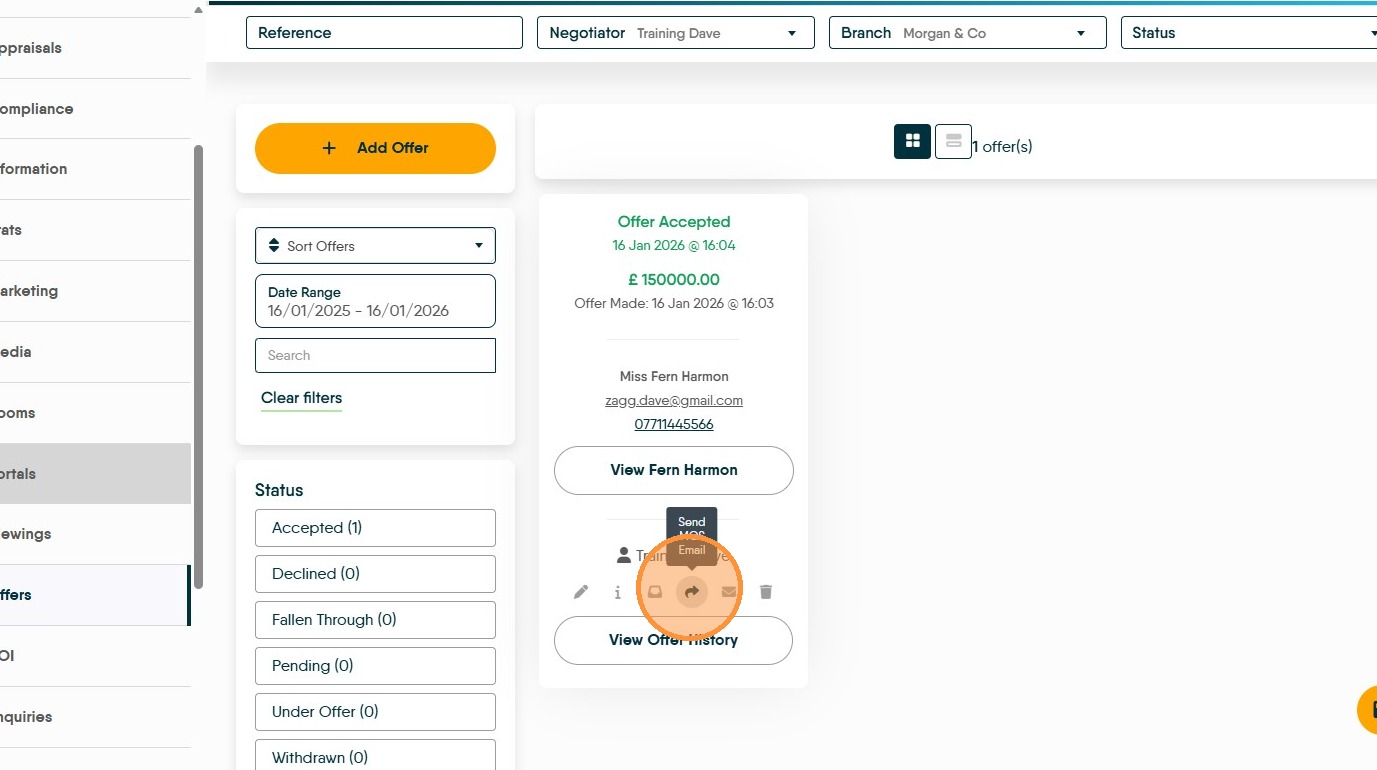
2. Click here.
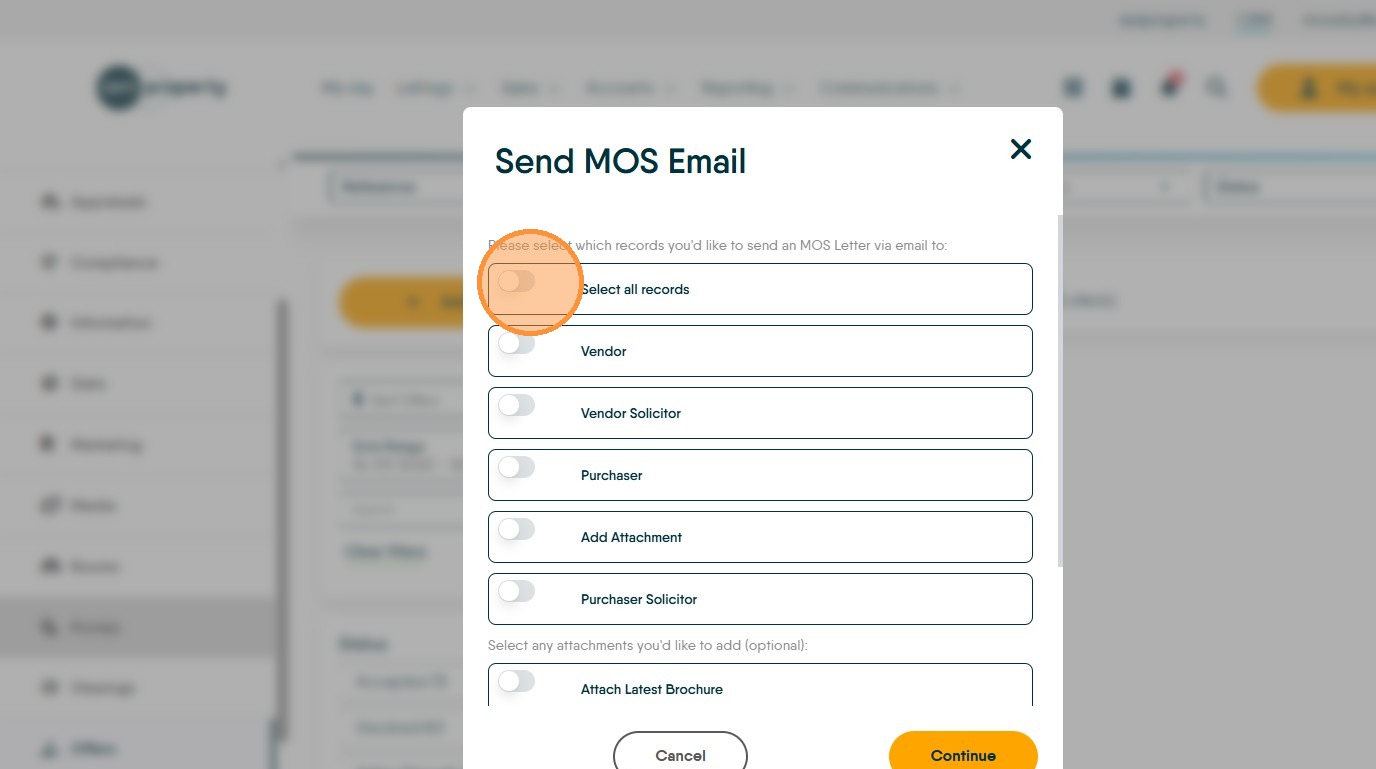
3. In the 'Send MOS Email' screen click here.
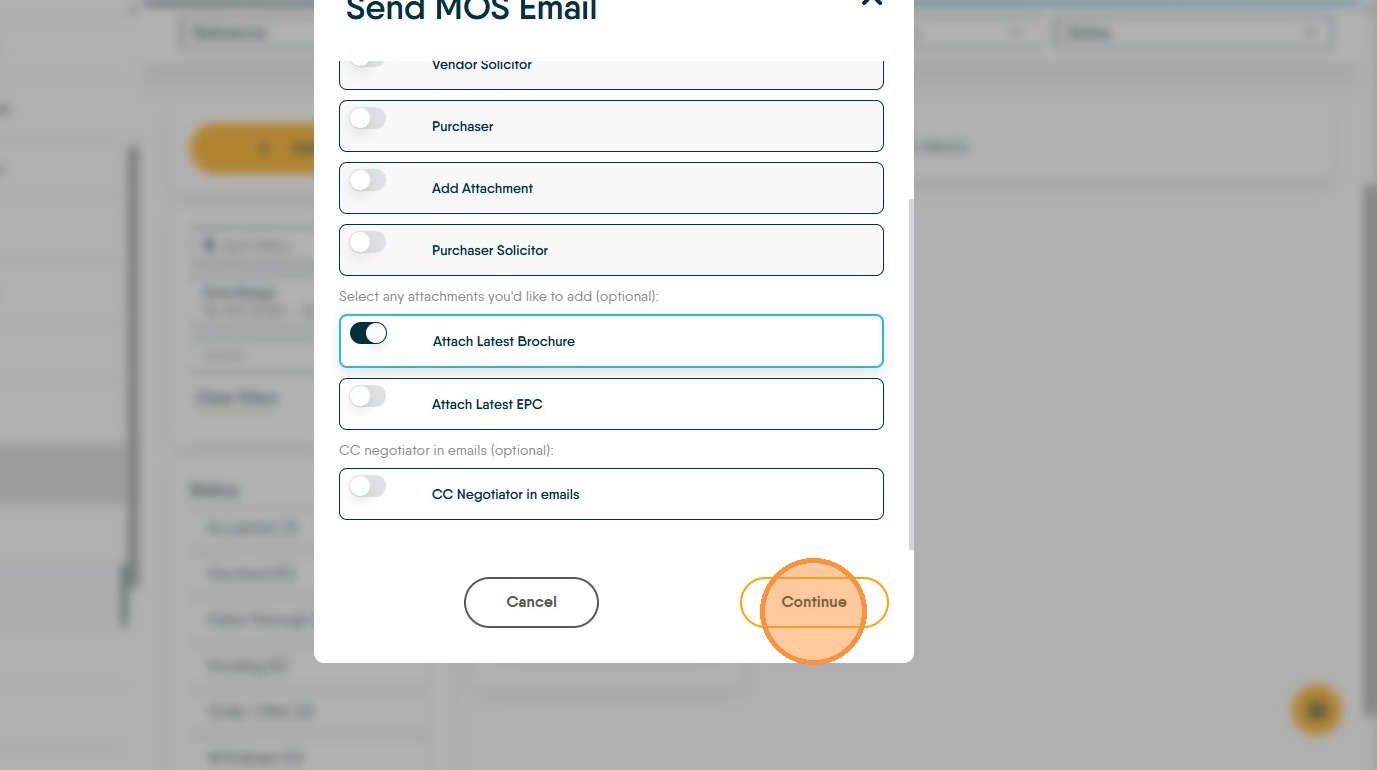
4. If you want to attach the property brochure and the EPC select the appropriate toggles. The brochure and EPC need to be saved into the Documents folder for the property and saved as either brochure or EPC for this to work correctly.
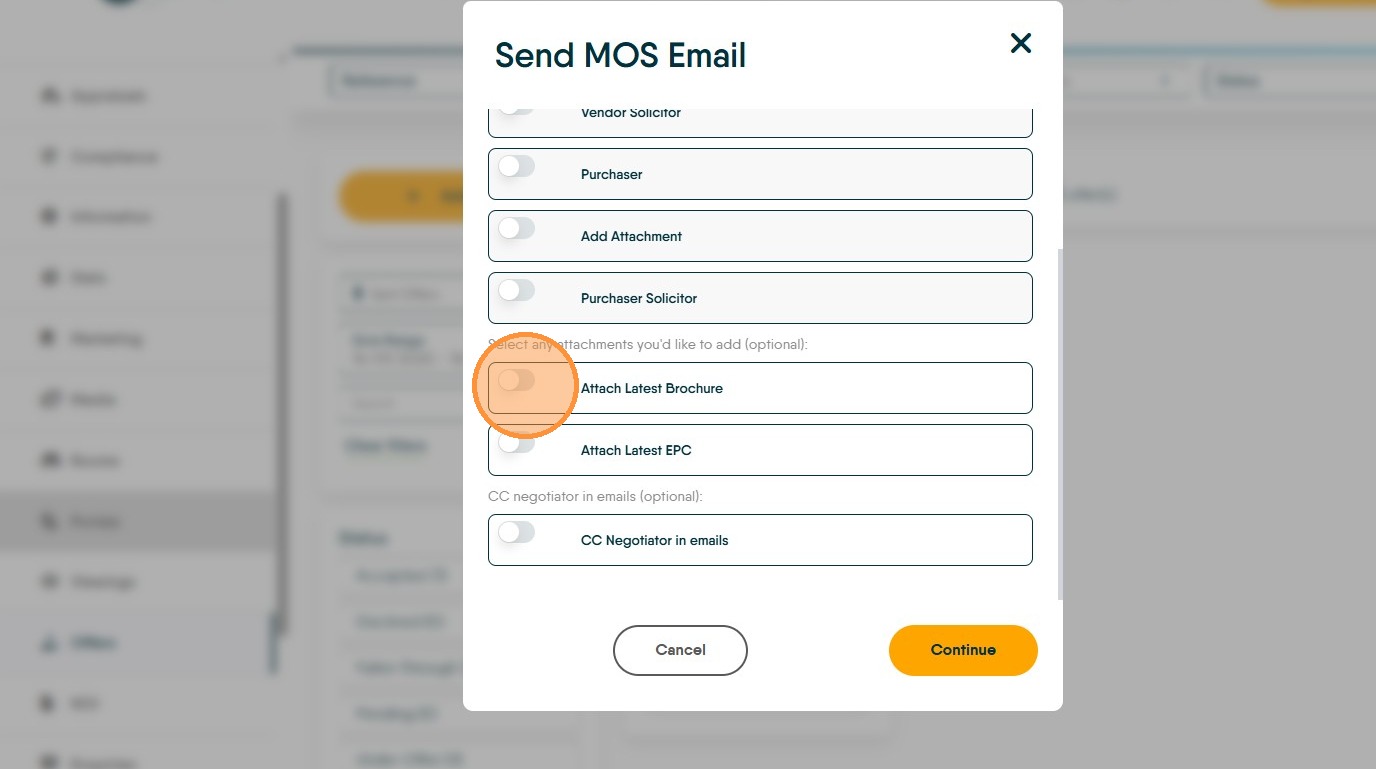
5. Click "Continue"
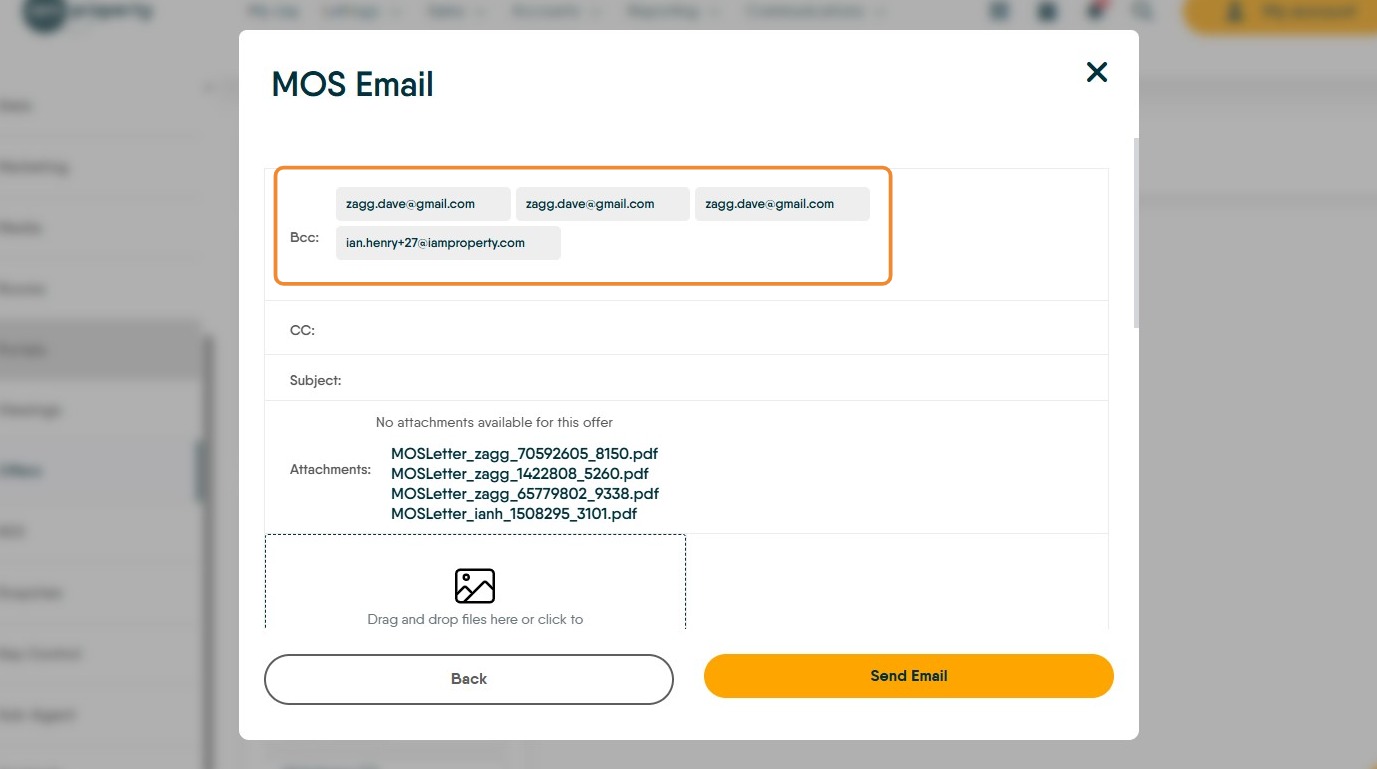
6. The email addresses for all the recipients will show in the email.
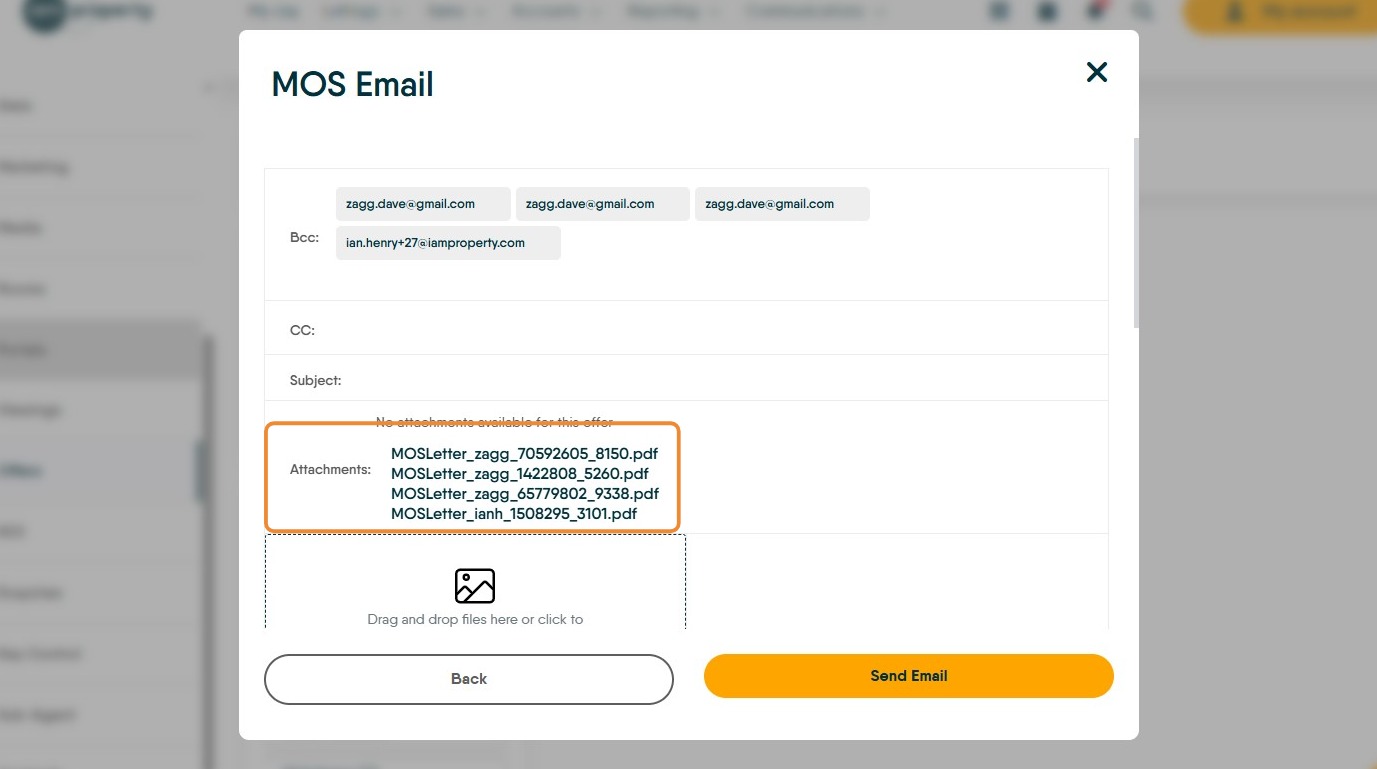
7. The emails will show attached. These can be selected and opened if required.
Everyone receives their own email with their attachment, NOT all 4.
8. You can click to "Drag and drop files here or click to upload media" if you want to add additional documents to the email.
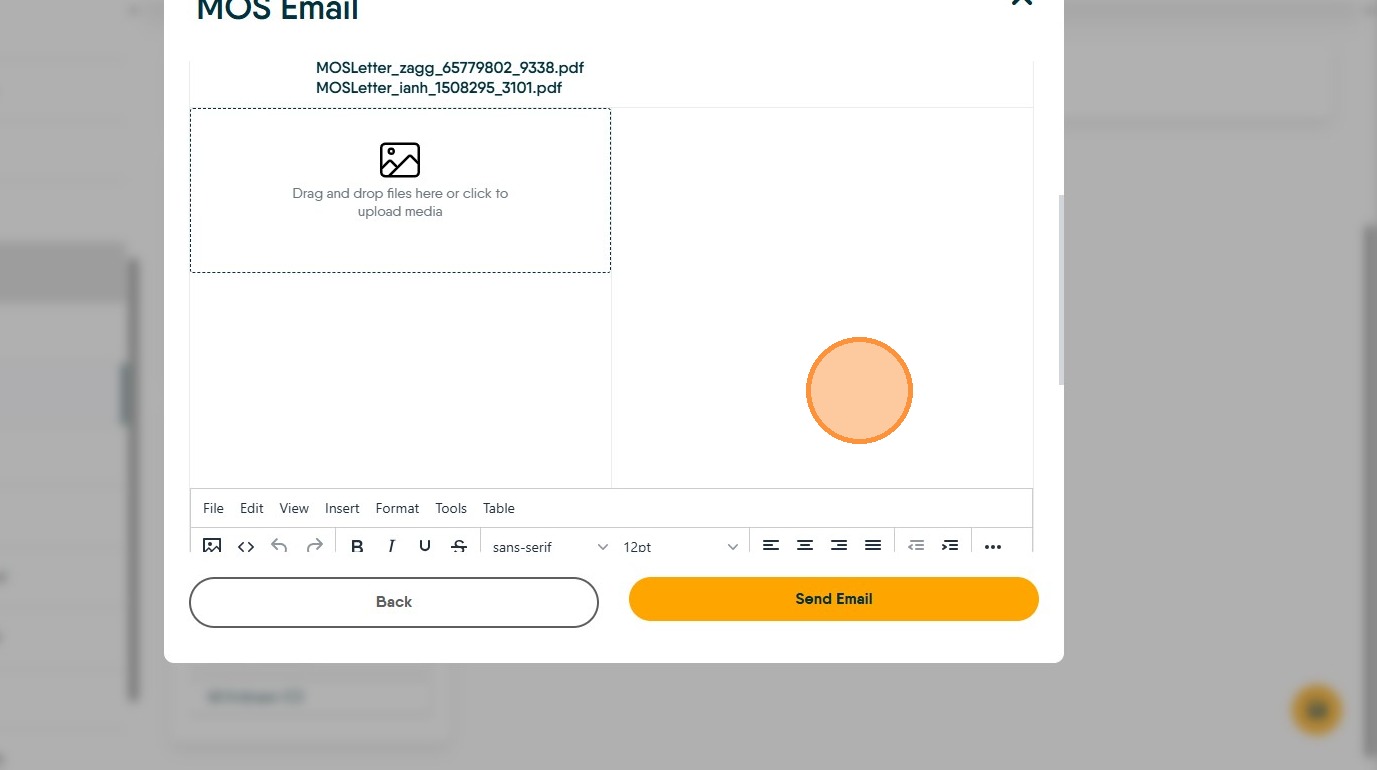
9. Your pre set email for the MOS message will show at the bottom of the screen. This is set in the CRM Configuration.
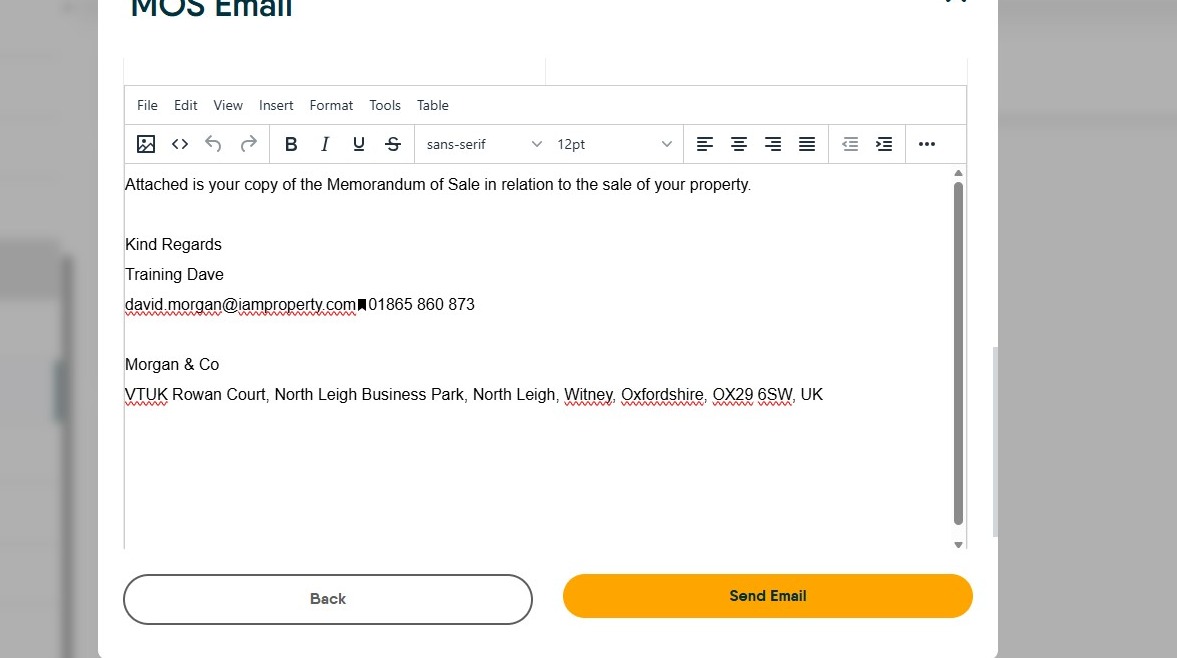
10. Click "Send Email" the MOS will the be sent to all recipients at the same time. Each person gets their own individual message and does not see the MOS documents of the others in the chain.
