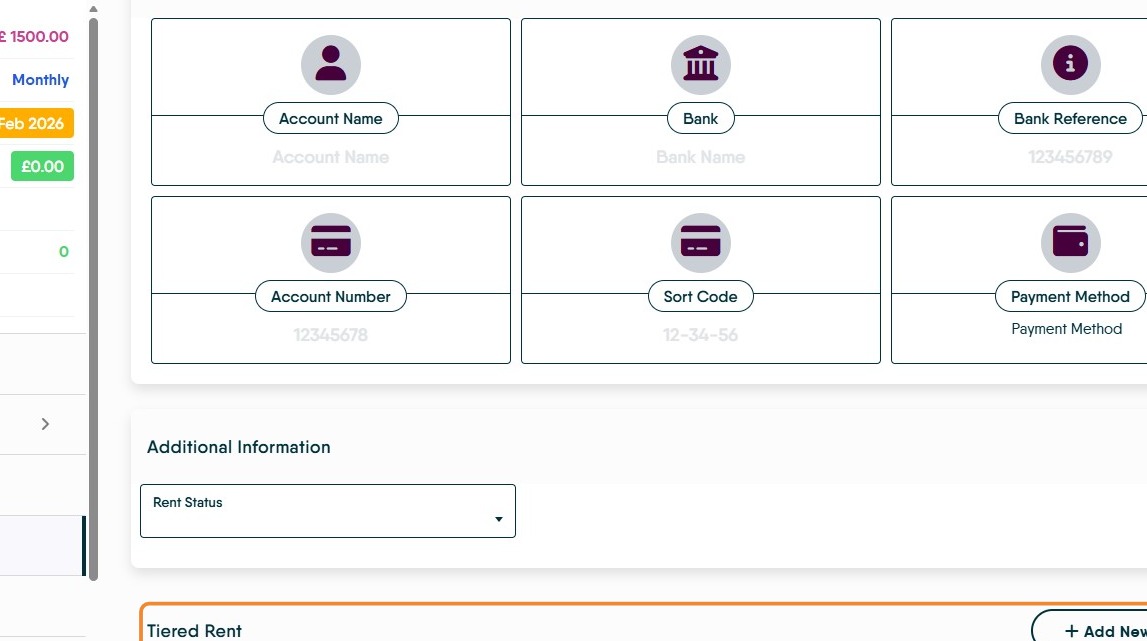
This guide provides a straightforward process for adding tiered rent to a tenant's record, ensuring accurate financial management. By following the steps outlined, users can efficiently update rental amounts and maintain compliance with tenancy regulations. It's an essential resource for property managers looking to streamline their operations and enhance tenant record accuracy. Viewing this guide will save time and reduce errors in rent management.
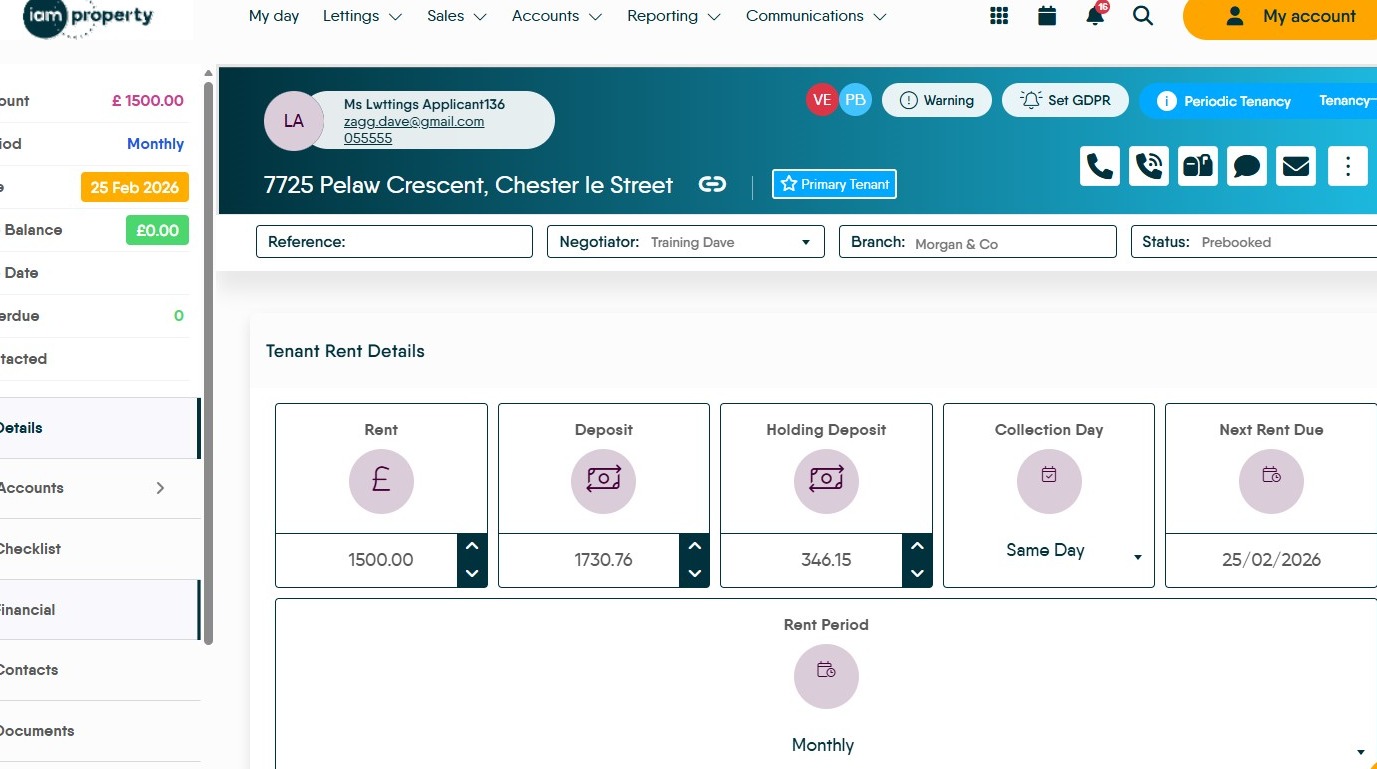
1. Navigate to the Tenant Record
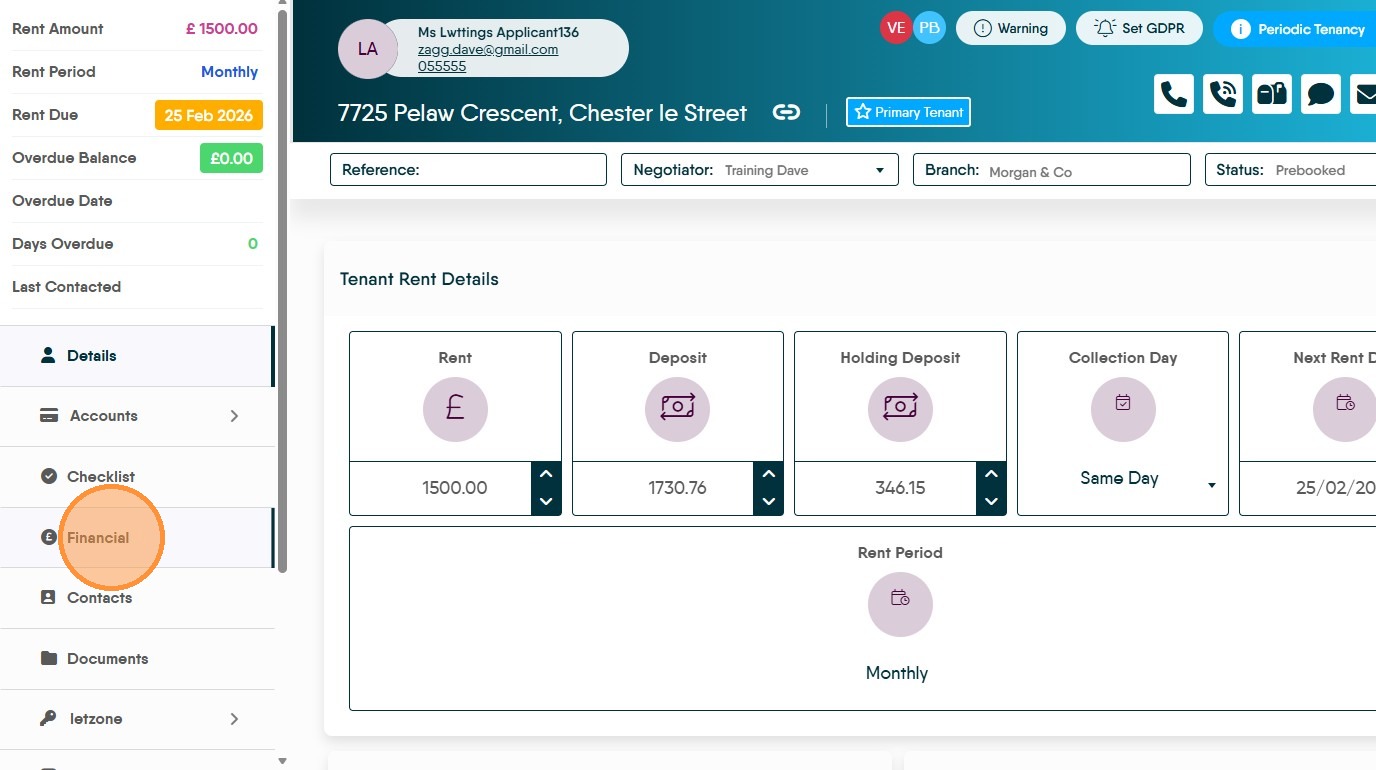
2. Click "Financial"
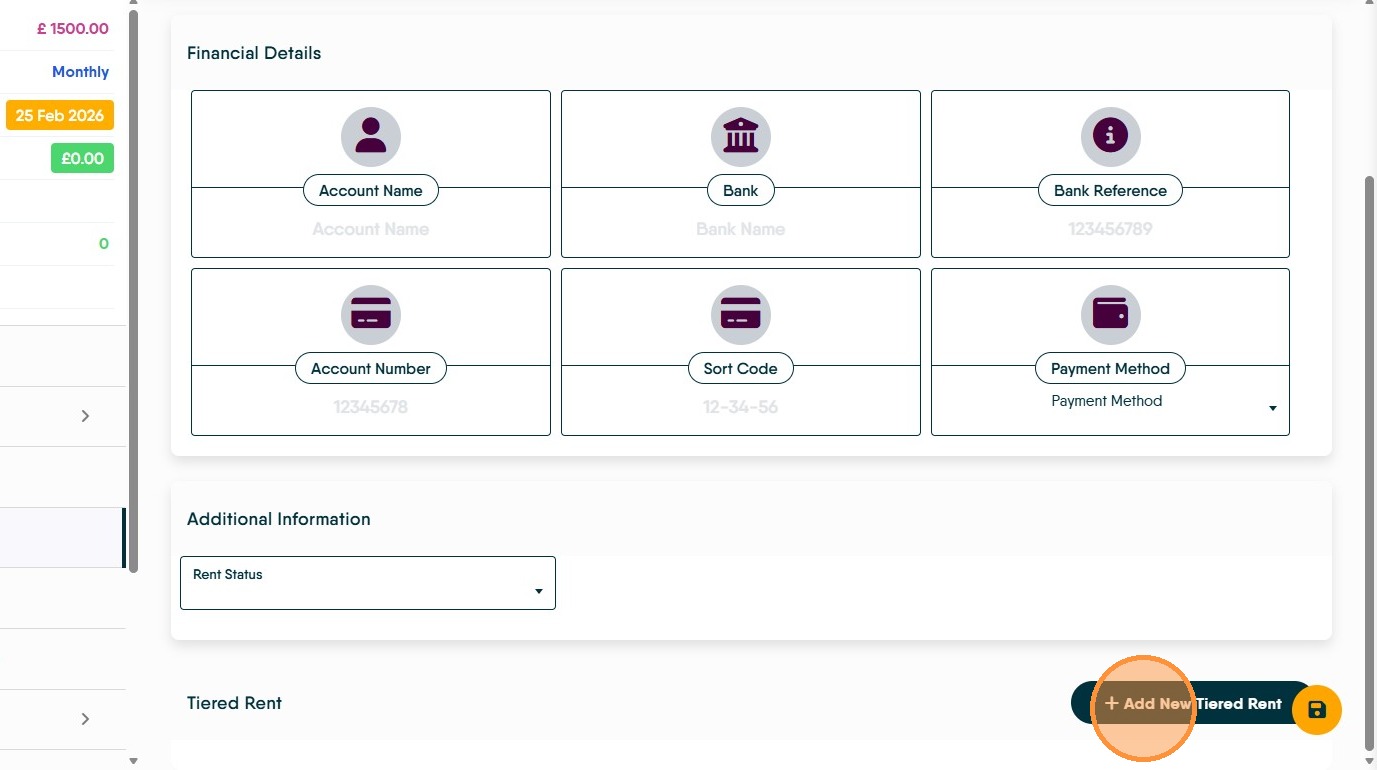
3. Scroll to the bottom of the screen. Click "Add New Tiered Rent"
4. Set the "Effective Date" which is the date the new rent will come into force.
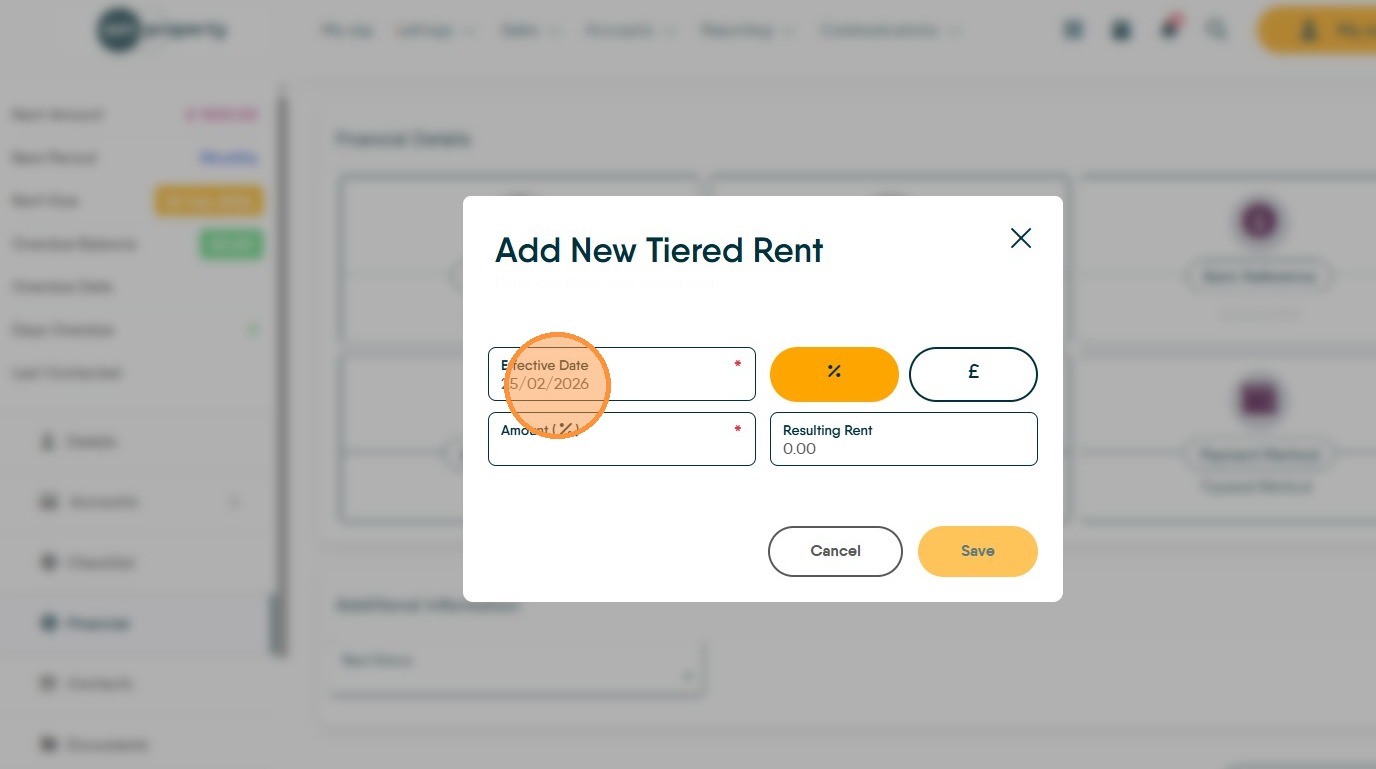
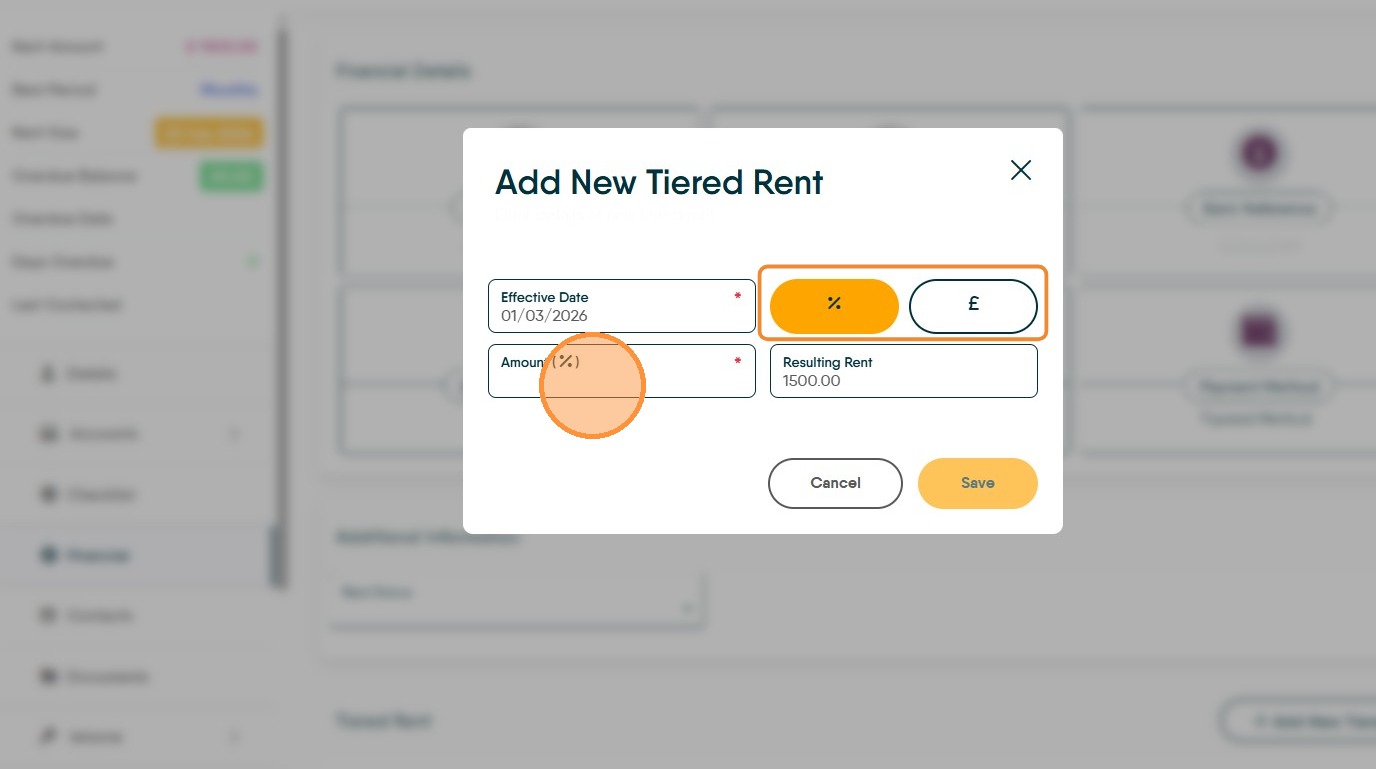
5. Click the "Amount (% )" field and set the amount of the increase, this can be either a monetary uplift e.g. £10, or a percentage increase e.g. 10%. The selected option is highlighted in orange.
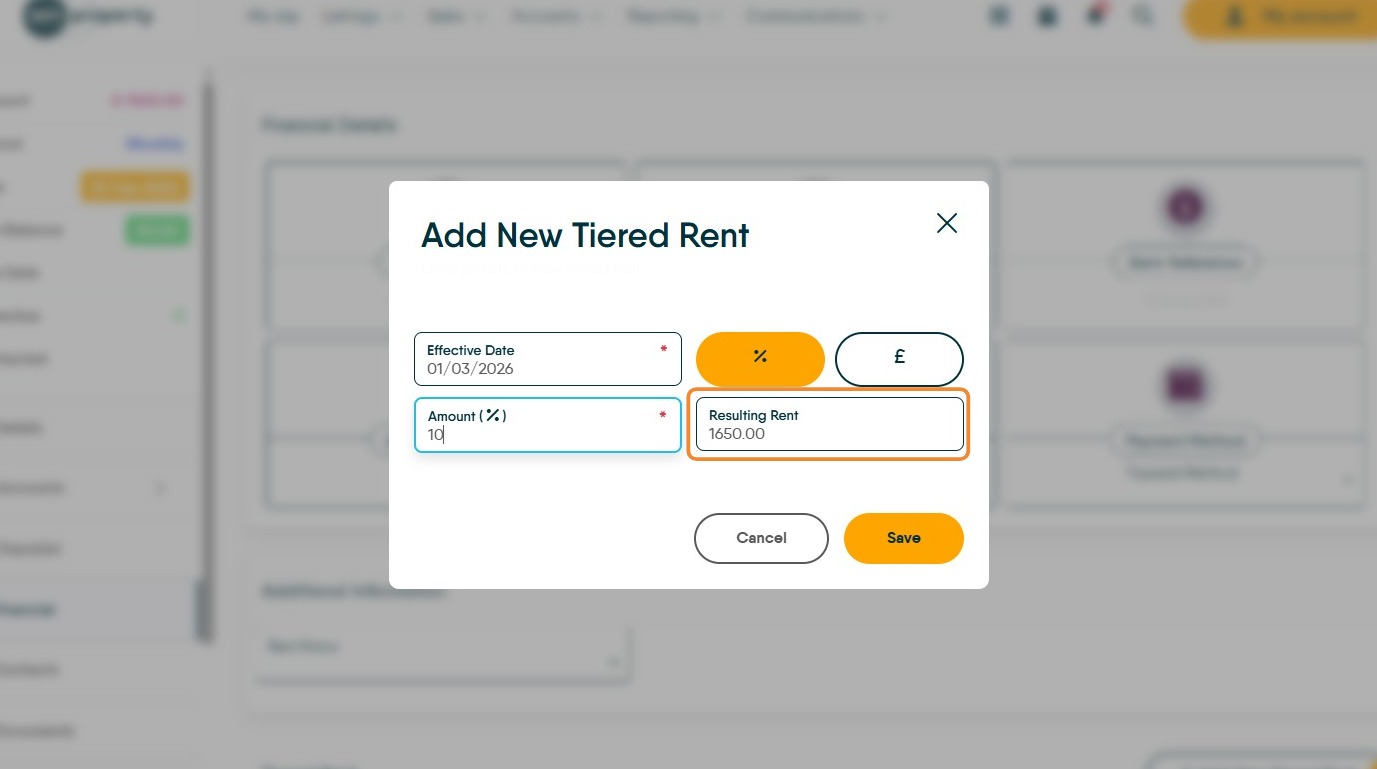
6. The total new rent will show in the "Resulting Rent" field.
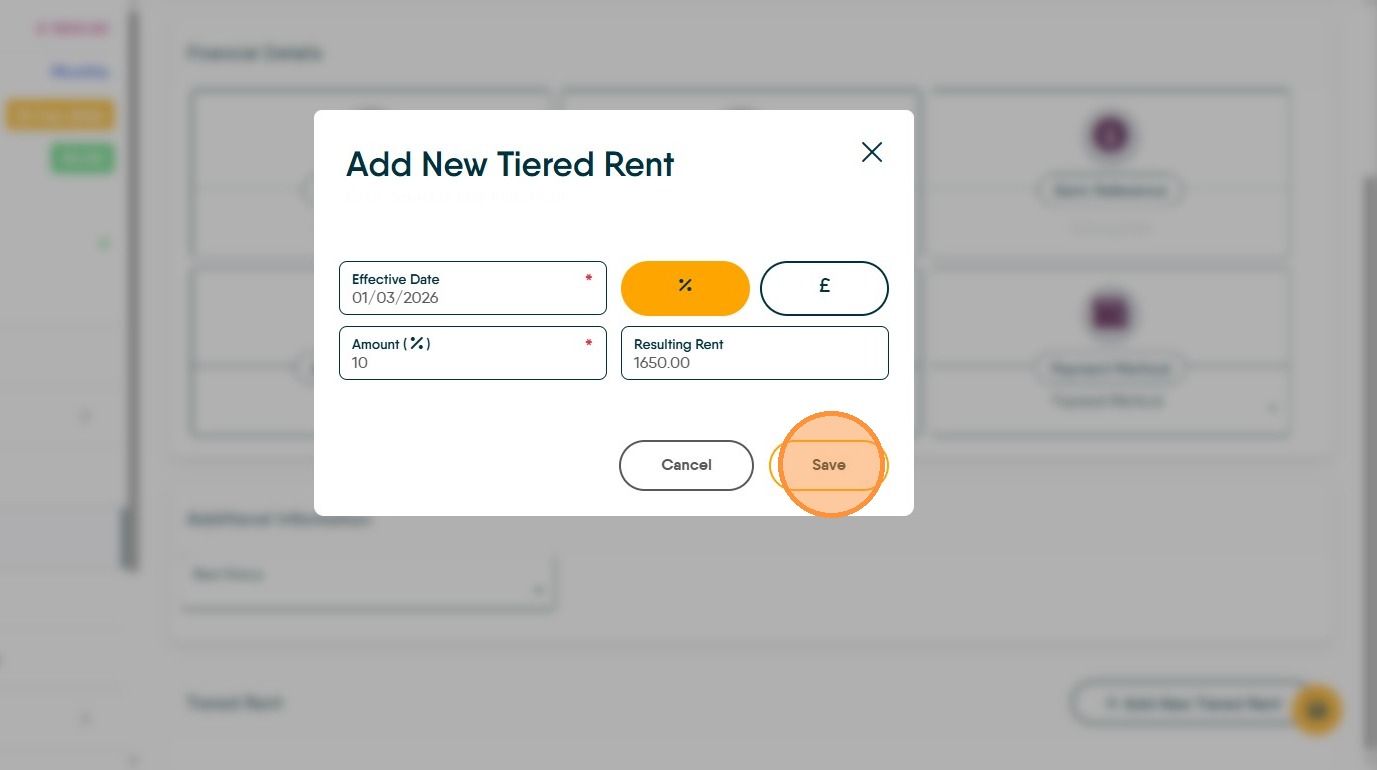
7. Click "Save"
8. The details of the Tiered Rent will show at the bottom of the Financials screen.