This guide provides a straightforward process for generating and saving a Section 13 Rent Increase Notice, ensuring compliance with legal requirements. By following the steps outlined, users can efficiently create the necessary documentation for rent adjustments, streamlining property management tasks. It is an essential resource for landlords and property managers looking to navigate rent increase procedures with ease and accuracy.
1. Navigate to https://crm.iamproperty.com/Lettings/Tenancy/Record/33771352
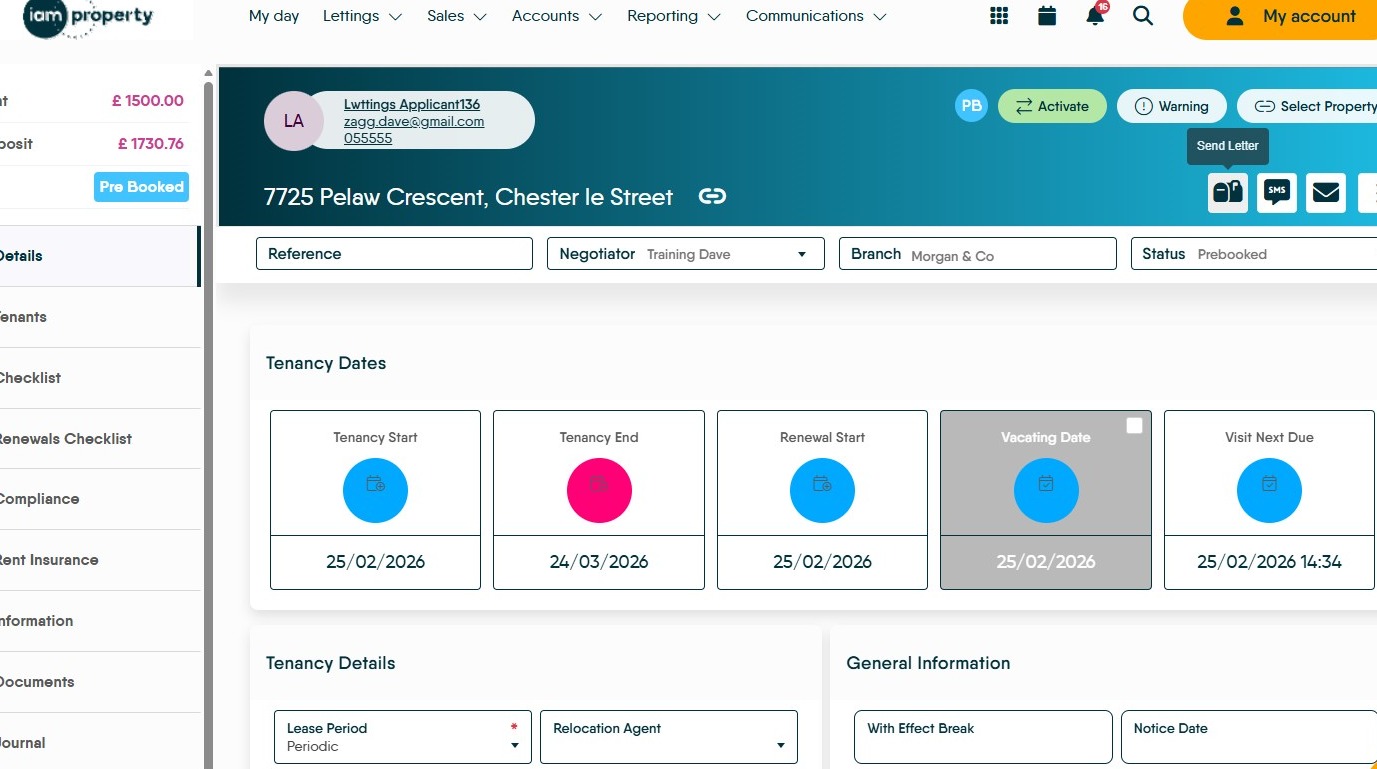
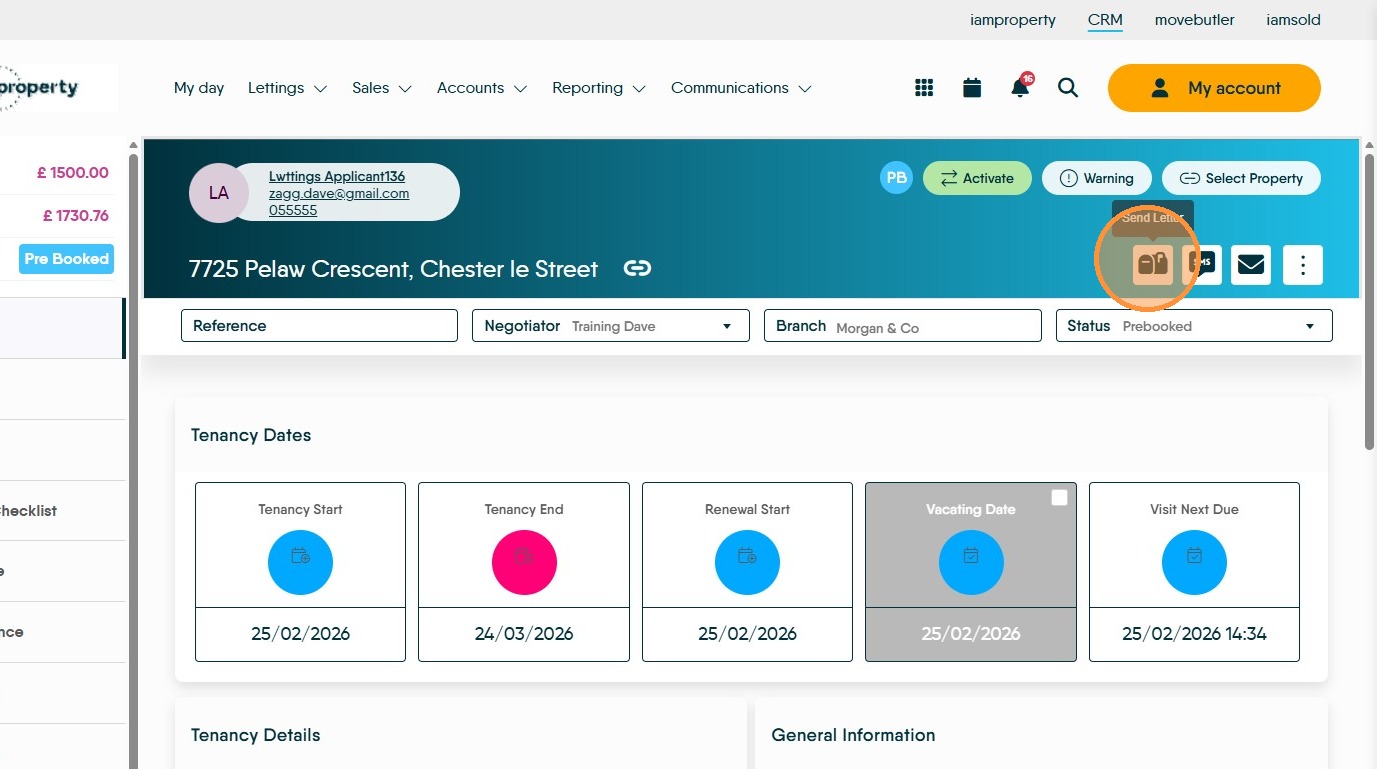
2. The 'Section 13' document will be in the letters section of the Tenancy Record. Click here.
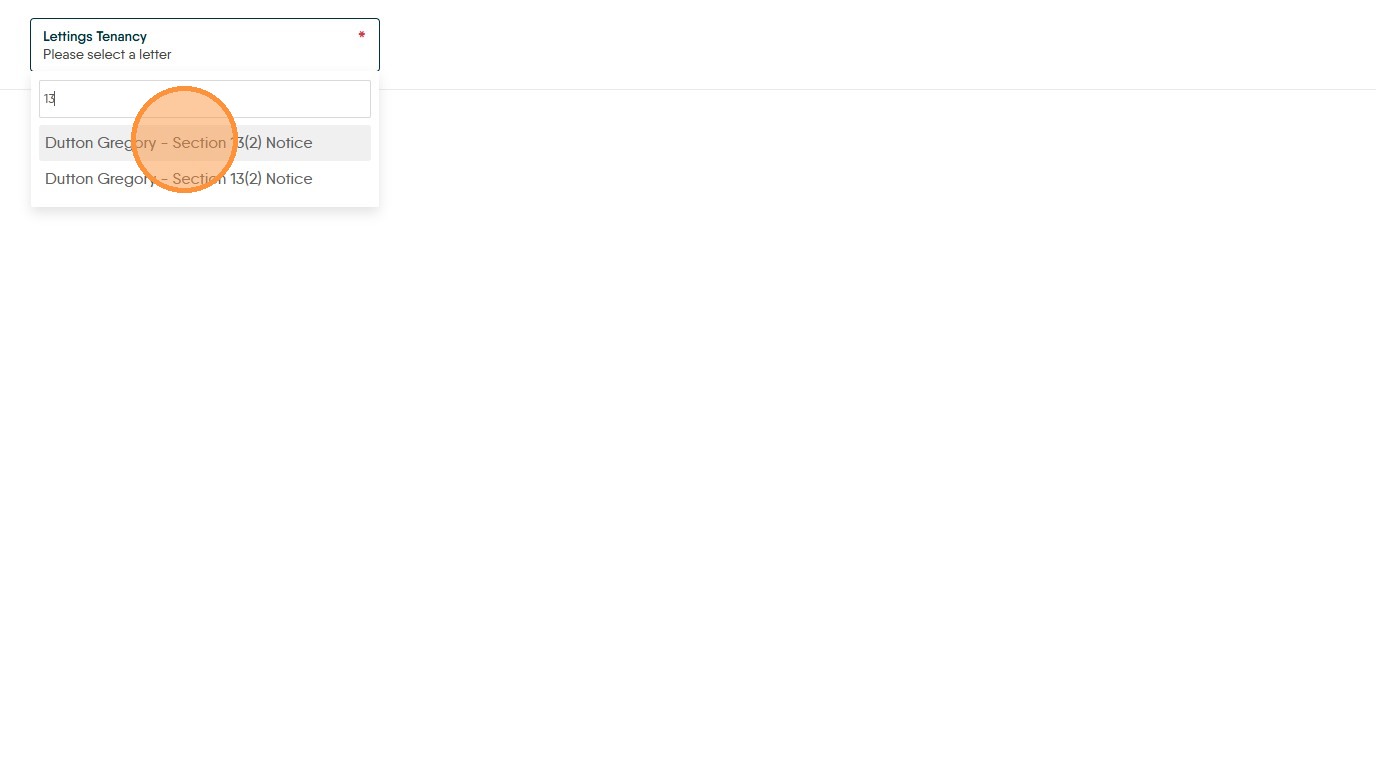
3. Search for the letter in the drop down menu, in this case it is...Click "Dutton Gregory - Section 13(2) Notice" Your letter may be named differently.
4. Click "Generate"
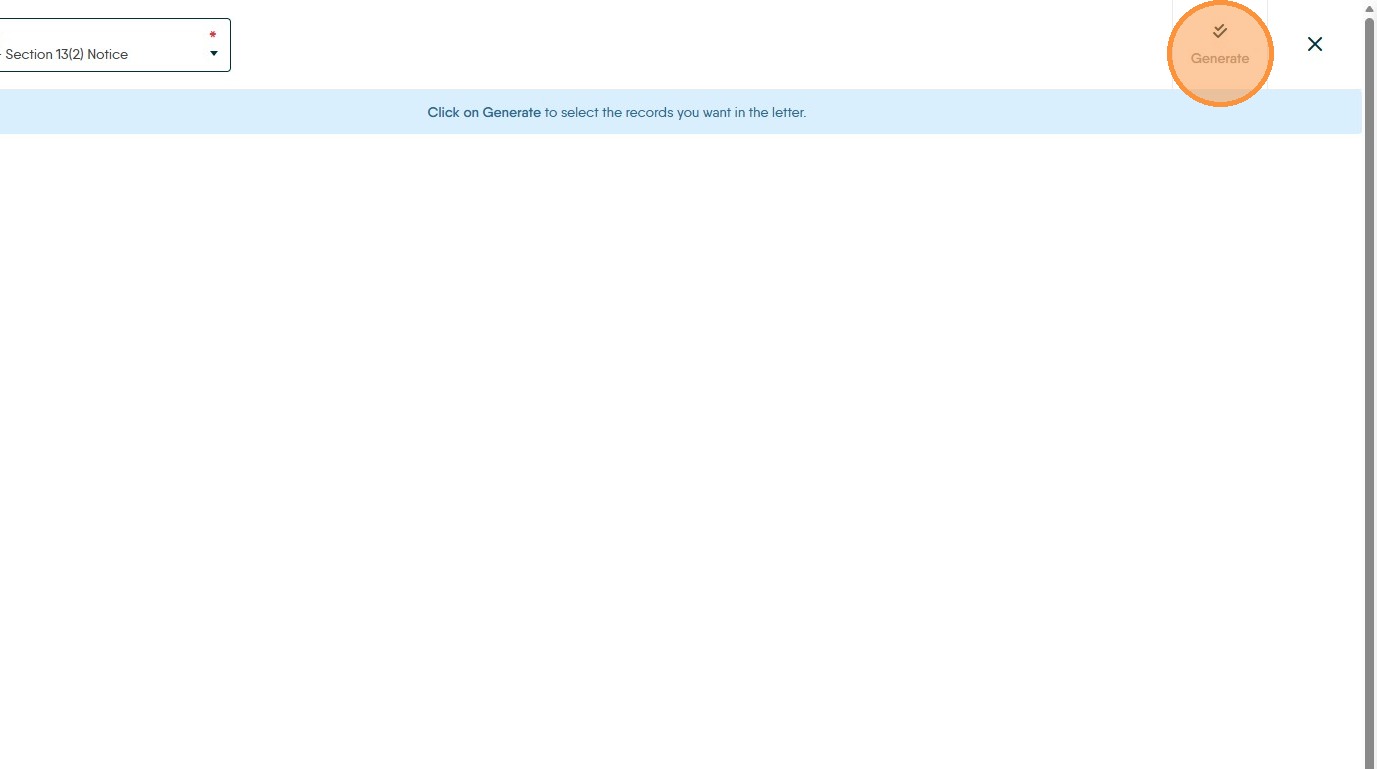
5. Click "Landlords" and then "Tenants" to check the names are correct.
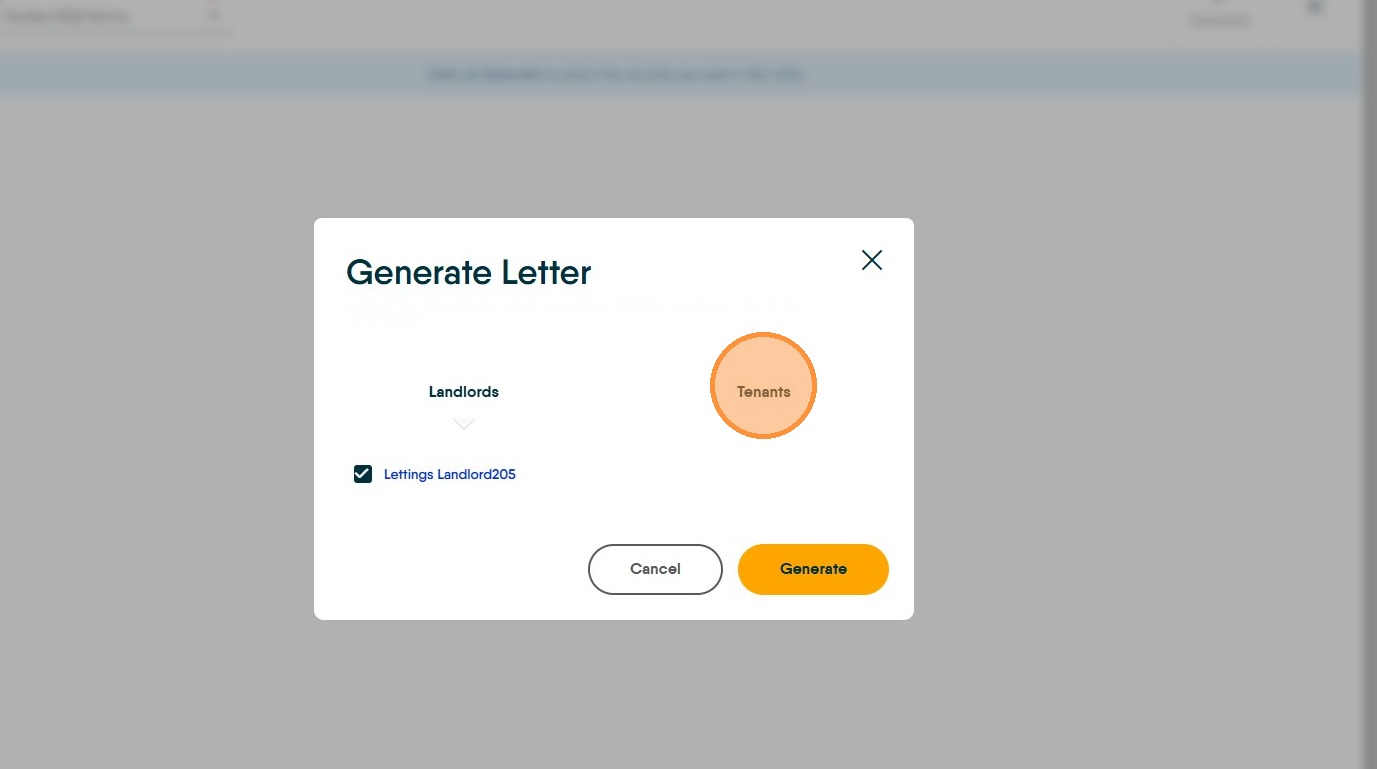
6. Click "Generate"
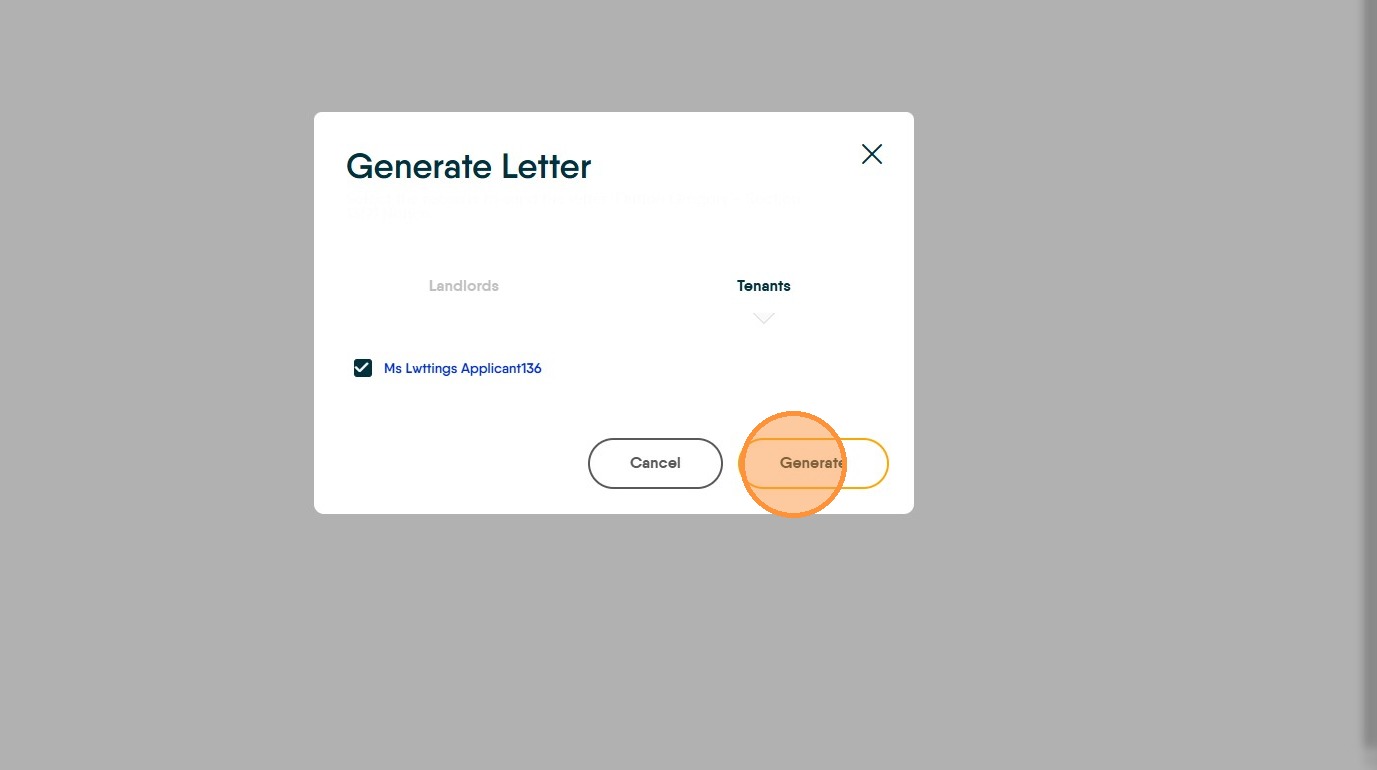
7. Click "View Merged Data" this will allow you to view the letter as it will be sent
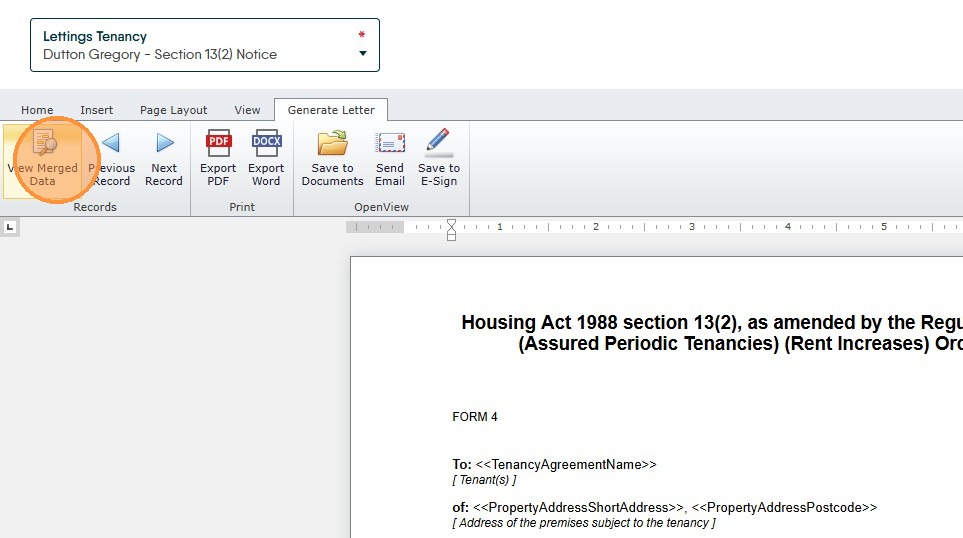
8. Depending on how your letter is setup. Click either "Send Email" or "Save to E-Sign"
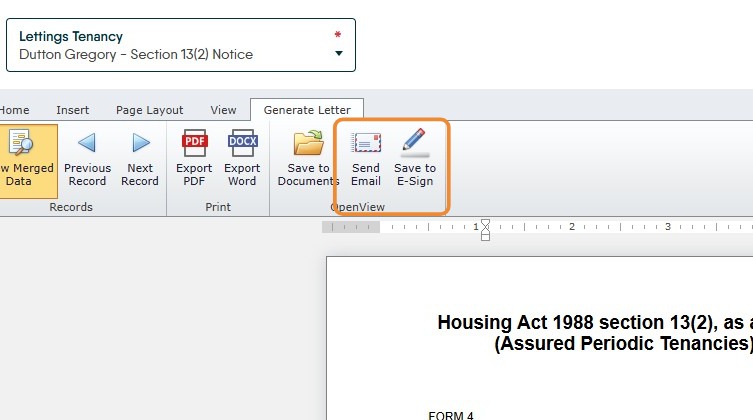
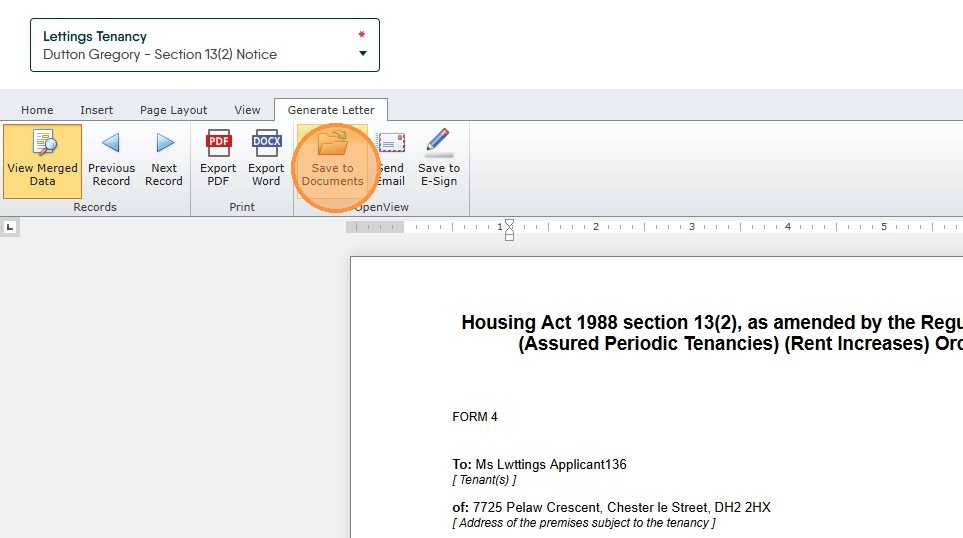
9. To save a copy of the letter to the documents folder of the Tenancy. Click "Save to Documents" n.b. if you are sending the letter via email through CRM then the document will automatically be added to both the Journal and the Documents folder.