This guide is essential for activating tenancies, offering clear steps to ensure key checks and compliance. It also helps resolve deposit scheme issues, reducing delays and errors. A practical tool for smooth, efficient tenancy management.
1. Navigate to the Pre Booked Tenant record.

2. Click "Tenancy"

3. Click "Compliance" and check the Deposit Protection Scheme information is correctly set.
It is probable that the DPS info is already completed, however you cannot move on without the DPS information being complete.

4. Click here.
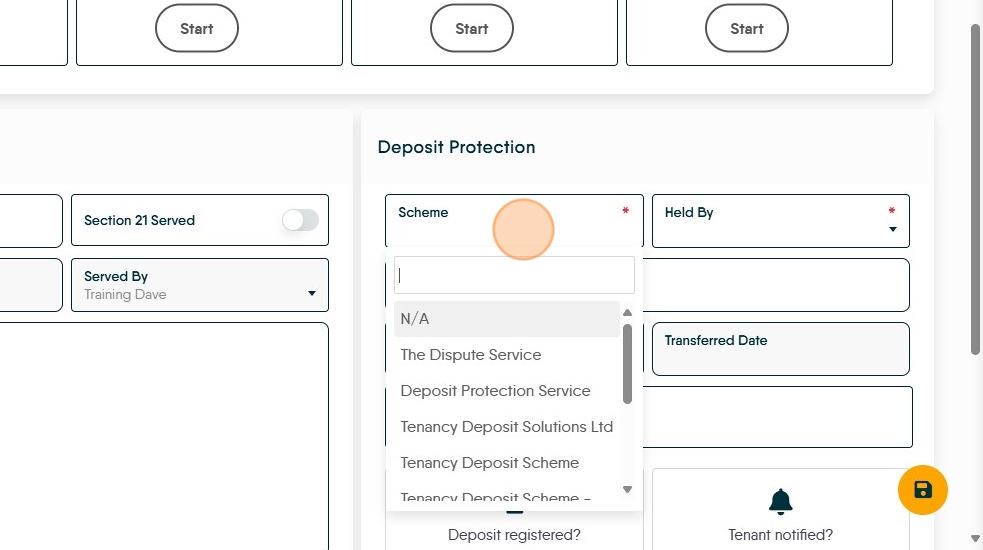
5. From the list, select the service you use.

6. Click here to note who holds the deposit. Pick from the list, then click 'Save'

Alert: Alert! Remember to Click SAVE
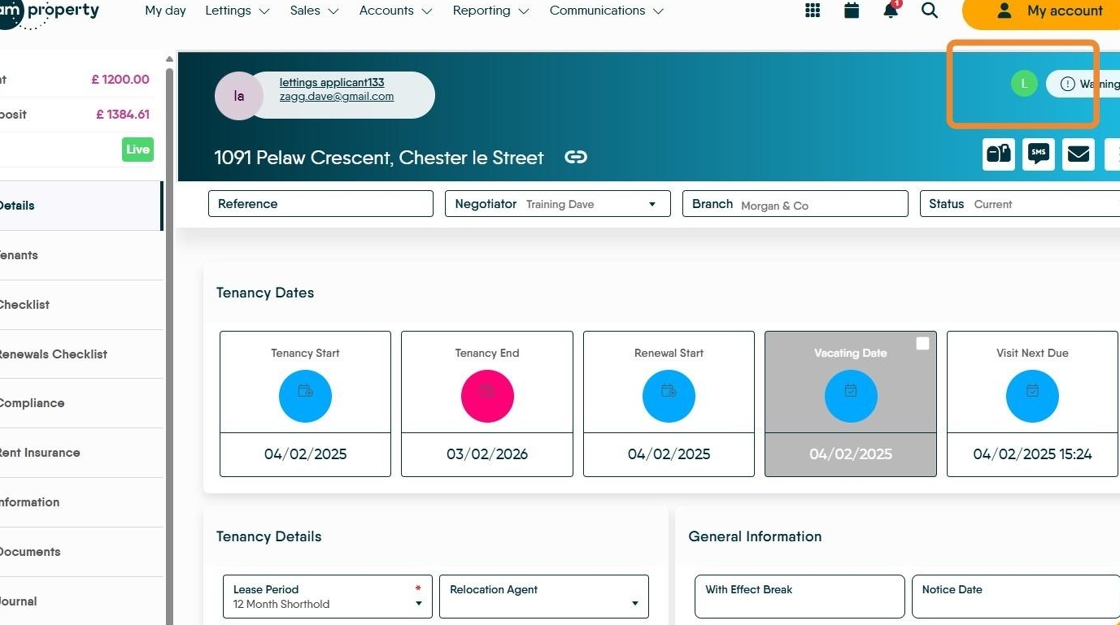
7. Click back to the "Details" screen and check the Tenancy Start dates (highlighted) are correct and set a 'Next Visit Due' if required.
Click "Activate"

8. Click "Activate"

9. The Tenancy will now be active and you will see a green L in the top right corner (as highlighted)