This guide provides a straightforward process for setting up your email signature in the iamproperty CRM, ensuring your communications are professional and consistent. By following the step-by-step instructions, you can enhance your email branding and improve your interactions with clients. It's essential for maintaining a polished image in the property management industry.
1. Navigate to https://crm.iamproperty.com/MyDay
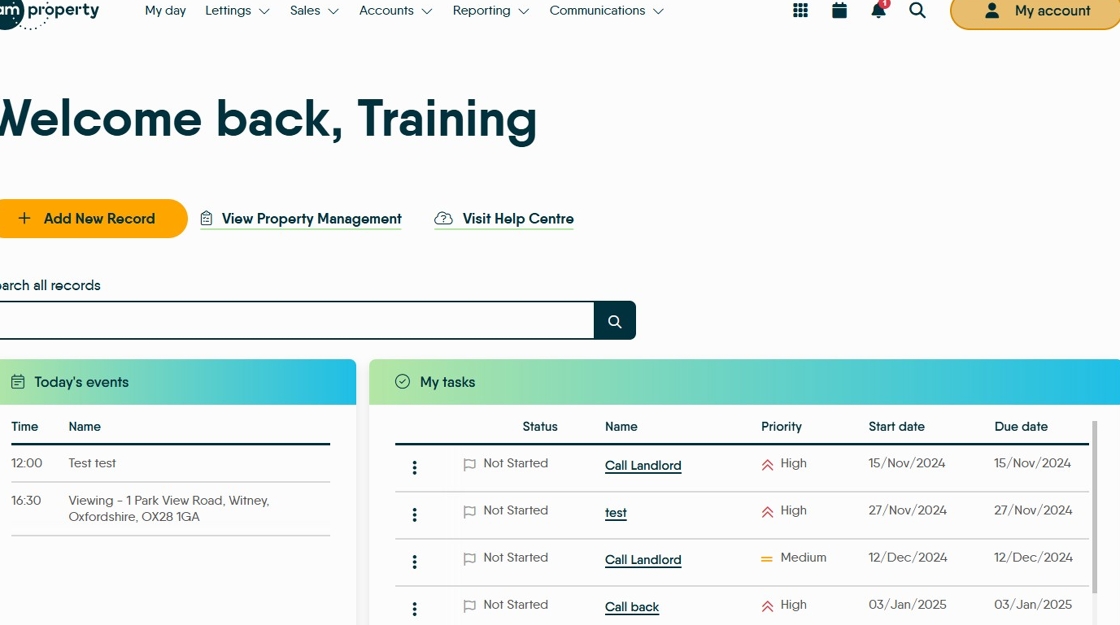
2. Click "My Account"

3. Click "Control centre"

4. Click "Configuration"

5. Click "SMTP"

6. Click "Edit Settings"

7. Click here into where the email text will show..

8. Click this icon.

9. Click here. You can link to a source on the internet for your image or use the Upload option and upload one from your computer.

11. Click here . Use the tabs to resize the image.
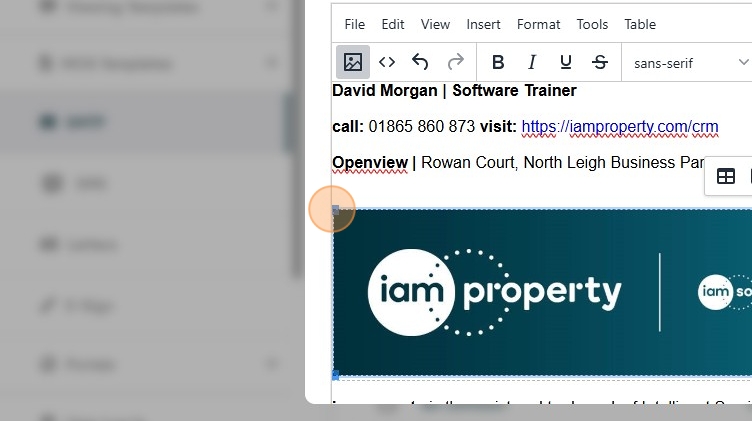
12. Click "Save"

13. Click the "Send test email to:" field.

15. Click "Send Test Email"
