This guide provides essential steps for updating property management access settings in your CRM, ensuring that you can effectively manage permissions and streamline operations. By following the outlined process, you can ensure that only properties (and Tenants) that you have given permission to can make maintenance request via the CRM Tenant Repair portal.
1. Click "My Account"

2. Click "Control centre"

3. Click "Property Management Settings"

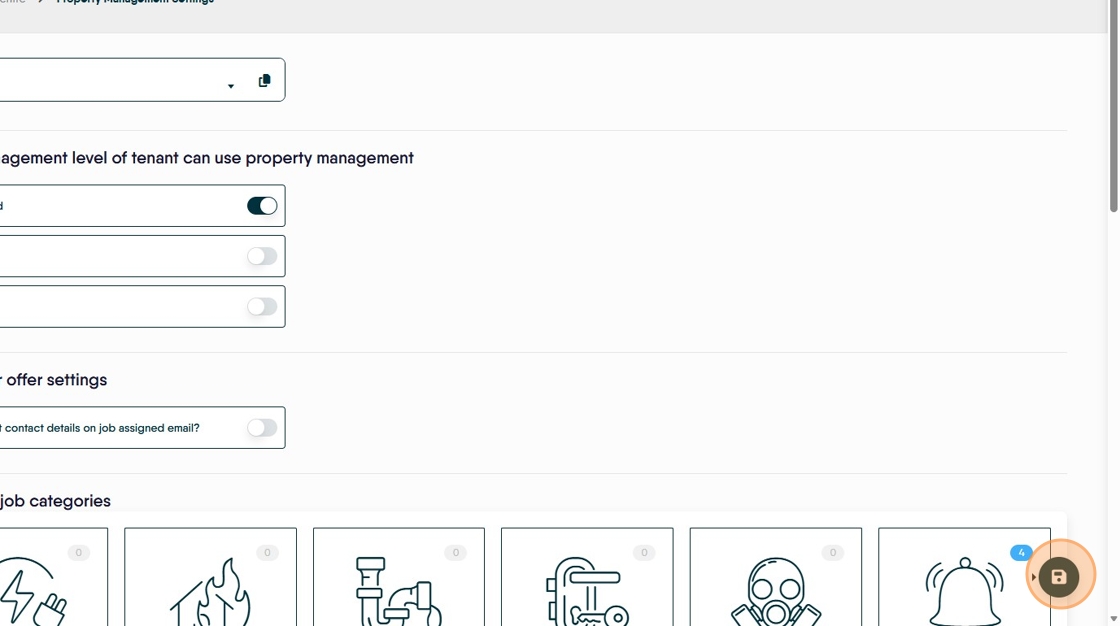
4. Click here to change the access setting for Tenants to be able to report their own maintenance. As it shows below, no tenant could use the reporting portal. Toggle will be black when allowed.
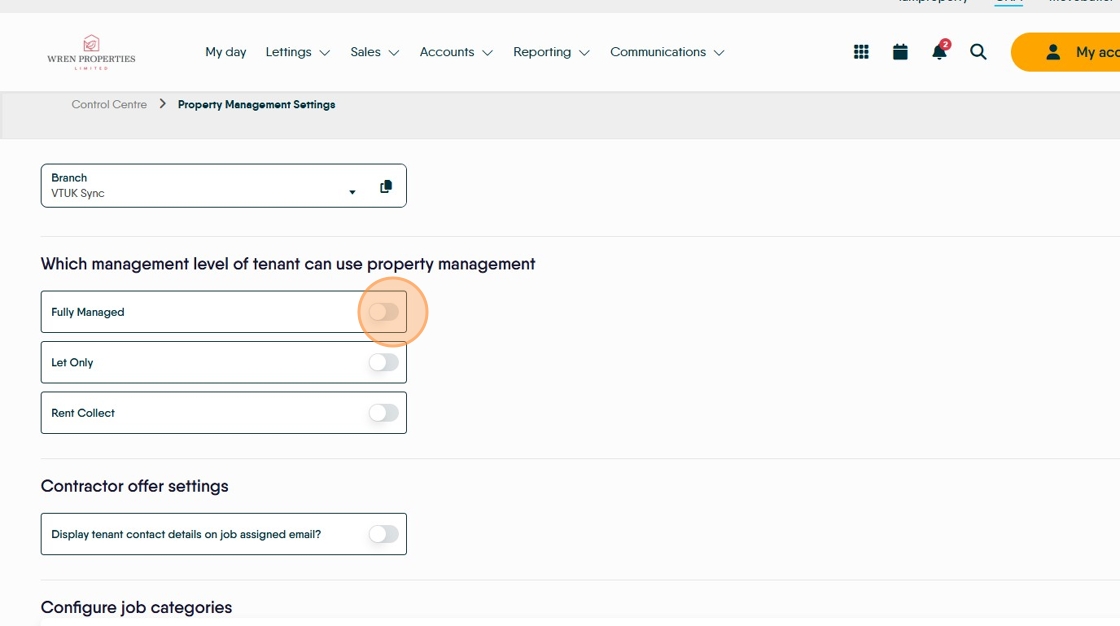
5. "Contractor Offer Settings" Click here to show the Tenant contact details to the Contractor assigned to the job..

6. Click here to "Save"