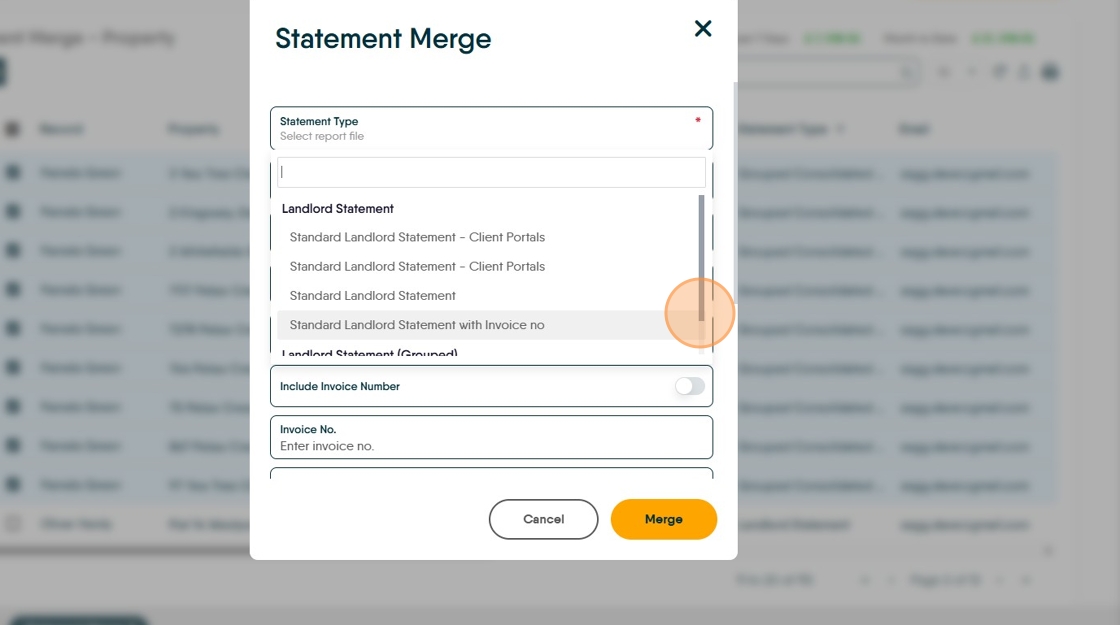
This guide provides a straightforward process for setting the statement type for a Landlord and how this shows in the Statement Merge.
Setting the Preferred Statement Type
1. Navigate to the Landlord Record you are updating.

2. Click into the Statement field
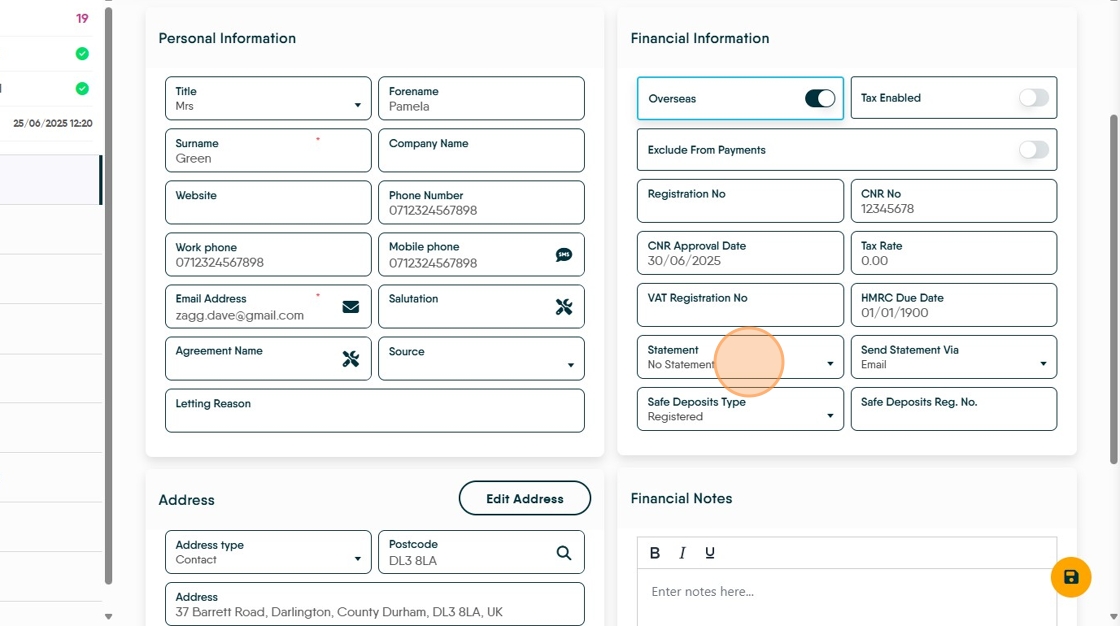
3. From the drop down menu, select the statement type you are using.
In this case we have selected "Grouped Consolidated Statement"

4. Click into the Send Statement Via field and select the preferred option.
Click "Email" or "Letter"

5. Click here.

6. In the Statement Merge screen the Landlords can be sorted by clicking on the 'Statement Type' header which will sort all the records into order.

7. Click this checkbox and select the records you are sending statements to.

8. Once sorted and selected, click the Statement Merge icon to create the statement merge.

9. Click "Select report file" you are using for the selected Landlords.

10. Once the options are set, click Merge to send the messages.