1. Navigate to the record to which you need to add a warning. This example shows a Landlord page but the process is the same on all other records.
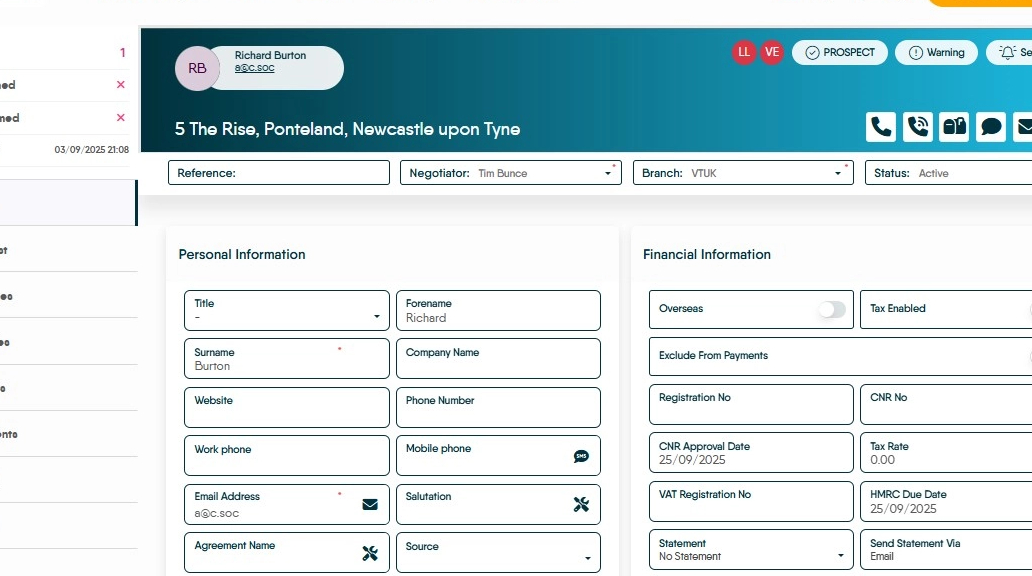
2. Click "Warning"

3. Add the required warning. If you are pasting from elsewhere, make sure to paste as plain text.
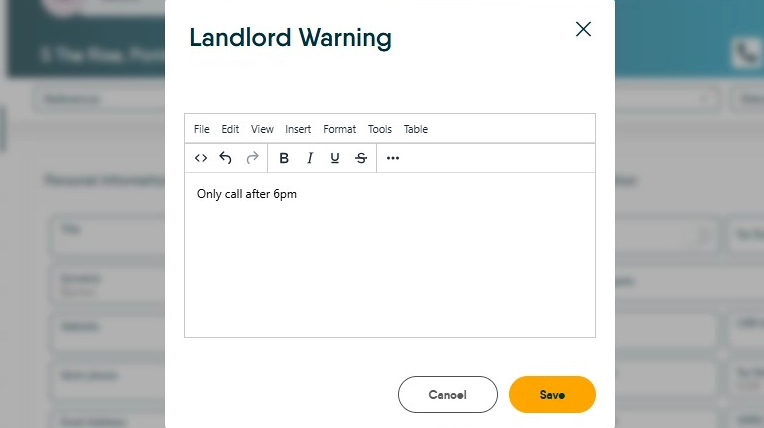
4. Click "Save"
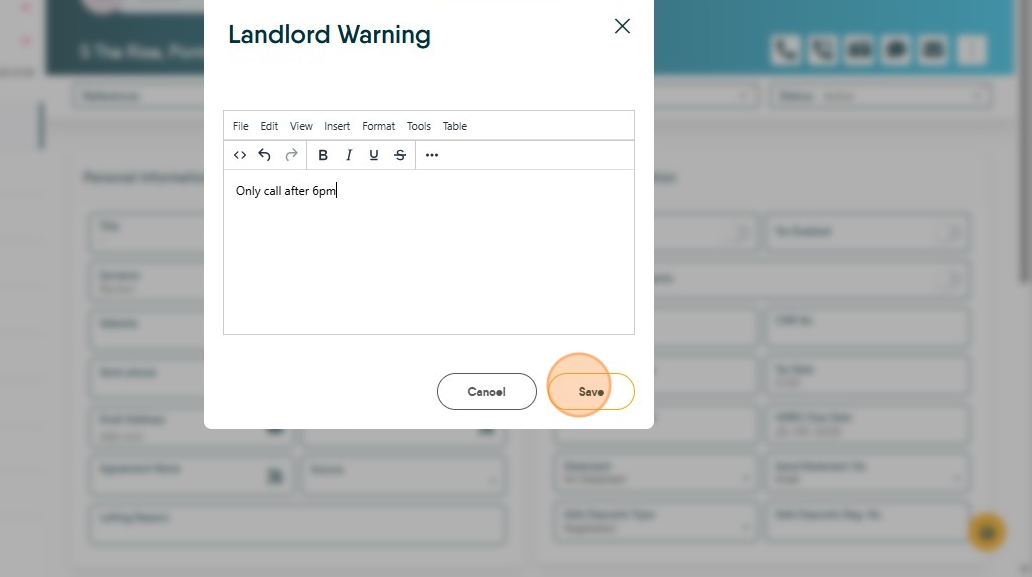
5. The button will then display in red to show a warning is active.

6. To edit the warning, click the button as before, make your changes, and save.

7. The next time the record is accessed, the warning will display in the top-right of the page.
