
Learn how to efficiently associate a new Estate Agent with a property listing within your CRM. This allows you to note who you lost the business to in the Appraisal screen. This guide walks you through inputting agent details and updating appraisal statuses to keep your property records organised.
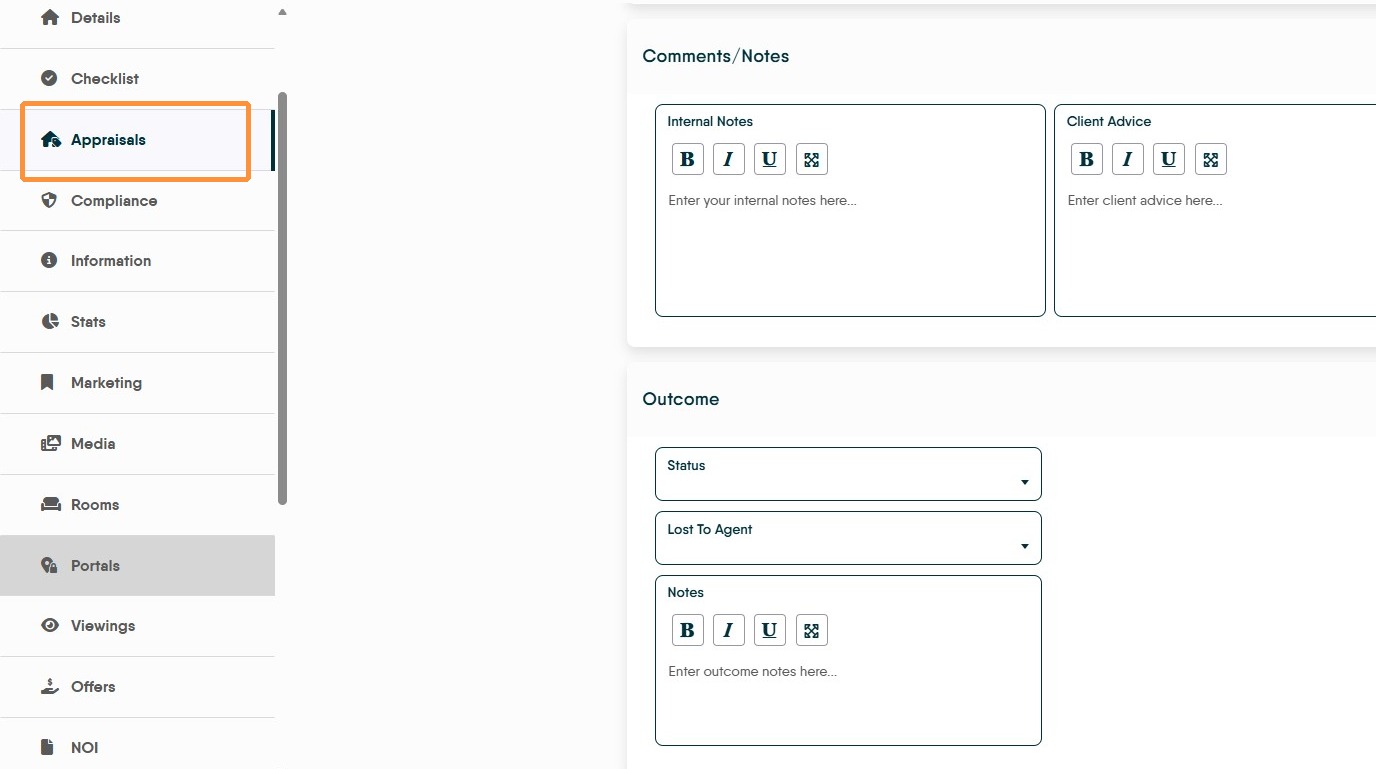
1. Navigate to Appraisals tab.
If you have lost the business of a customer and need to put in the detail of the agent you have lost the business to, you would click into the 'Outcome' section of the Appraisal and change the status to 'Lost' and select the Agency you lost the business to in the drop down menu. If the Agency isn't there, the following is the process to use to add the new agency detail.
Sub-Agent Registration
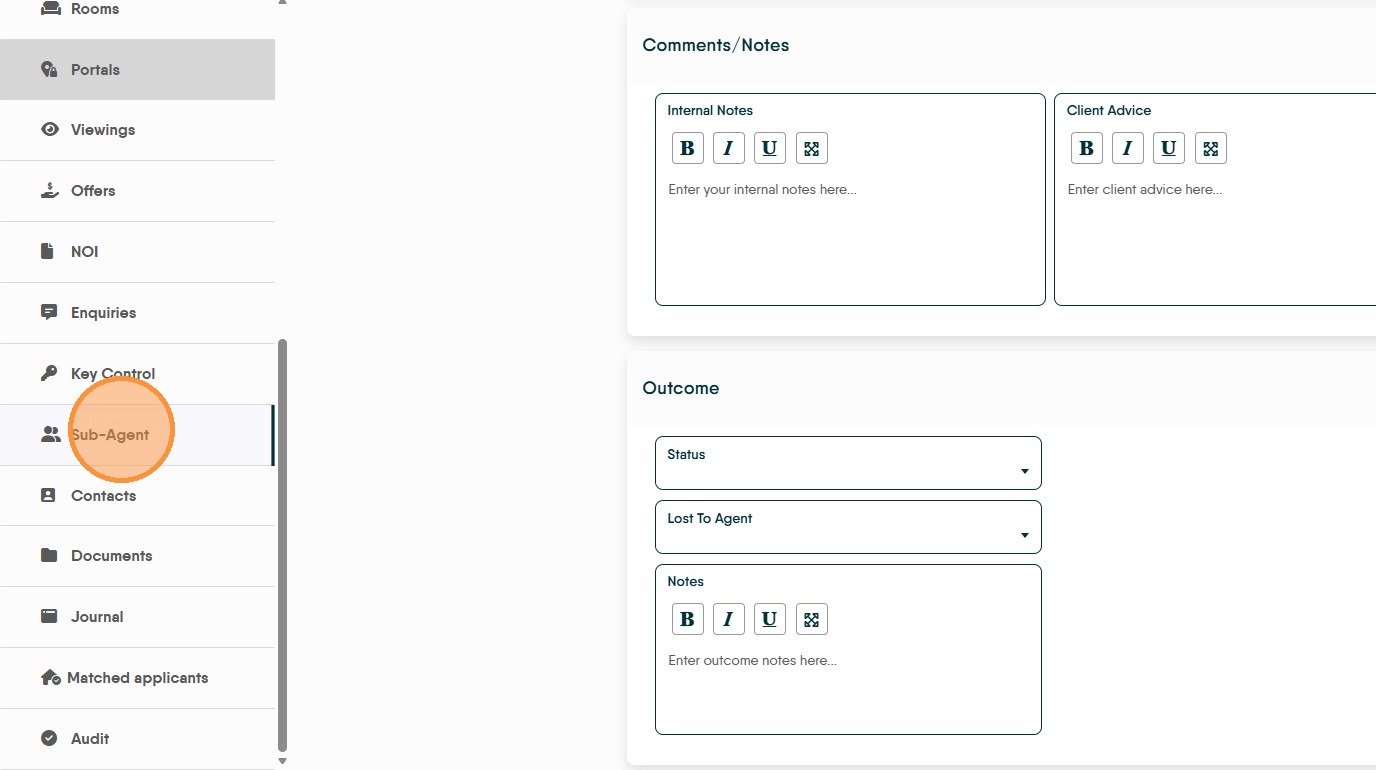
2. Click Sub-Agent in side menu
3. Click Add Sub Agent
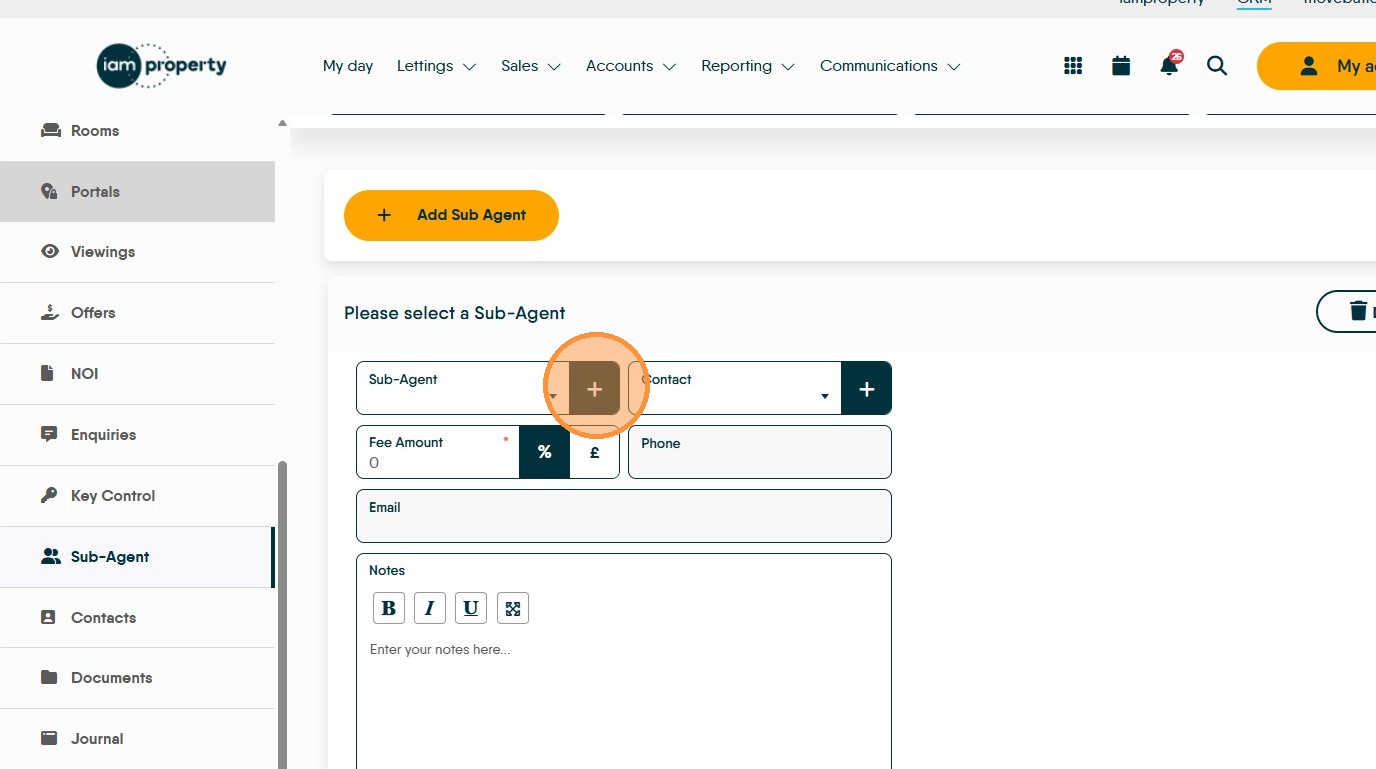
4. Type the Name of the Agency into Company Name field

5. Add in the contact details

6. Enter the email address into Email field

7. Enter the postcode of the agency into Postcode field and click search


8. Select agent's address from dropdown
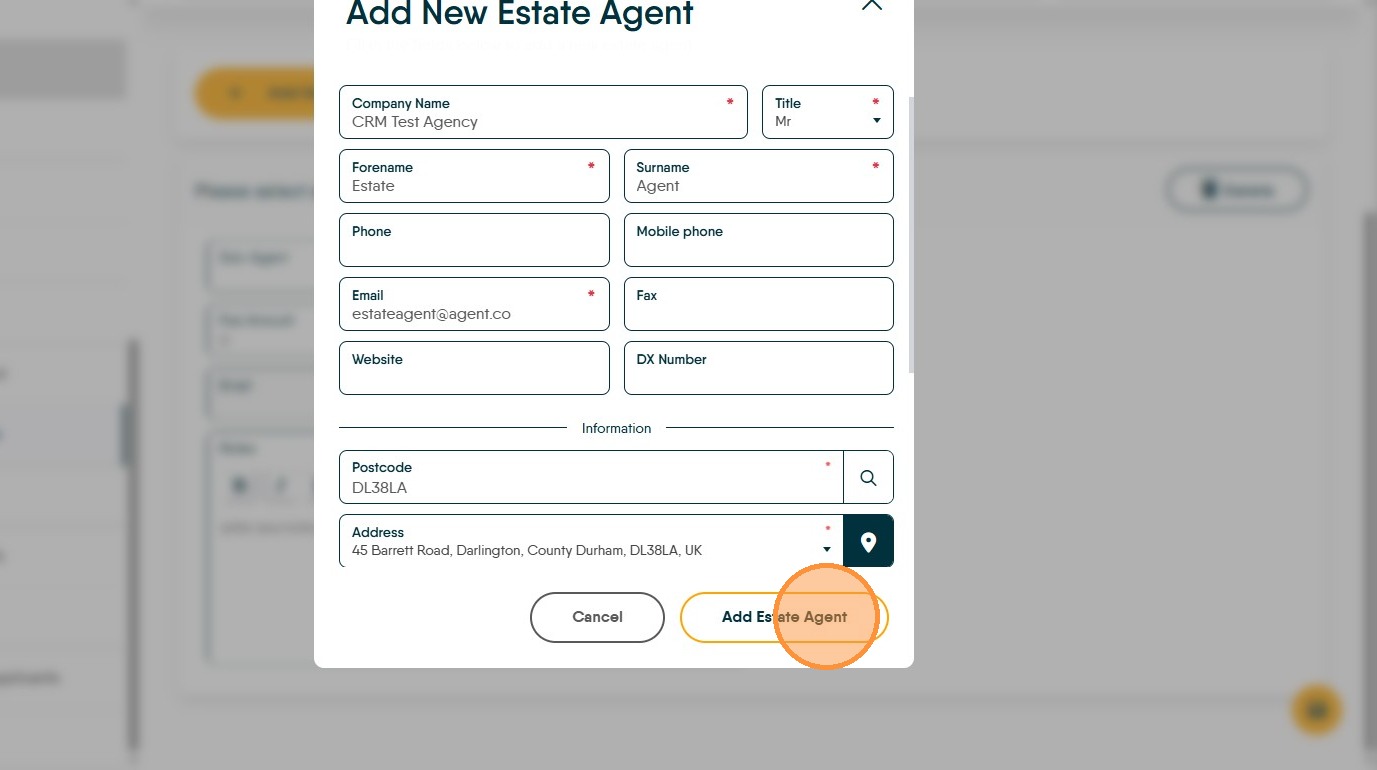
9. Click Add Estate Agent The Agent is now added to the CRM as a business record.
Appraisal Outcome Update
10. Navigate back to Appraisals section
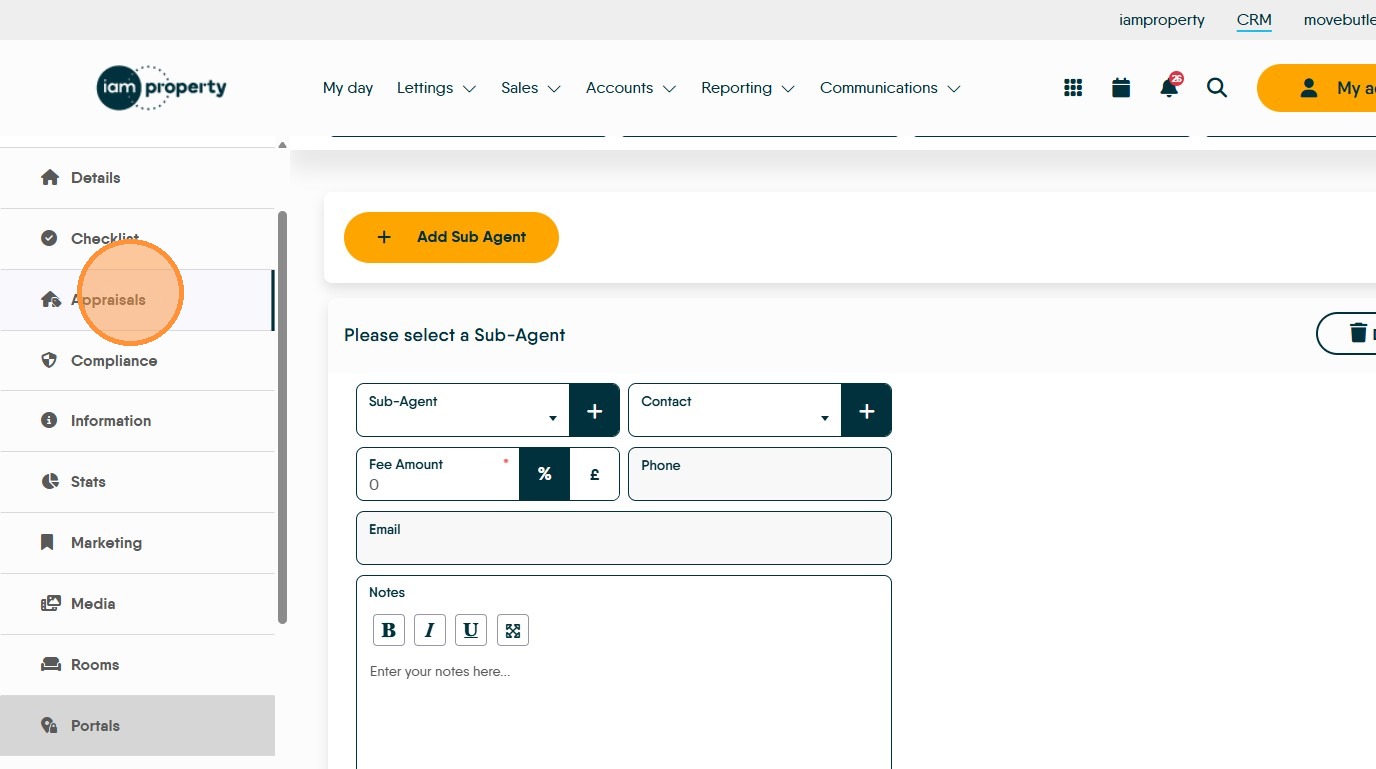
11. Select the relevant appraisal record
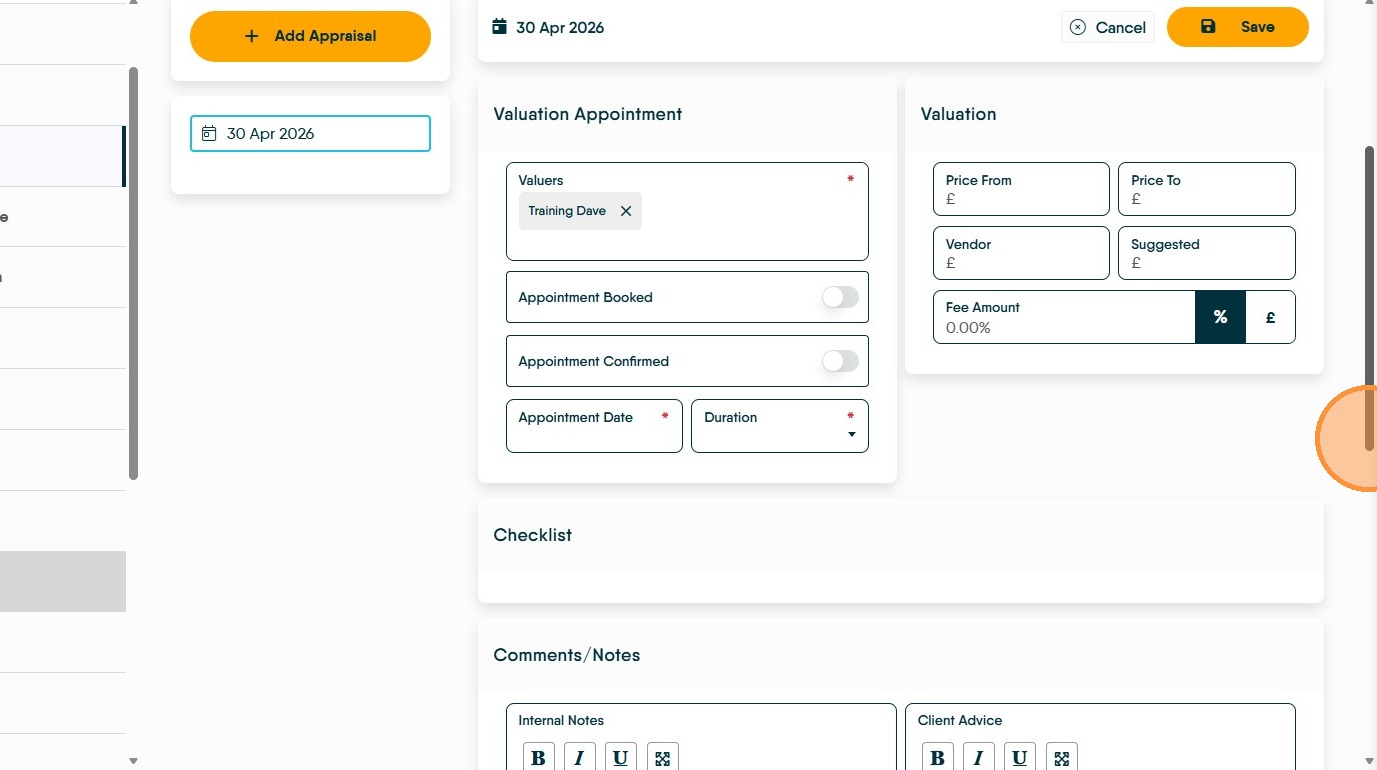
12. Set appraisal Status to "Lost"

13. Select "CRM Test Agency" from Lost To Agent dropdown