1. Navigate to any "Send SMS" window in CRM

2. In the Send SMS screen, you will have a dropdown for "Sender"

3. This dropdown will be populated with the Sender IDs set up in configuration. A guide to do this is available here.
The Sender selected here will be what the message recipient sees in their inbox. Only the numbers can be responded to.
You will see the Alias or Sender ID for your user, as well as the Alias or Sender ID of the record's branch.

4. Select the Sender ID you wish to use.

5. Compose your message and click "Send Message".
You will see a preview of the message and Sender on the left.

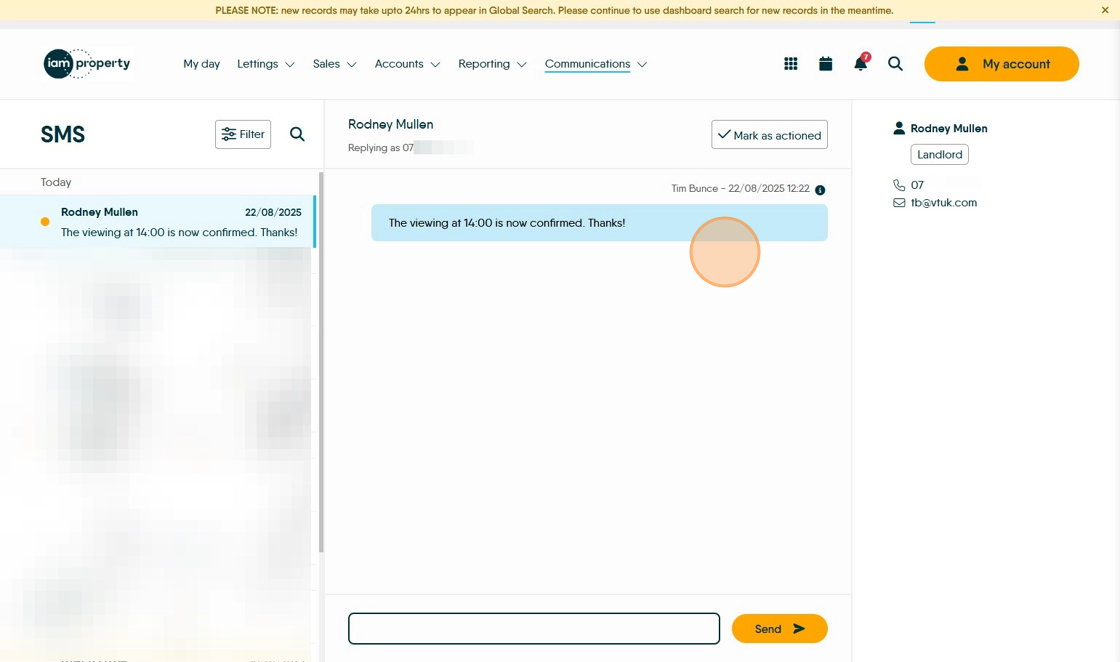
6. Your sent message will appear in the SMS Inbox.
Click "Communications"

7. Click "SMS Inbox"

8. You will see your new message chain in the SMS Inbox
Made with Scribe