1. Login to your TextAnywhere account
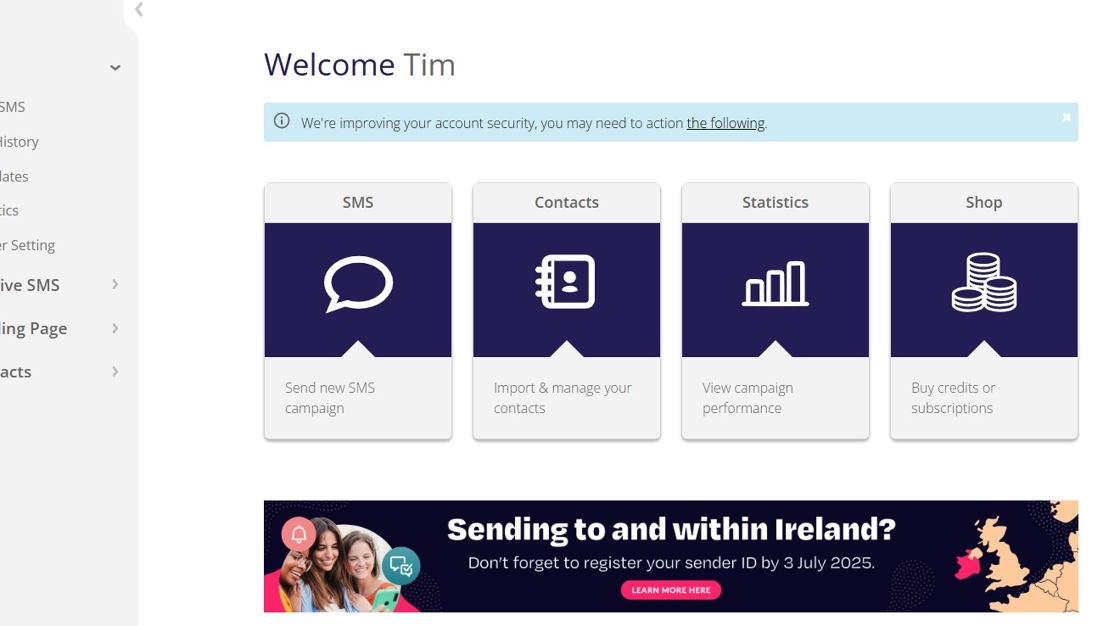
2. Click into 'Shop'

3. Scroll down to the 'Inbound SMS Service' section of the Shop page.
Select 'Dedicated Number' from the 'Plan' dropdown.
Note: 'Shared Number + Keyword' is not compatible with CRM.
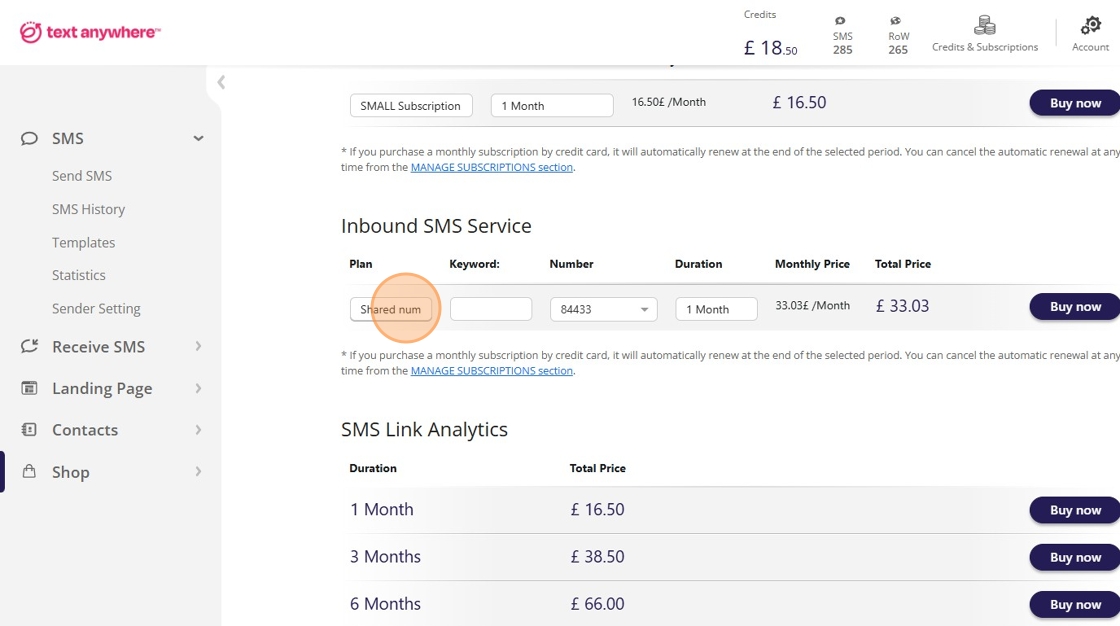
4. Select the 'Number' you wish to purchase, along with the 'Duration'

5. Click 'Buy now' and complete the checkout process

Made with Scribe