This guide provides a straightforward process for creating the advertising address for a lettings property, ensuring that you can effectively promote your rental listings. This address can be edited as required. By following the steps outlined, you will streamline your marketing efforts and enhance visibility for your properties.
1. Navigate to the property you are creating the advertising address for.
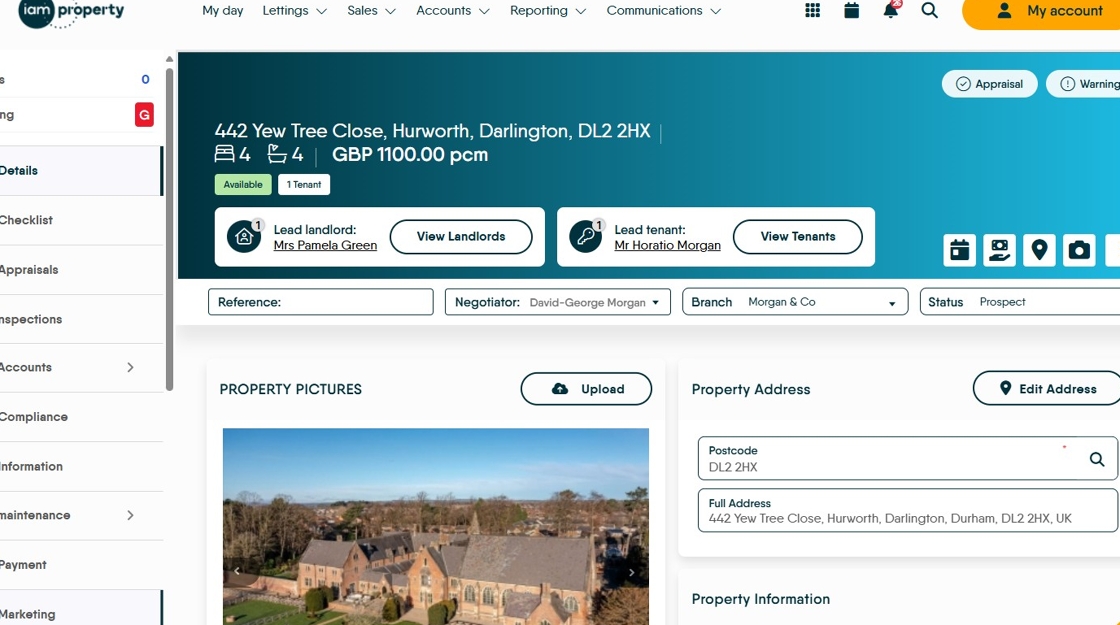
2. Click the "Marketing" tab

3. Click here to create the advertising address.

4. Click here to Save

5. By default the advertising address does not include the house number and the last digits of the postcode. The advertising address can be edited if required
