This guide show the steps to complete the "Information" screen in the CRM Lettings Property record.
Tip: Tip! All the details entered into this screen, with the exception of the Mortgage information, will be visible to your tenants if you give them access to the CRM Tenant Portal.
Information Screen
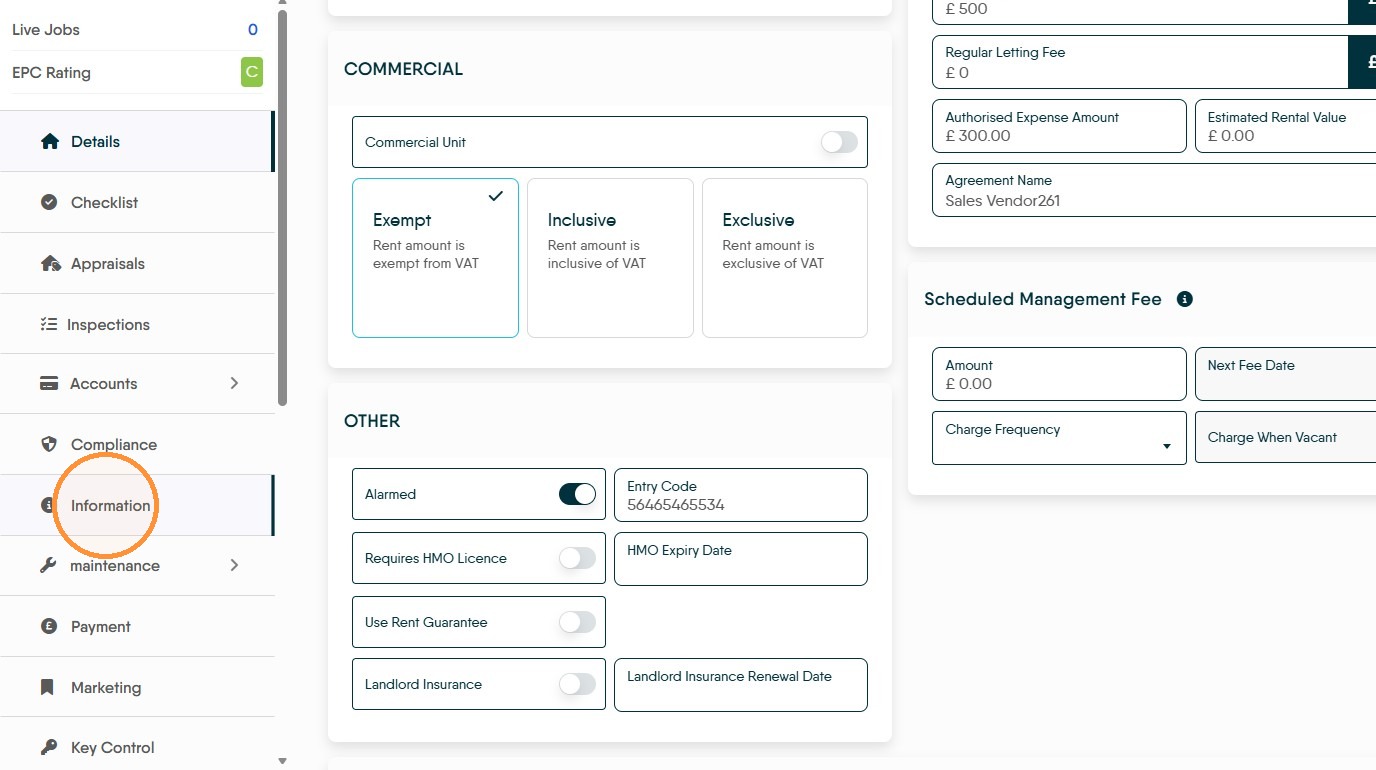
1. In the left side menu of a Lettings Property record, click "Information"
Update Meter Details
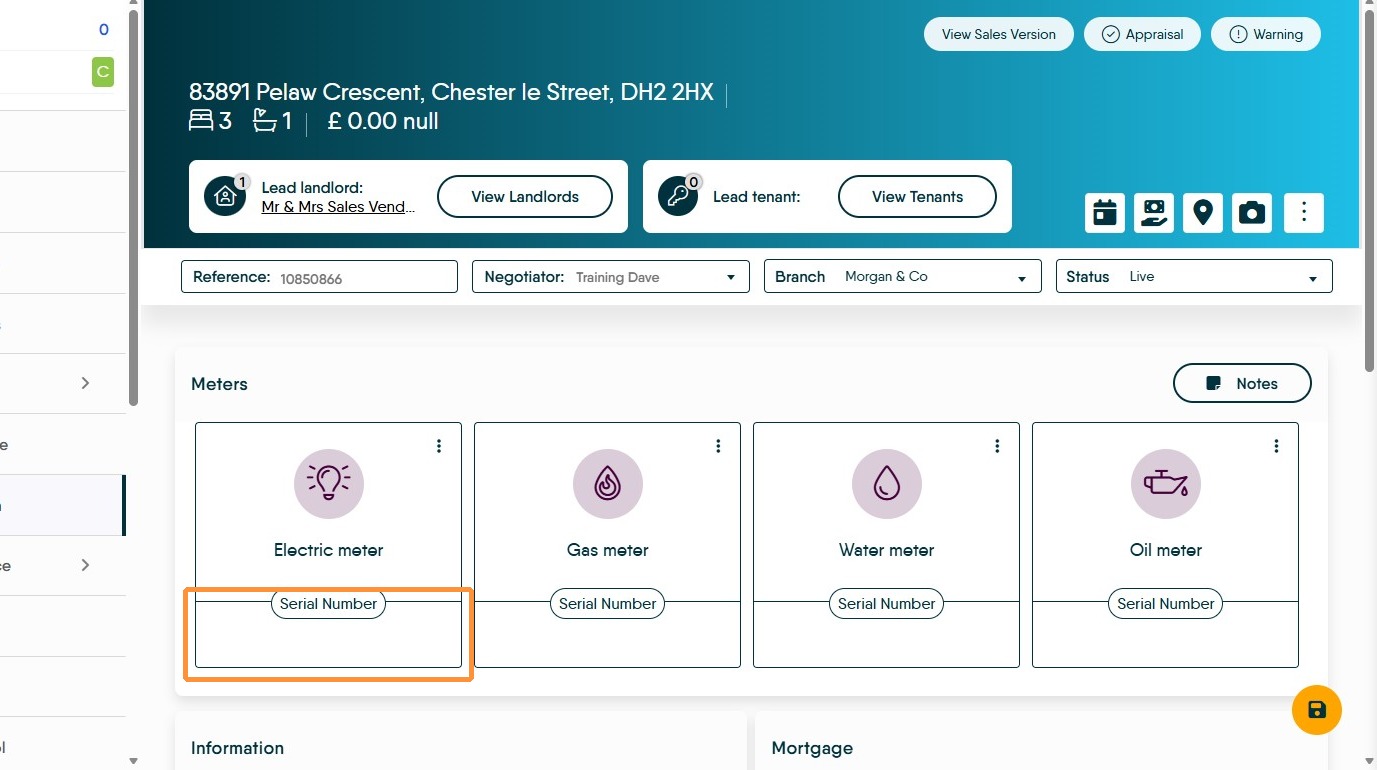
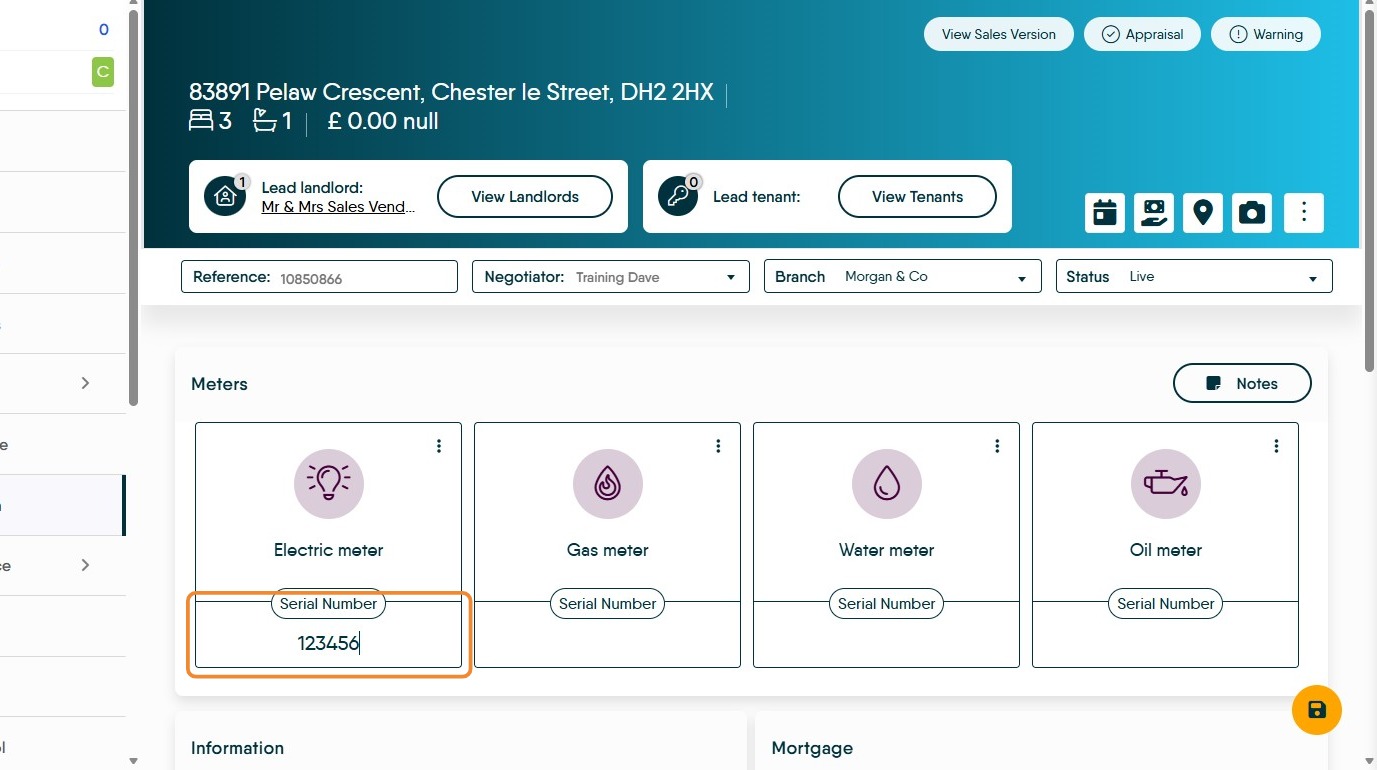
2. Here we can log the serial numbers of all the meters in the property, click into the box and type the number.
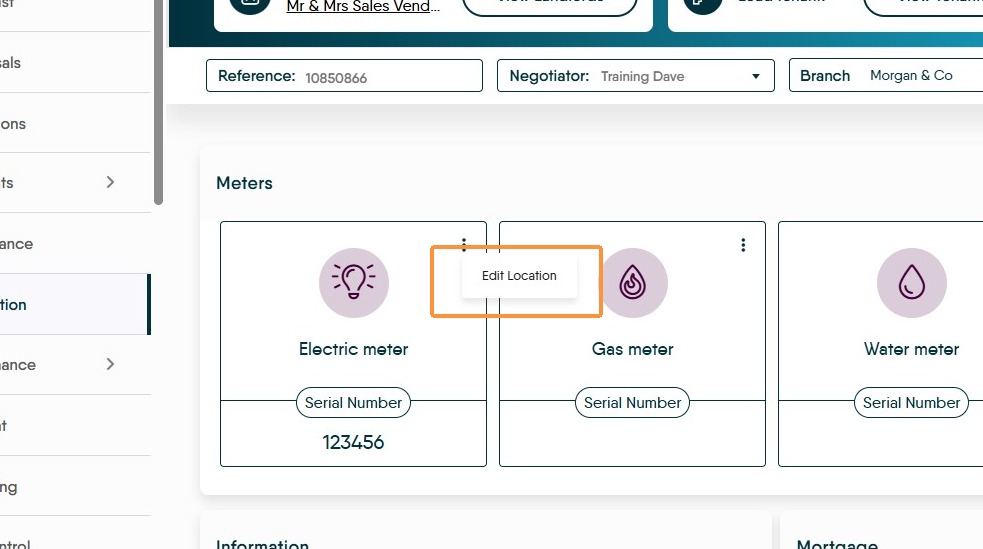
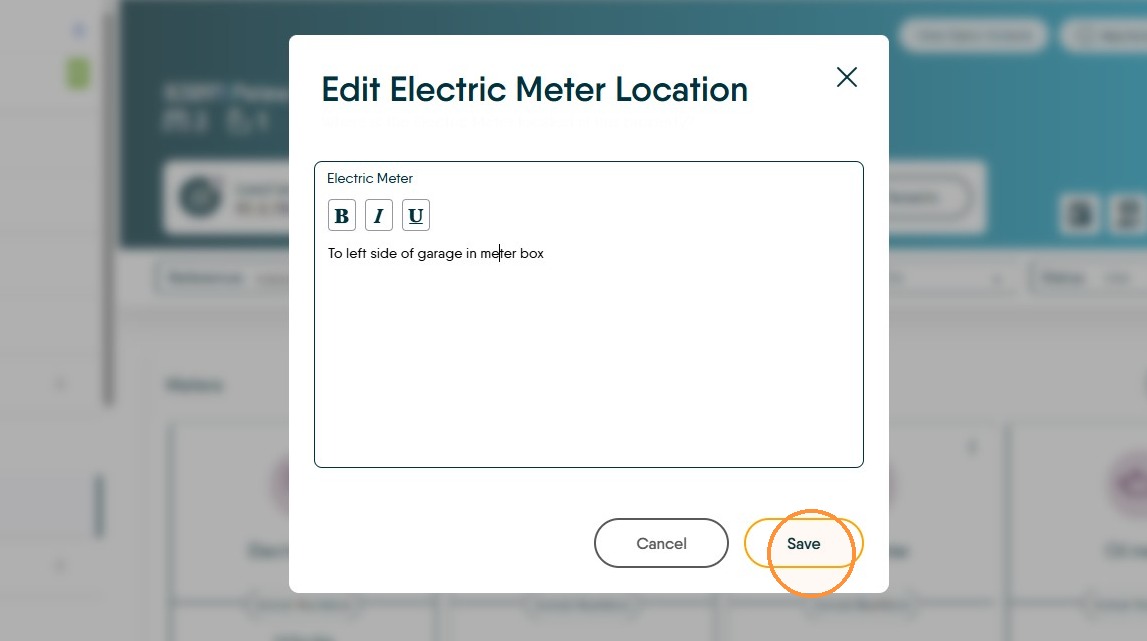
3. And also note the location for the meters. Click the 3 dots to Edit Location for the electric meter.
Type the location of the meter into the field and click "Save"
Update Property Information
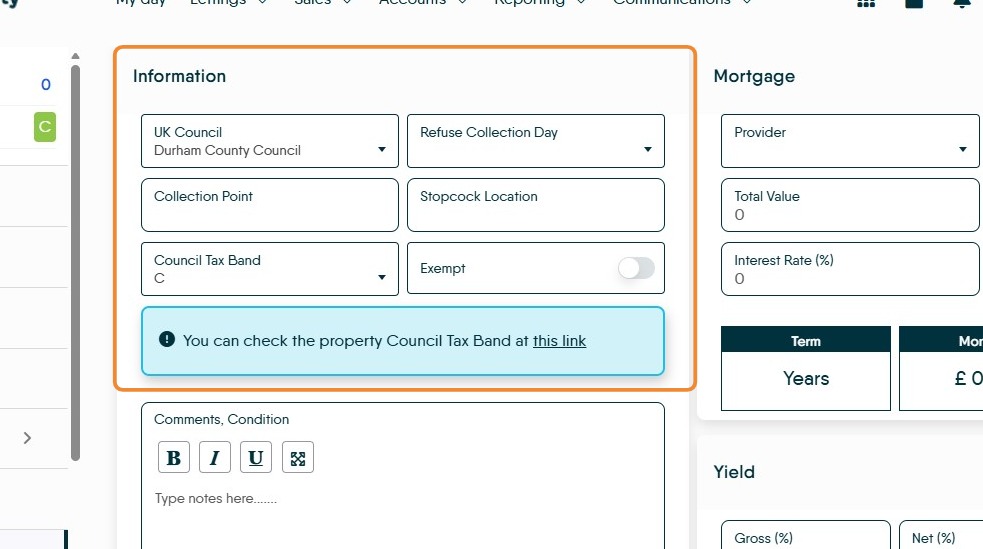
4. In the "Information" section the council and council tax band can be stored as can useful information such as the refuse collection day and where the bins are collected from and where the stopcock is located.
5. Click the Comments, Condition and Access information notes field to add any relevant comments you have.
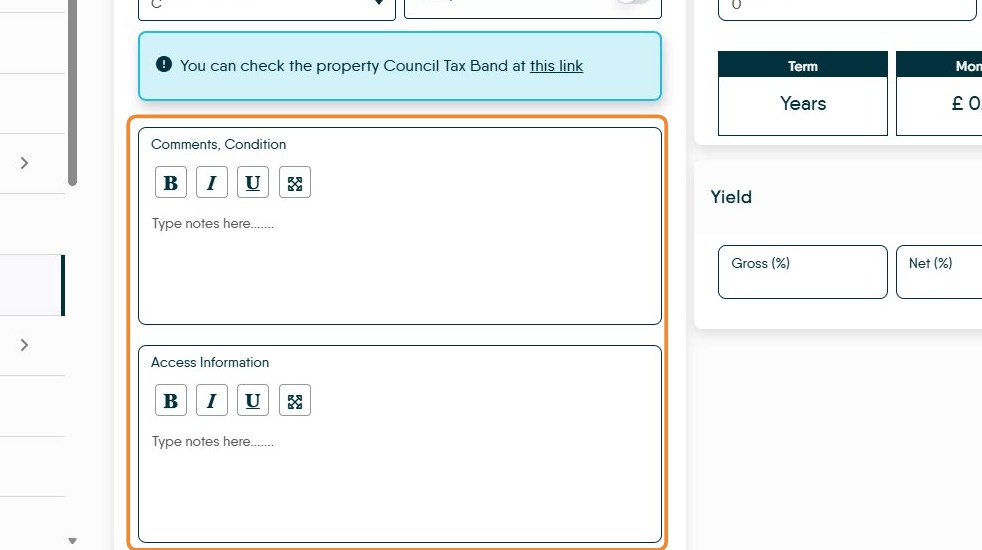
Alert: Alert! Remember anything you put into these fields, is fully visible to your Tenants if they have access to the Tenant Portal.
6. Click Save to save all your updates.
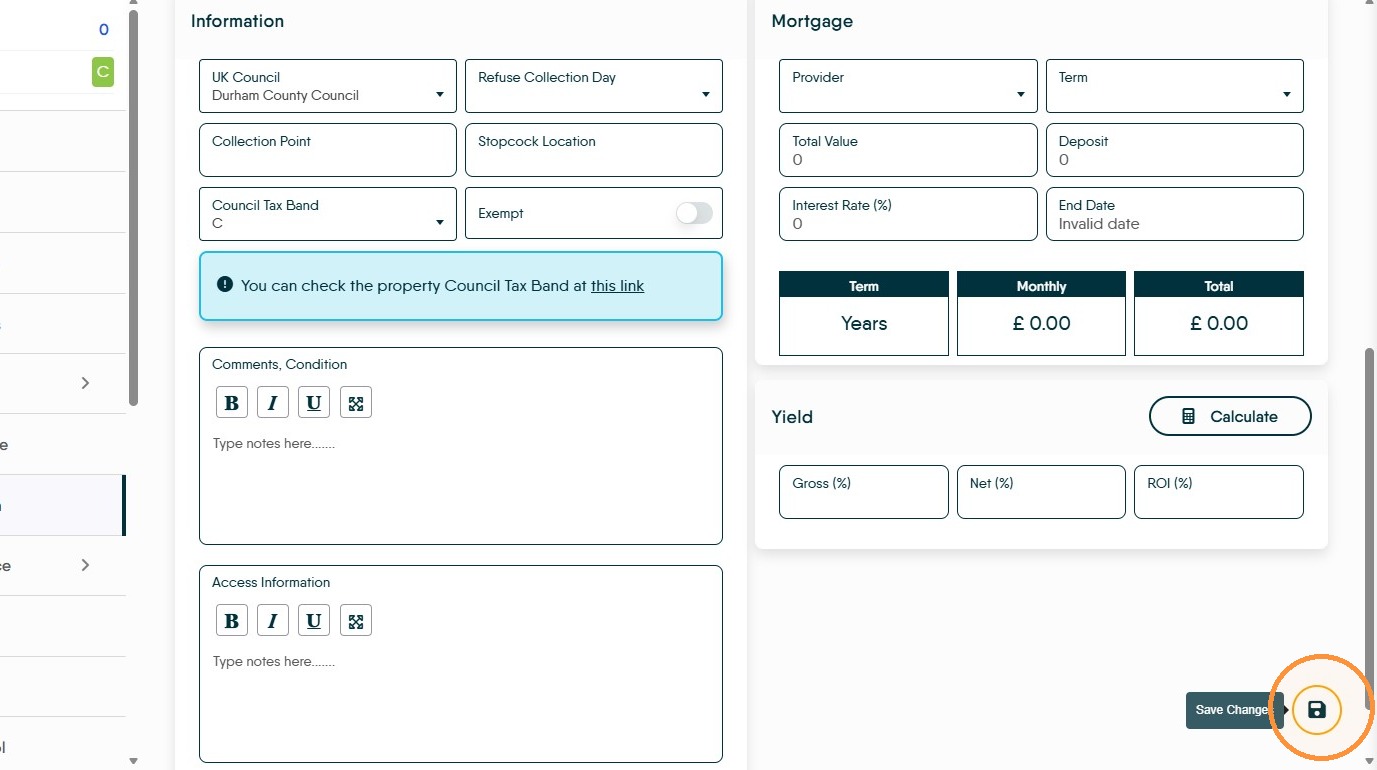
7. The Mortgage screen is an information only screen and is not shared anywhere other than on this screen.