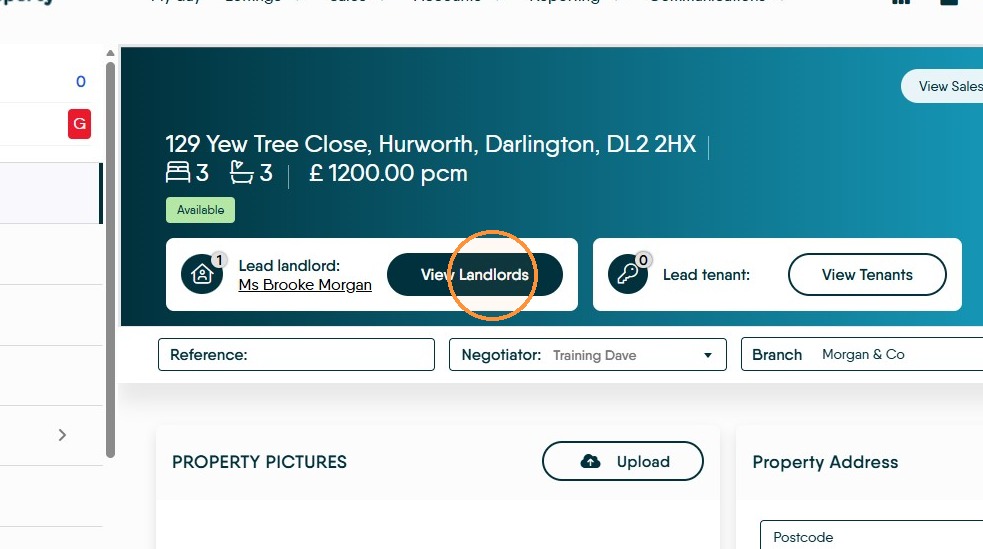
If you have multiple landlords for a property, even if they are a couple e.g. Mr&Mrs, best practice is to add both of them as separate entities to CRM and add both the the property record. This guide shows how to do that.
1. Navigate to the property record you are adding the landlord to.
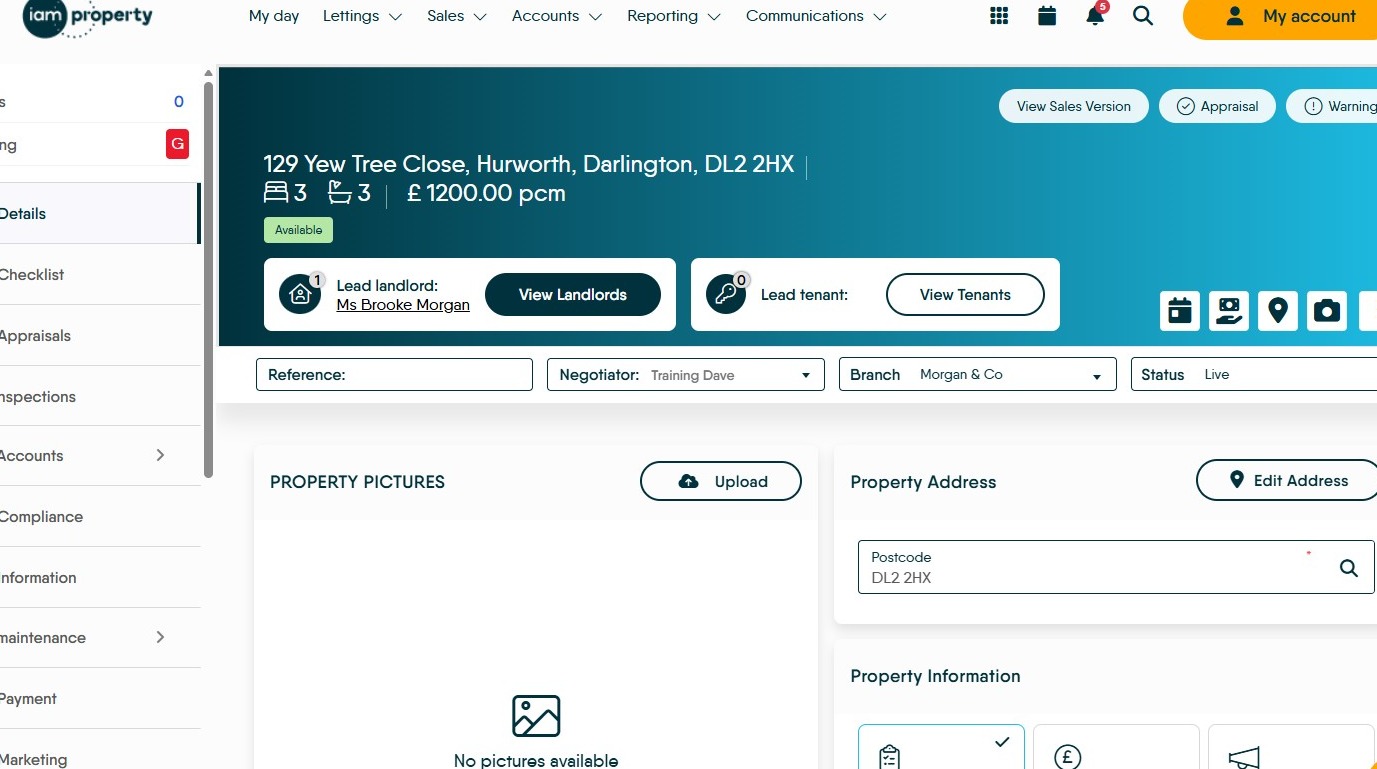
Open Property Record
2. Click "View landlords"
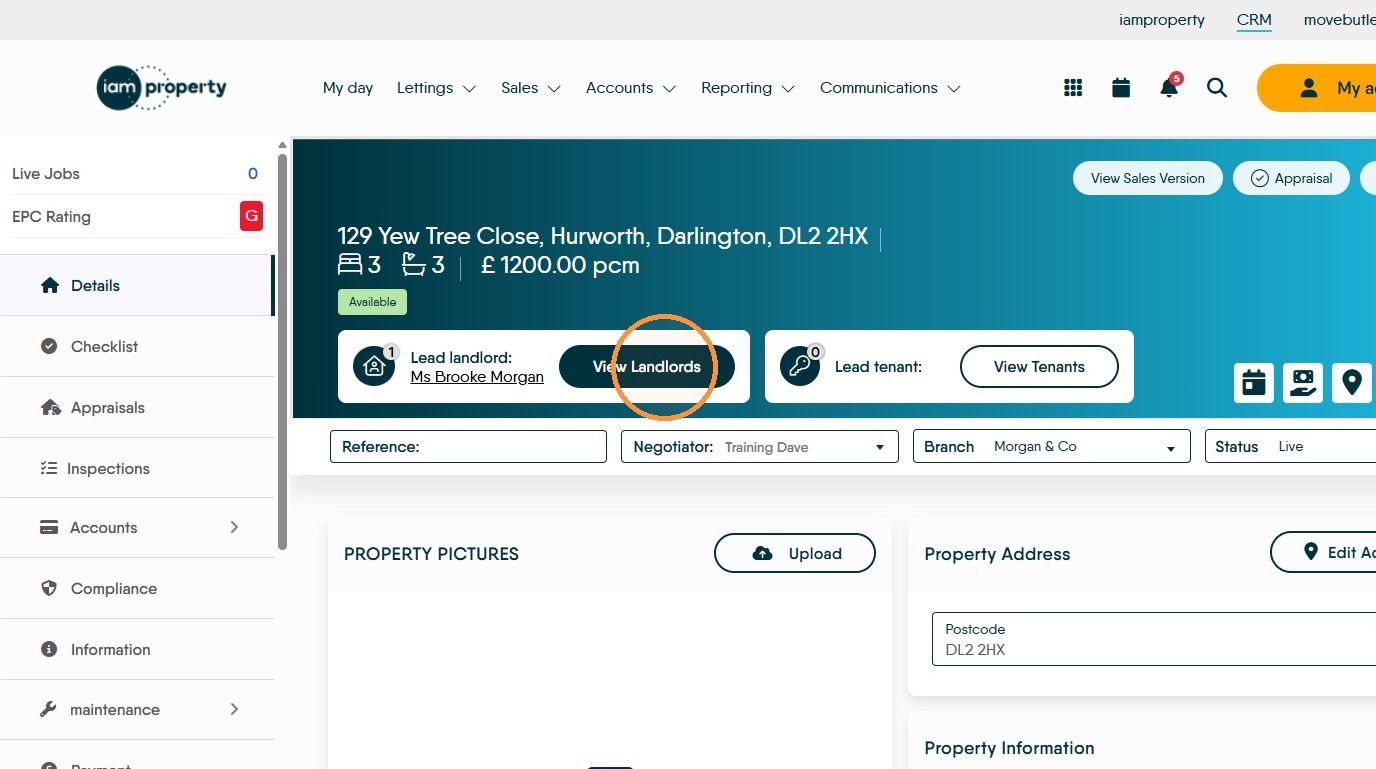
Create Landlord
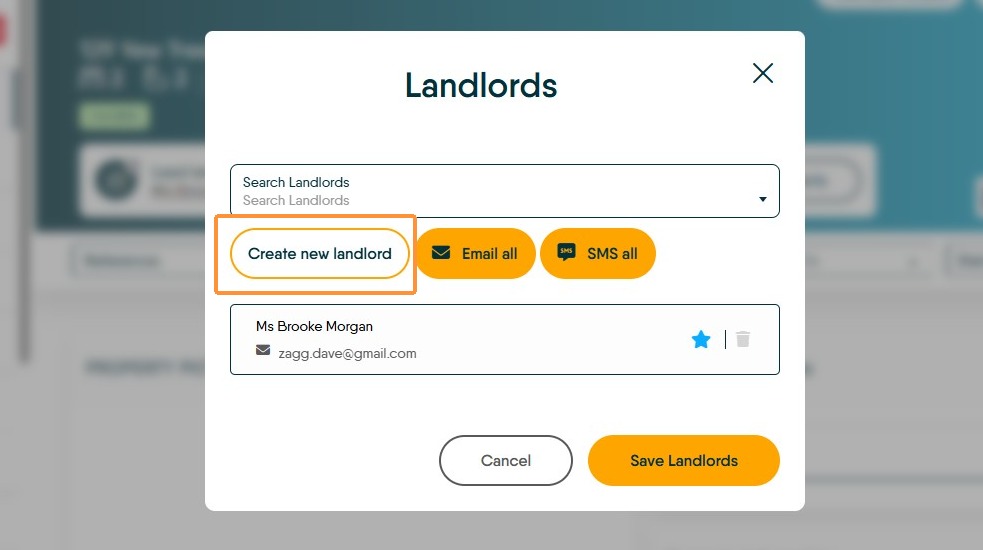
3. Click "Create new landlord" if you need to create the new landlord record, if the landlord has already been added to the CRM all that is required is to search for the existing Landlord record, jump to here
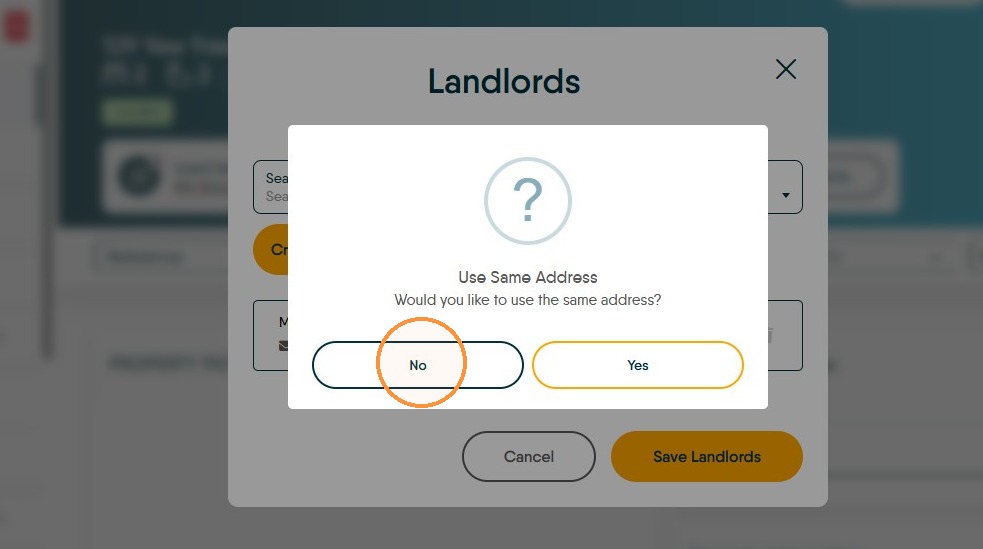
4. The majority of the time you will select "No". If your new Landlord lives at the same address as the property, click Yes to use the property address.
Enter Landlord Details
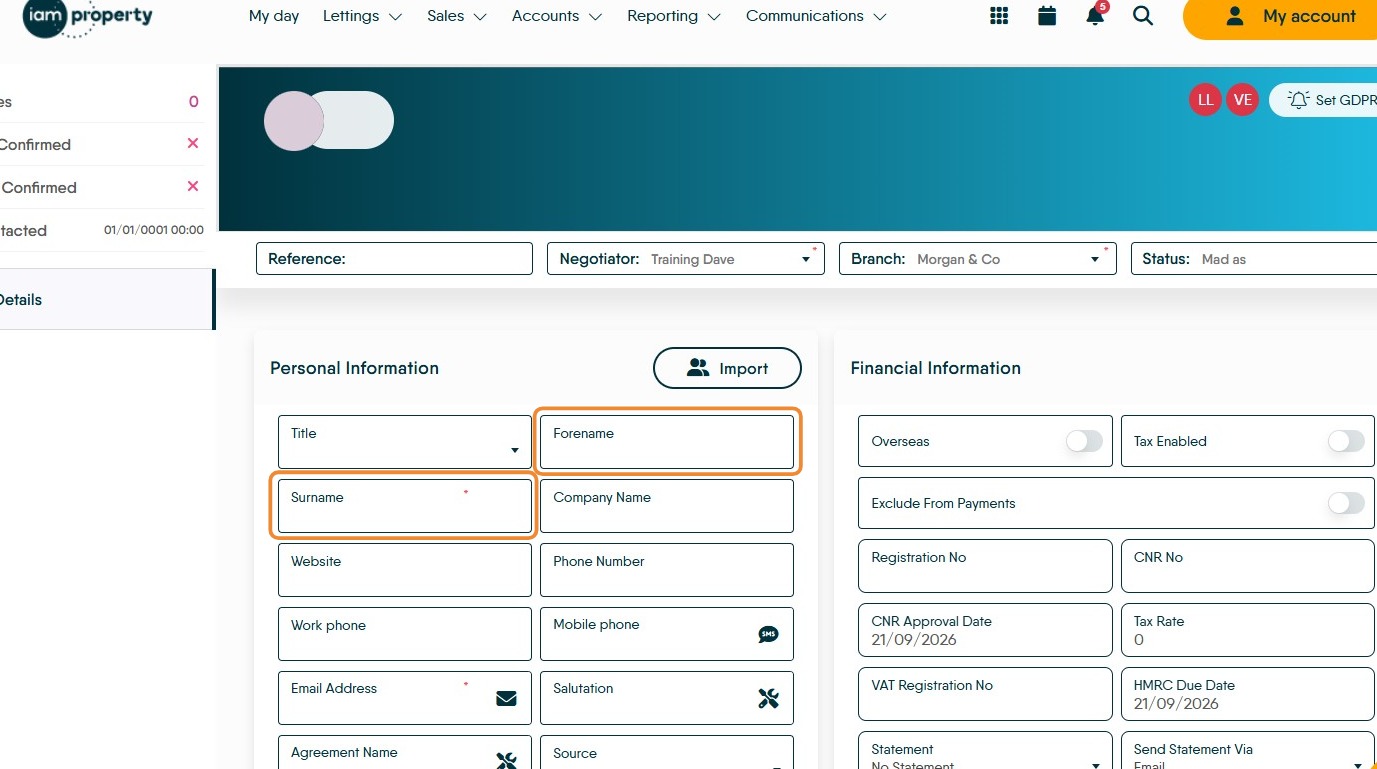
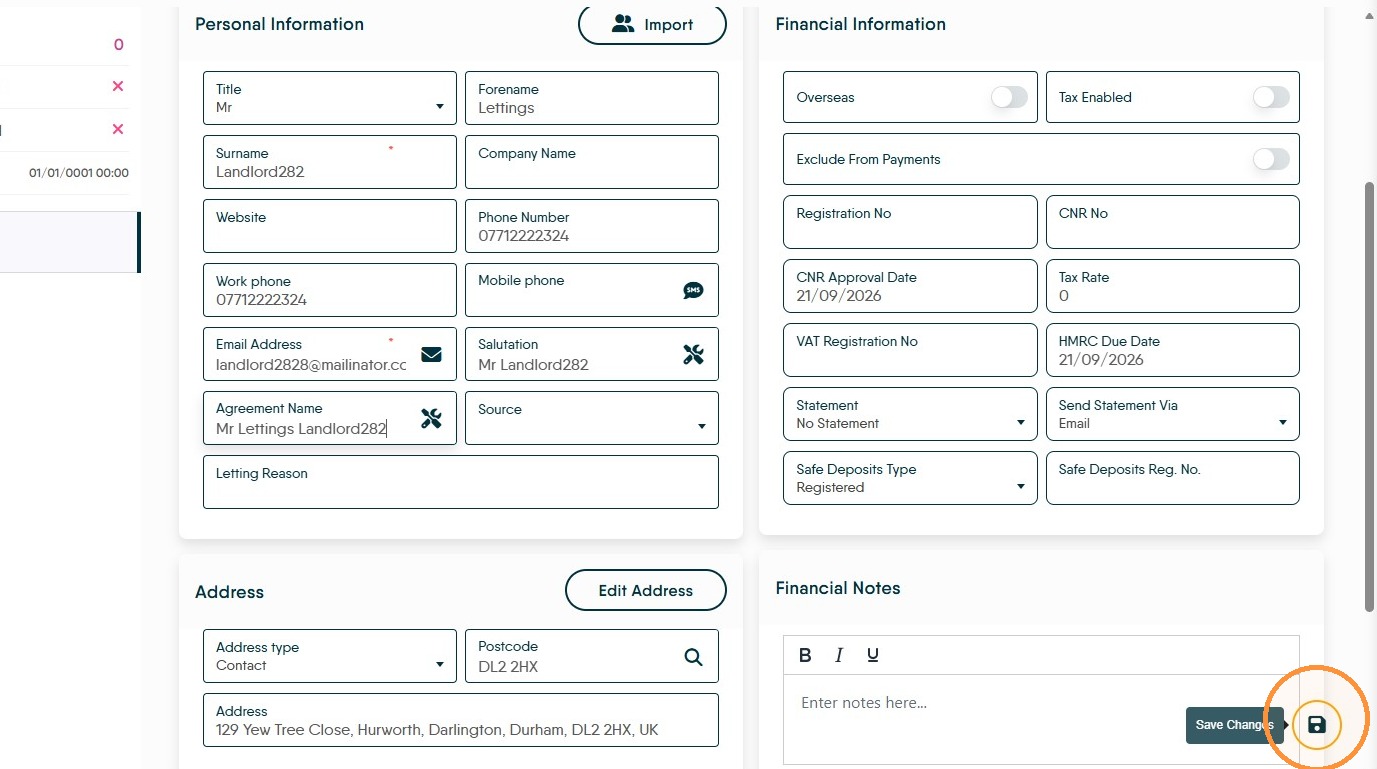
5. Enter the Landlords "Forename" and "Surname".
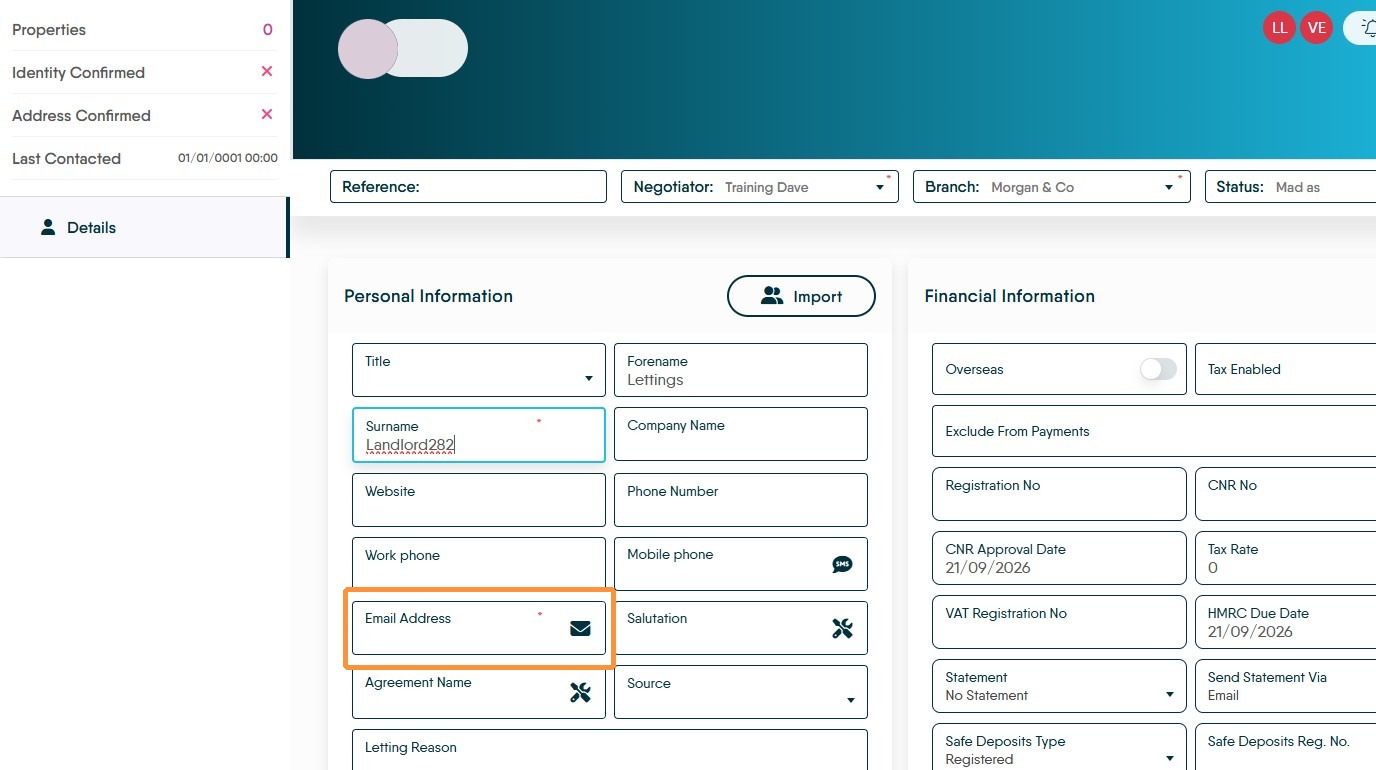
6. Enter their email in the Email Address field.
7. This is the absolute minimum of detail you need to add to a Landlord record, it is Best Practice to add all the detail that you have as soon as you have it. Click 'Save' changes.
Assign Landlord
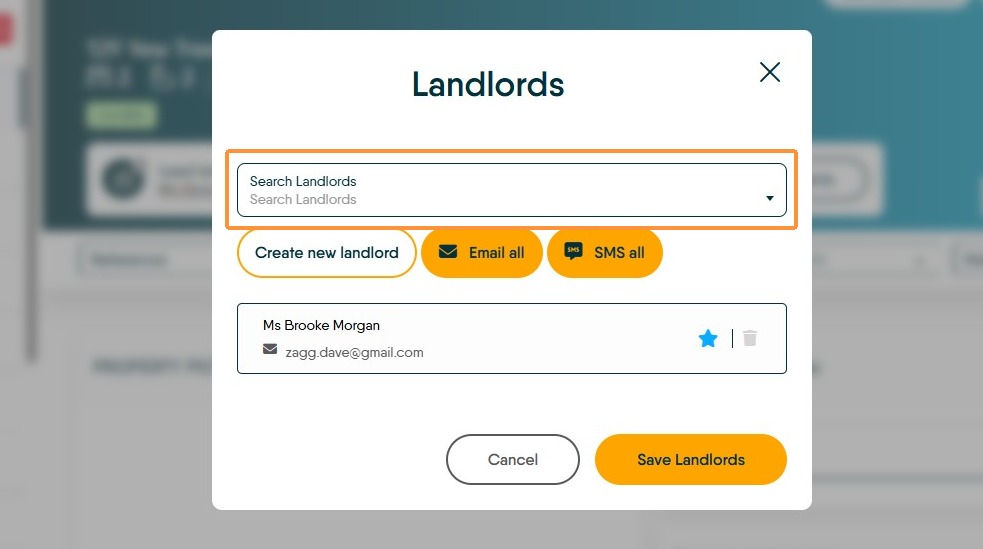
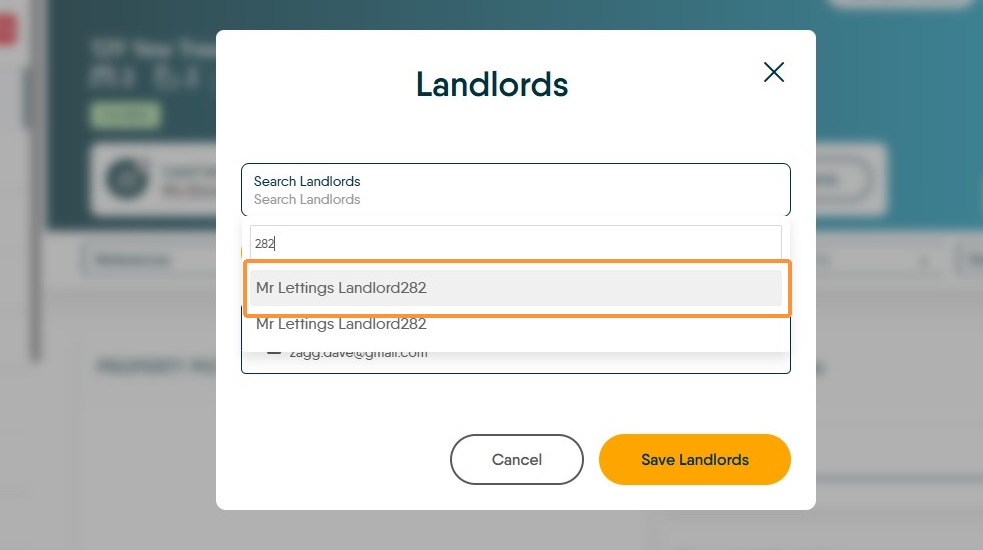
8. Click "Search Landlords" and search for either the existing record or the record that has just been created. From the drop-down menu select the Landlord name you want to use.
Click "Save Landlords"
Select the landlord name, in this case 'Mr Lettings Landlord282.'
Click "Save Landlords"
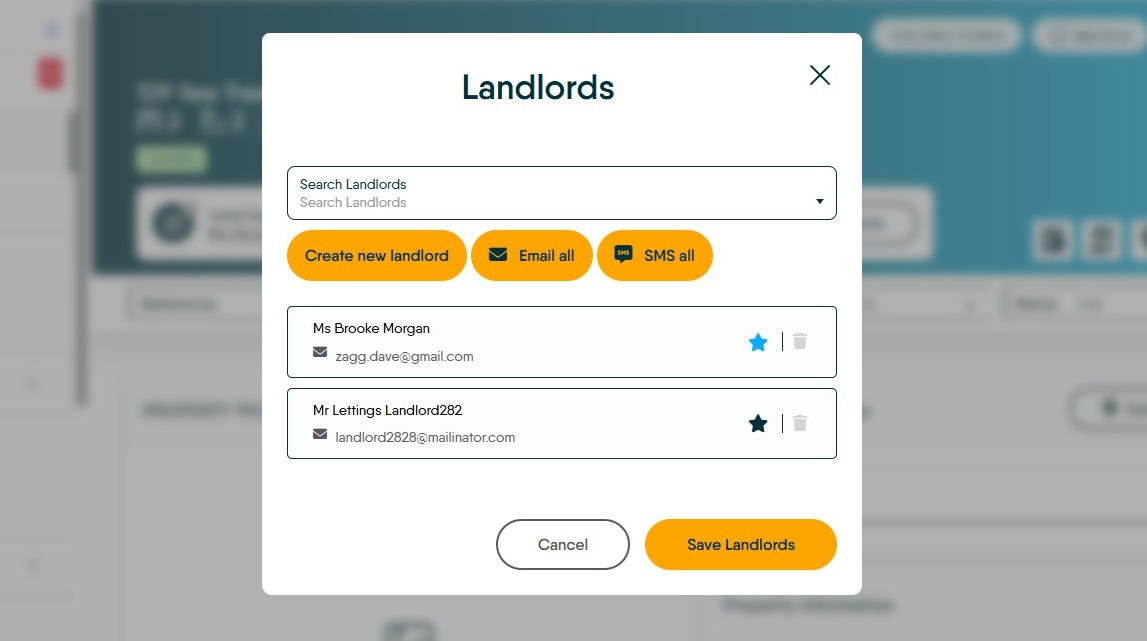
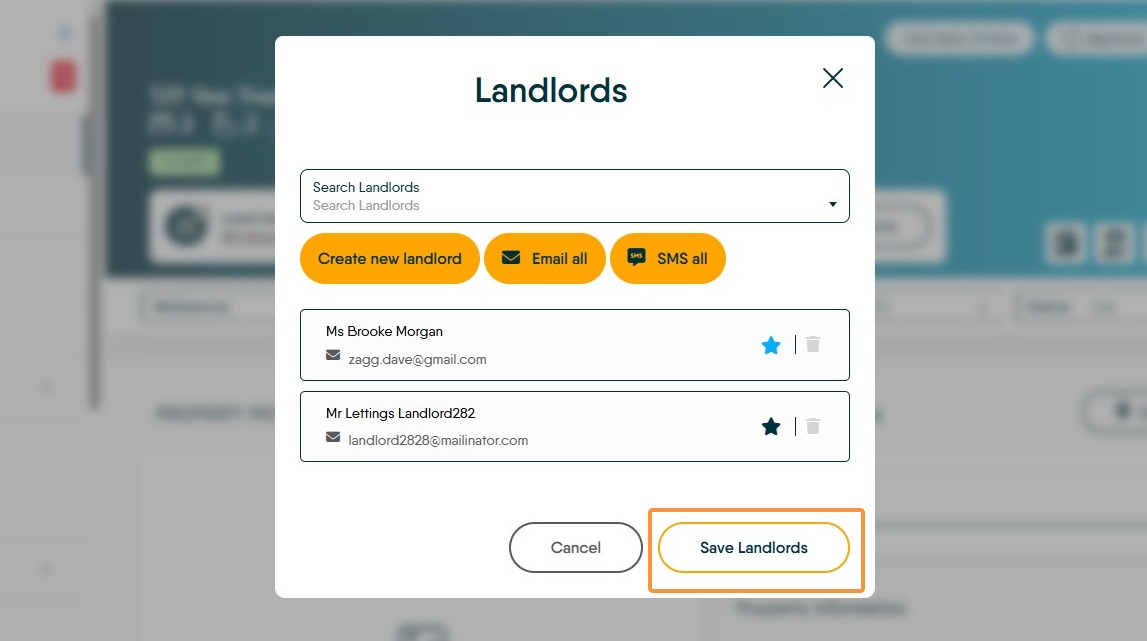
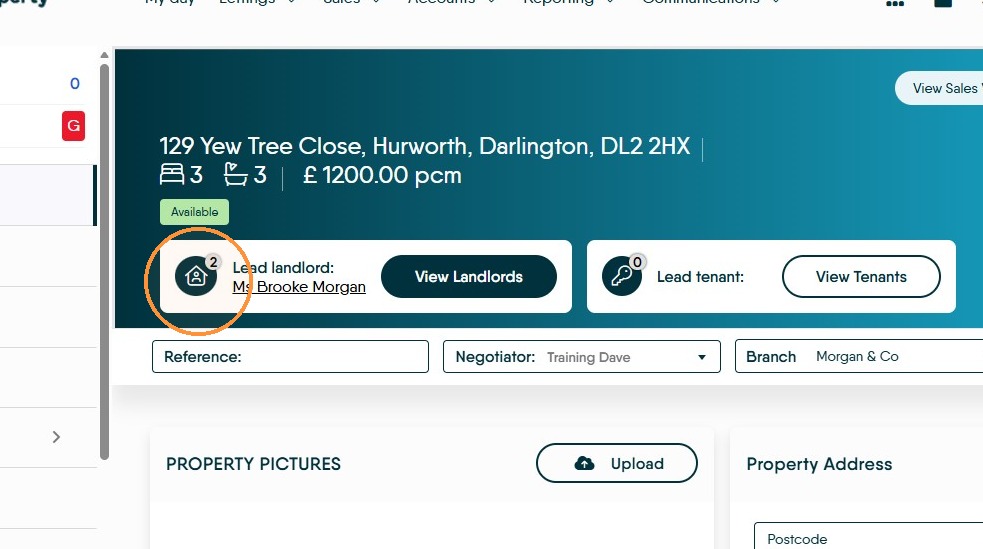
9. In the field showing the "Lead Landlord" name you will now see a number, in this case 2, which shows how many landlords there are total.