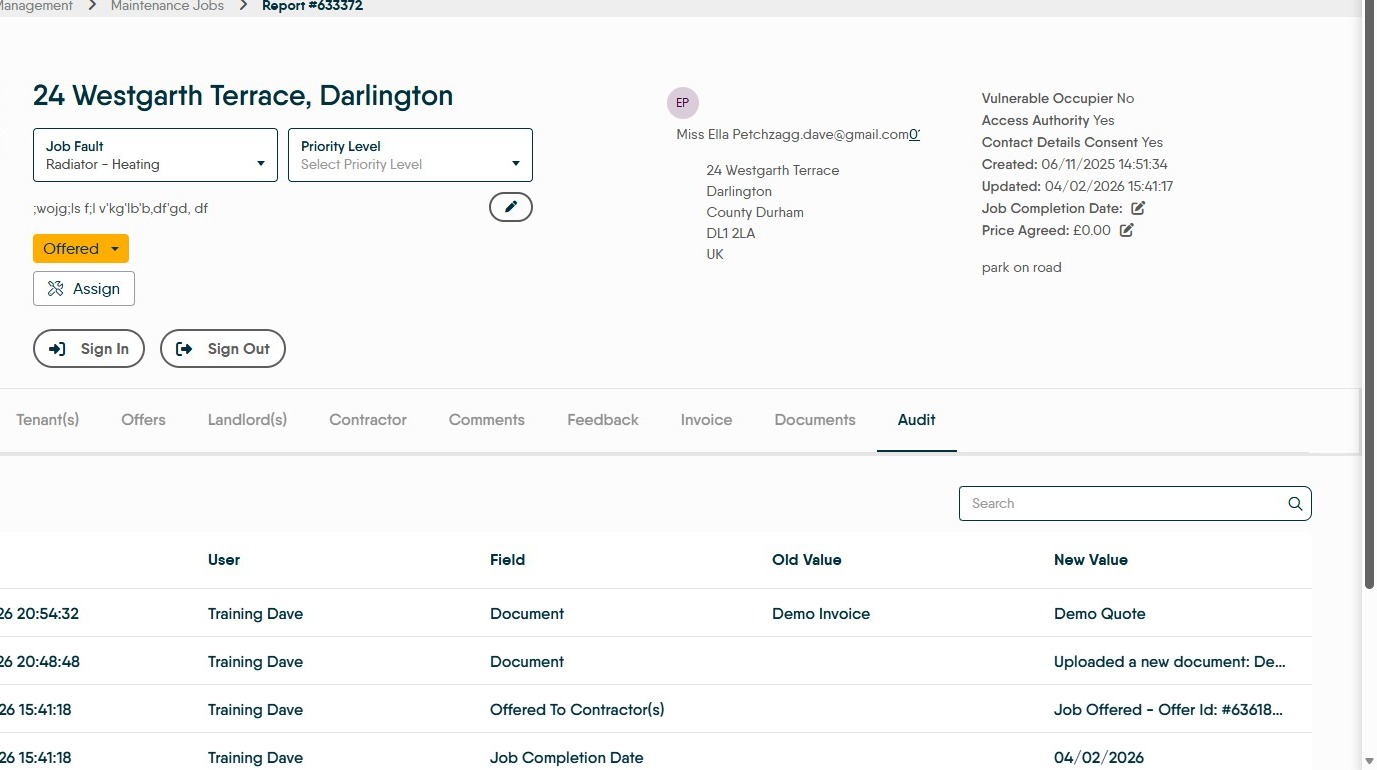
Learn how to efficiently upload property-related documents to Property Management. This guide simplifies the process of attaching files and managing communications for maintenance and billing tasks.
This process can be done from either the Property Management 'Task List' or 'The Offers' screen.
This process is where you want to upload a job quote to the Property Management record for accurate record keeping.
This guide assumes that the quote has been emailed to you from the contractor and you have not used the 'offer job' function.
Job Selection
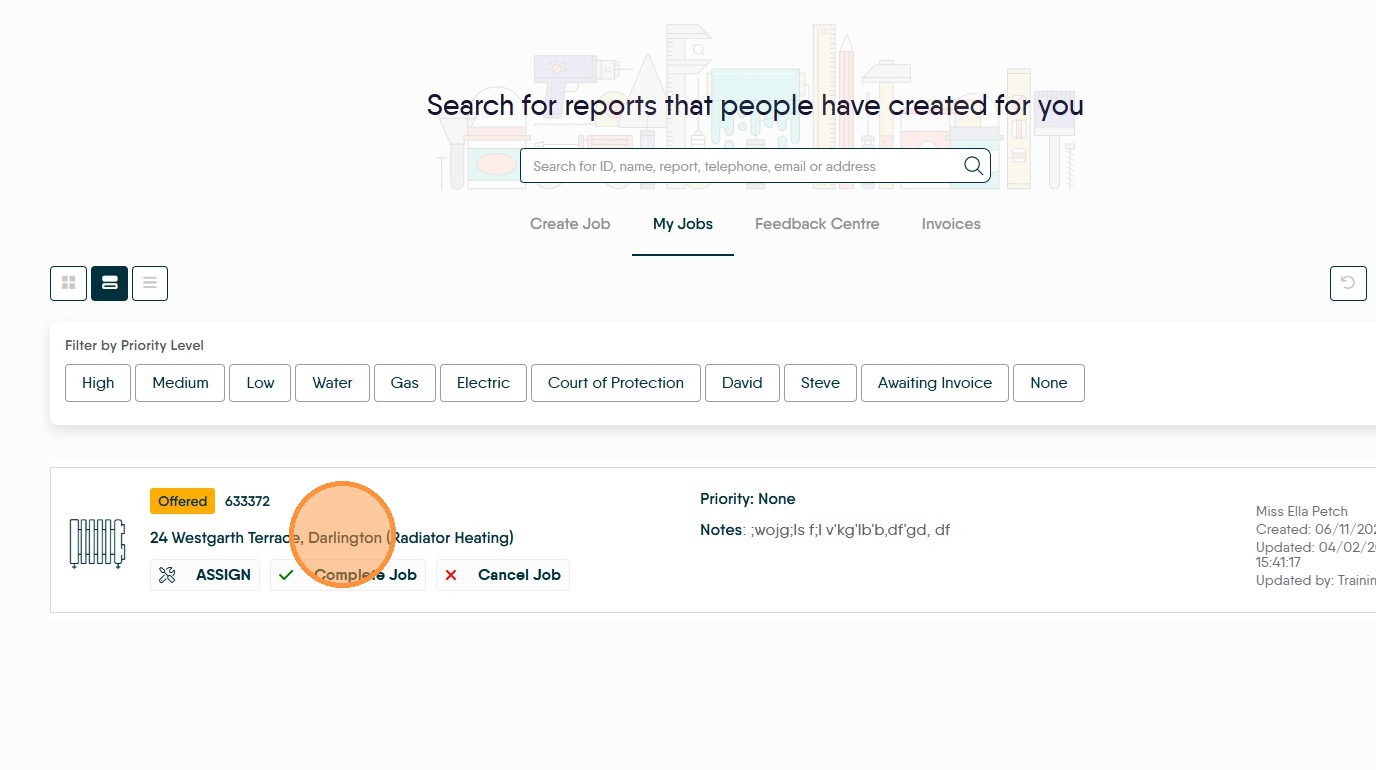
2. Click property name to select property task.
Document Upload and Management
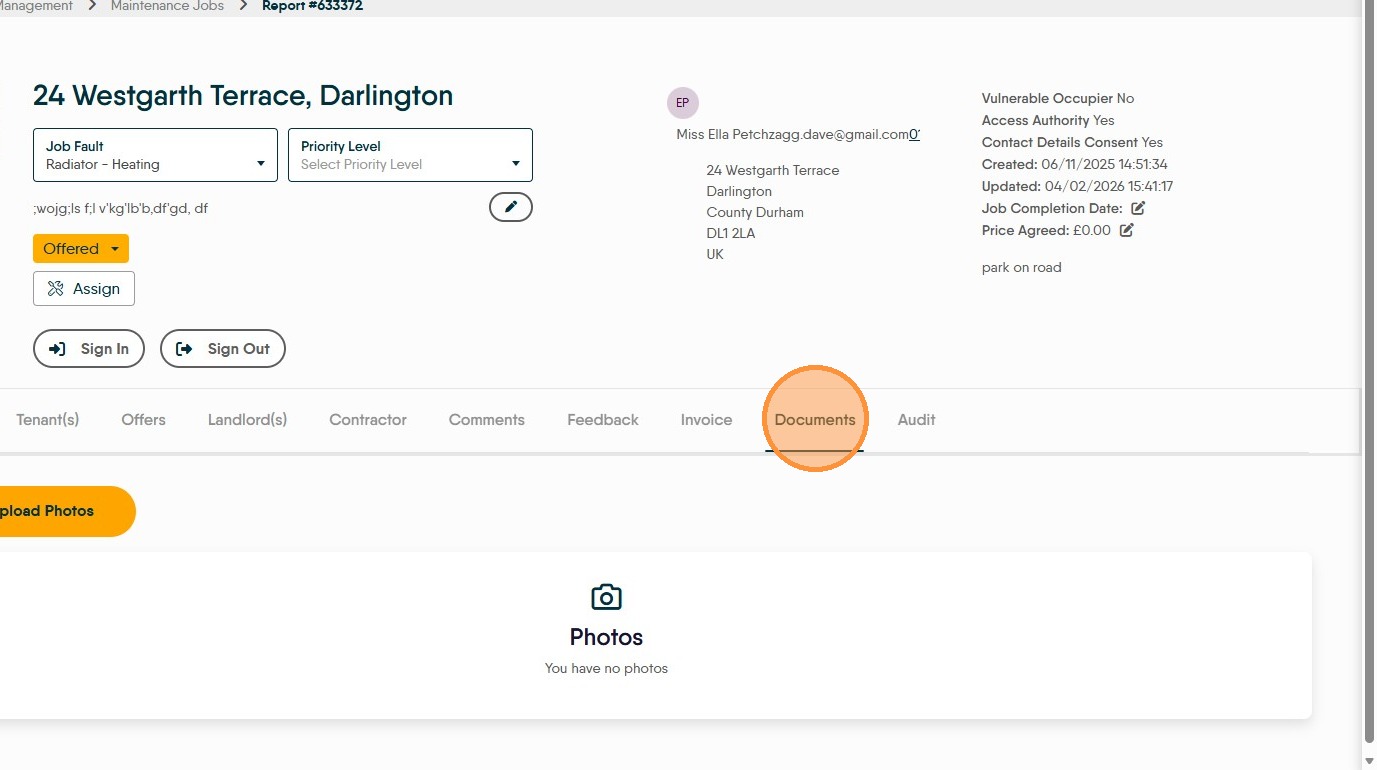
3. Click Documents tab.


4. Click Upload Document and select a file or drag and drop it into the upload screen.
5. Enter the file name and click Upload to confirm the document addition.
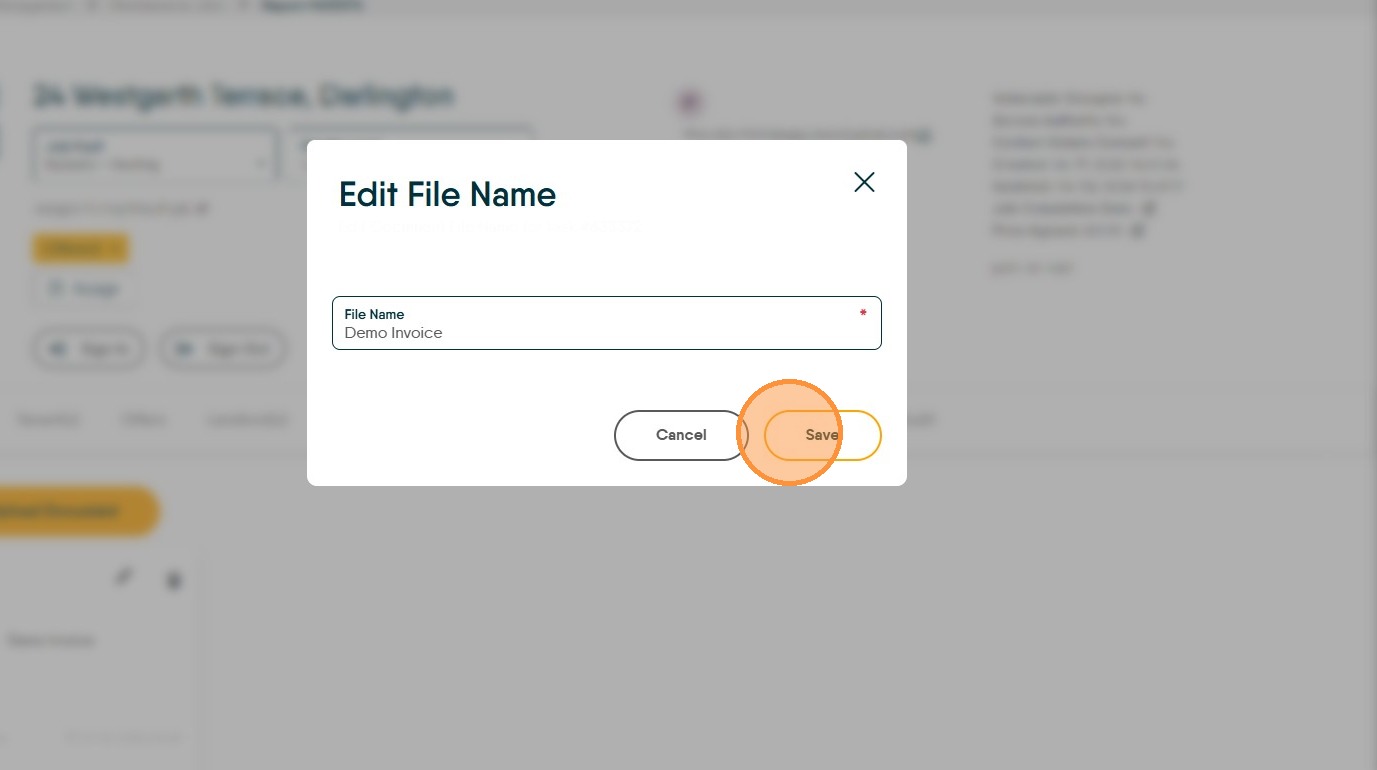
6. Click Save to store the document.
Verification and History
7. Click Audit tab to verify action history. This will confirm the date and time the document was uploaded.