This guide is essential for new contractors using the Property Management module, as it provides step-by-step instructions for setting up their password.
Alert: Alert! A new Contractor user of the Property Management module will need to create their own password when they are sent the initial login email. This guide shows how to do this.
Setting Password
1. On the invitation email sent from the Agent, Click "Set Password"

2. Click the "New Password" field.
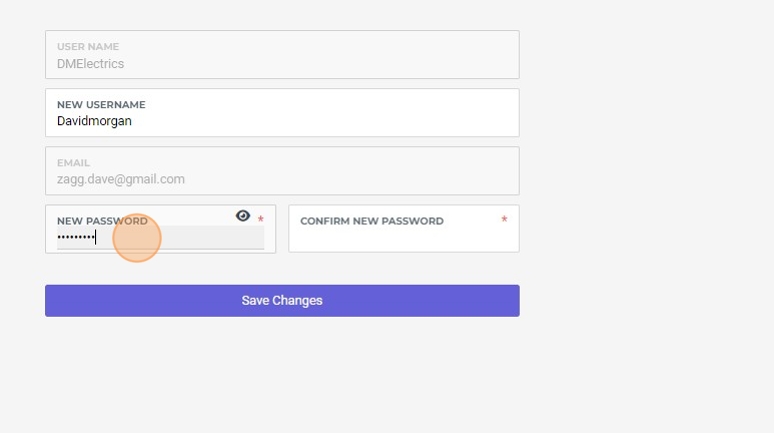
3. Click this button.

4. This has now updated the password for the contractor. It can be changed again from the login screen or from the 'My Account' section.
Logging Into the Contractor Portal
5. From this point onwards the Contractor will see this screen when they login. Click "Sign In"
