Under written rent is a process where a payment is agreed with a landlord and the difference between that amount and the actual rent paid by the tenant is the Agents commission.
Alert: Alert! For this process if you use the Landlord portal and do not switch the 'Restrict Landlord Portal' feature on in the Configuration menu your Landlord will see the marketed rent rather than the rent you have agreed.
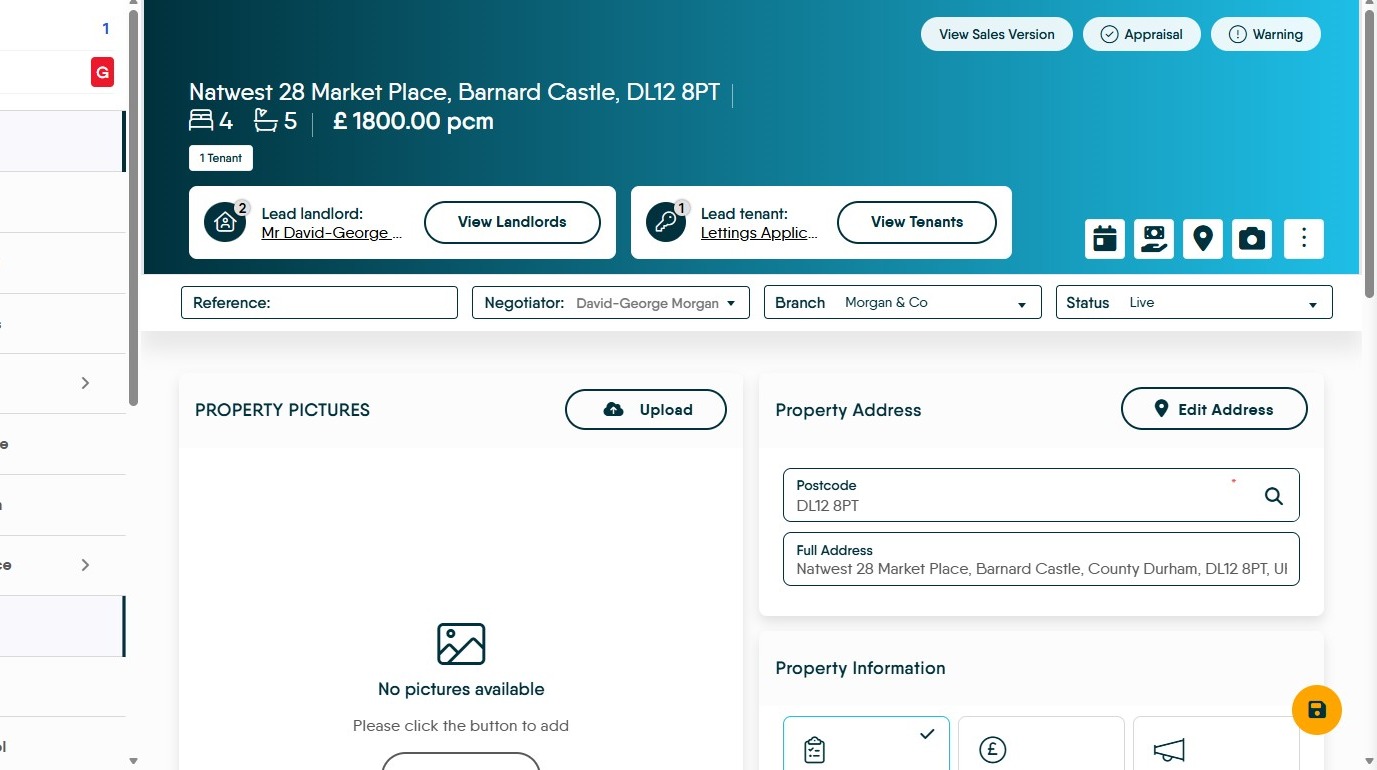
1. Navigate to the property you are renting
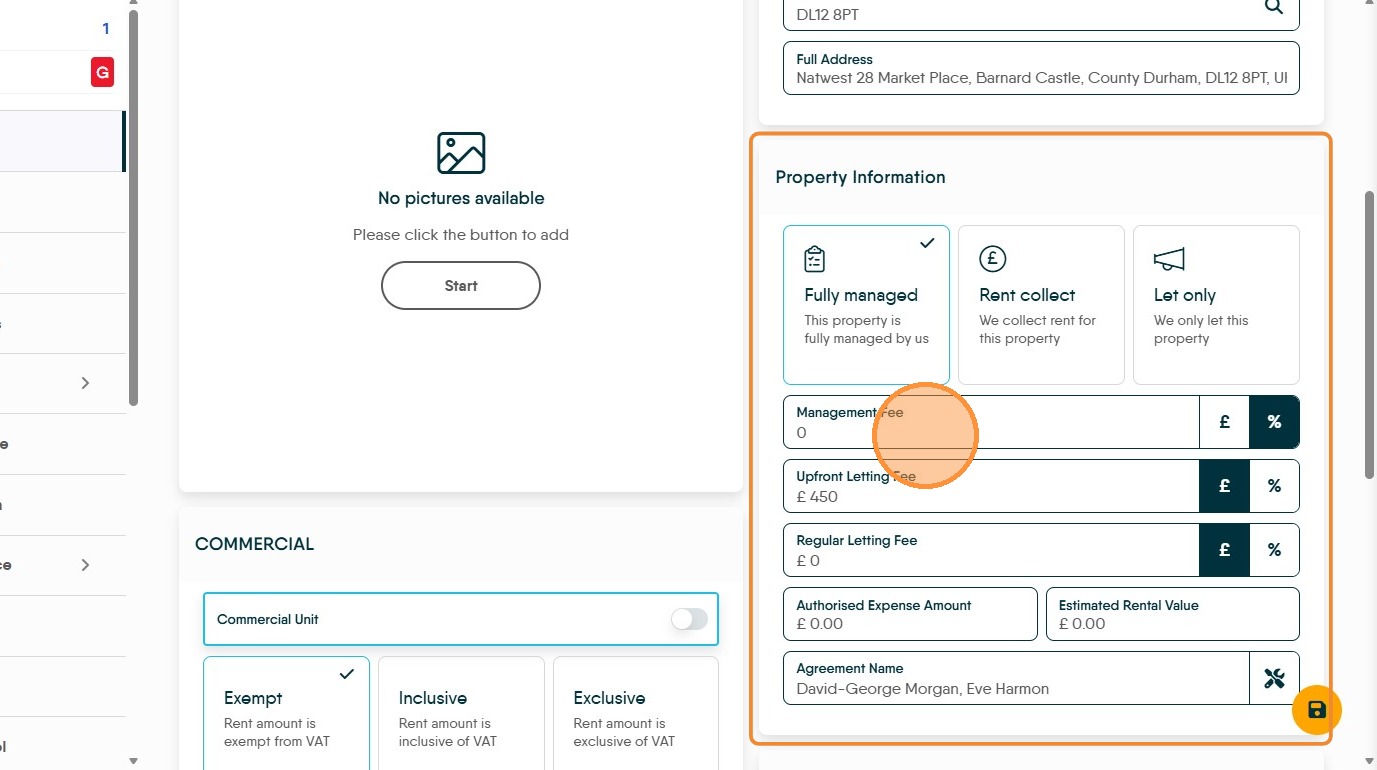
2. Click the "Management Fee" field and ensure this is set to zero. Your Management Fee is coming from the difference in rents, so this management fee needs to be £0 or 0%
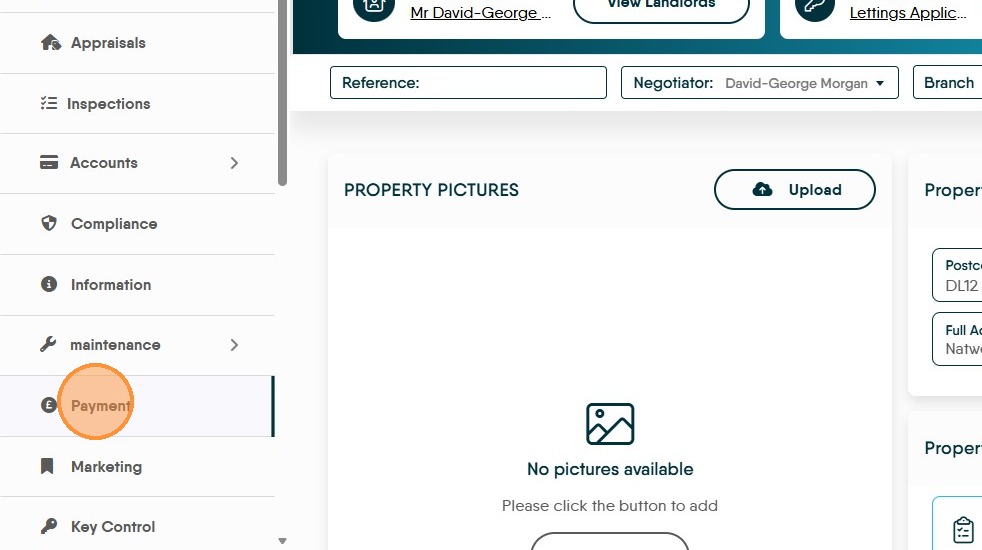
3. Click "Payment"
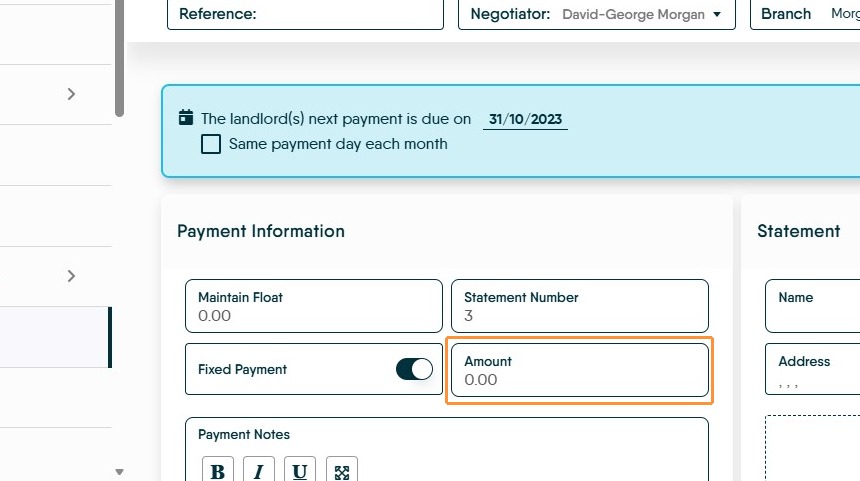
4. Click here to enable the "Fixed Payment" option. This sets the amount that will be paid to the Landlord.
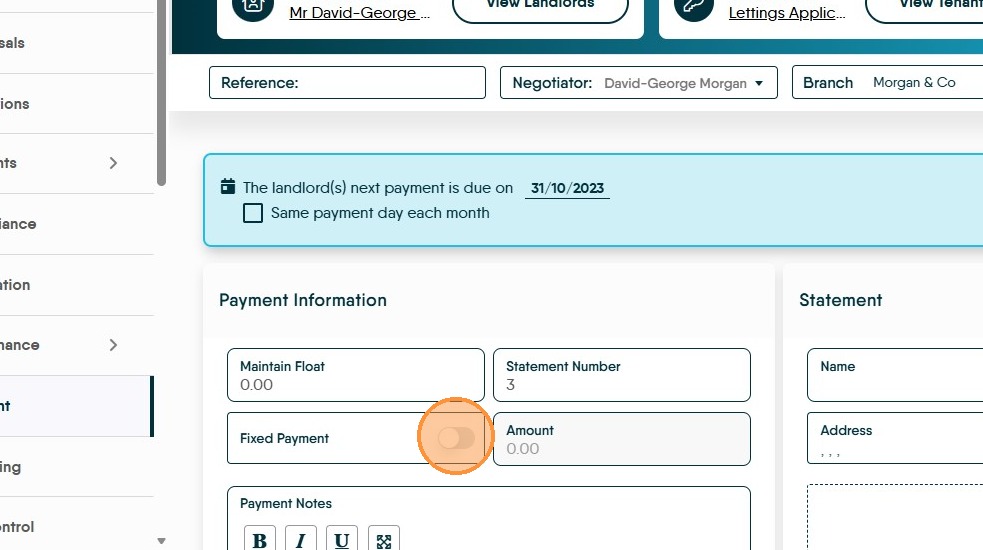
5. Click the "Amount" field and add the amount the Landlord payment will be
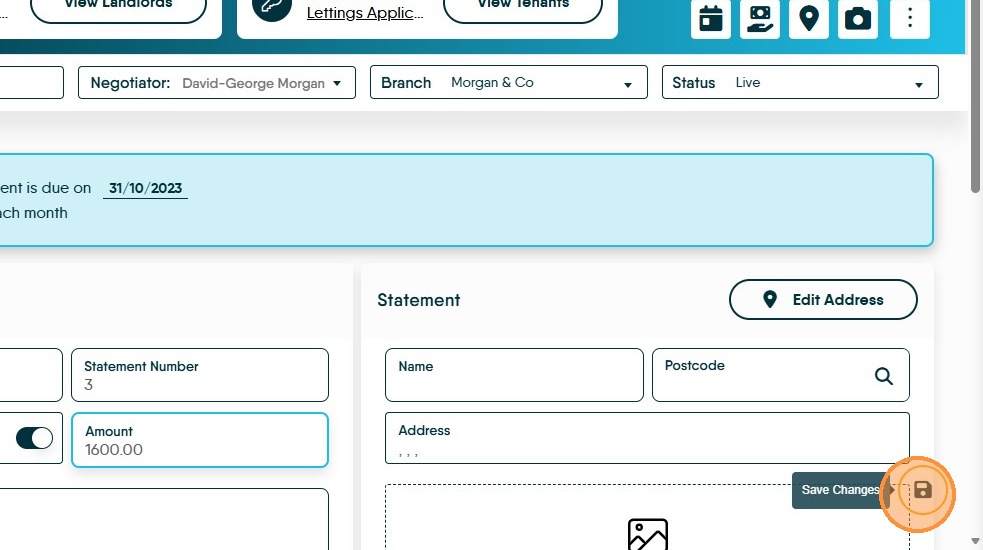
6. Click here to "Save".
7. Once the setup has been completed. Running 'Perform Payments' in the accounts module is completed to pay the Landlord. The Landlord will receive the amount set in the 'Fixed Payment' field. CRM will then create a management fee invoice for the remaining amount and pay that into the Agent Ledger. This amount will vary depending on the amount of rent that comes in.
If there are insufficient funds to pay the rent, that money will have to be transferred in from the agents business account.