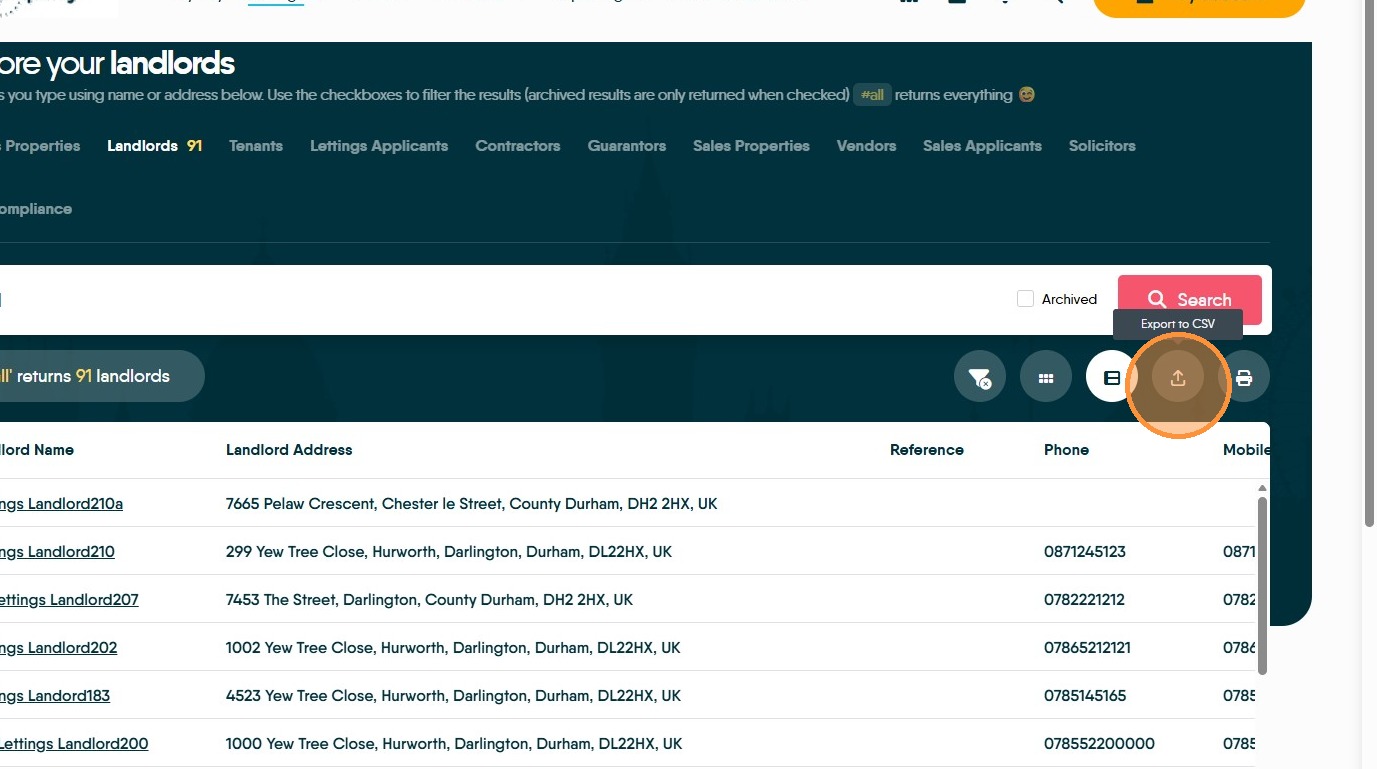
This guide provides a straightforward method for accessing comprehensive landlord records within the Lettings section of the CRM platform and exporting the list to a .csv format to be managed in excel or similar applications.
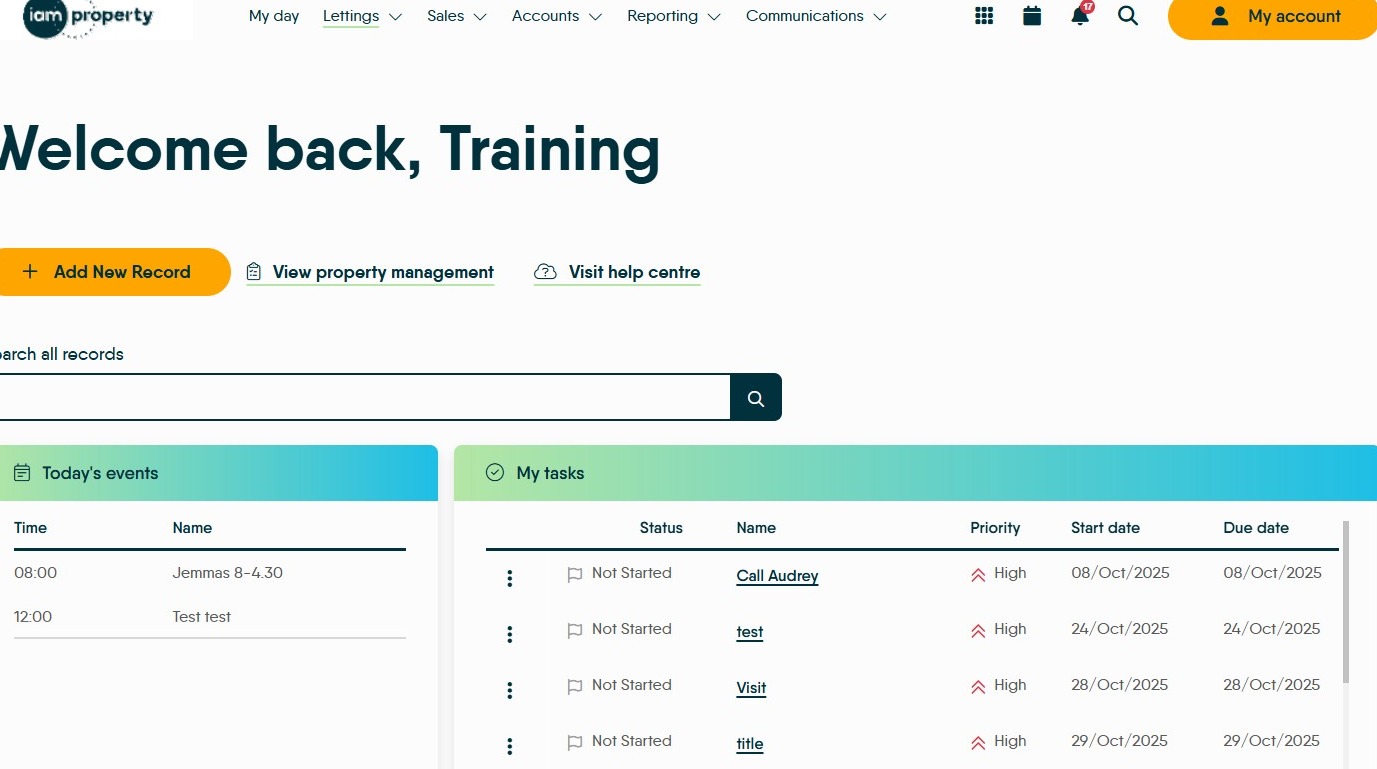
1. Log into iamproperty CRM. We are starting at the My Day screen for ease, this can be done from any screen in CRM.
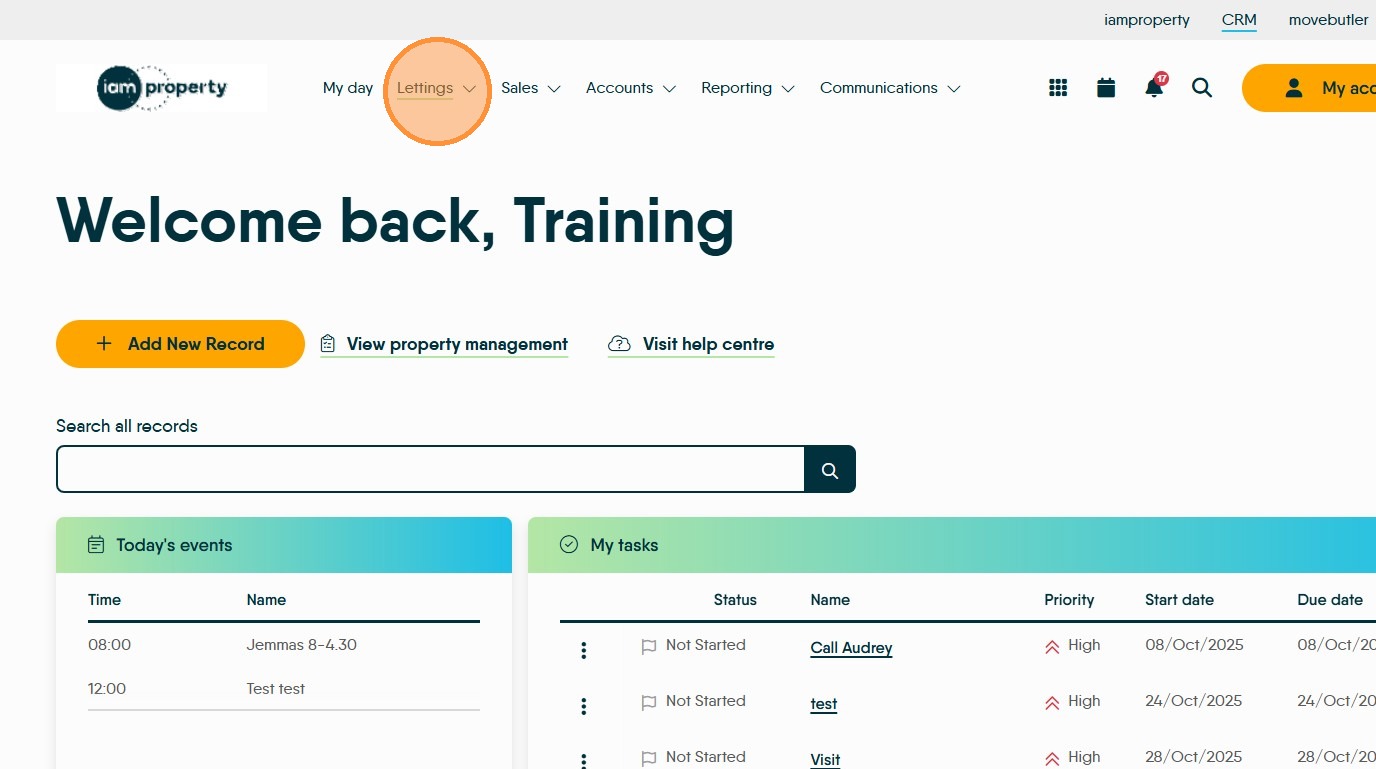
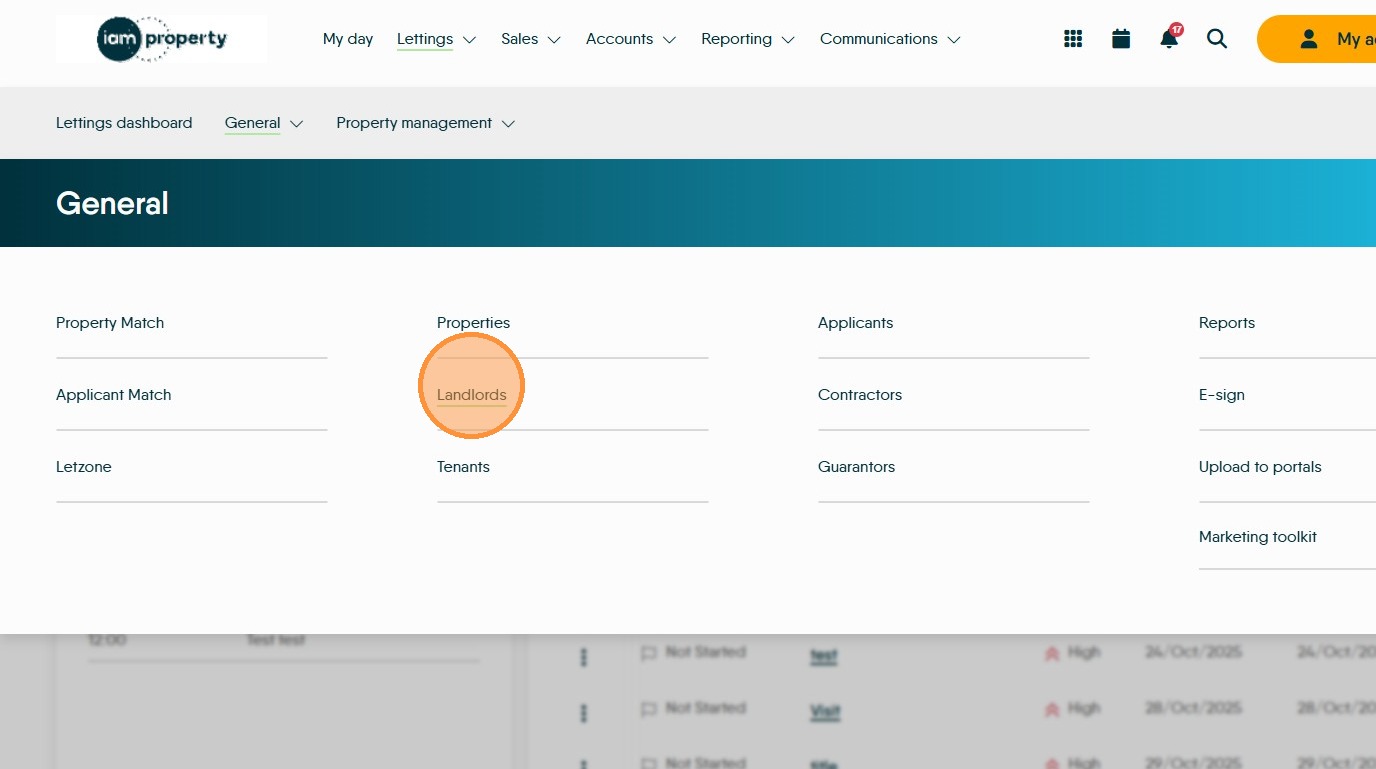
2. Click "Lettings"
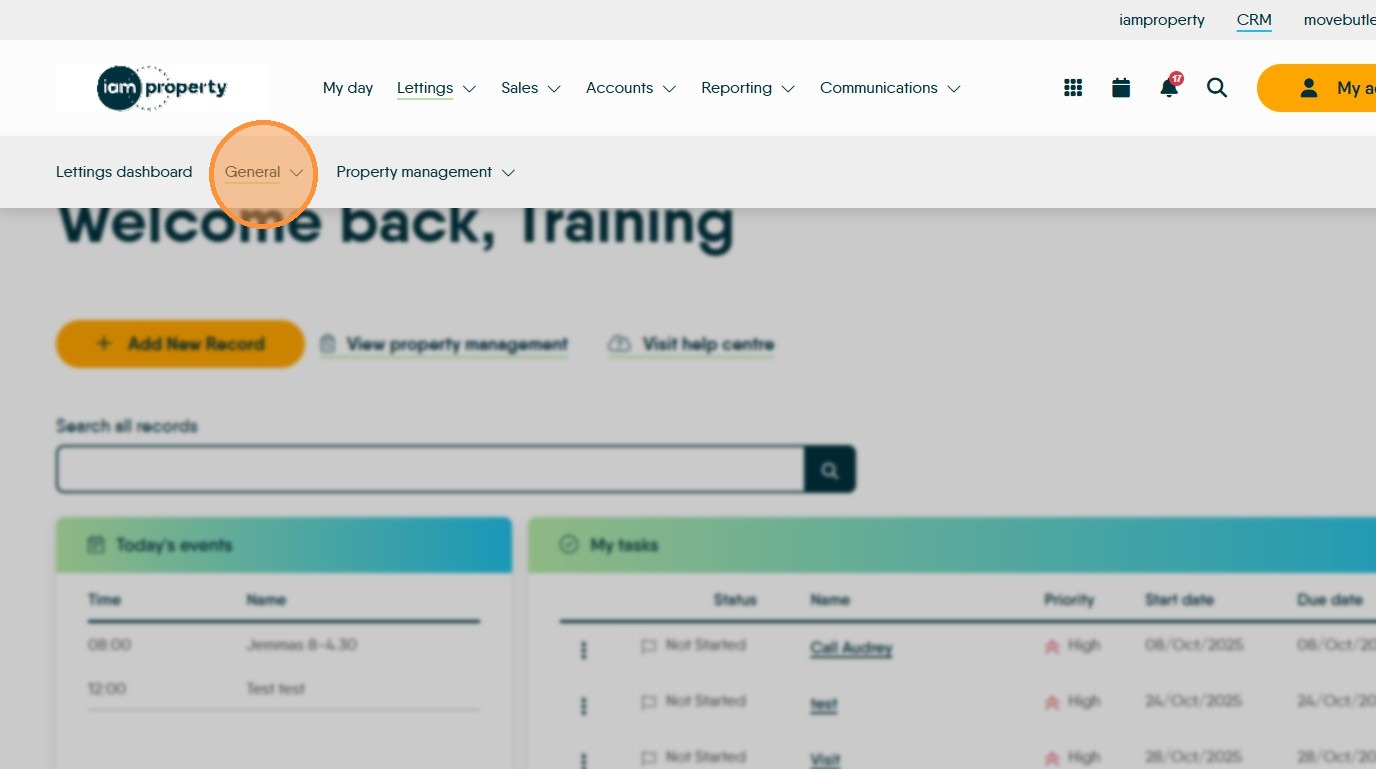
3. Click "General"
4. Click "Landlords" this will take you to the list of your landlord details, using the Properties, Tenants, Applicants, Contractors, Guarantors will take you to similar lists
5. Click "#all"
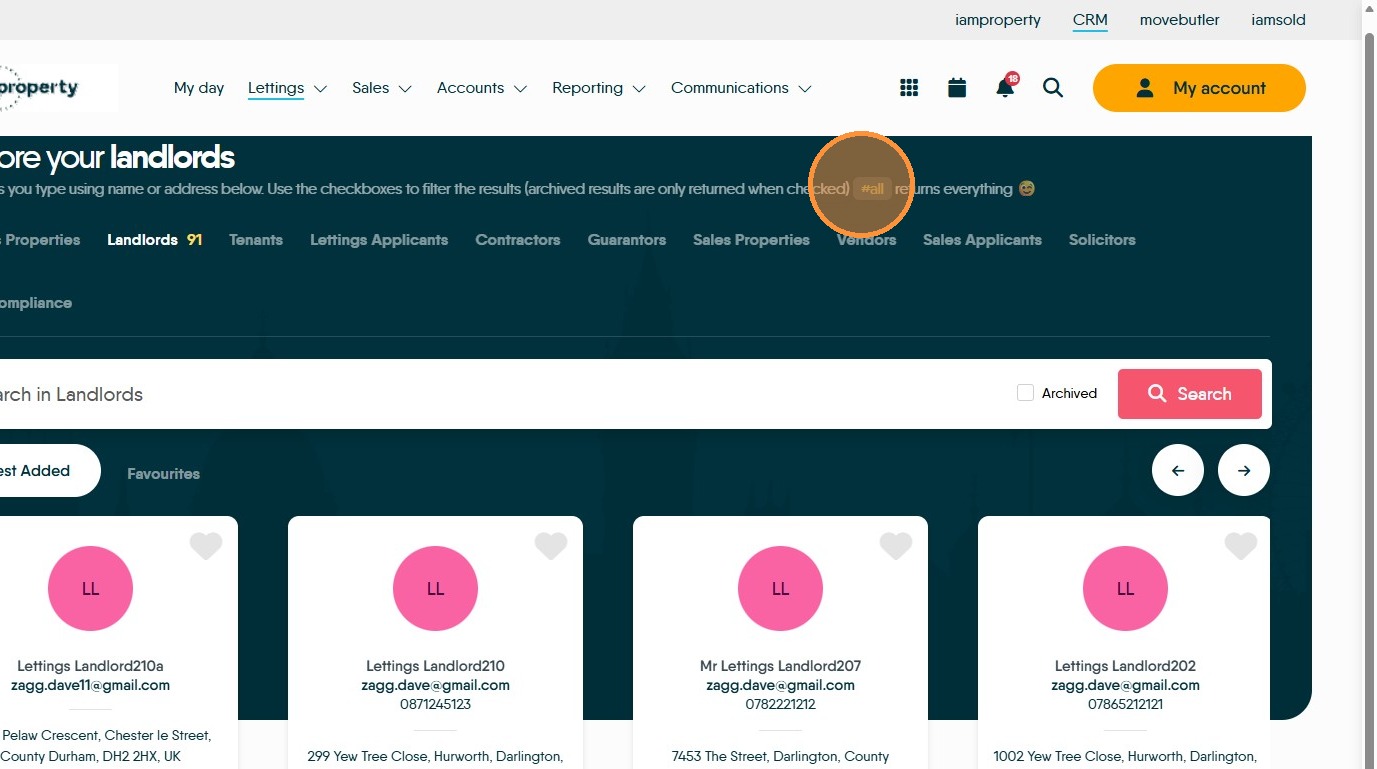
6. Click here to export the list of Landlords as a .CSV file. The file will be saved to your computers 'Downloads' folder. You will then have a list of all your Landlord records as they are shown on the screen.