This guide provides a straightforward process for adding property details to an existing landlord record, ensuring that you can efficiently manage landlords and their listings. By following the steps outlined, users can easily navigate the system and update essential information, enhancing their property management experience. Whether you're a seasoned agent or new to the platform, this guide simplifies the task, saving time and reducing errors.
1. Navigate to Landlord record you are adding the property to.
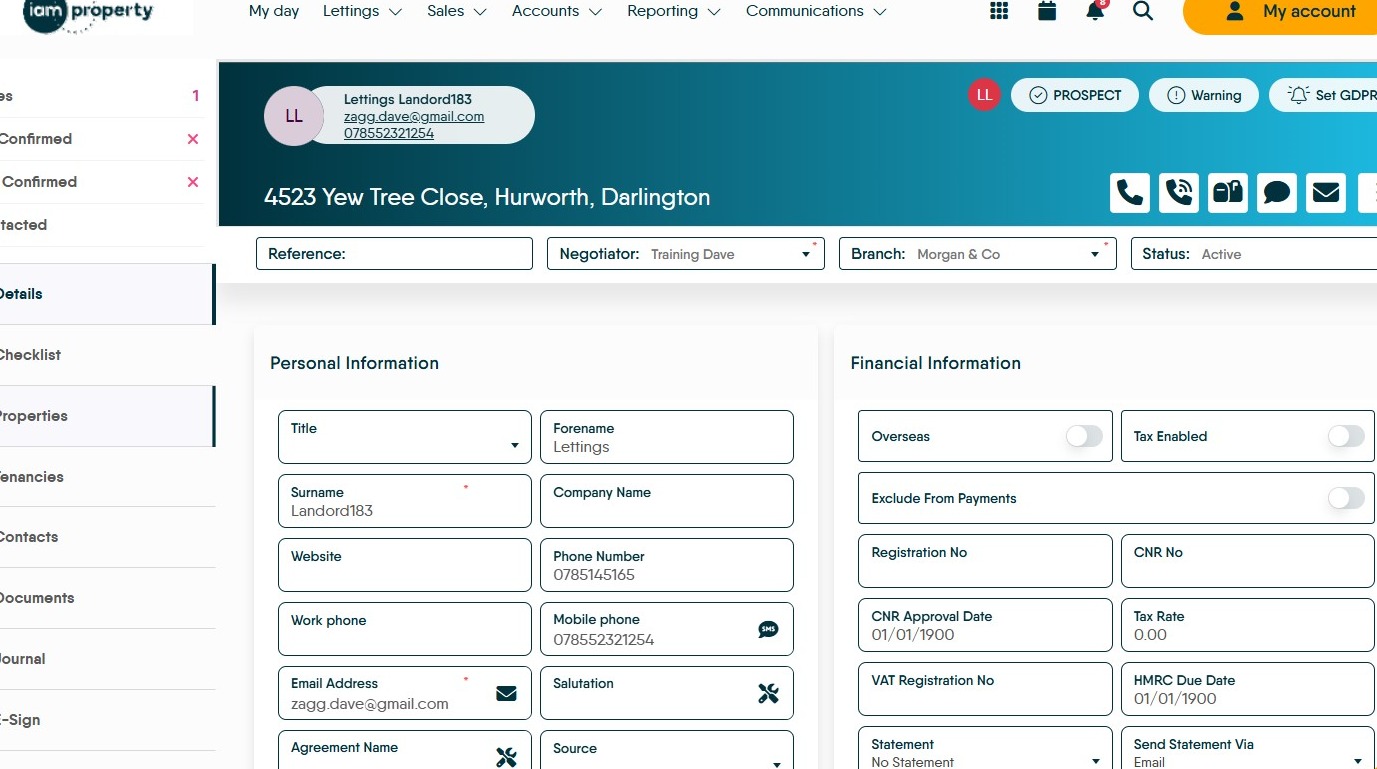
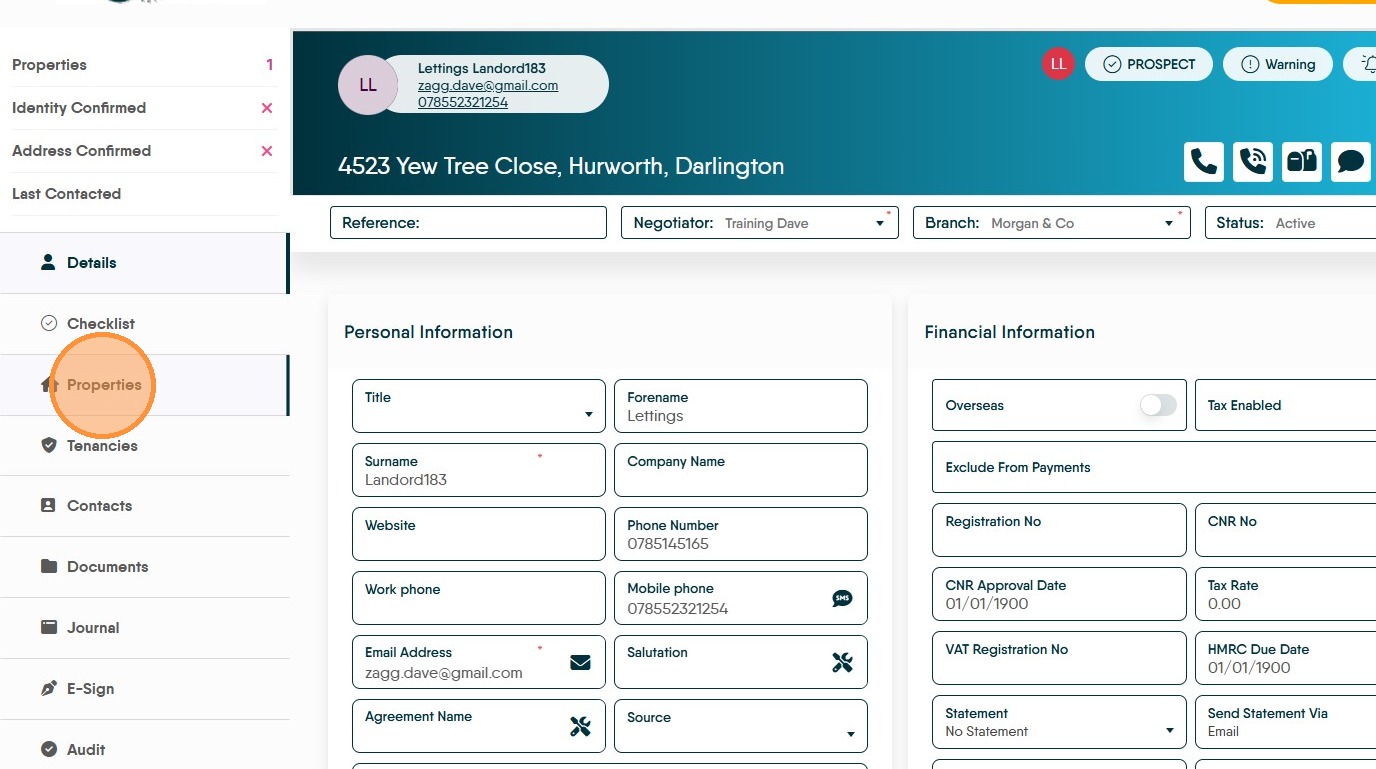
2. Click "Properties"
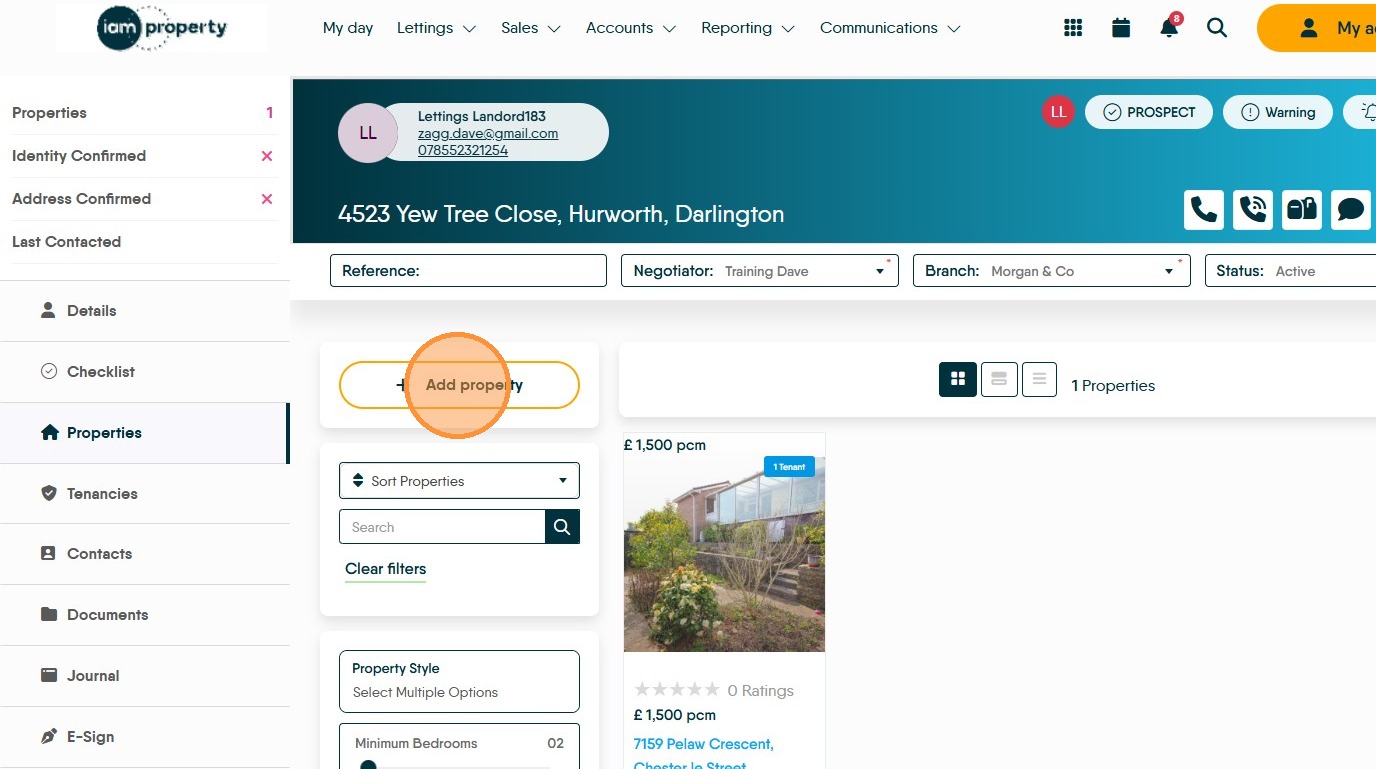
3. Click "Add property"
4. If the Landlord is renting the property (or rooms in) the one they live, click the 'Use Landlords address' option. Click "Confirm"
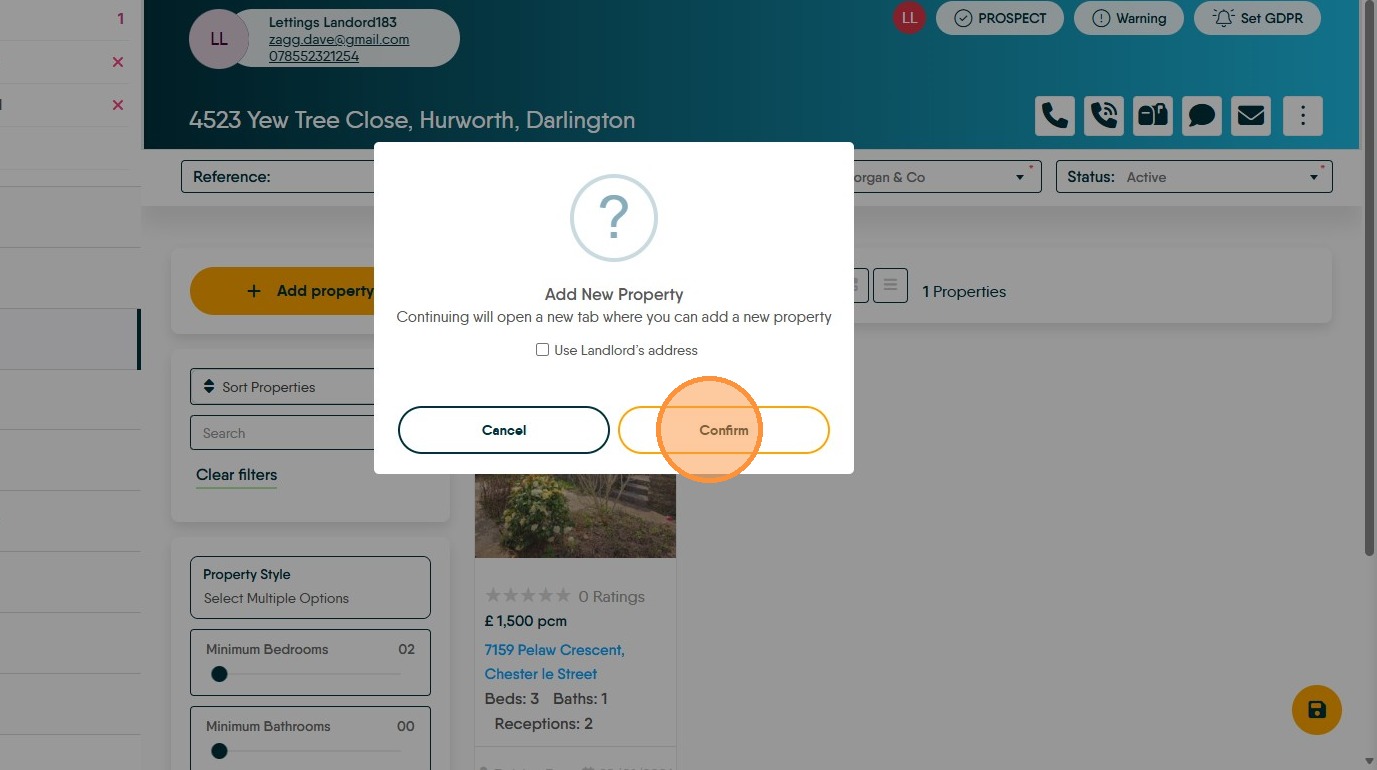
5. This will take you to the new property screen. Click the "Postcode" field.
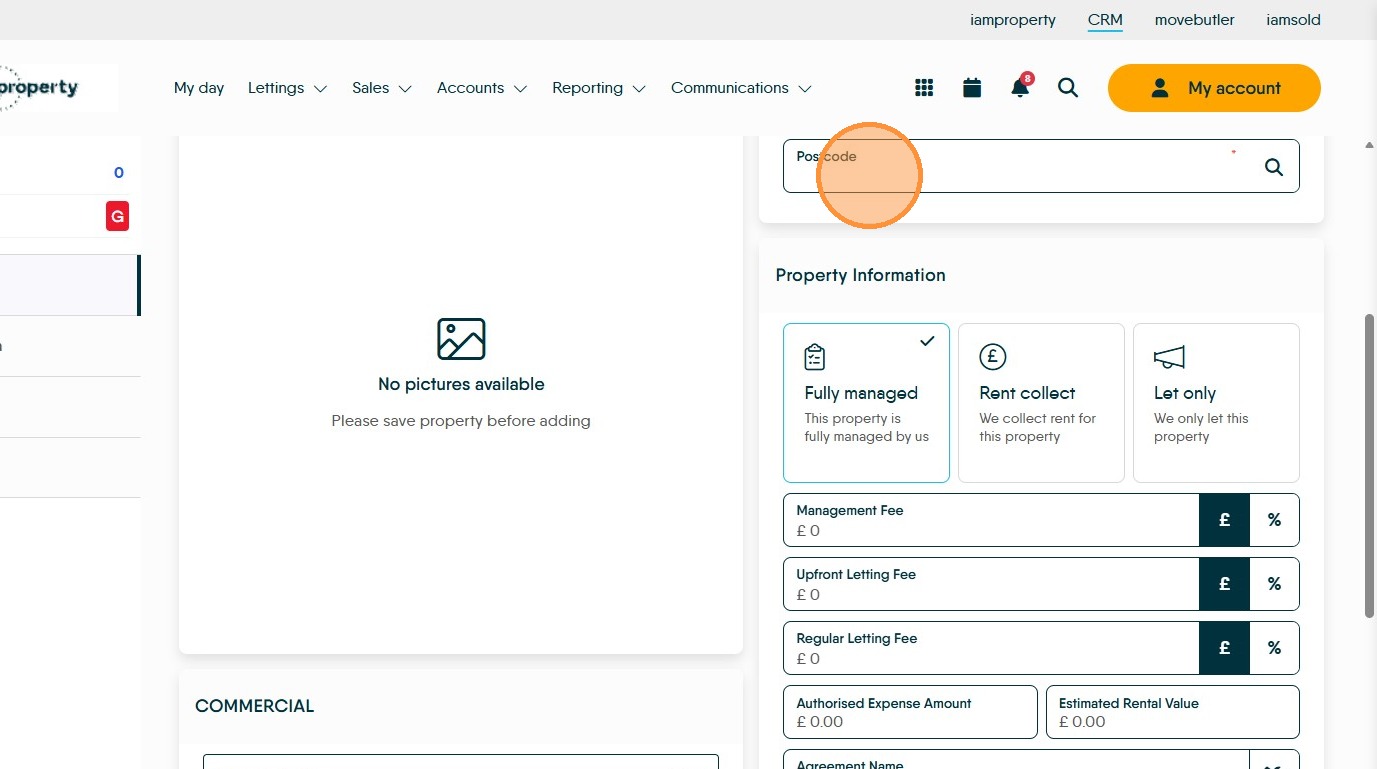
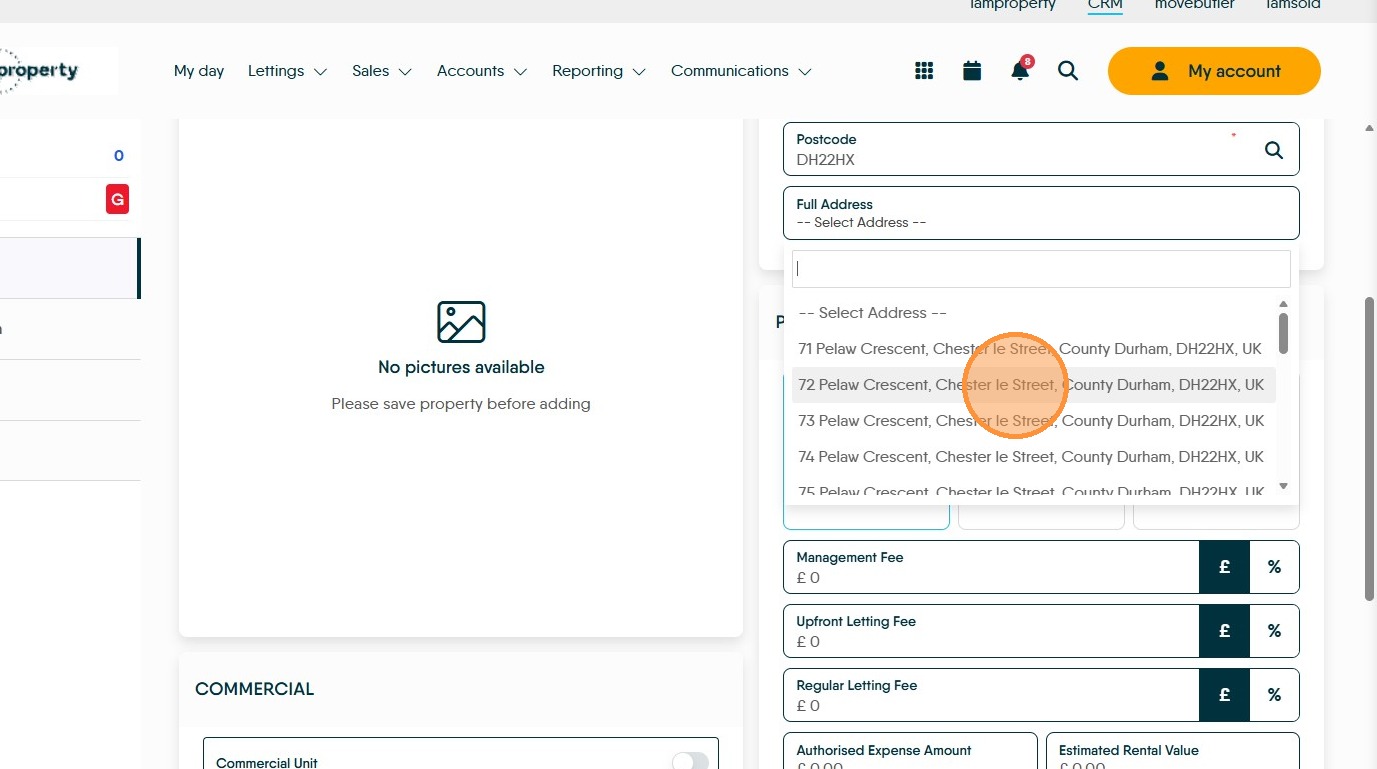
6. Type the postcode and select from the drop down menu.
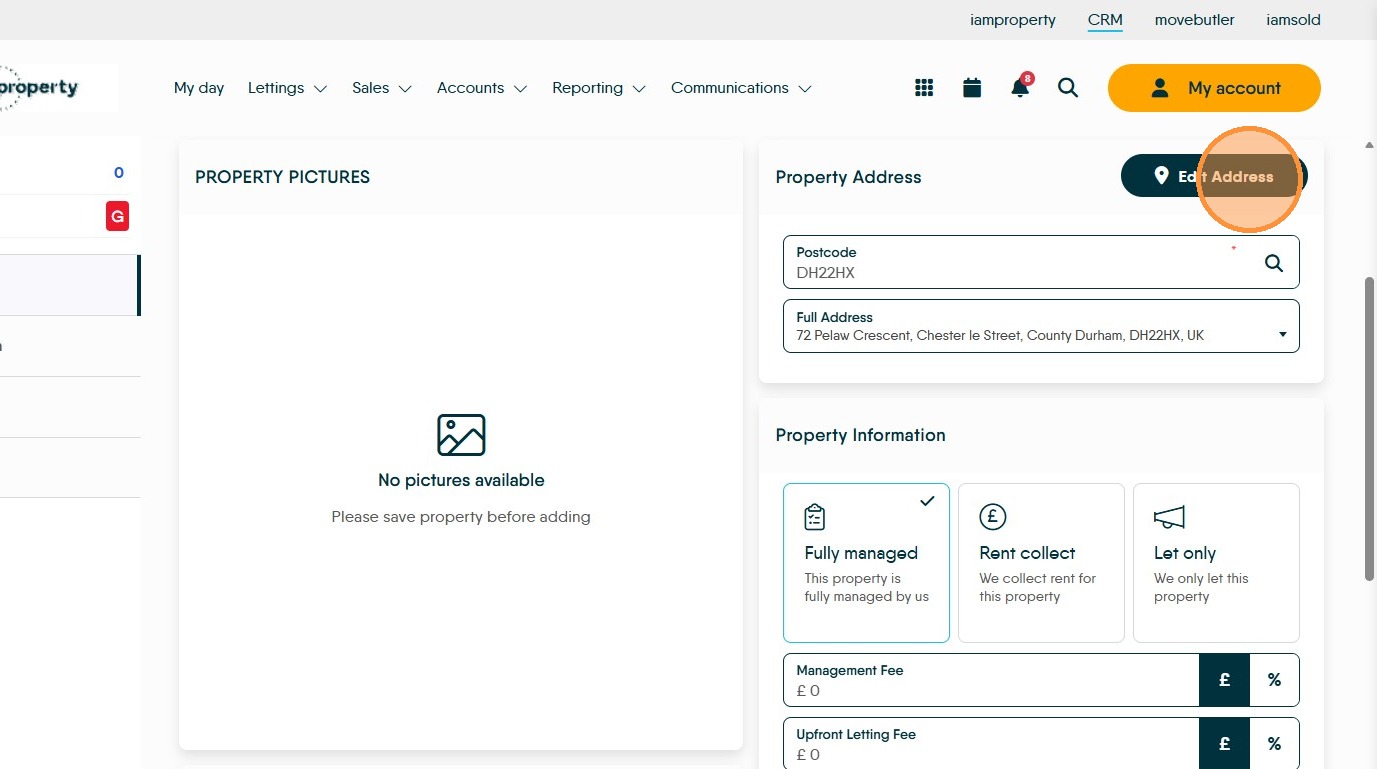
7. If you need to edit the address or if you need to add an address. Click "Edit Address"
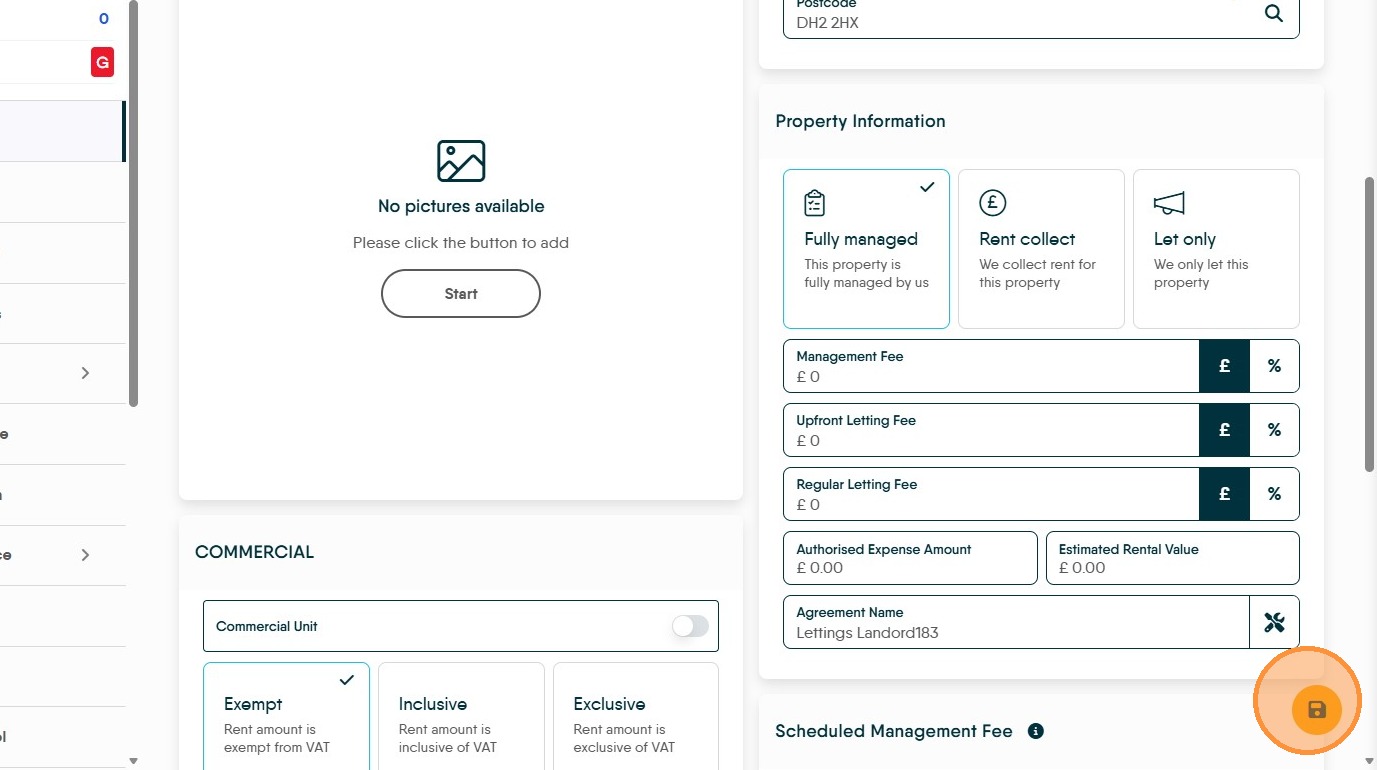
8. Once the property details are added, click "Save"
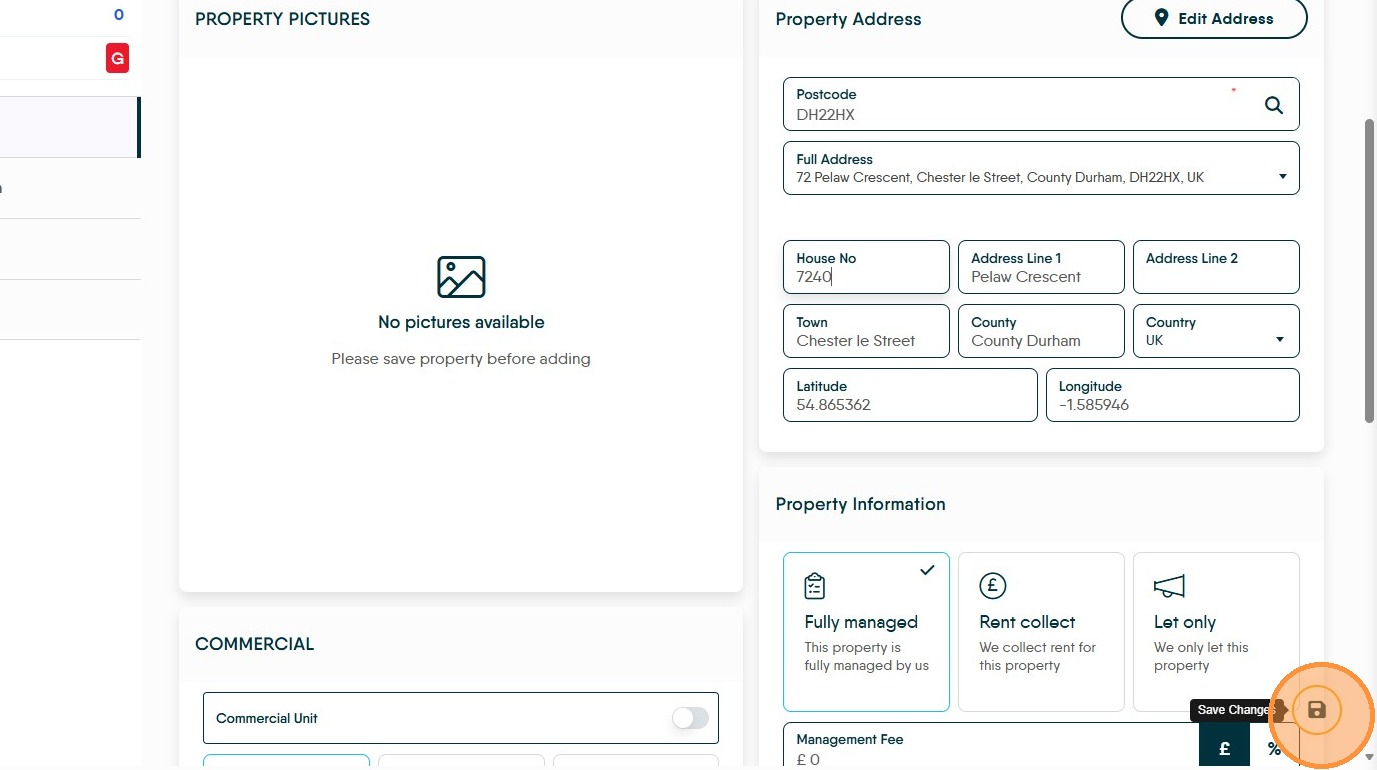
9. Then continue to add all of additional information, clicking save as you go so information isn't lost.