This guide provides steps for creating an advertising address for a sales property using the CRM platform. It streamlines the process, ensuring that users can effectively navigate to the required section and set up marketing materials efficiently. By following this guide, users can enhance their property listings and improve marketing efforts, ultimately driving sales.
1. Navigate to https://crm.iamproperty.com/Sales/Property/Record/10689697
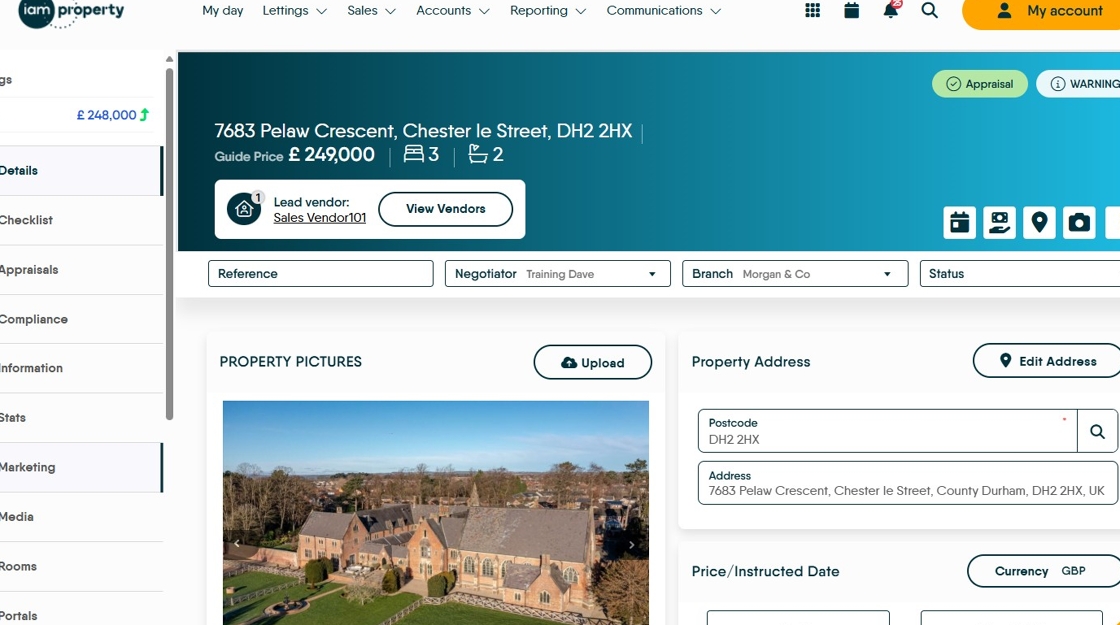
2. Click "Marketing"

3. Click here.

4. Click this text field.
