This guide provides a straightforward process for accessing under offer properties within the CRM system, enabling users to efficiently manage and track property statuses. By following the outlined steps, users can quickly navigate to relevant listings, enhancing their ability to stay informed and make strategic decisions in the real estate market. Accessing this information can improve communication with clients and streamline workflow.
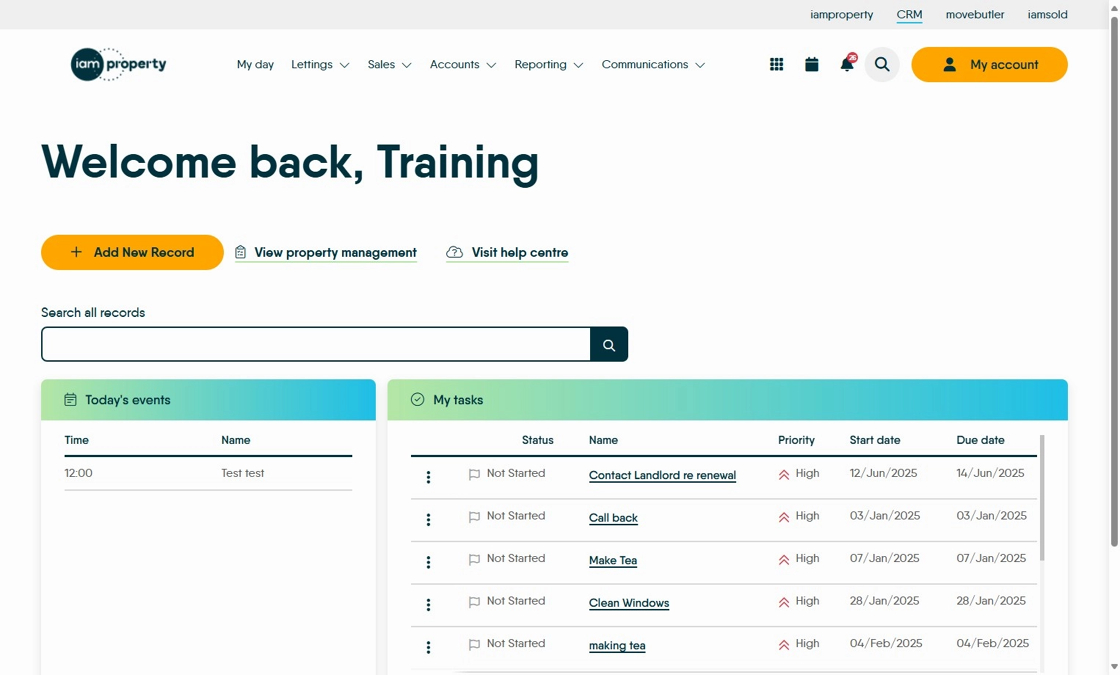
1. Navigate to https://crm.iamproperty.com/MyDay

2. Click "Search" type your search into the search screen.
3. Click "View Property"

4. Click "Marketing"

5. In Advertising Status select the option you want to use.

6. Click here to set Advertising Status
