This guide provides a straightforward process for logging into the iamproperty CRM system, making it easy for users to access their accounts efficiently. Whether you're a new user or just need a refresher, this guide simplifies the login procedure, saving you time and effort.
1. Navigate to https://crm.iamproperty.com/User/Login
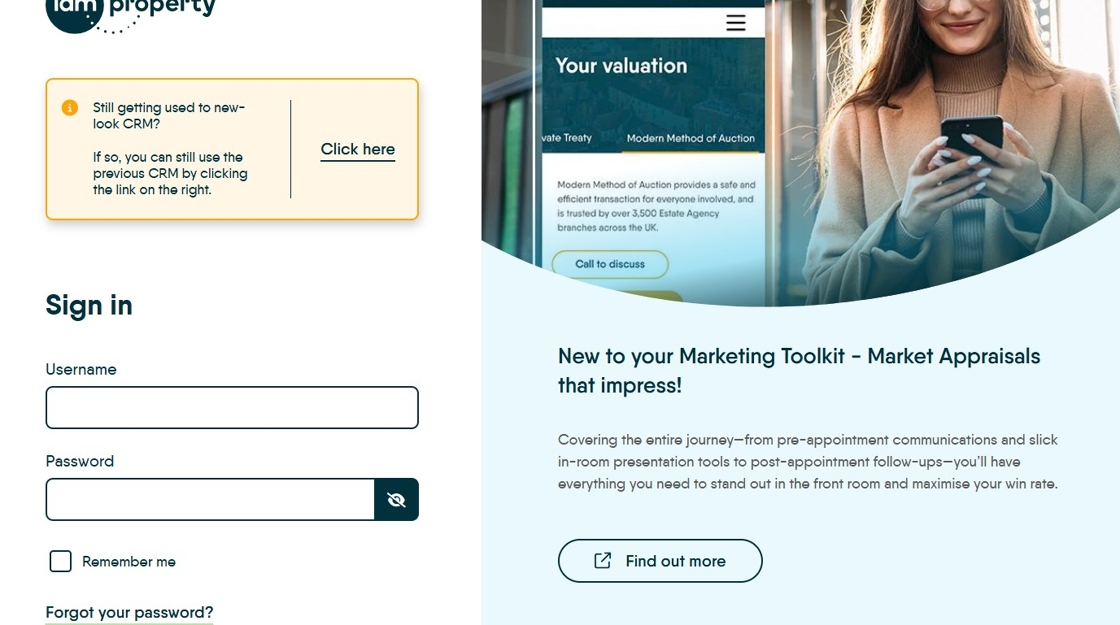
2. Click the "Username" field. Type the username you have been supplied by your company or by the iamproperty CRM team

3. Click "Password" and enter the password you have been given. If you don't know the password, try the 'Forgot your Password' option to reset.

4. If you want the CRM to remember your login. Click "Remember me". This is not required, most times your browser will remember your login.

5. Click "Sign In"
