If you have Invoices that have been created in CRM, that you no longer require these invoices can be deleted. This guide will show the easiest way to delete inovices.
1. To start navigate to the Accounts dashboard.
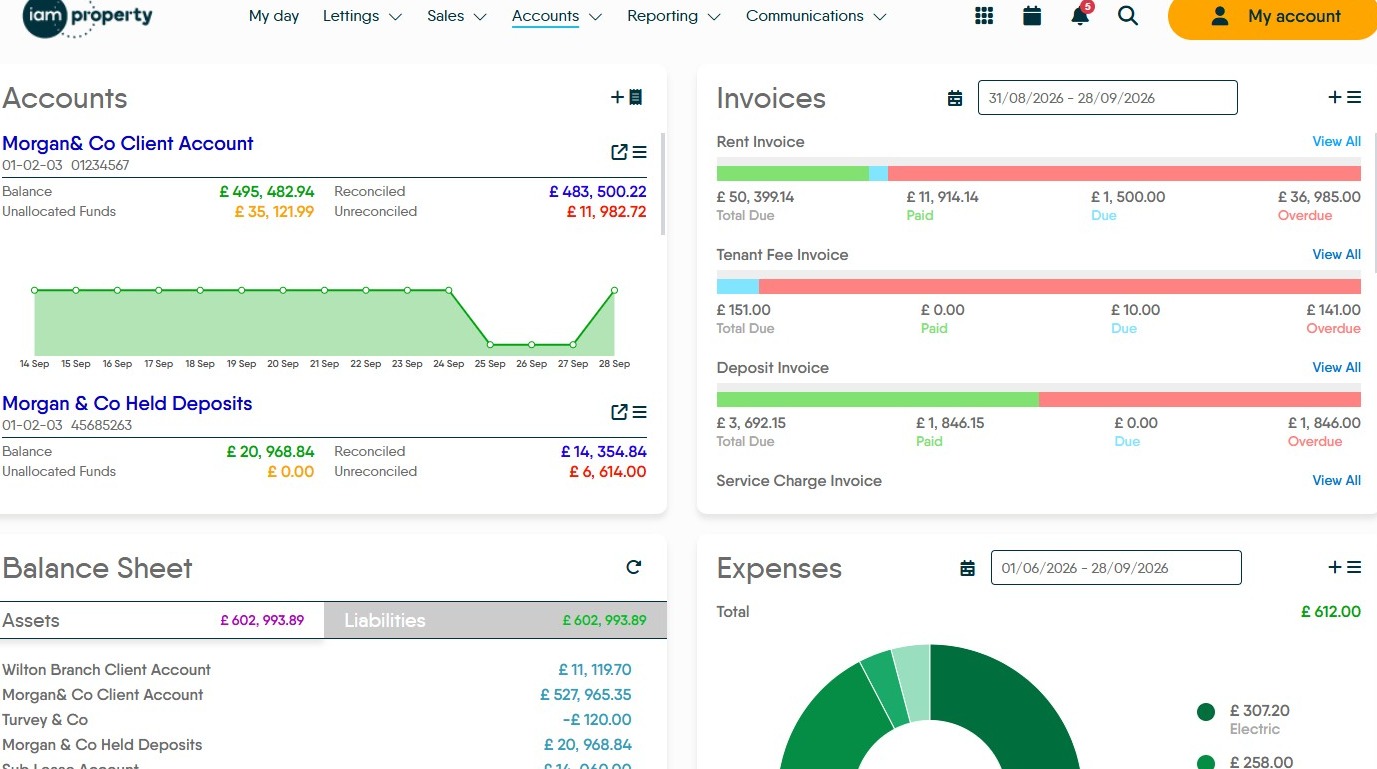
Invoice Selection
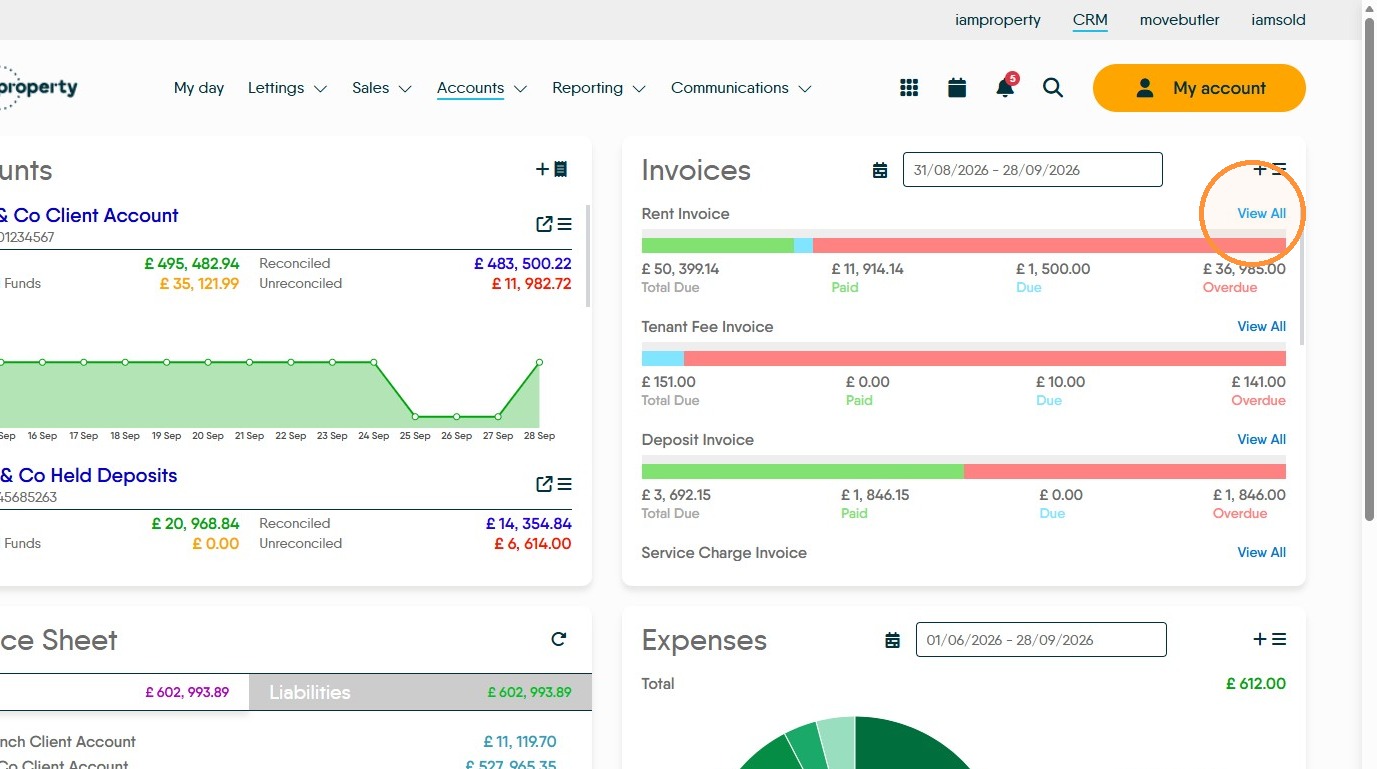
2. In the Invoices tile you can select the type of Invoice that you are deleting. In this case we are looking at Rent Invoices. Click “View All” for Rent Invoice.
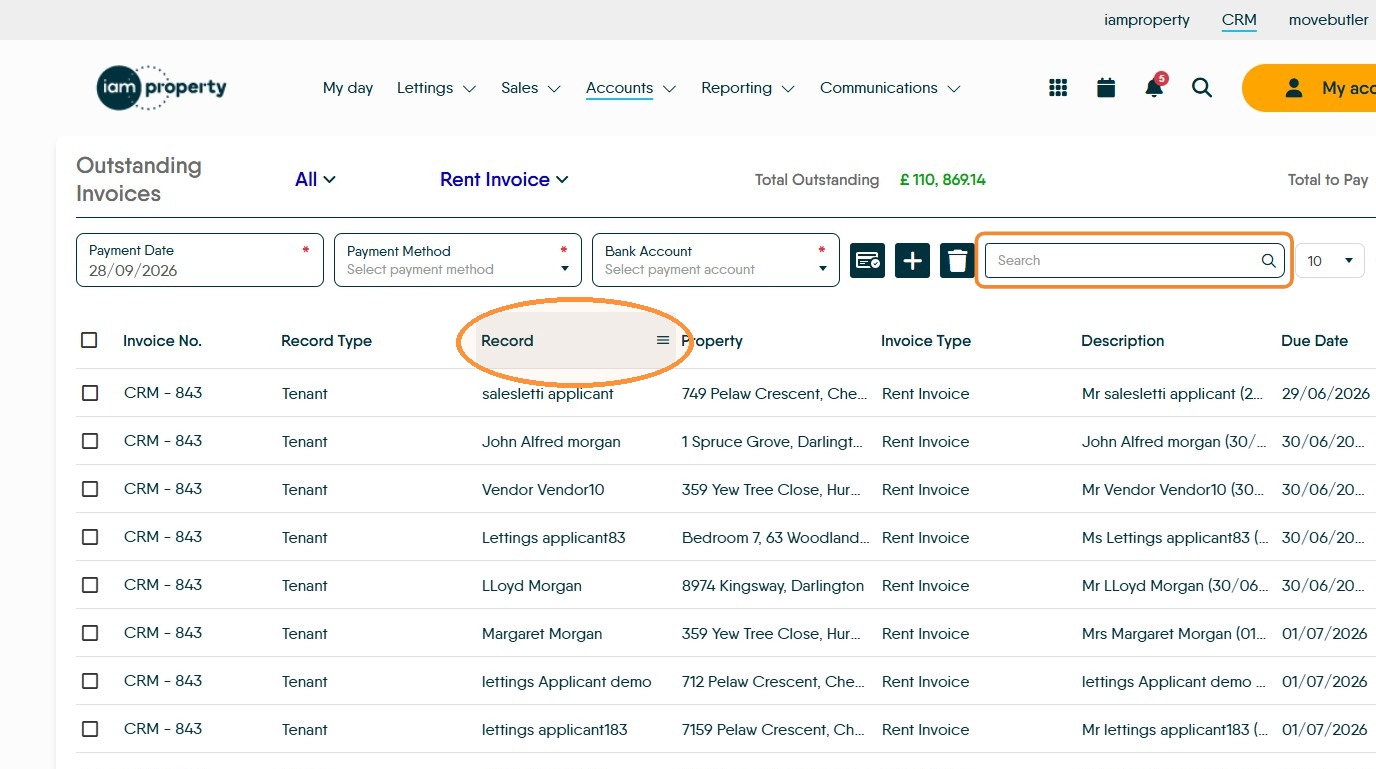
3. If you need to sort the records you can either click the header line of the column to sort the data by ascending (or descending) order or you can use the 'Search' field.
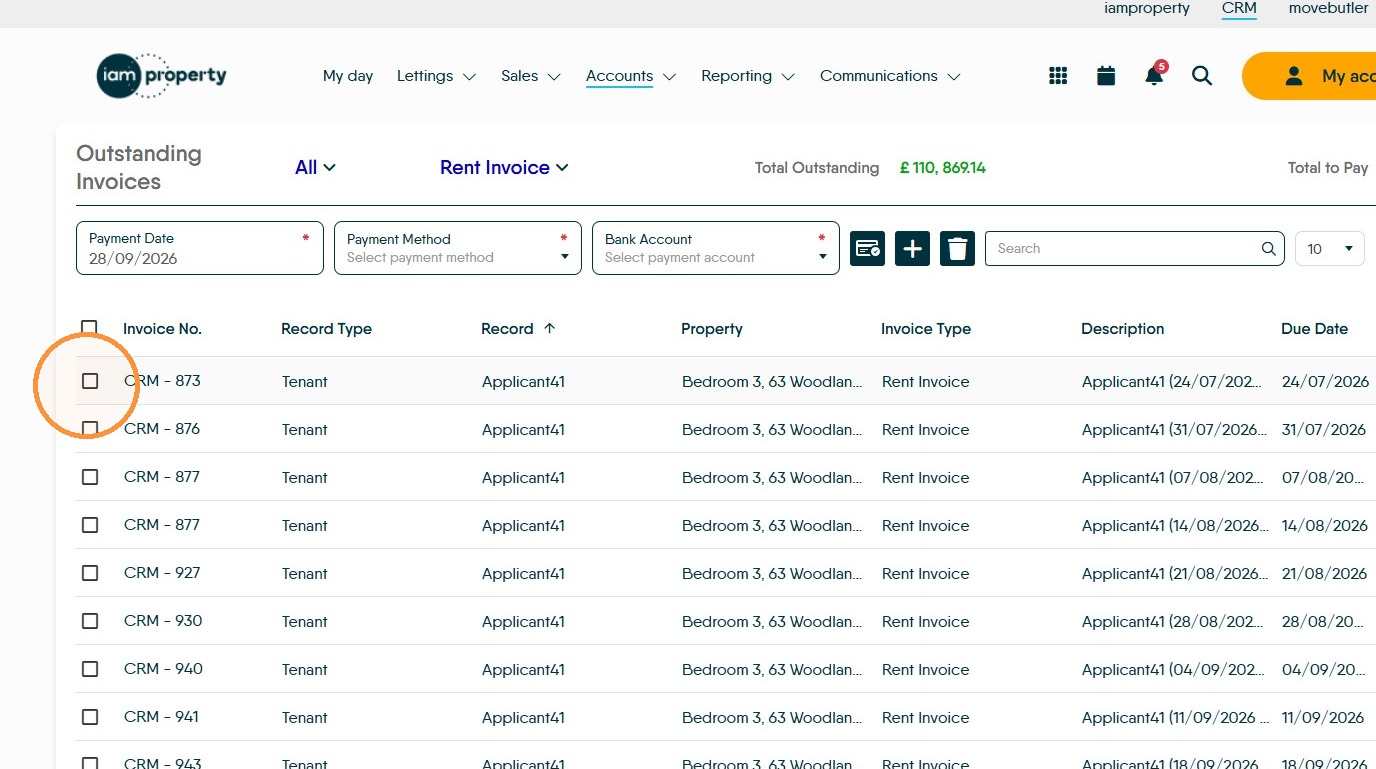
4. When you have found the data/invoices you want to delete, click into the checkbox to the left of the data line.
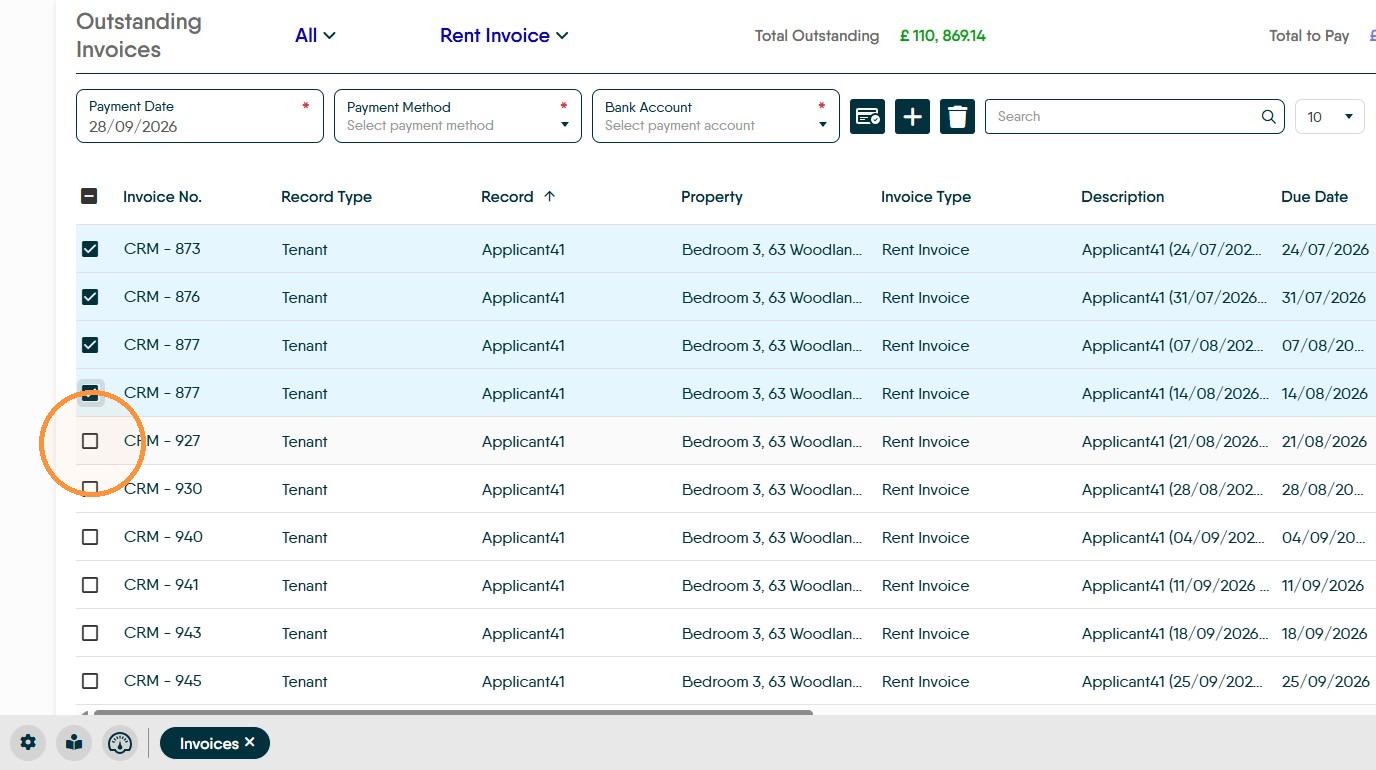
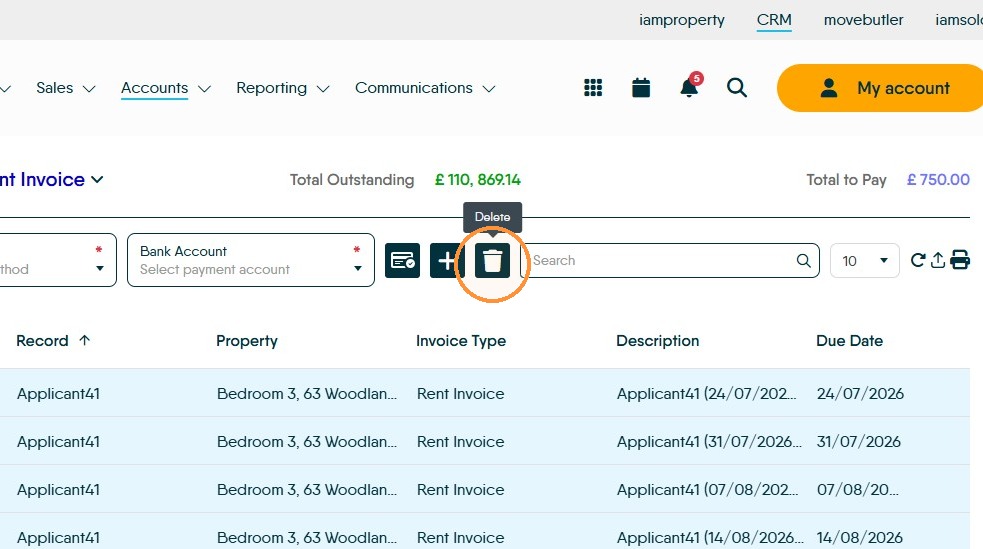
5. Then click the Delete icon.
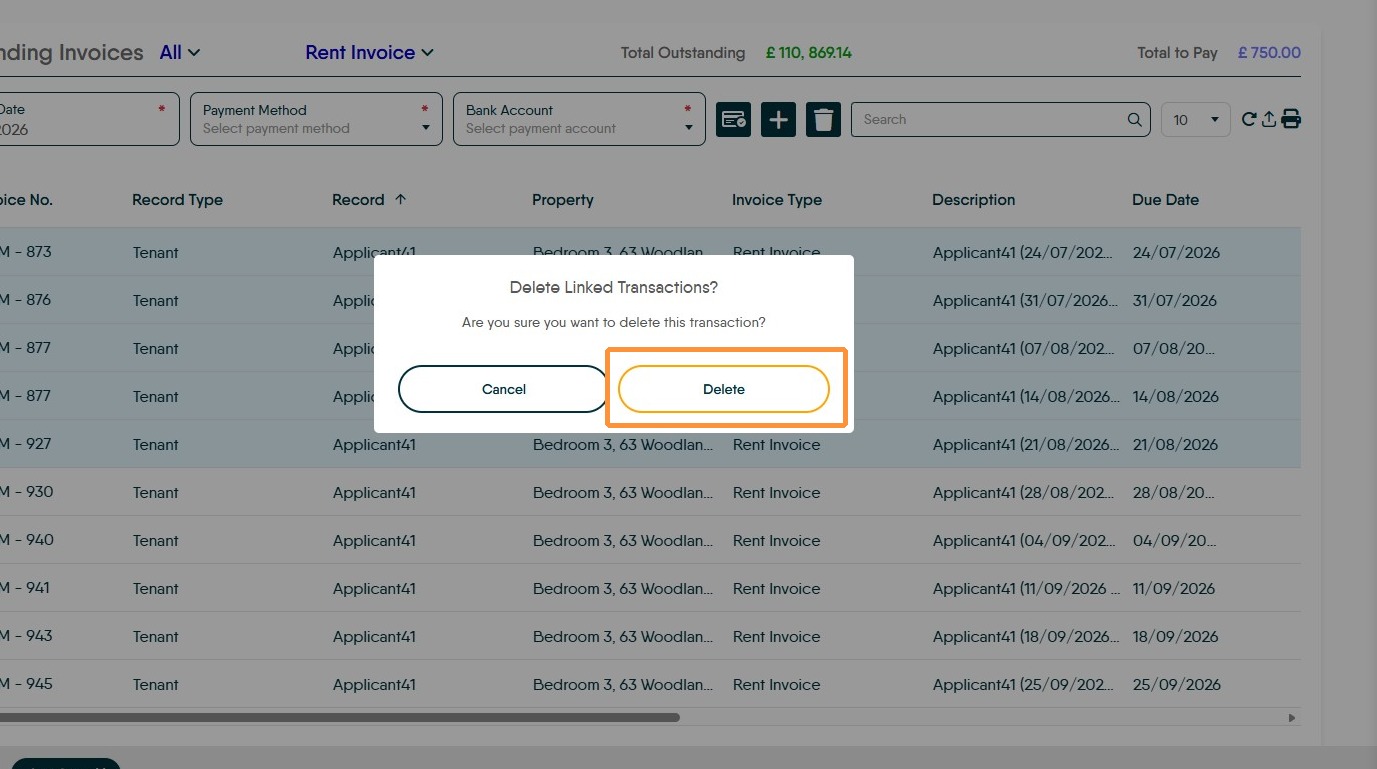
6. Click Delete in the confirmation dialog.
Rapid Collect Navigation
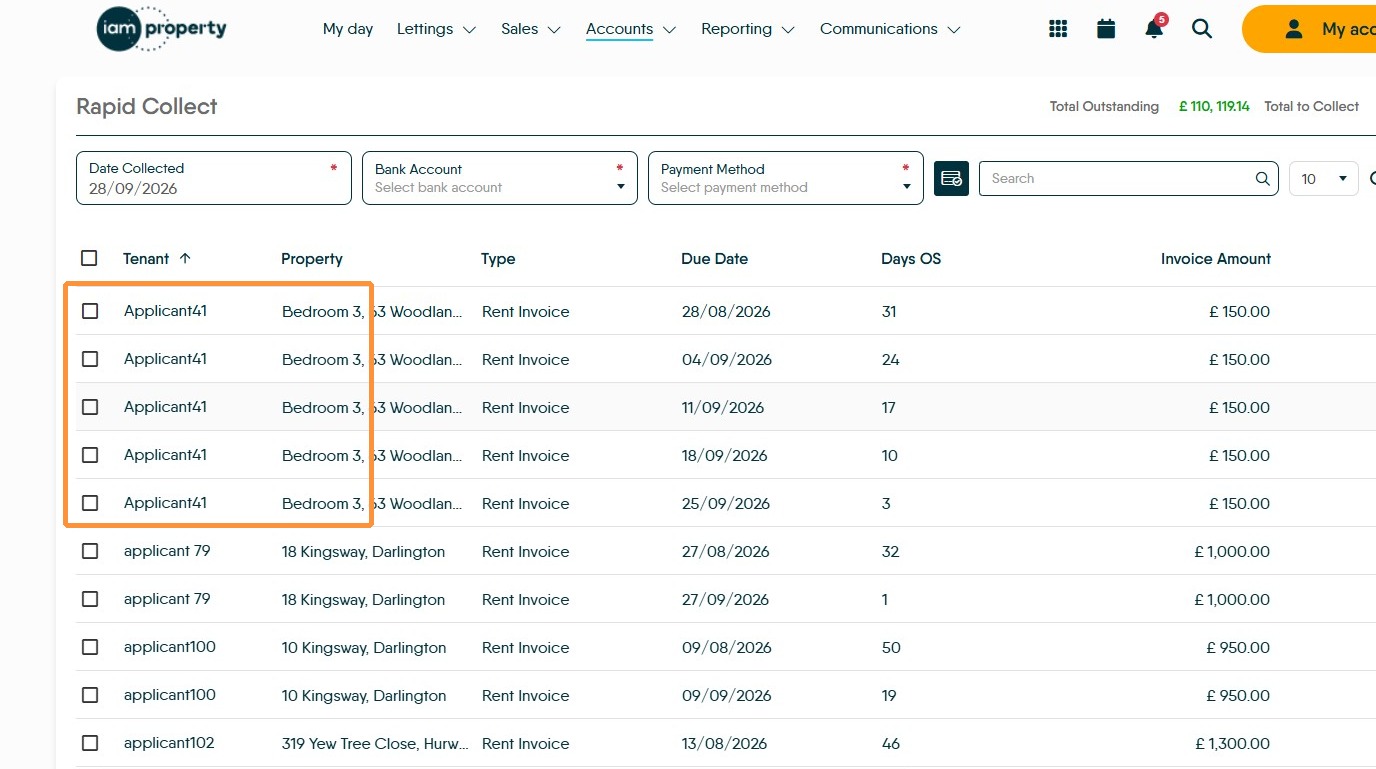
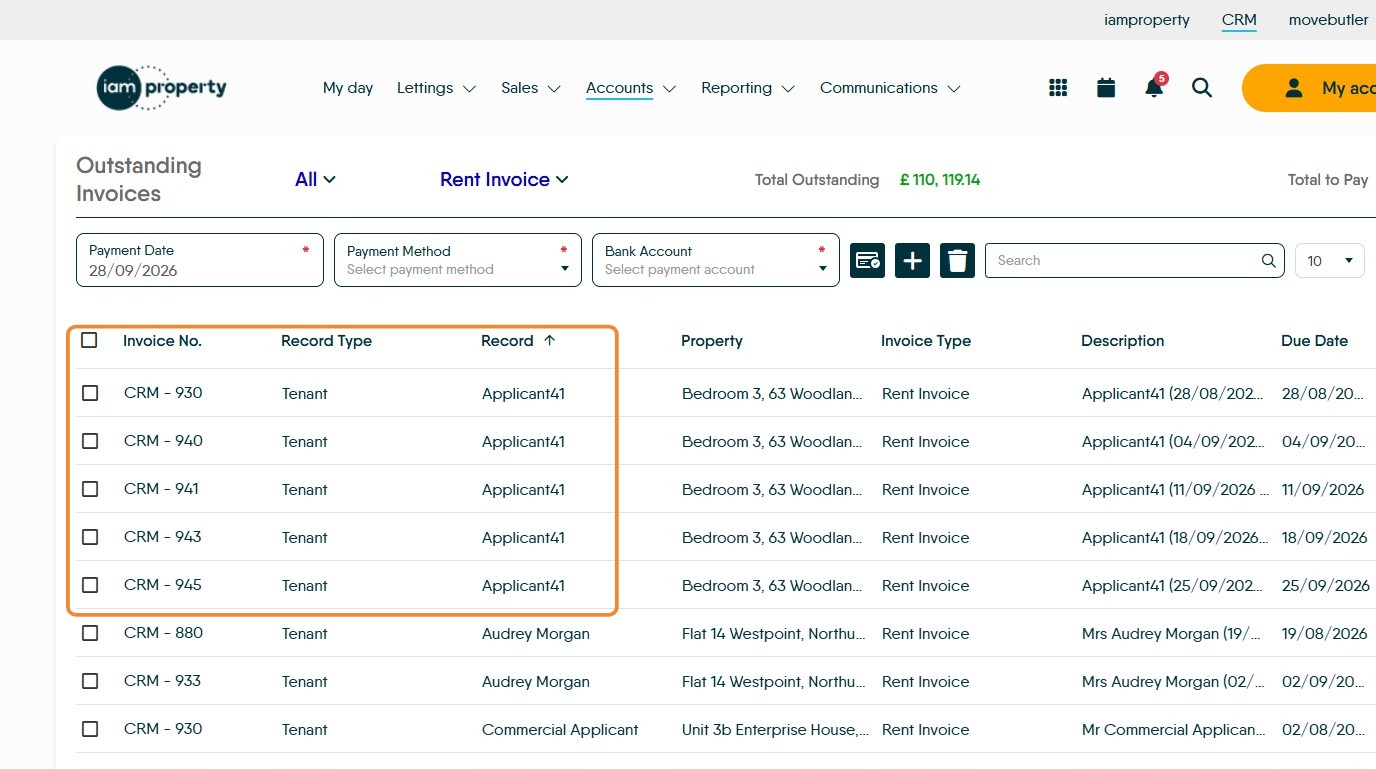
7. All that will be left is the invoices that where not selected, these can now be collected against in the Rapid Collect or Bank Import screens.
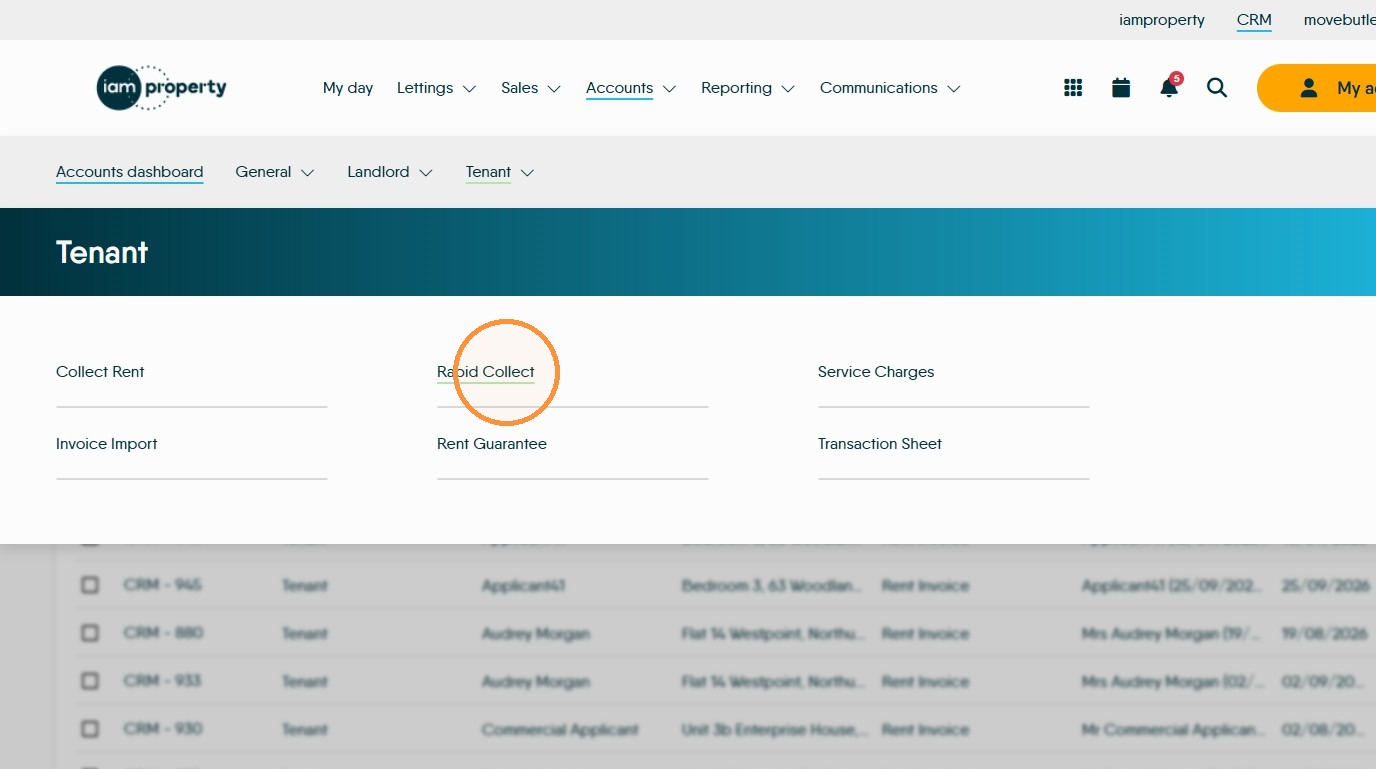
8. Click the Tenant menu.
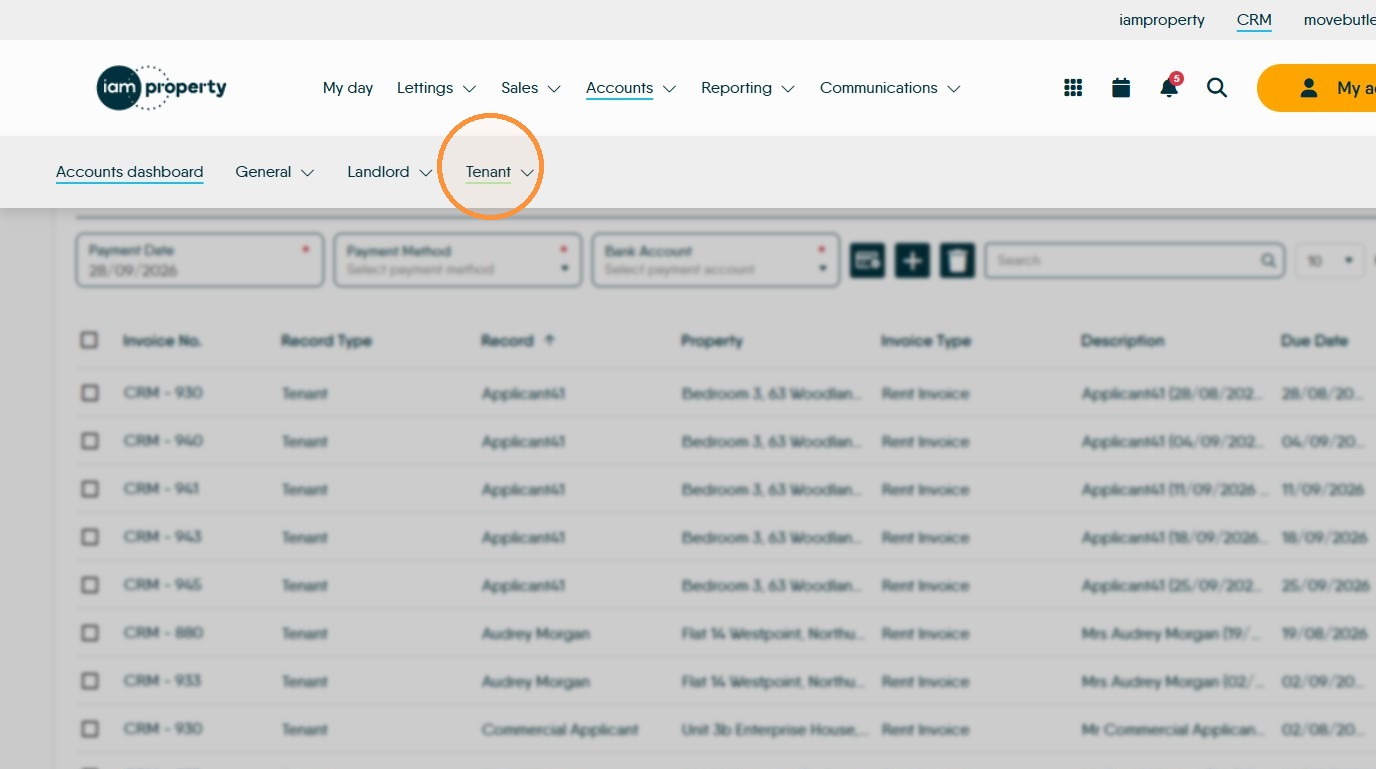
9. For example. Click Rapid Collect. The only Invoices showing for 'Applicant41' are those we didnt delete.