Learn how to export property listings into a formatted PDF document or excel file, directly from your CRM. This process is the same for both Sales and Lettings listings, it is also the same process to create a list of Vendors/Landlords/Tenants/Applicants etc. This guide simplifies the process of generating property details for client presentations or offline record-keeping.
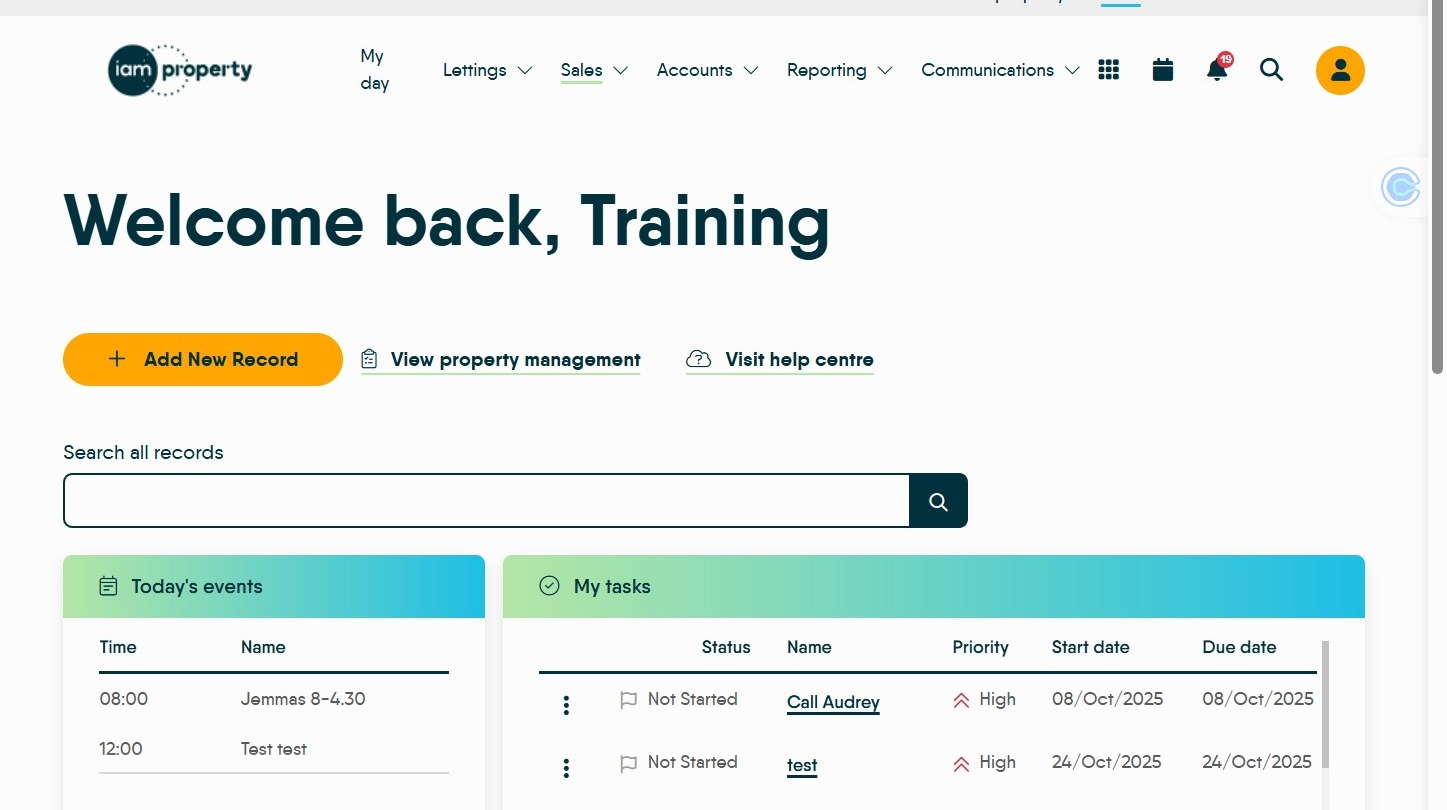
1. Navigate to https://crm.iamproperty.com/MyDay
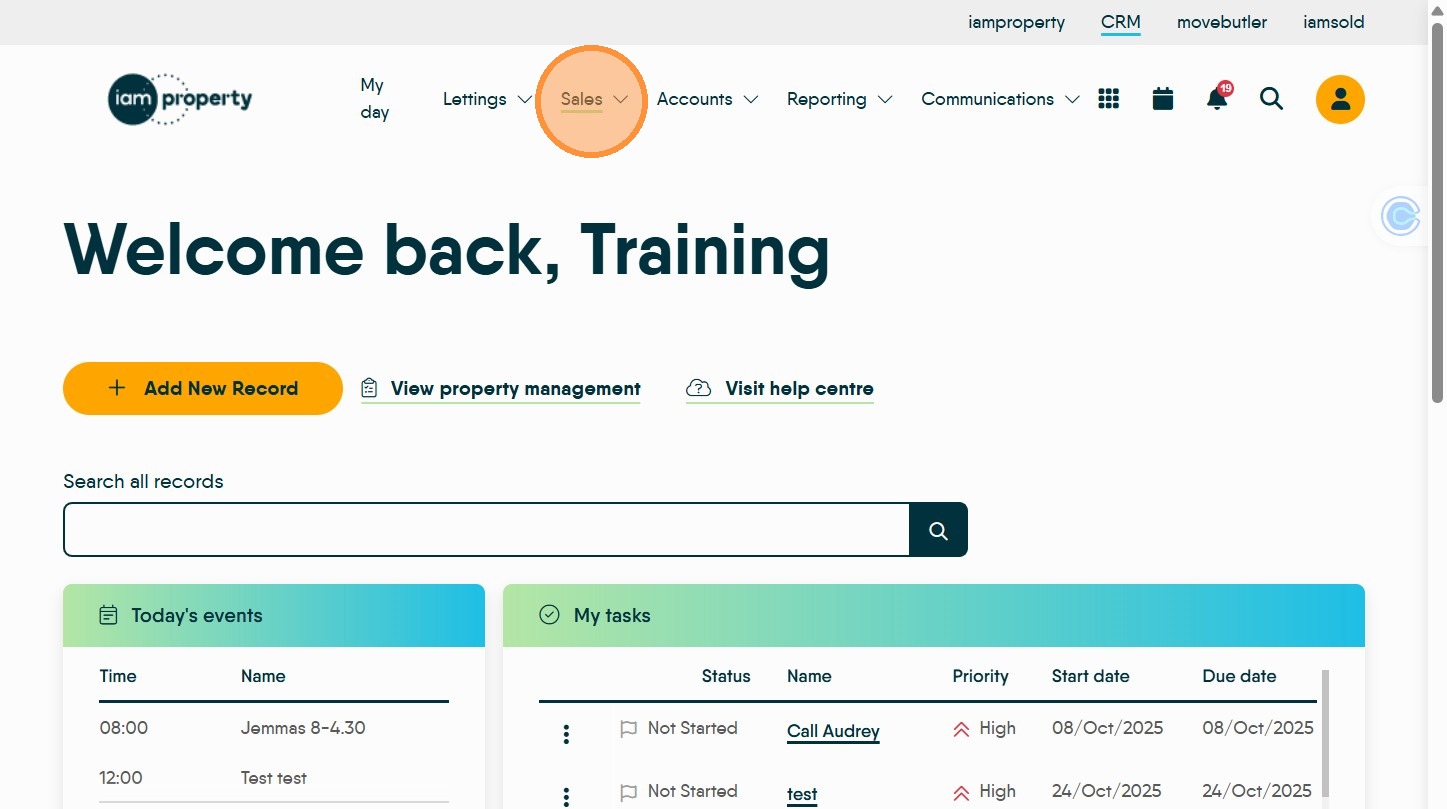
2. Click "Sales" or "Lettings" the process is identical for both.
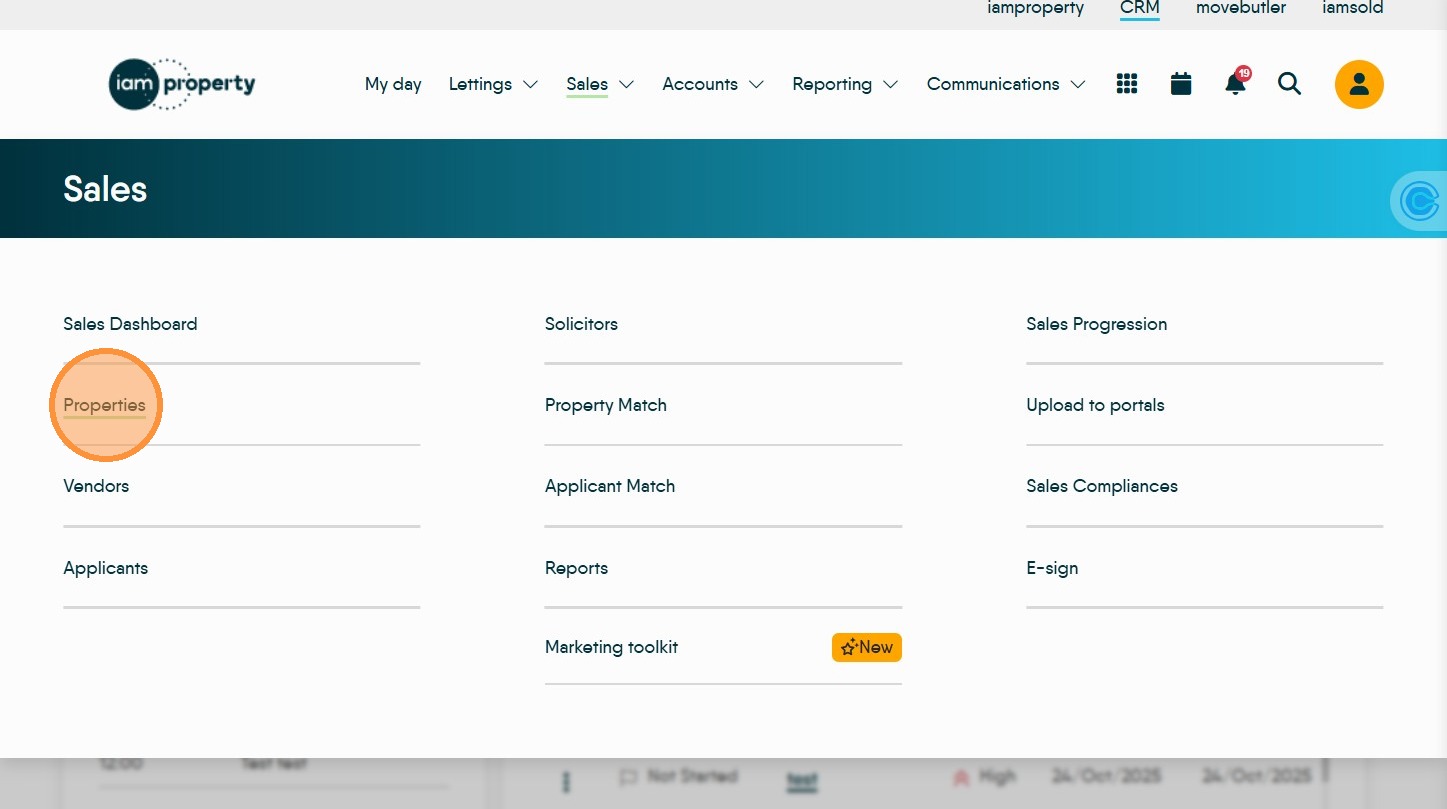
3. Click "Properties" or any other of the options
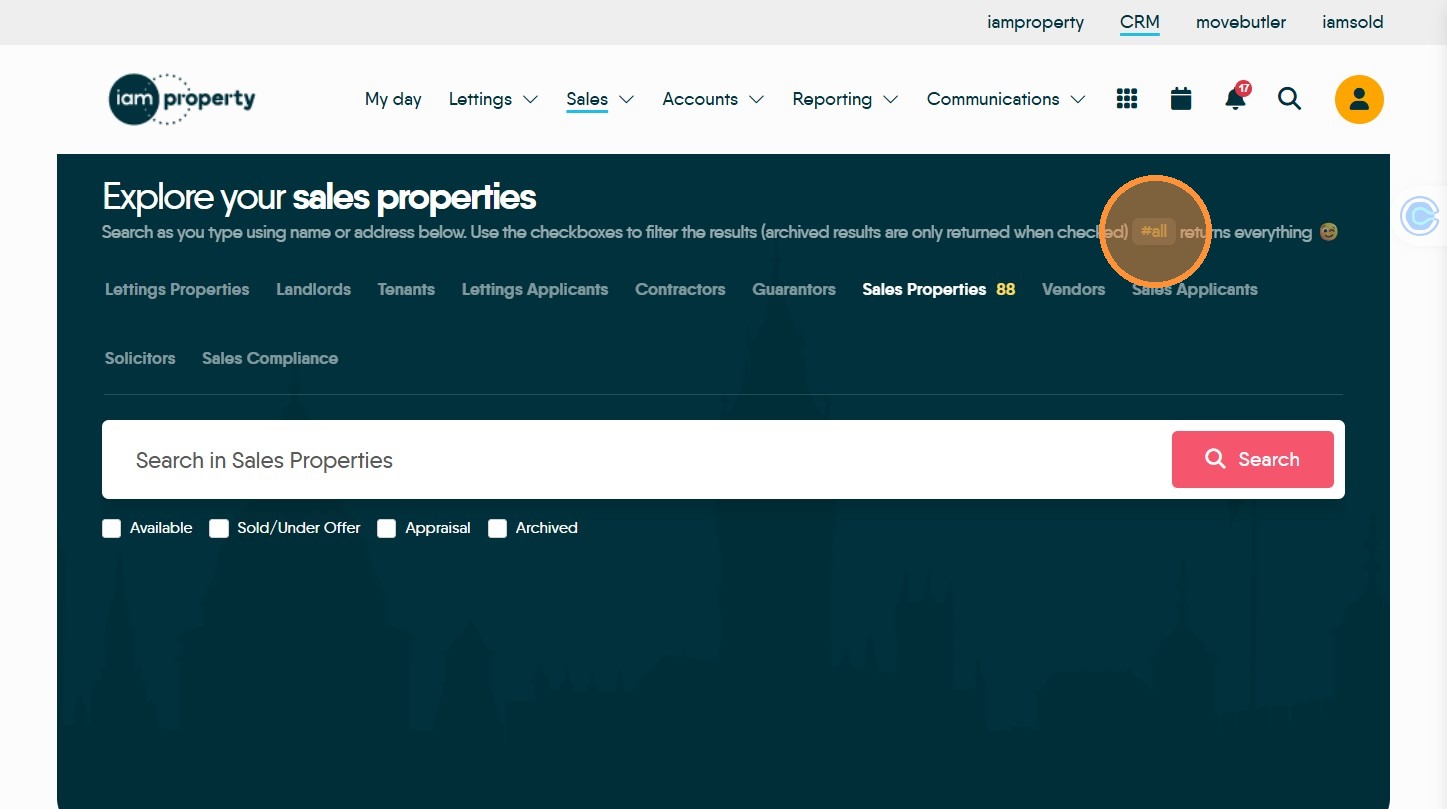
4. Click "#all" to show all records on the screen
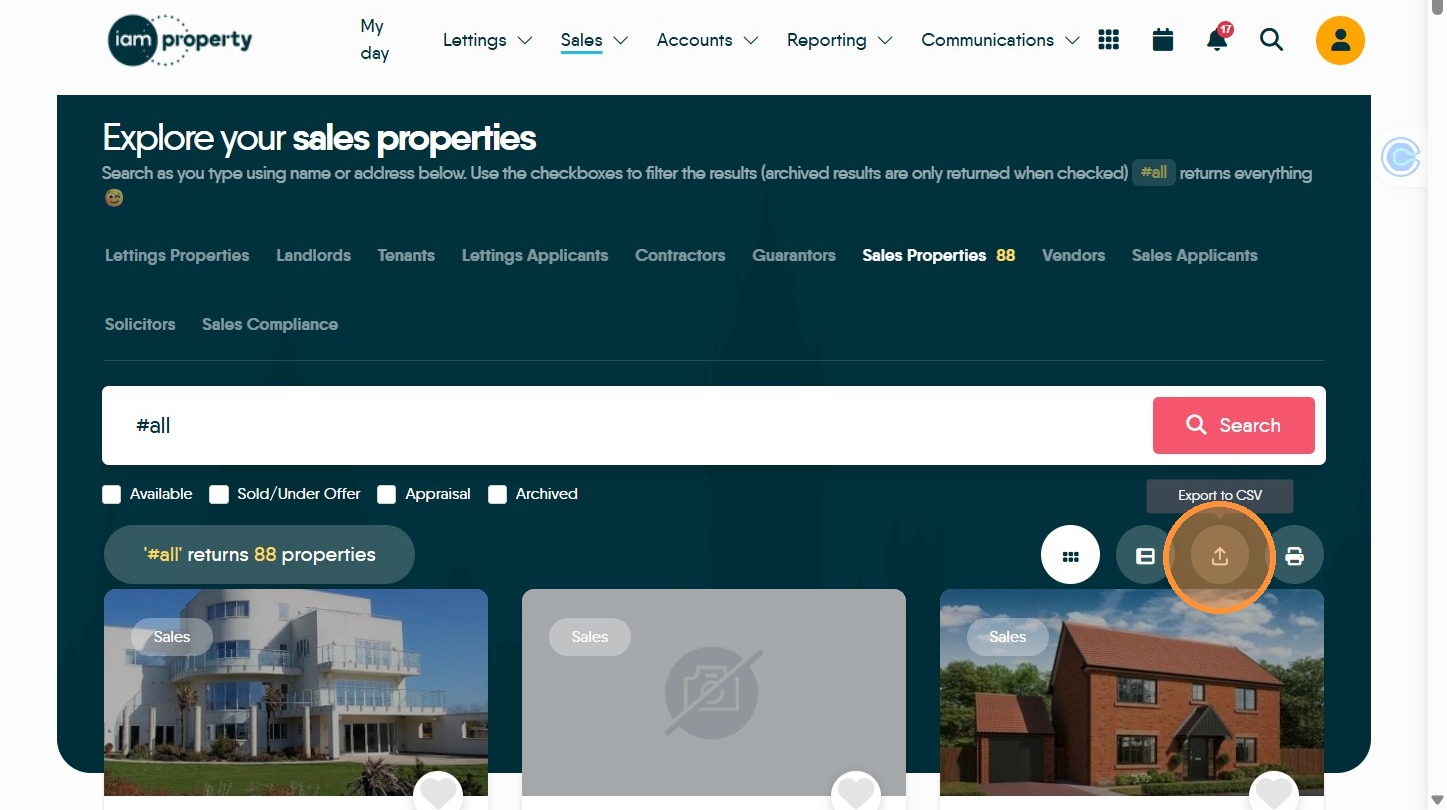
5. Click here to export the file to 'excel'. This will be saved to the 'Downloads' folder of your computer.
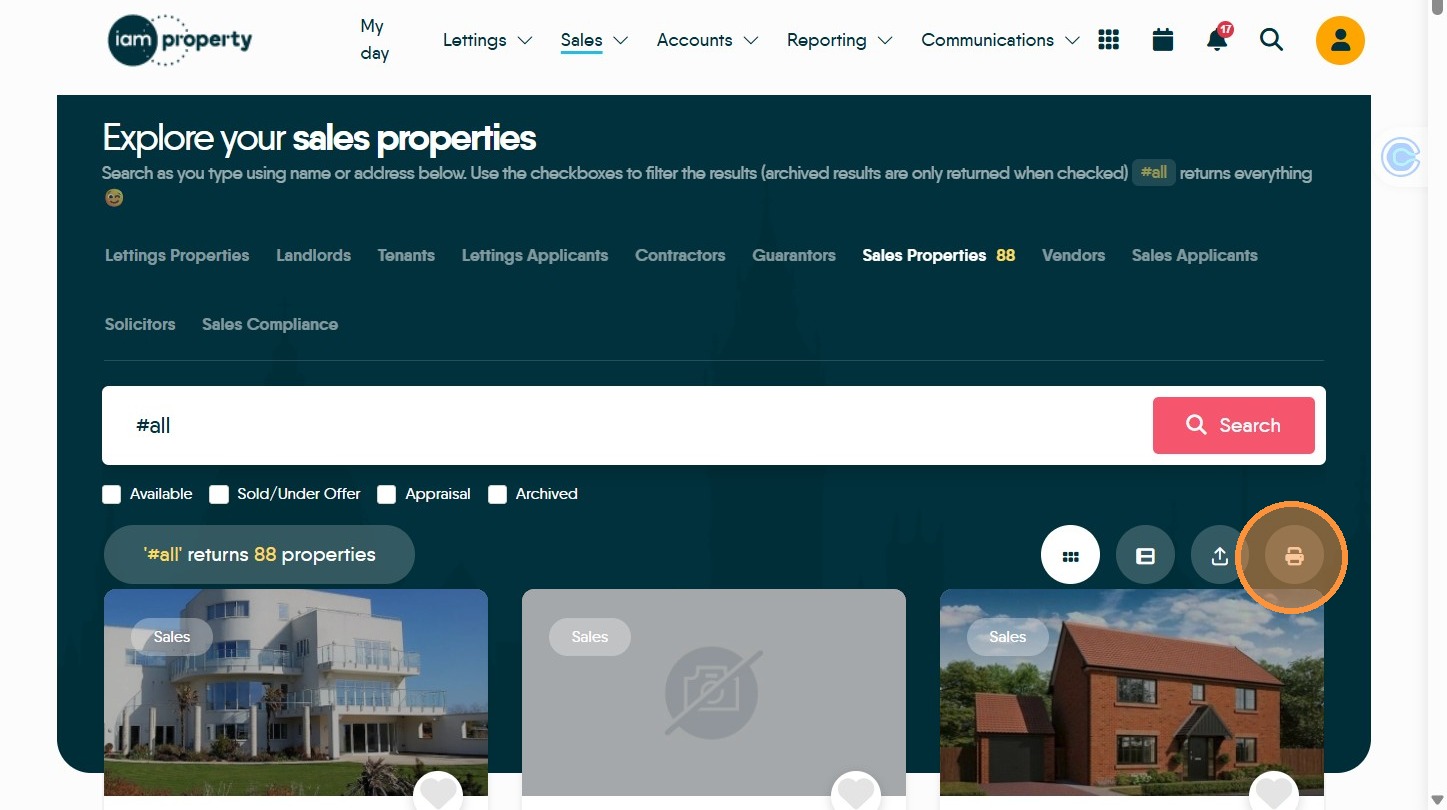
6. Click here to export and print a PDF document.
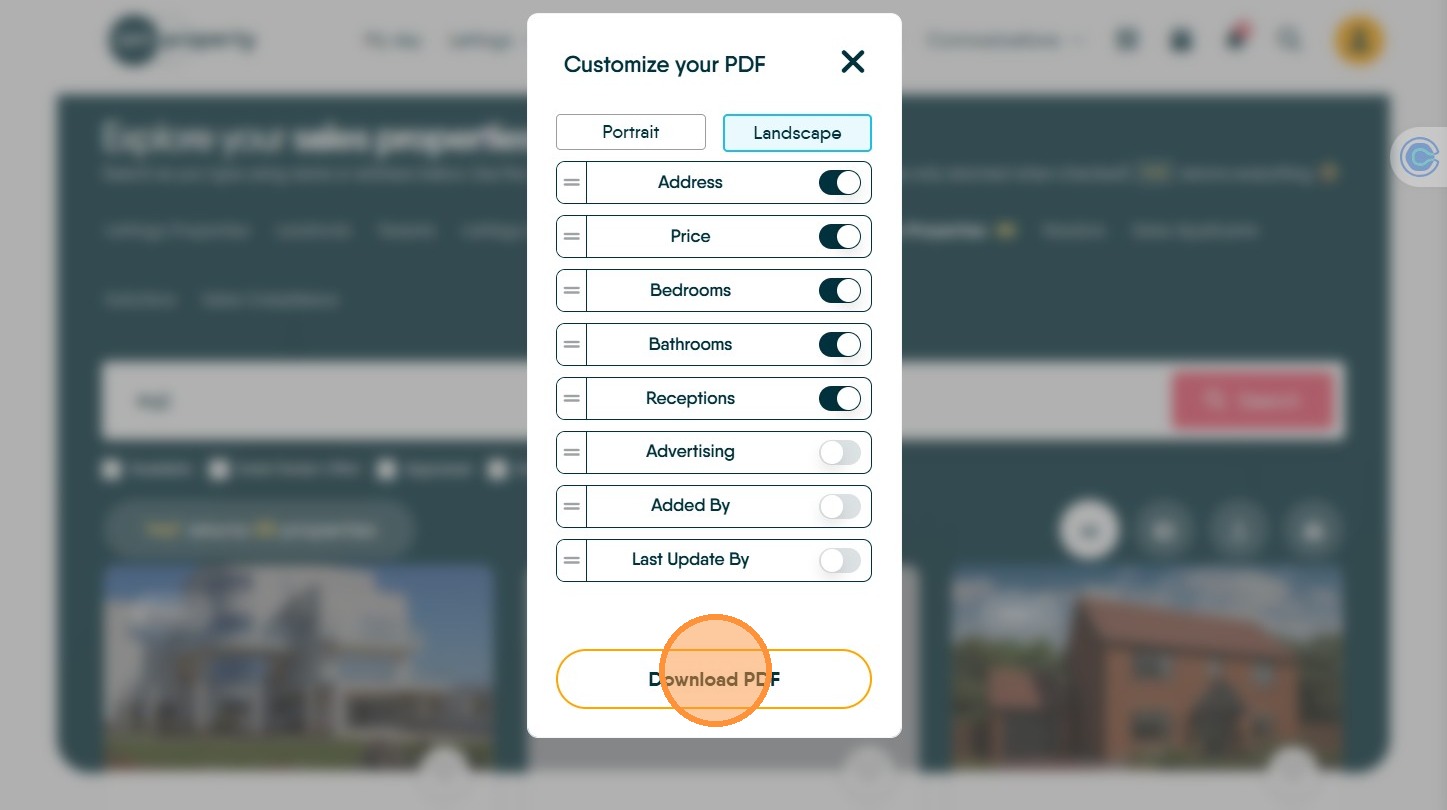
7. By using the toggles, the PDF export allows you to select the items required in the printout, as well as the page format. The list order can also be changed by dragging the options up and down the list.
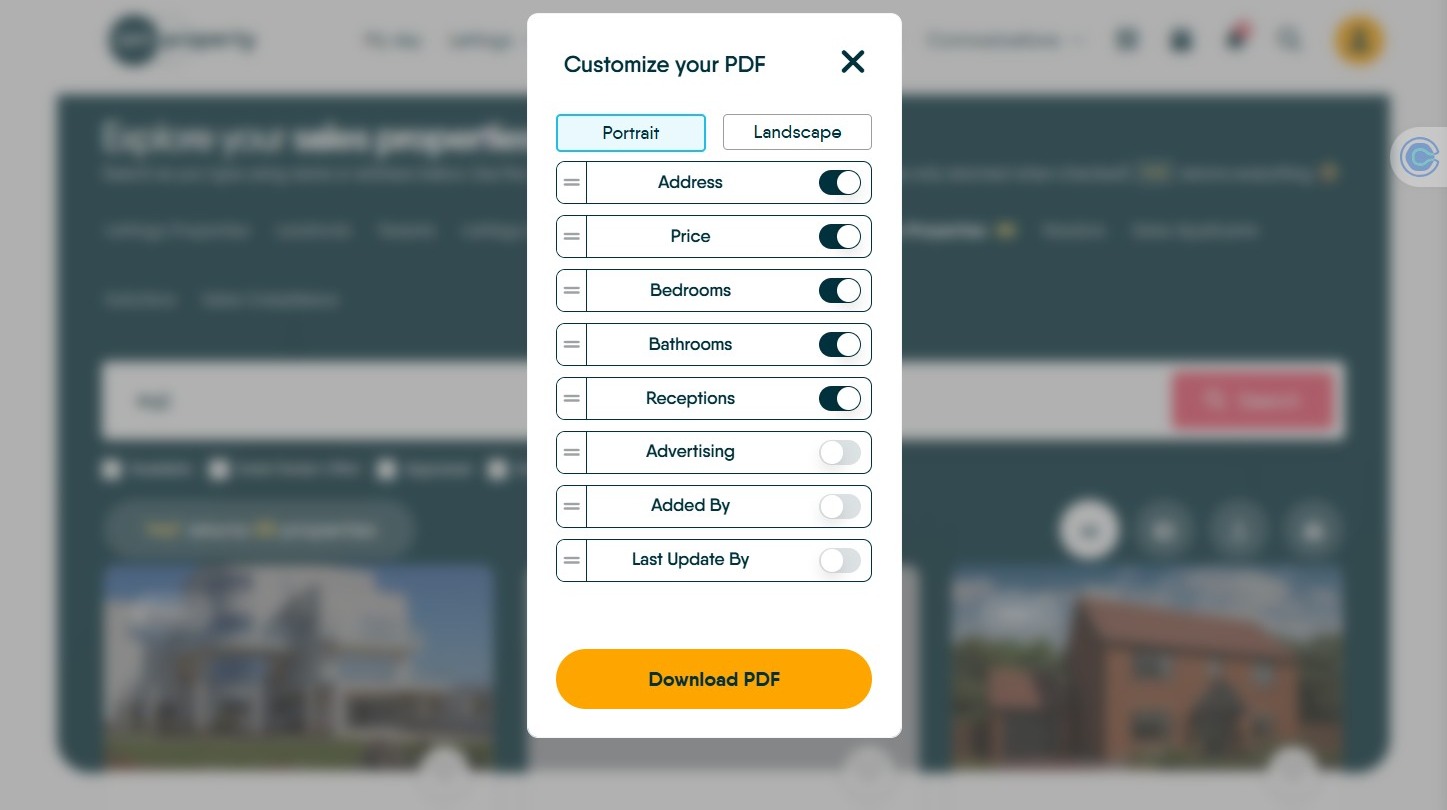
8. Click "Download PDF" to save the document to your computers downloads folder.