
This guide provides a step-by-step process for sending Tenants the required Renters Rights Act Information Sheet via mass emails using iamproperty CRM This is document that MUST be sent to all Tenants before May 31st 2026, or there is the possibility of a £7000 fine.
Tip: To download the document go to The Renters’ Rights Act Information Sheet 2026 - GOV.UK to ensure you get the most up to date official version. You can then attach it to the email being sent from 'mass communications'.
1. We are showing the email process here, you could also send a link via SMS, although this is not ideal as it requires the tenants to follow the link and download their own version, rather than being provided with the document.
2. Navigate to https://crm.iamproperty.com/Communications/MassEmail
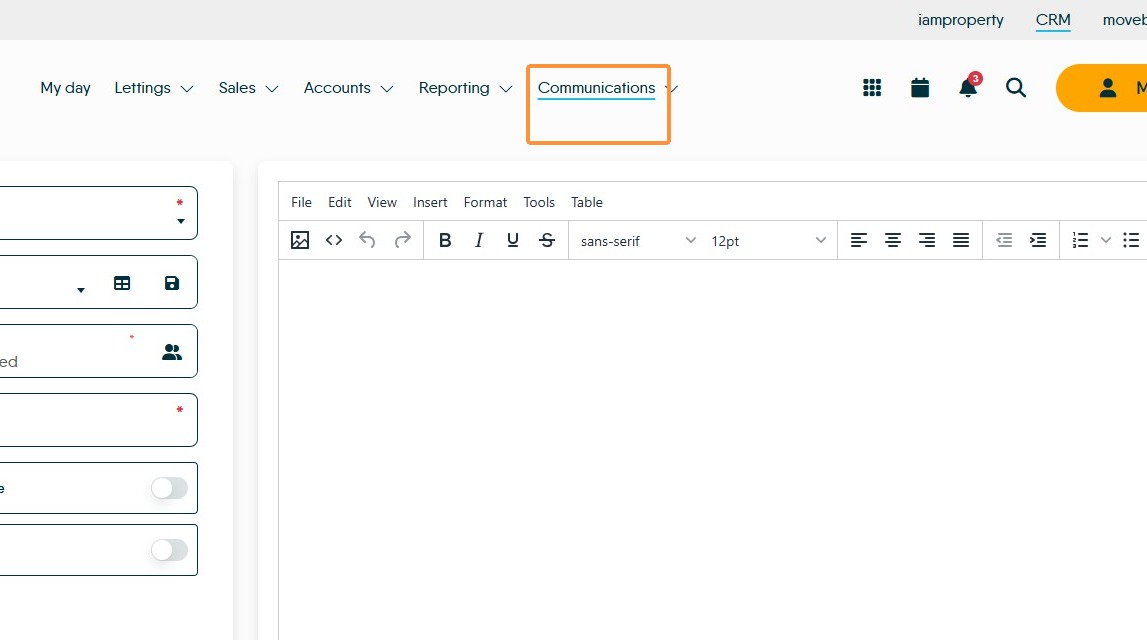
3. Click "Record Type"
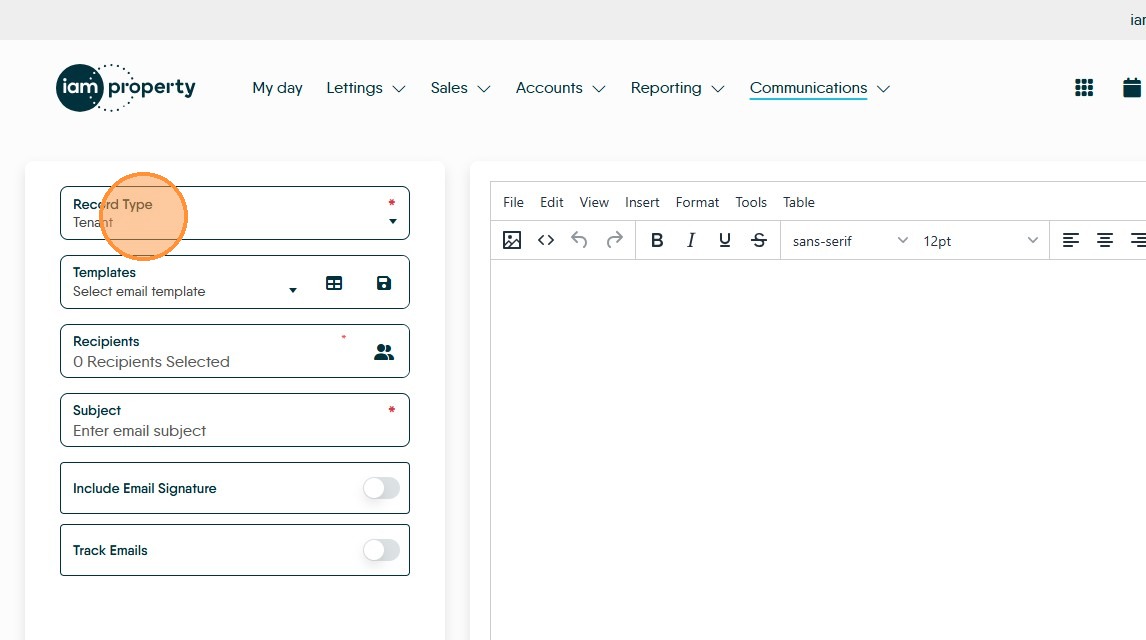
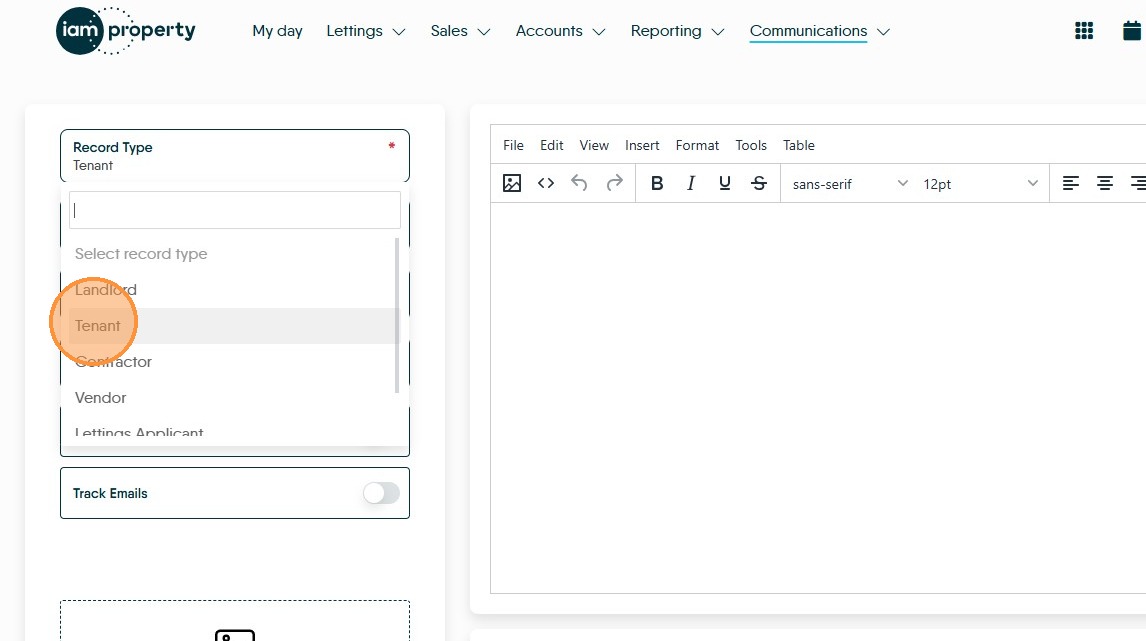
4. Click "Tenant"
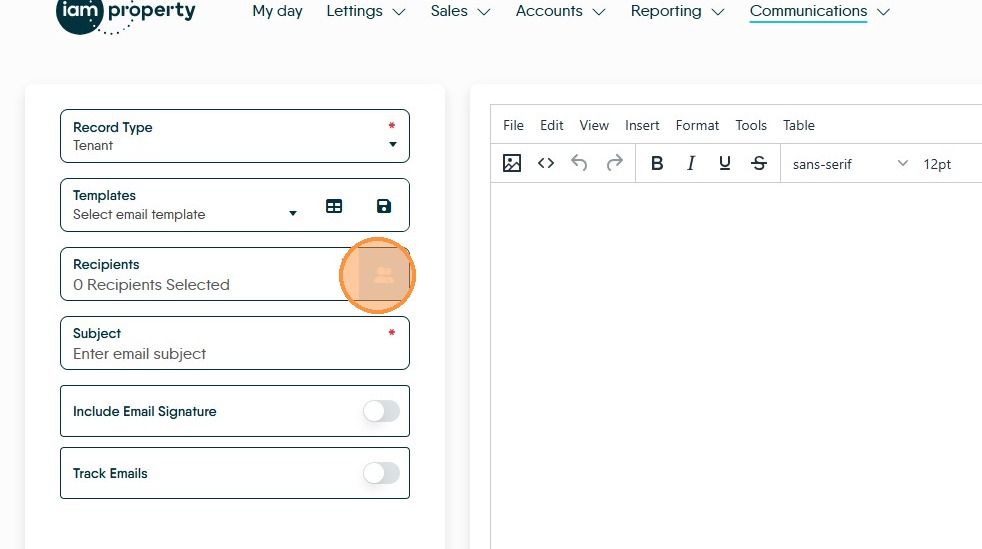
5. Click here to select the "Recipients" which in this case will take you to a list of your Tenants.
6. It is possible to filter the tenant records, however in this case we are probably wanting to send the message to all our current Tenants, so no filter will be required. To create a filter Click here.
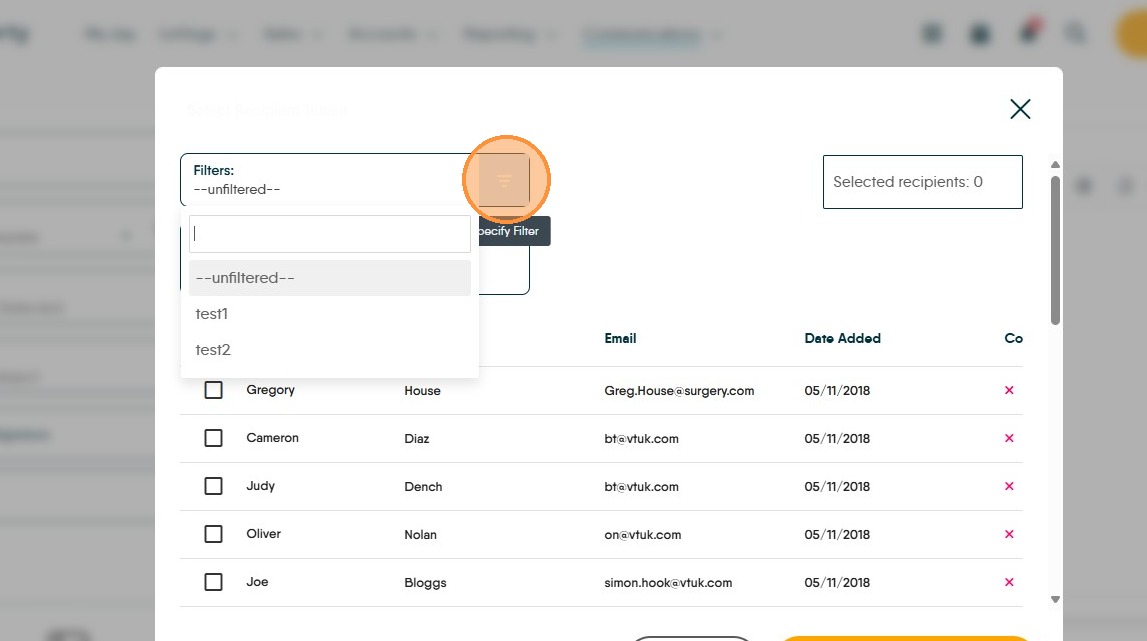
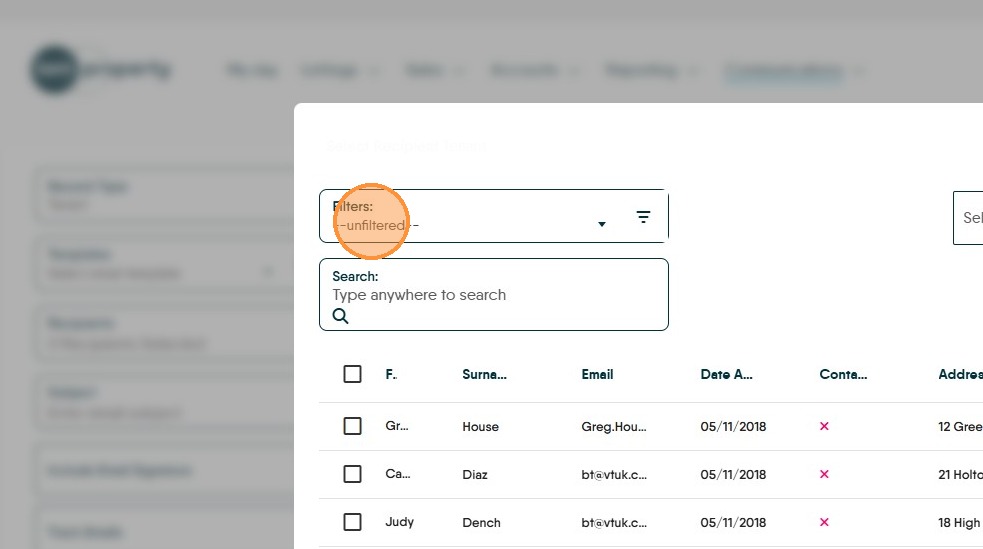
7. As standard you will see "--unfiltered--" in the Filters field, this shows there are no filters set and you are seeing all your records.
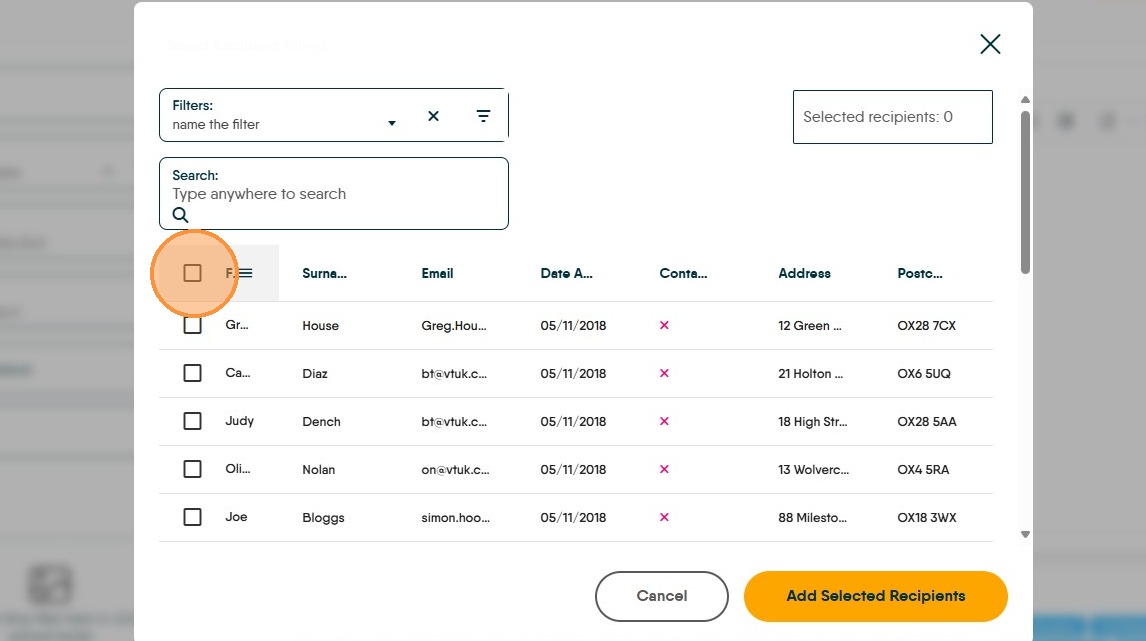
8. Click this checkbox to select all the Tenant records.
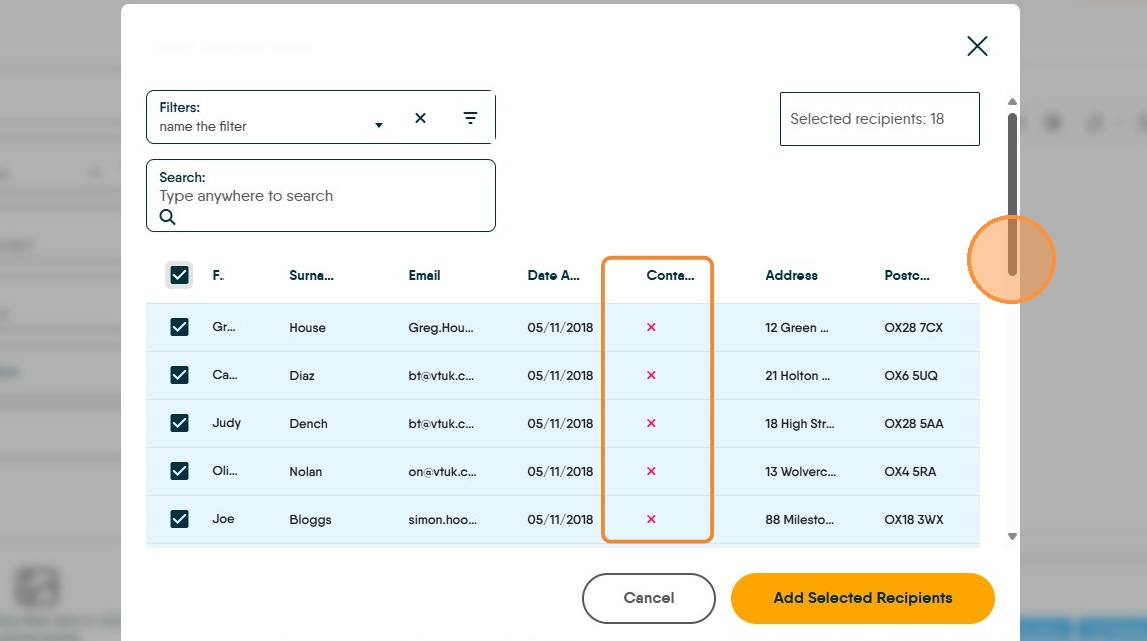
9. You can scroll down to double check if required.
Any contacts with a red 'X' have their GDPR set to not receive email. It is considered acceptable to email these contacts, so long as you are not sharing their email with others outside of your business ref Information Commissioners Office
10. Click "Add Selected Recipients"
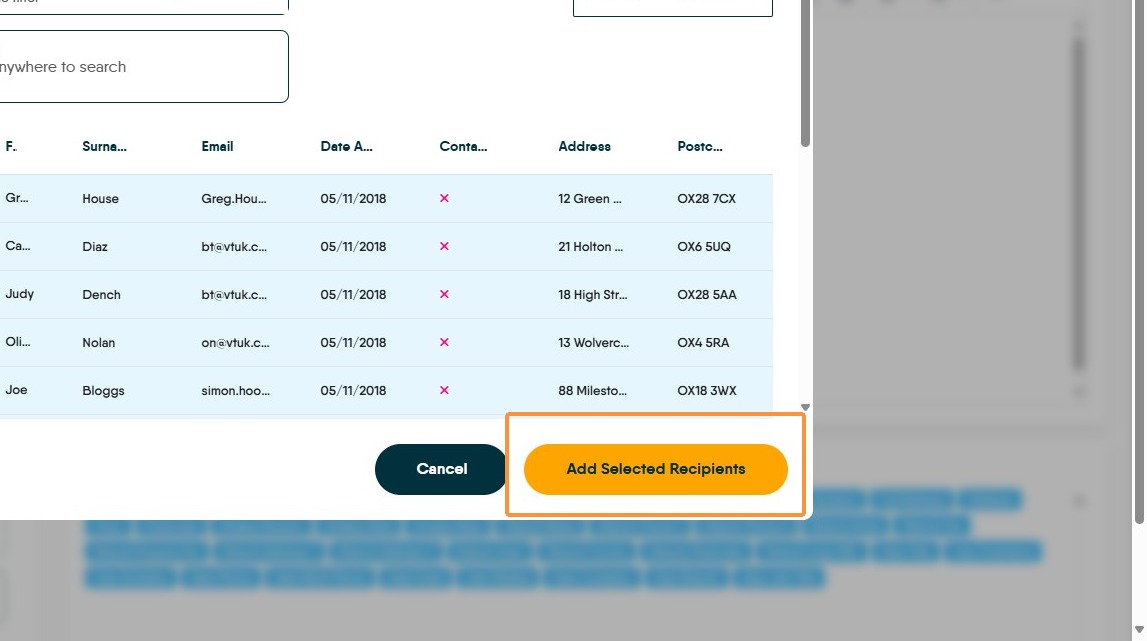
11. If you have created an email template. Click "Select email template" alternatively type your message into the message field (highlighted) using any template tags to personalize the message being sent..
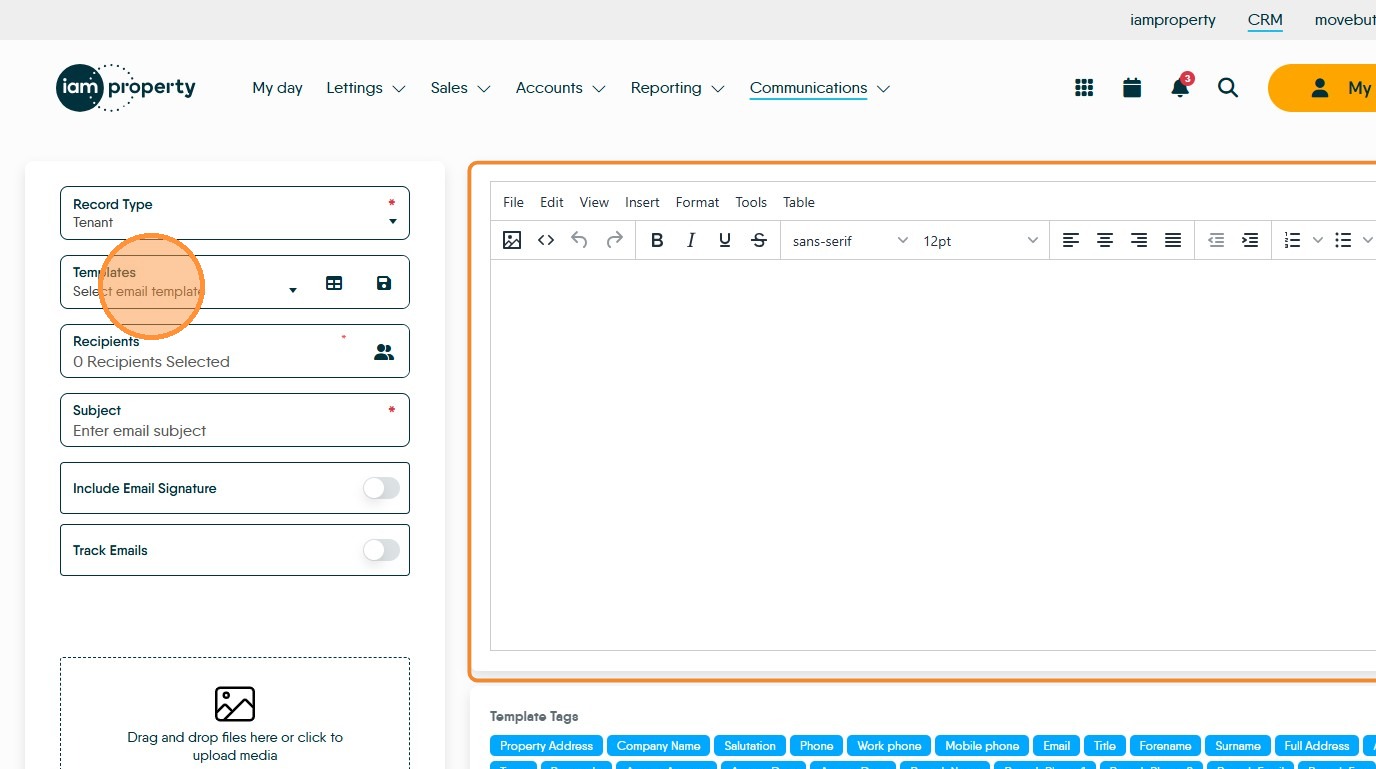
12. Click the "Subject" field and add your email subject e.g. Renters Rights Act Information
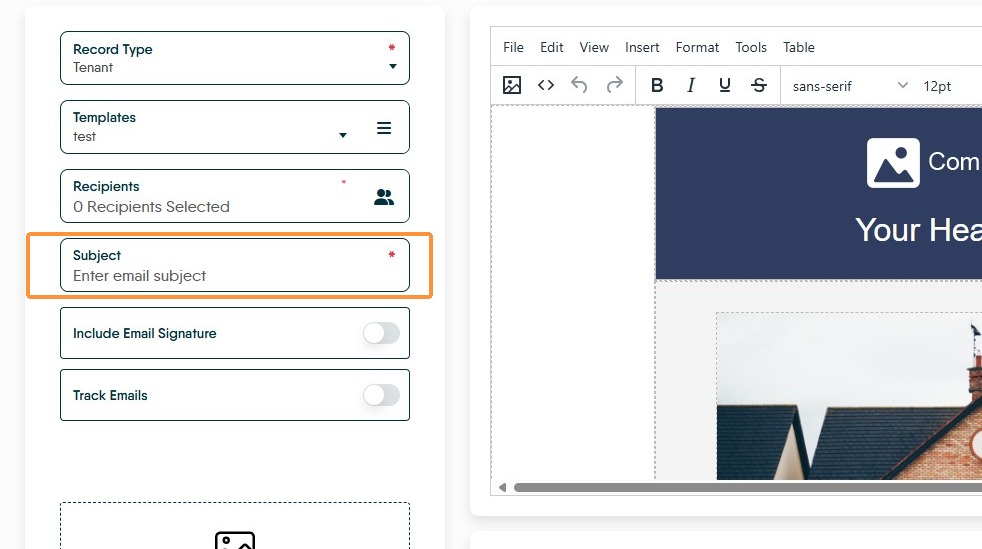
13. Click here to include your Email Signature, if required.
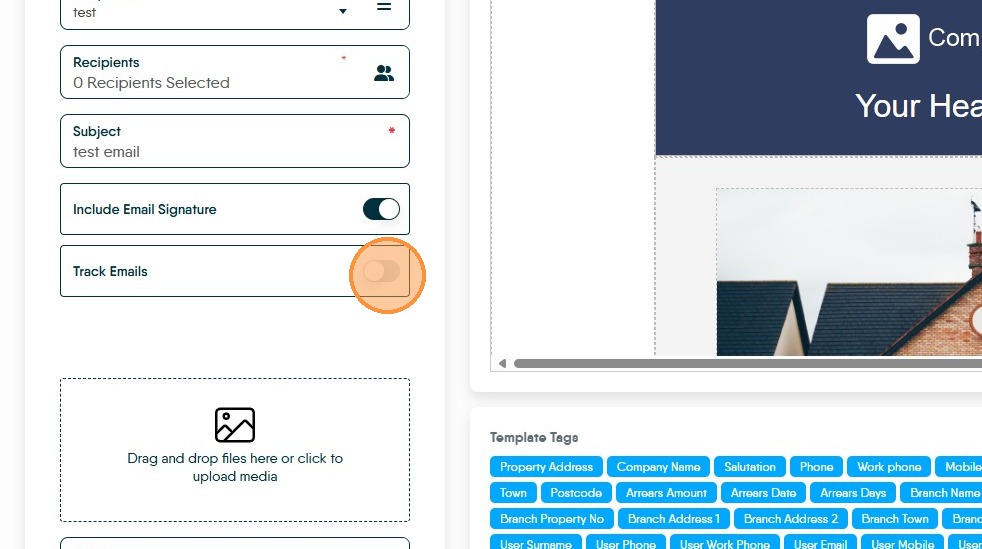
14. Click here to Track Emails this will show delivery and opened receipts for the messages sent. This must be turned on before emails are sent.
This tracking info will show in the 'Email Tracker' screen which is accessed from the 'Communications' menu, selecting the 'Email Tracker' option.
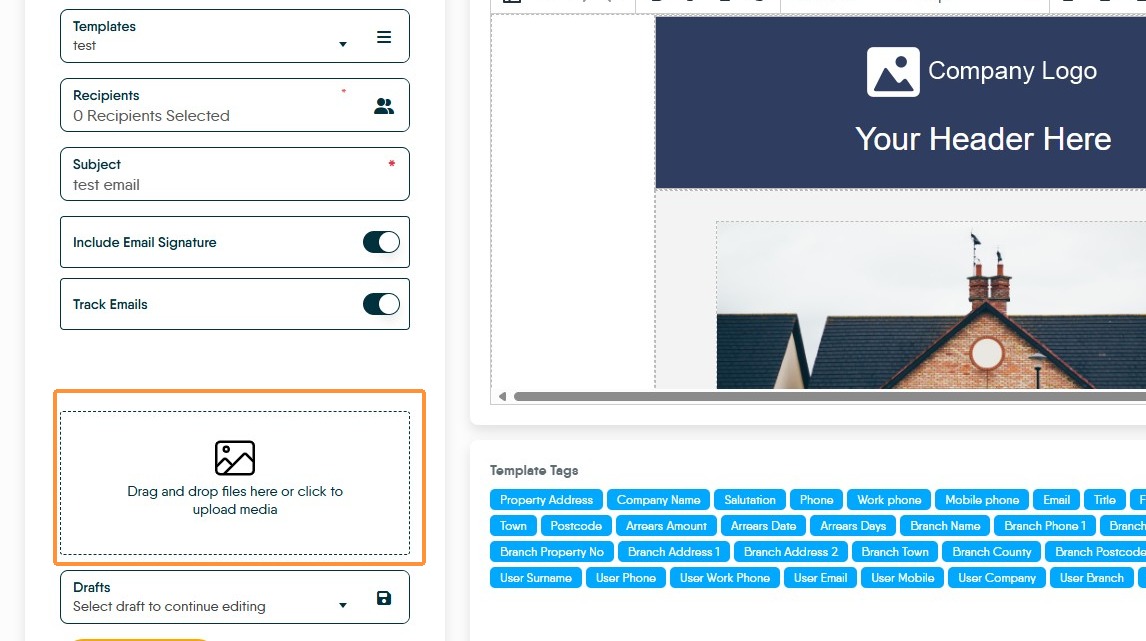
15. Click here, to search (your computer) for and attach the RRA 2026 Information Sheet.
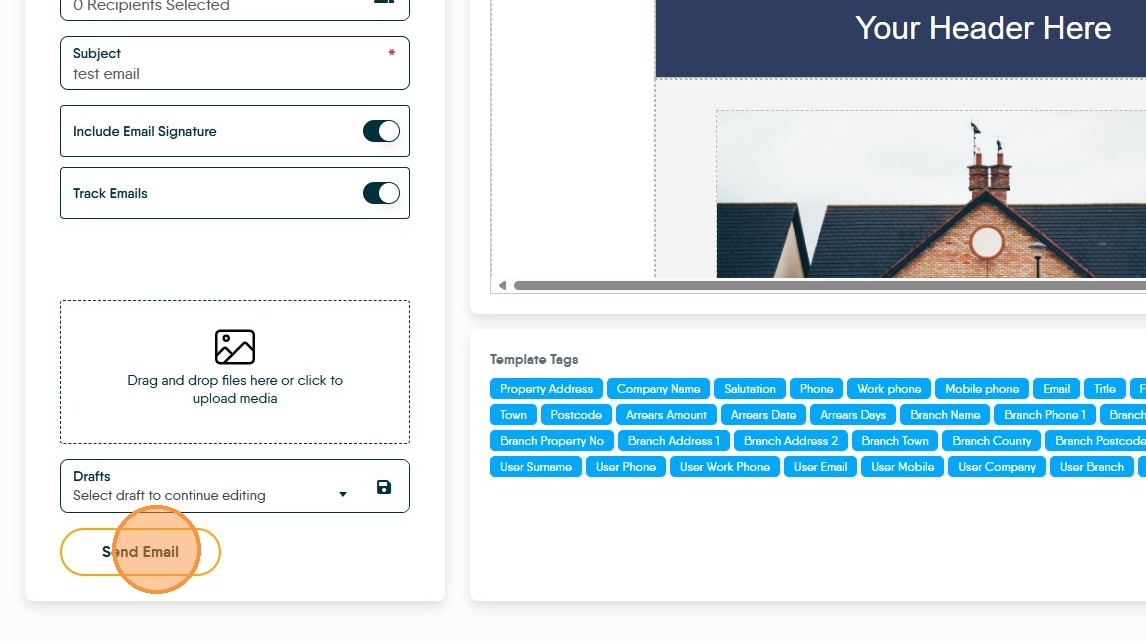
16. Click "Send Email"
17. The emails sent can be seen in the Tenant Journals, showing confirmation that the emails have gone to your tenant.
Comments
0 comments
Please sign in to leave a comment.