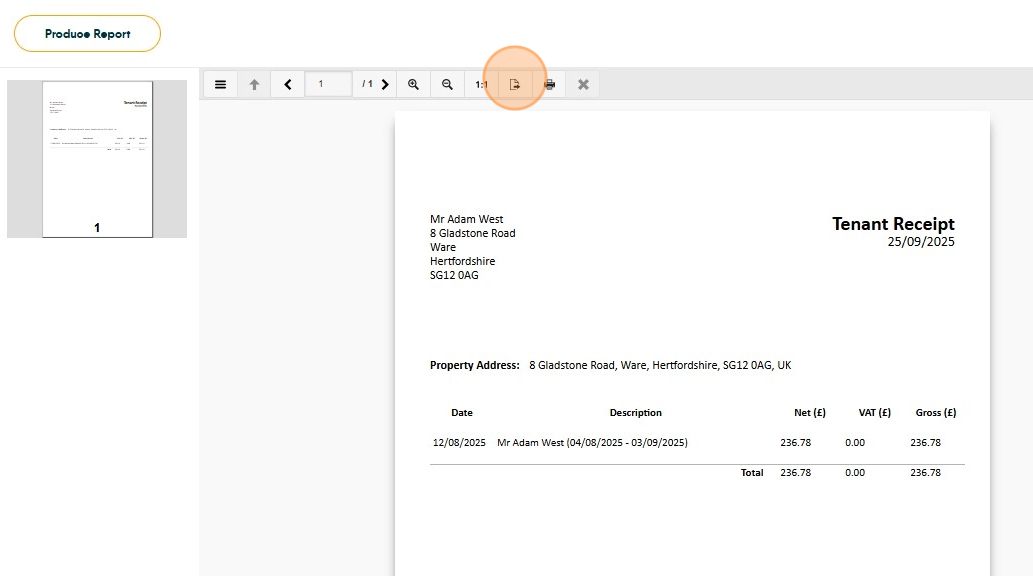
This guide provides the process for generate a Receipt from within a Ledger.
1. Go to Accounts > General > View Ledgers and under Record Type, select Tenant Ledger

2. Enter either the Tenant name or Property address and select the Tenant.

3. Click the checkbox next to the Bank Receipt transaction

4. Click the three-dot menu and then click 'Receipt'

5. Select the receipt you wish to run. You are likely to only have one.

6. Click "Run Report"

7. Once generated, click the Export button to download in the format required