This guide shows how to check changes made to records in the CRM system, ensuring transparency and accountability.
1. Navigate to the record you need to check (landlord/tenant/vendor/applicant/property)
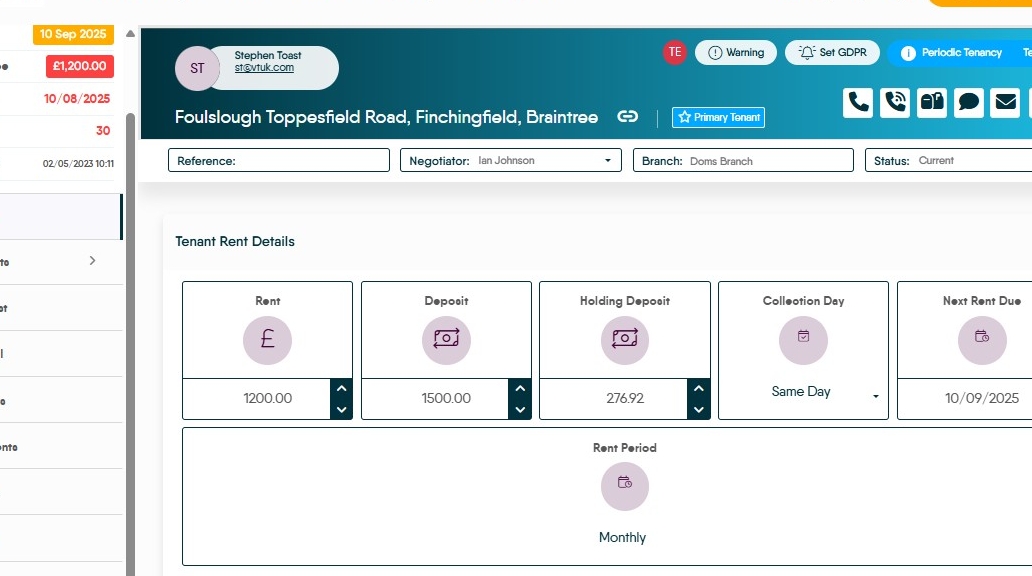
2. Scroll to the bottom of the left-hand menu and click 'Audit'

3. Each change made will be date-stamped, and include who made the change.
