1. Navigate to https://crm.iamproperty.com/User/Login
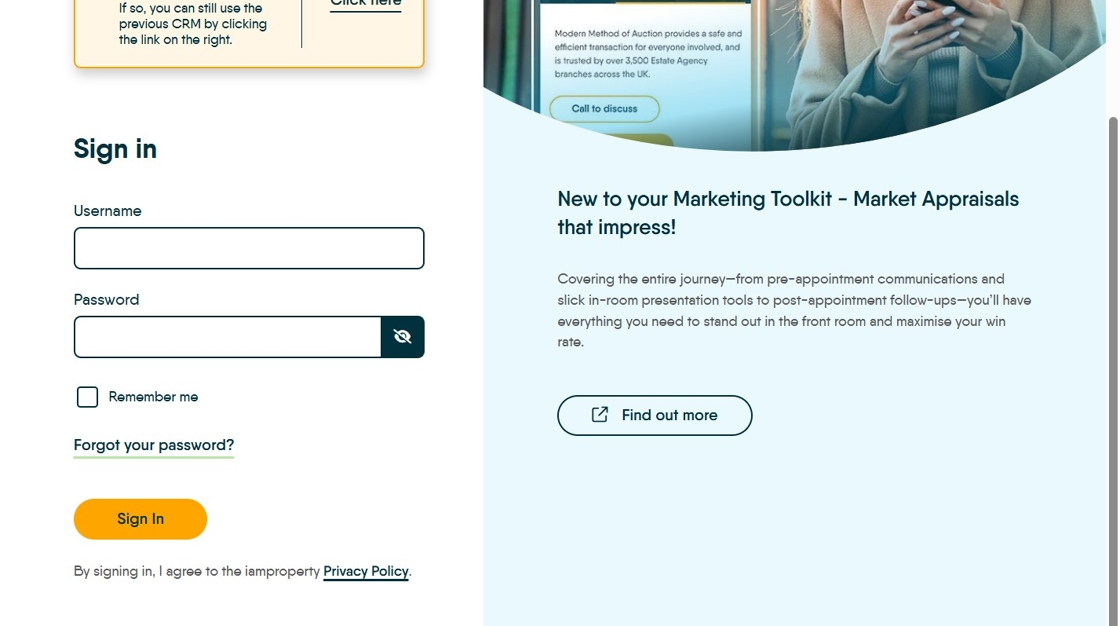
2. Click the "Username" field and add your Username. This will usually be your work email address

3. Click "Password" and enter the password you have been given. if you can't remember your password, click the 'Forgot Password' option to reset.
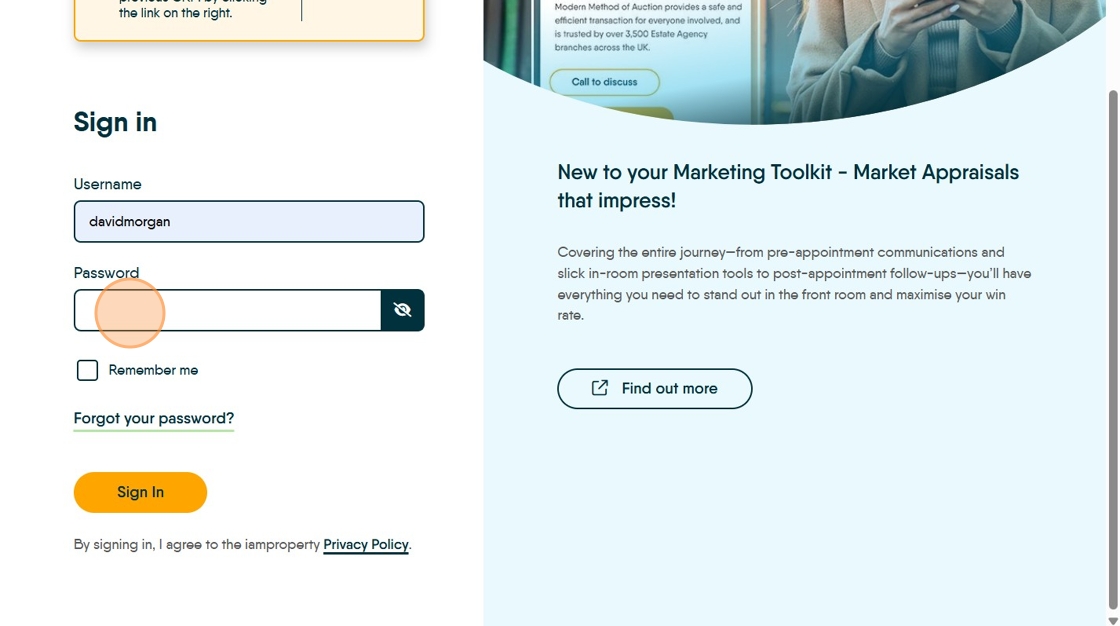
4. Click "Remember me" if you want to.

5. Click "Sign In"
