This guide provides a straightforward process for updating your email password in iamproperty CRM, ensuring your account remains secure. Following these steps will enhance your CRM experience by maintaining proper email functionality. It's essential for users to keep their credentials updated to prevent access issues, making this guide a valuable resource for effective account management.
1. Navigate to https://crm.iamproperty.com/MyDay
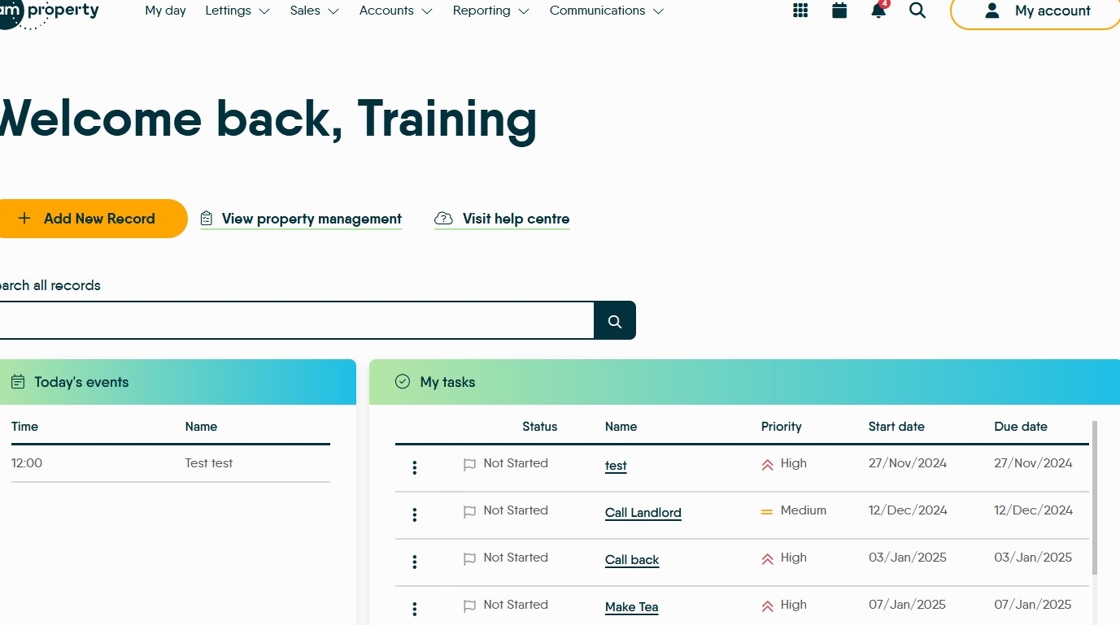
2. Click "My account"
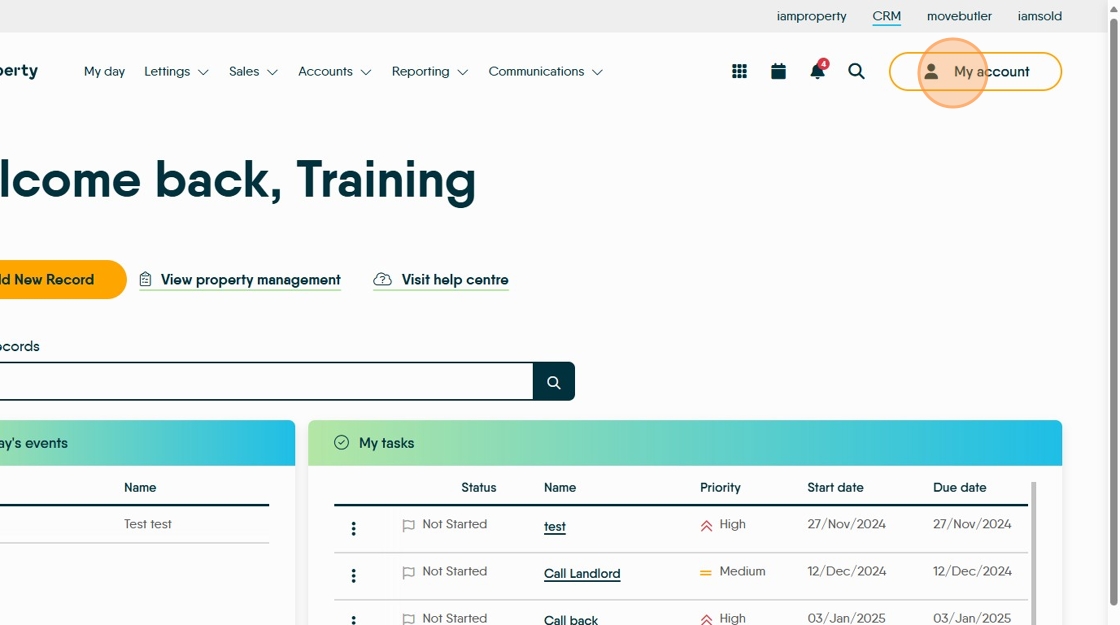
3. Click "Control centre"

4. Click "Configuration"

5. Scroll down and click "SMTP"

6. Find YOUR email details and click "Edit Settings" option next to your entry.

7. Click the "Password" field and add/update your password.

8. The check this is working. Click the "Send test email to:" field.
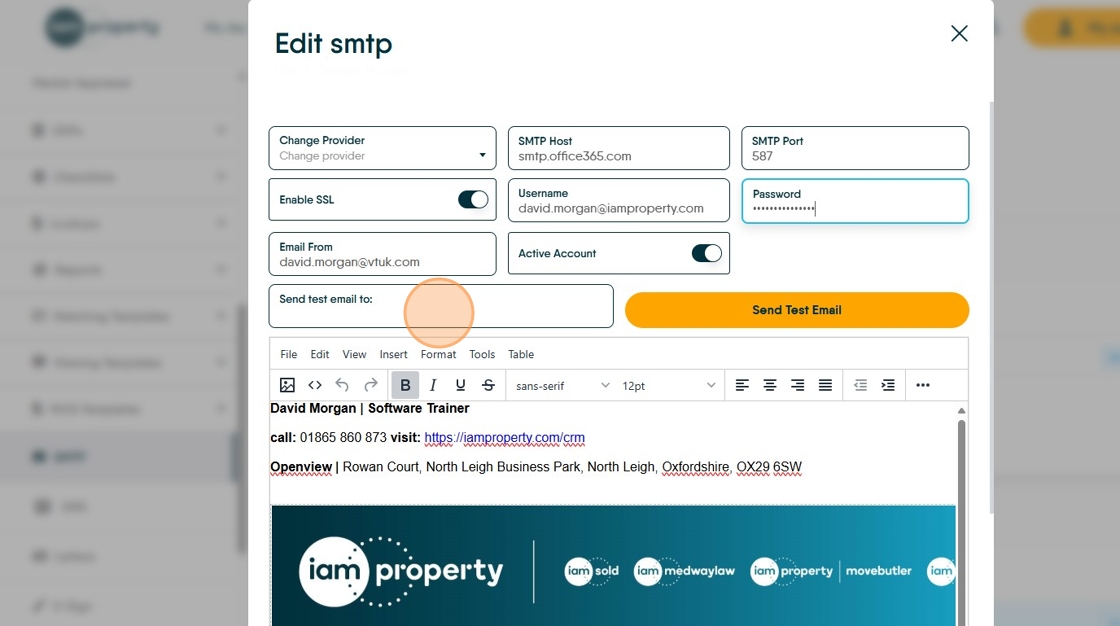
9. Click "Send Test Email"

10. If all works as expected, that is done, if not check the password is entered correctly. If email still does not work check the other settings shown on screen with your IT provider as we do not necessarily know your setup.
Still not working? Contact CRM support crm.support@iamproperty.com 01865 860 870