This guide provides a straightforward process for adding news items to your CRM, ensuring you can keep relevant stakeholders informed and engaged. These are shown to Client Portal users, e.g. Landlords, Tenants etc. By following these steps, users can easily enhance communication within their organisation and streamline updates for landlords, vendors, and other key contacts.
1. Navigate to https://crm.iamproperty.com/MyDay

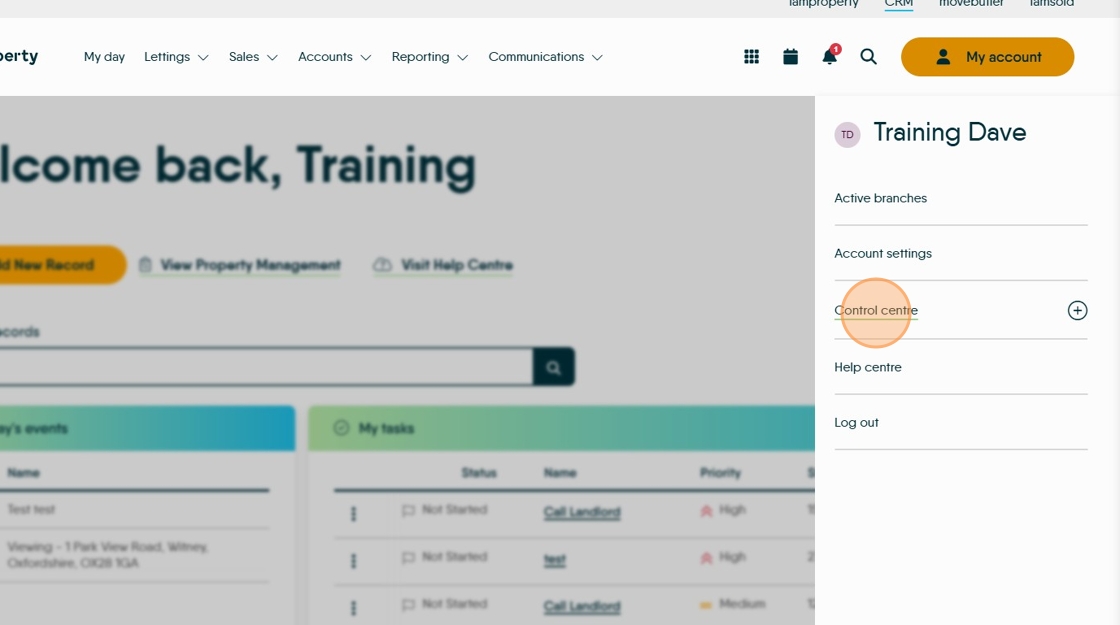
2. Click "My Account"

3. Click "Control centre"
4. Click "Configuration"

5. Click "News feed"

6. Click "Add News Item"

7. Click the "Title" field. Give your news item a title.

8. Click the "Date" field.

9. Click here and set whether the News is for all branches or just yours.

10. Click to set who the news feed is for "Landlord", "Vendor" etc

11. Click here and add the text for your News item..

12. Click "Save"

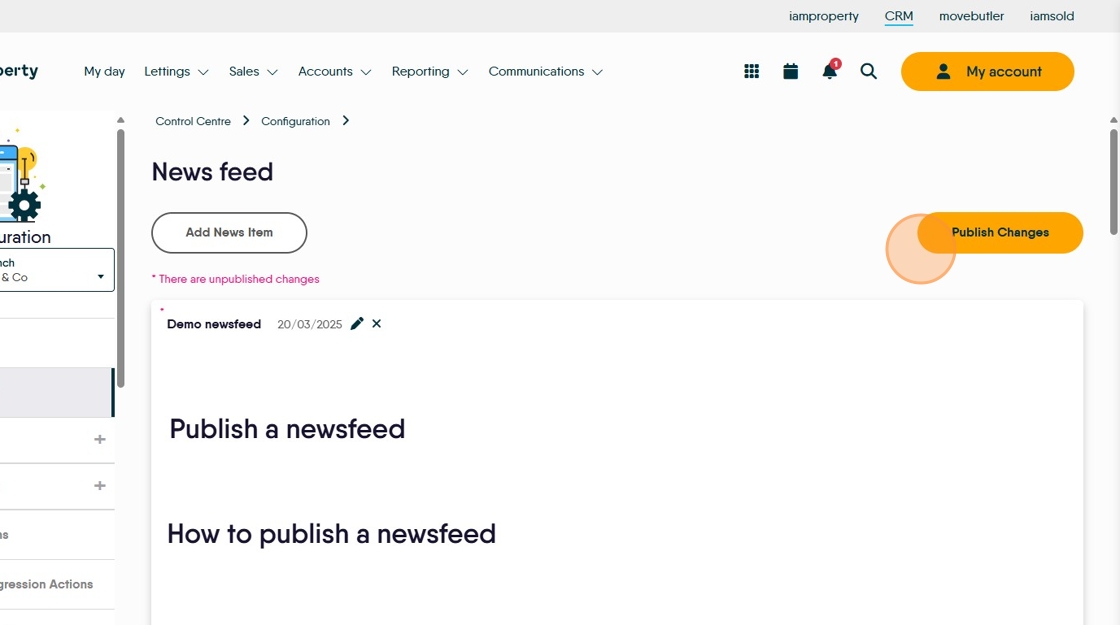
13. Click here to publish the news-feed. It does not need to be published immediately can be created, saved and sent later.