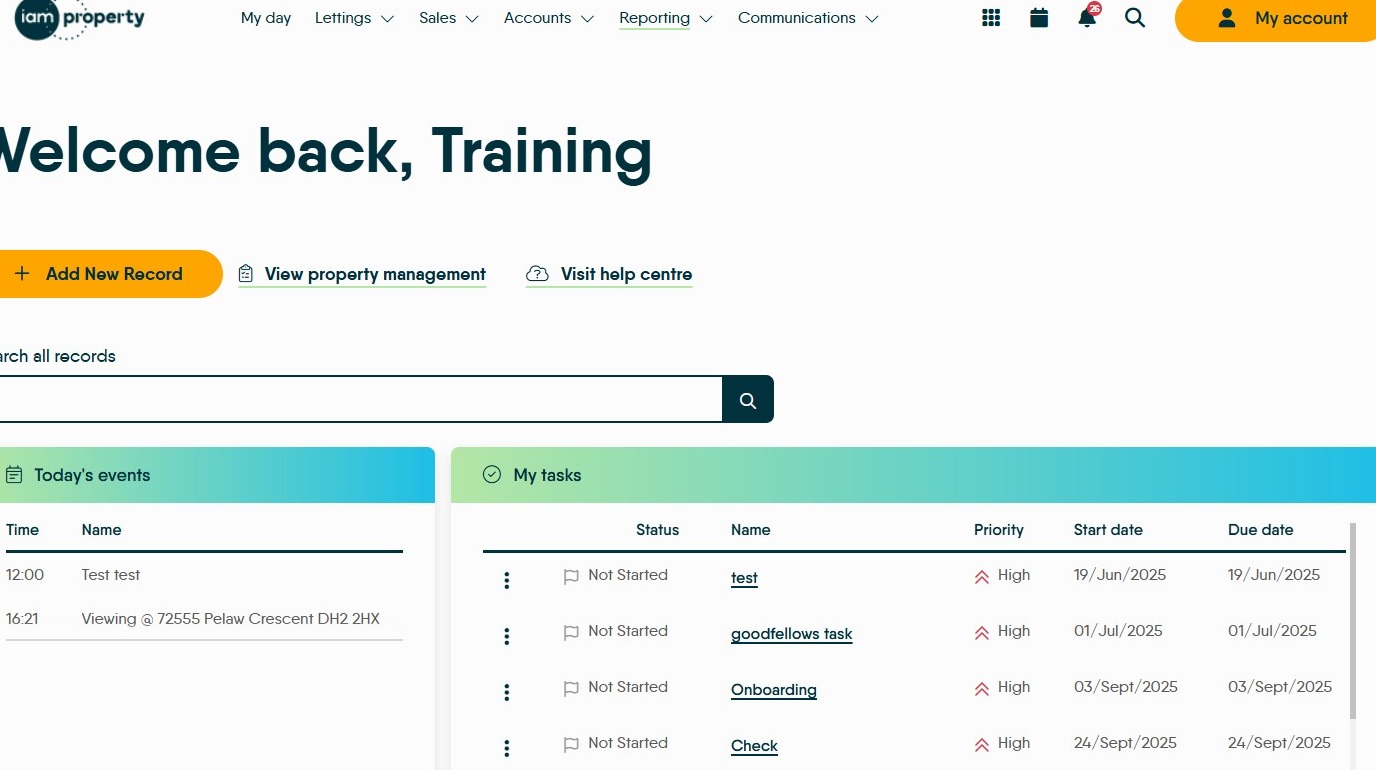
1. Navigate to https://crm.iamproperty.com/MyDay or any other screen on CRM
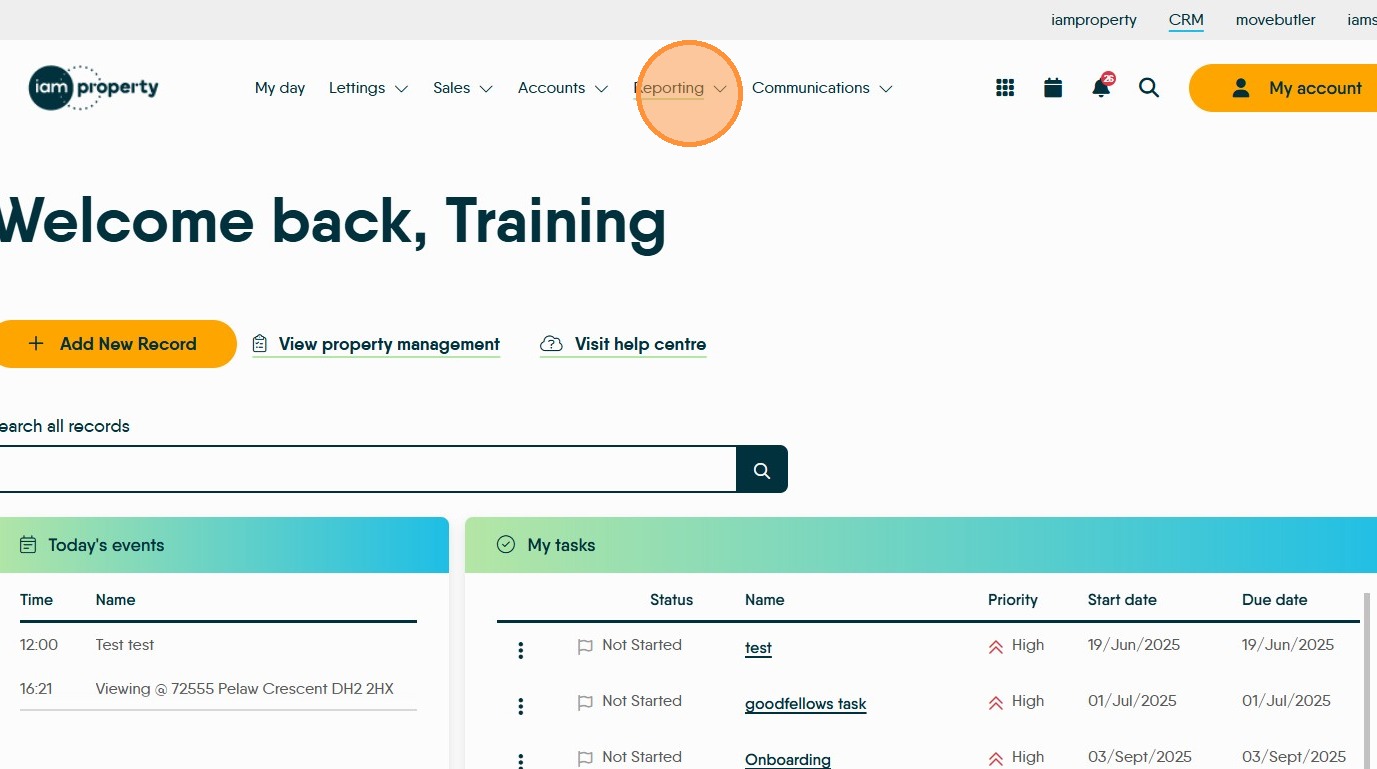
2. Click "Reporting"
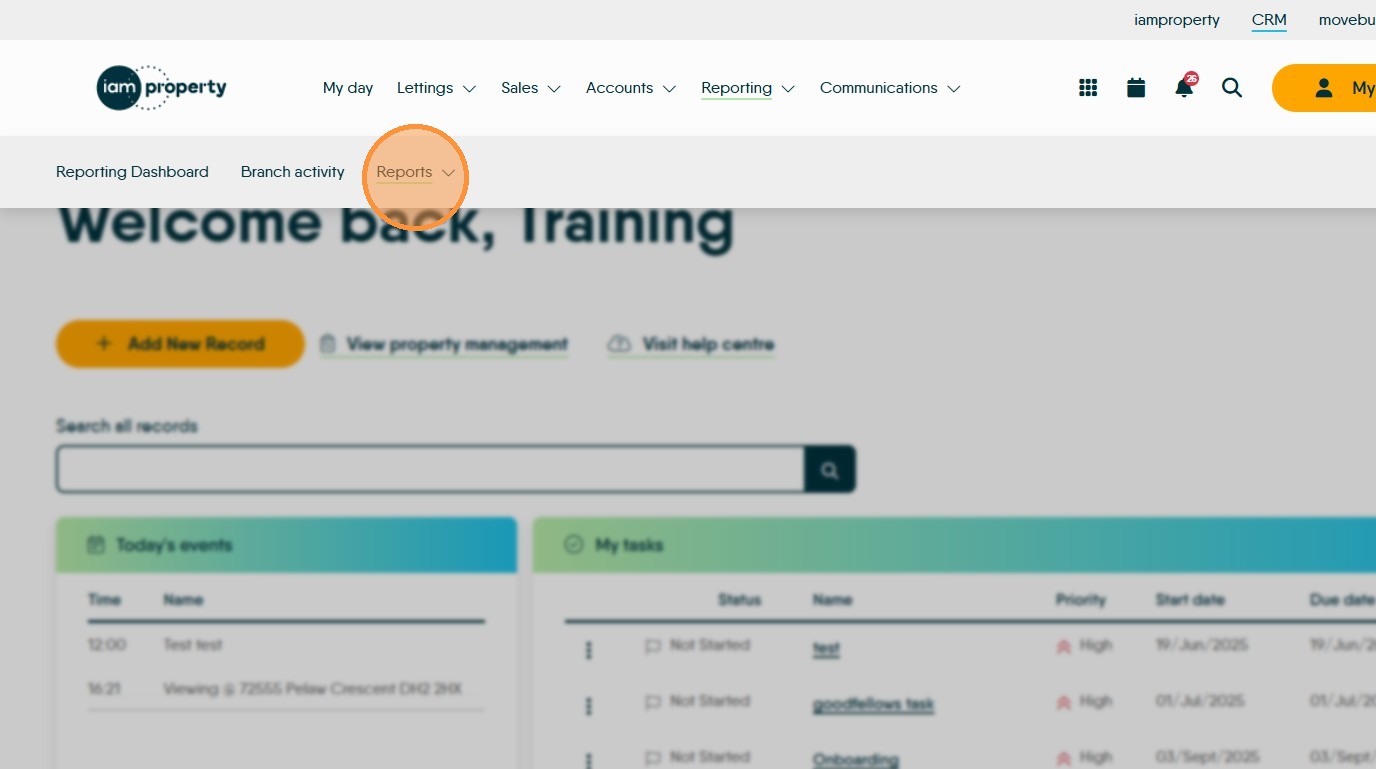
3. Click "Reports"
4. Click "General"
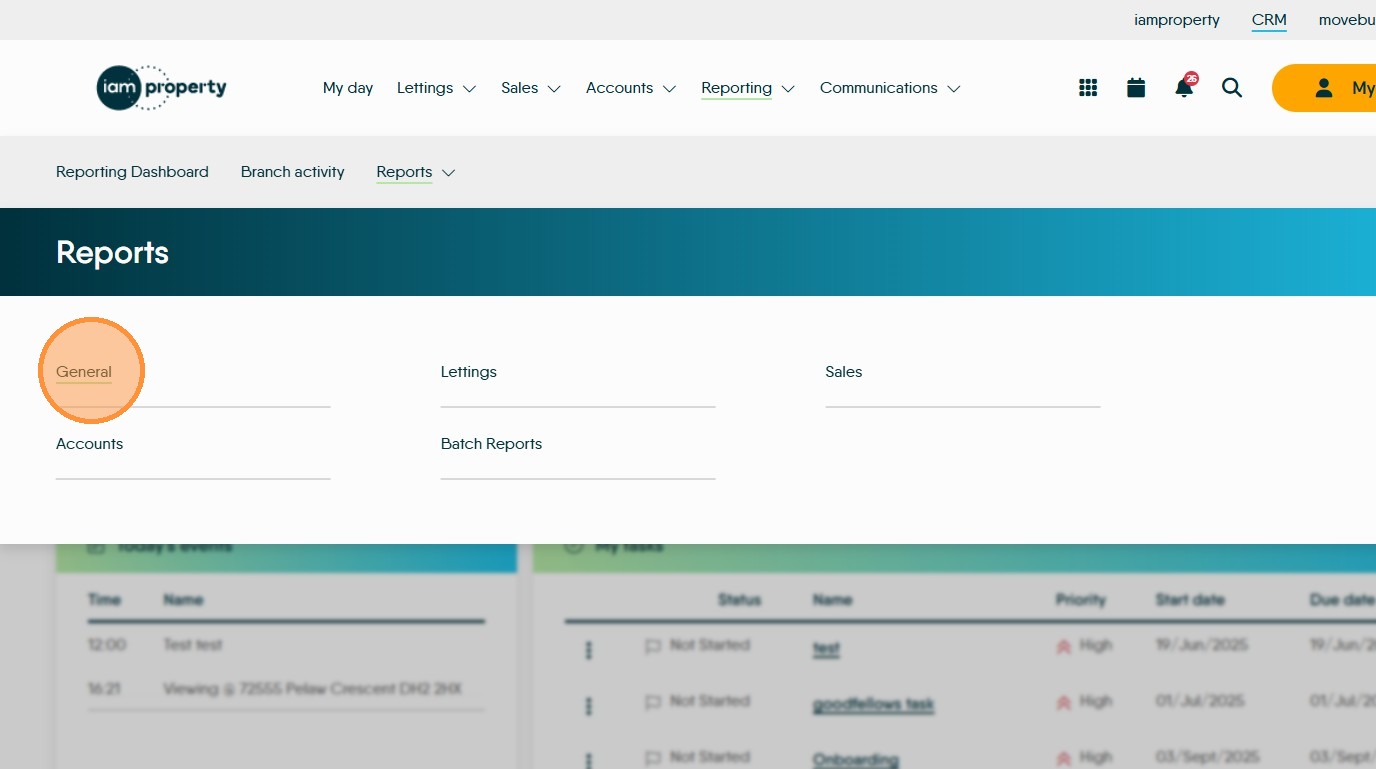
5. Click here.
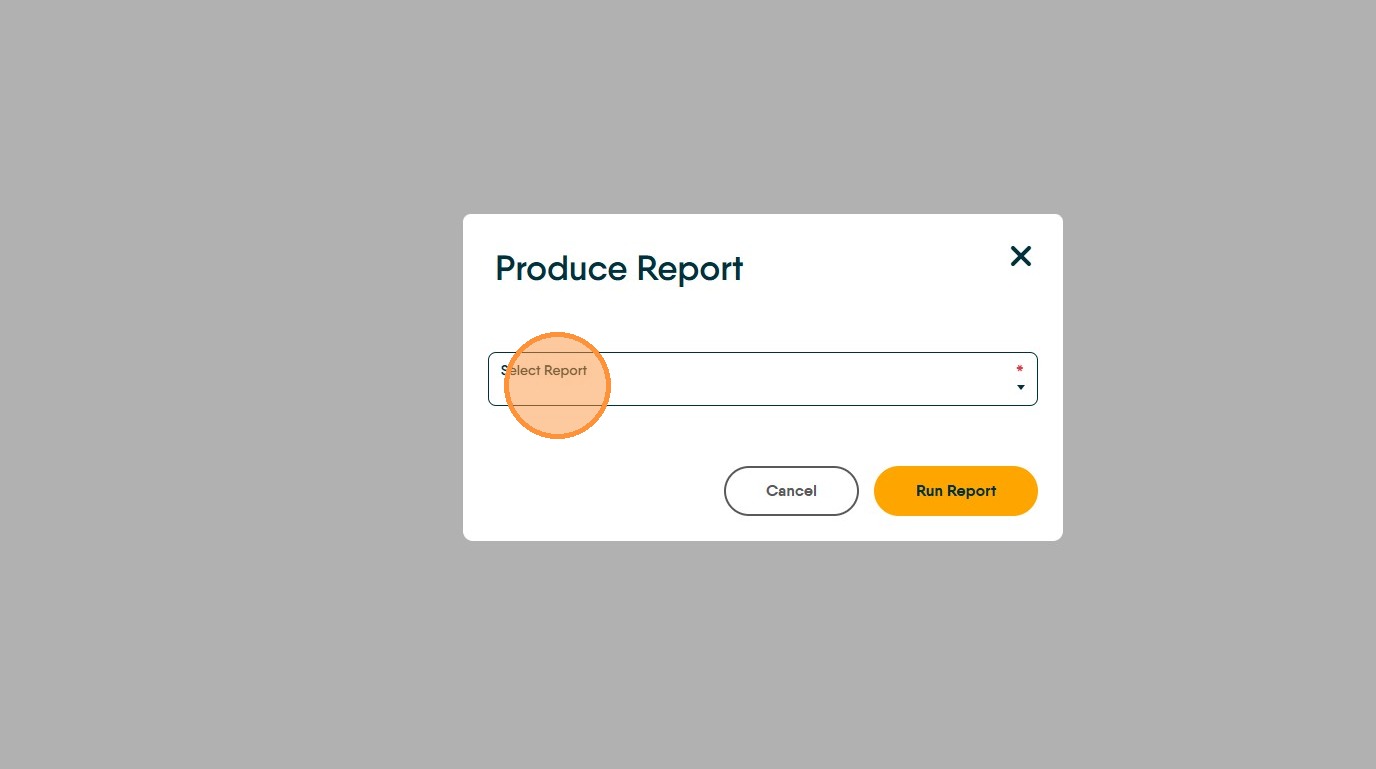
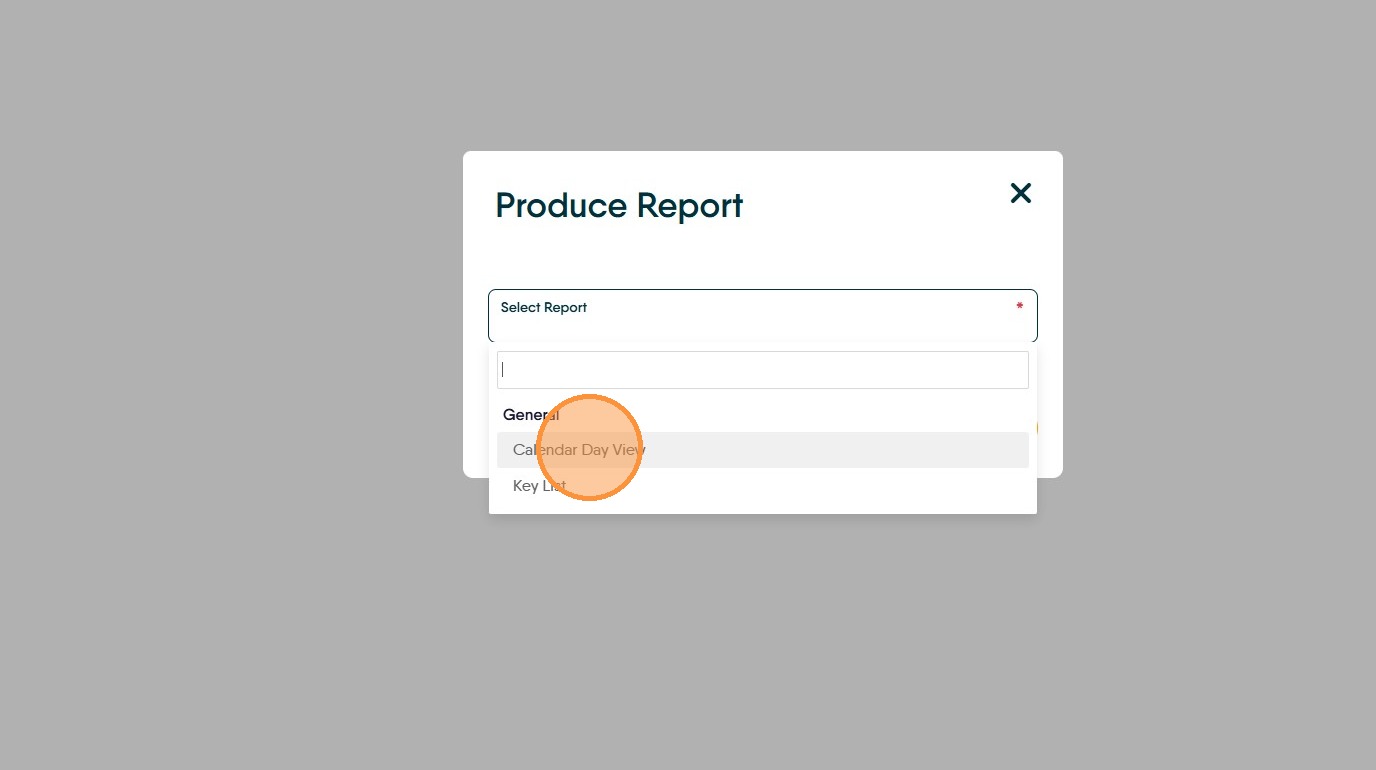
6. Click "Calendar Day View" you may need to scroll or search for this report
7. Set the date you wish to run the report for and if required select the employee the calendar is being printed for. Click "Run Report"
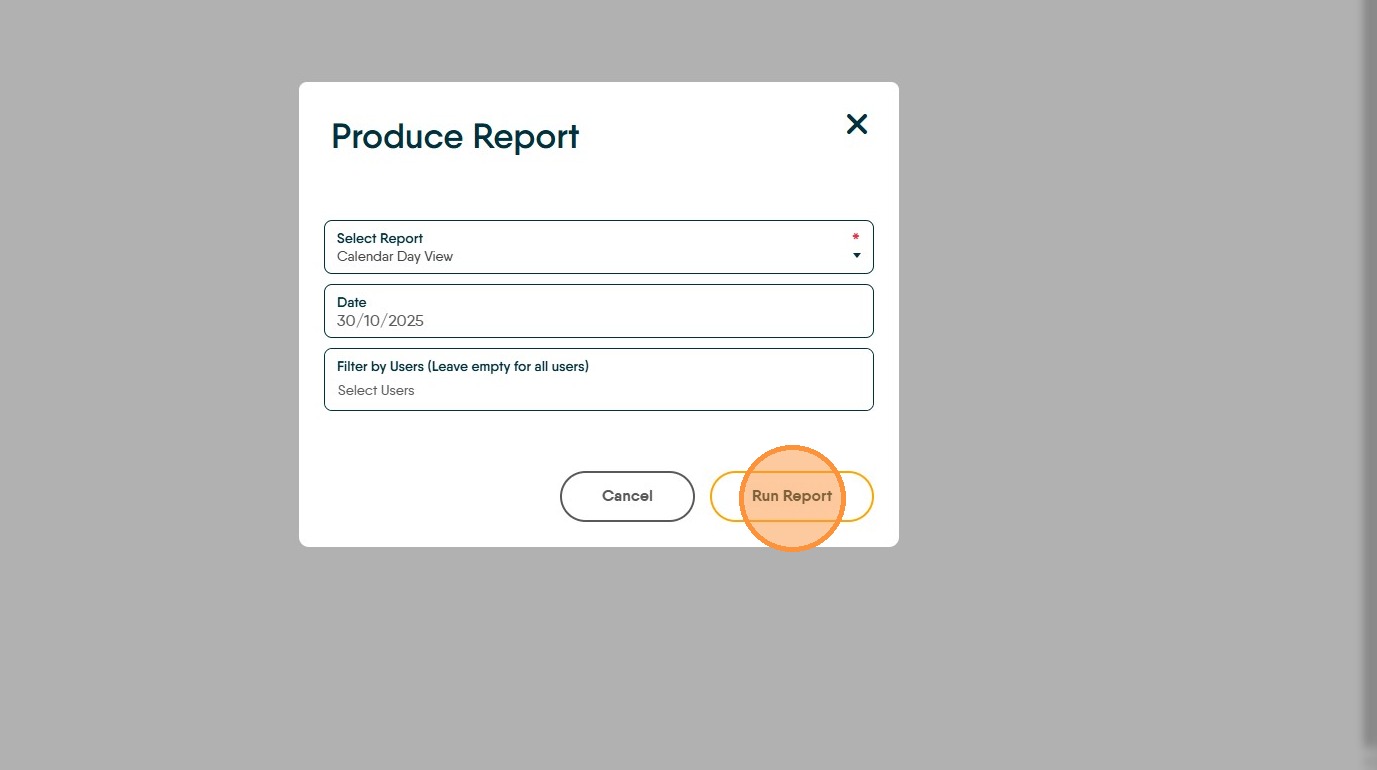
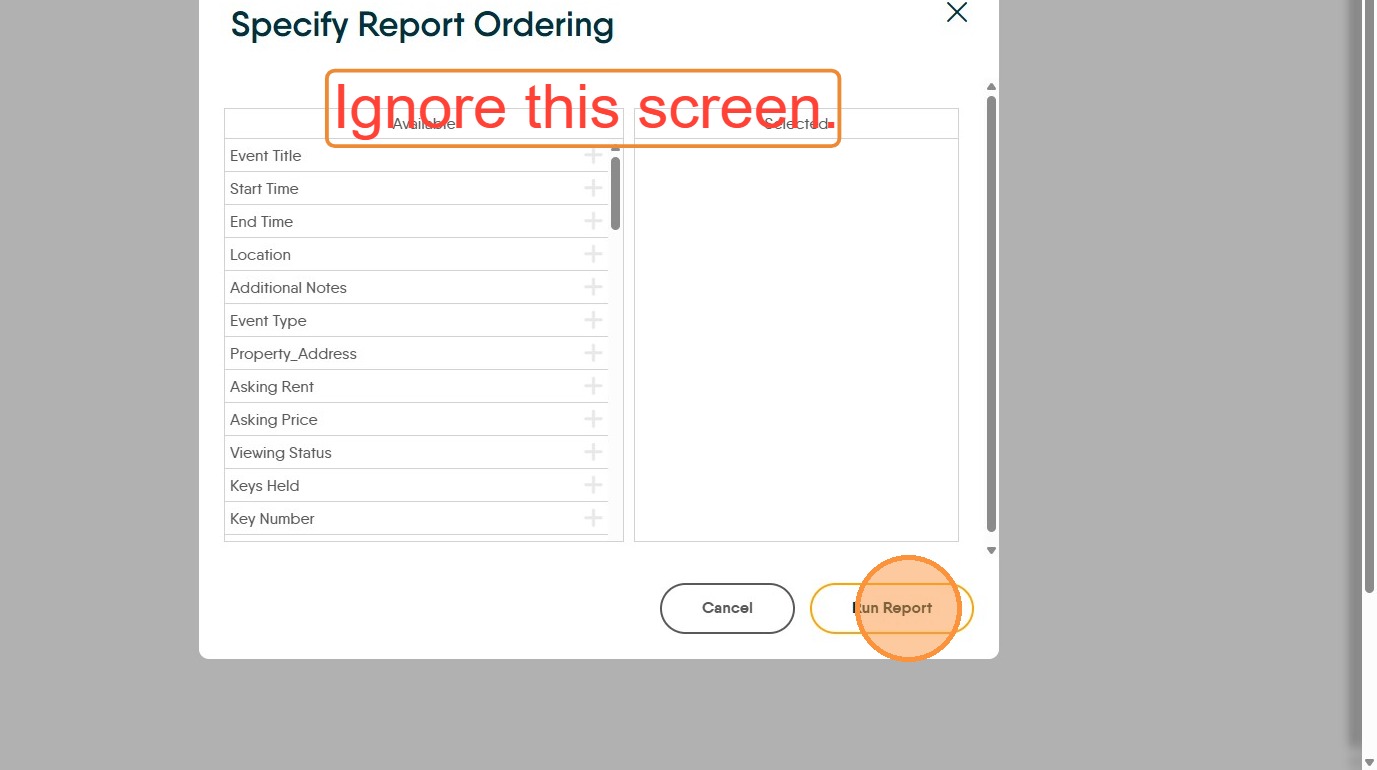
8. Ignore this screen. Click "Run Report"
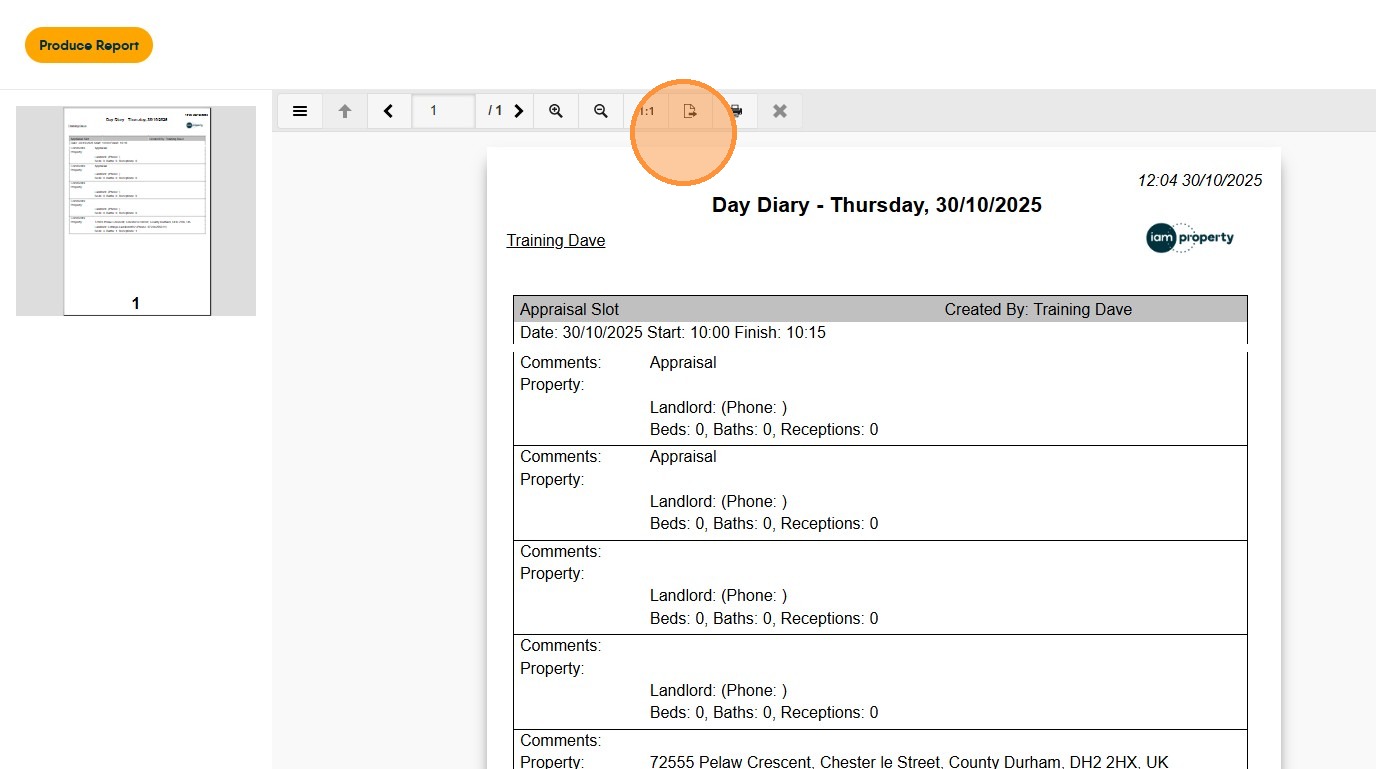
9. To print the diary click the 'print' icon.
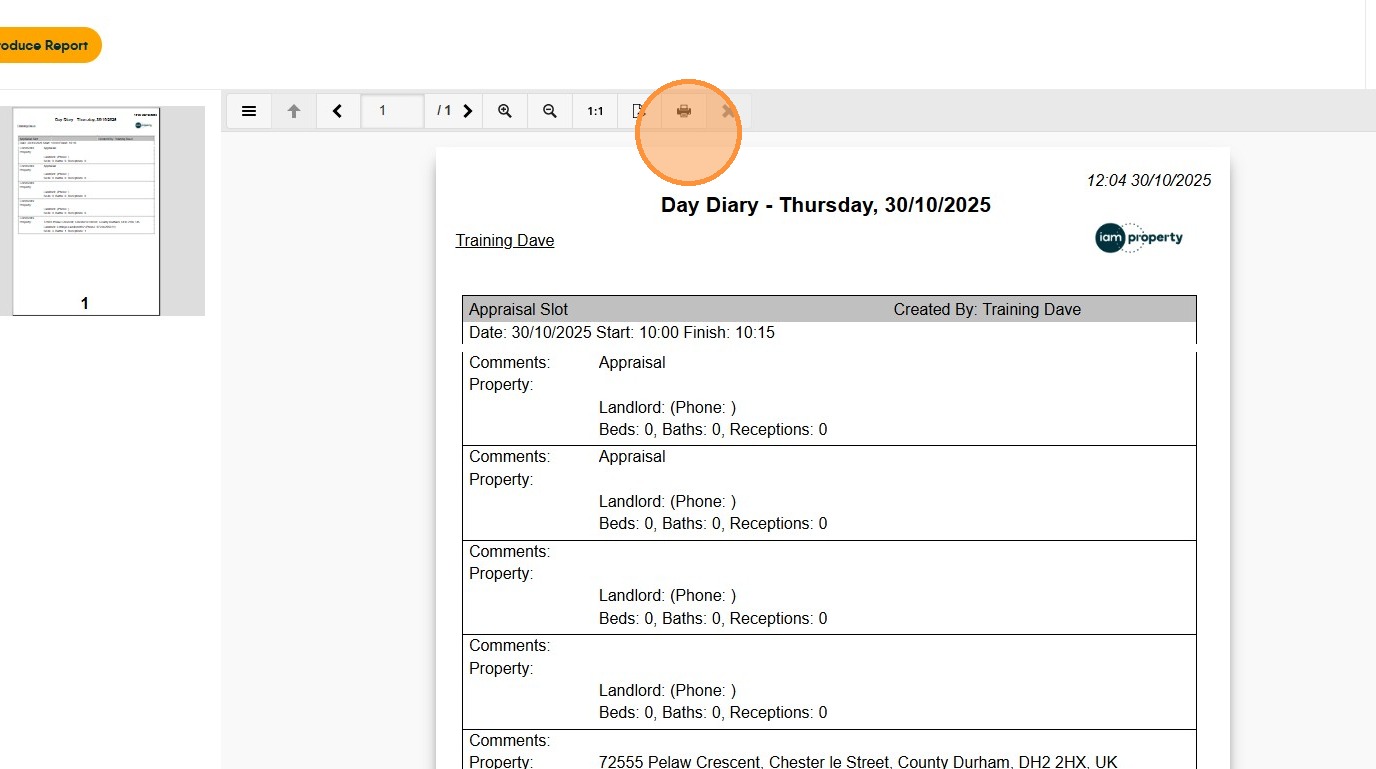
10. To exp[ort the diary to PDF/Word etc click the export icon and select the file type from the menu. The file will be saved on your computer in your 'Downloads' folder.