This guide provides a straightforward process for changing the branch email address in the iamproperty CRM system.
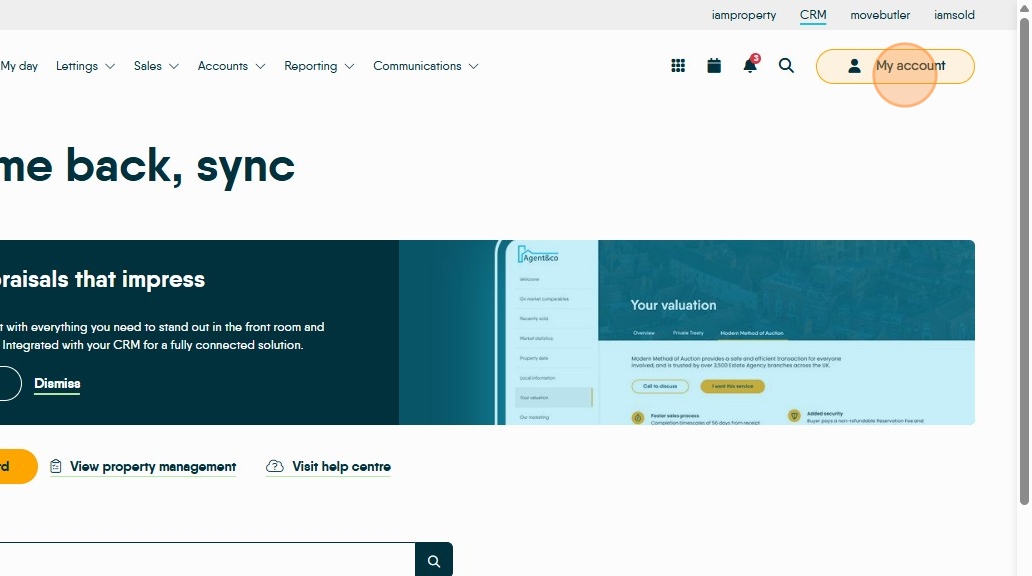
1. Click 'My Account'
2. Click 'Control Centre'

3. Click 'Branches'

4. Click the three-dot menu next to your branch

5. Click 'View/Edit Branch'

6. Delete the old email address and enter the new one

7. Click 'Save'
